
Introduction
Sonic Origins Plus is a digital collection featuring classic Sonic the Hedgehog titles, enhanced for modern platforms. This manual provides essential information for setting up, operating, and maintaining your game on the Nintendo Switch system. The collection includes Sonic the Hedgehog, Sonic the Hedgehog 2, Sonic 3 & Knuckles, and Sonic CD, along with additional content such as playable characters Amy Rose and Knuckles in Sonic CD, and all 12 Game Gear titles.

Image 1: Front cover of the Sonic Origins Plus game for Nintendo Switch. It features Sonic, Tails, Knuckles, Amy, and Dr. Eggman.
Setup
Installing the Game
- For Physical Game Card:
- Ensure your Nintendo Switch console is powered on.
- Open the game card slot cover on your Nintendo Switch.
- Insert the Sonic Origins Plus game card into the slot until it clicks into place.
- Close the game card slot cover. The game icon will appear on the HOME Menu.
- For Digital Download:
- Ensure your Nintendo Switch console is connected to the internet.
- Access the Nintendo eShop from the HOME Menu.
- Navigate to "Redeem Code" or search for "Sonic Origins Plus" if purchased directly.
- Follow the on-screen instructions to download and install the game.
Initial Launch
- Select the Sonic Origins Plus icon from the HOME Menu to start the game.
- The game may require an initial update. Ensure your console is connected to the internet to download any necessary patches.
Operating Instructions
Game Modes
Sonic Origins Plus offers various ways to experience the classic titles:
- Anniversary Mode: Play in widescreen with unlimited lives.
- Classic Mode: Experience the games in their original aspect ratio with limited lives.
- Story Mode: Play through all four main titles in chronological order with new animated cutscenes.
- Mission Mode: Complete specific challenges to earn coins.
- Museum: Unlock and view concept art, music, and videos using collected coins.
Included Games
The collection features:
- Sonic the Hedgehog
- Sonic the Hedgehog 2
- Sonic 3 & Knuckles
- Sonic CD
- 12 Game Gear titles (accessible from the main menu)
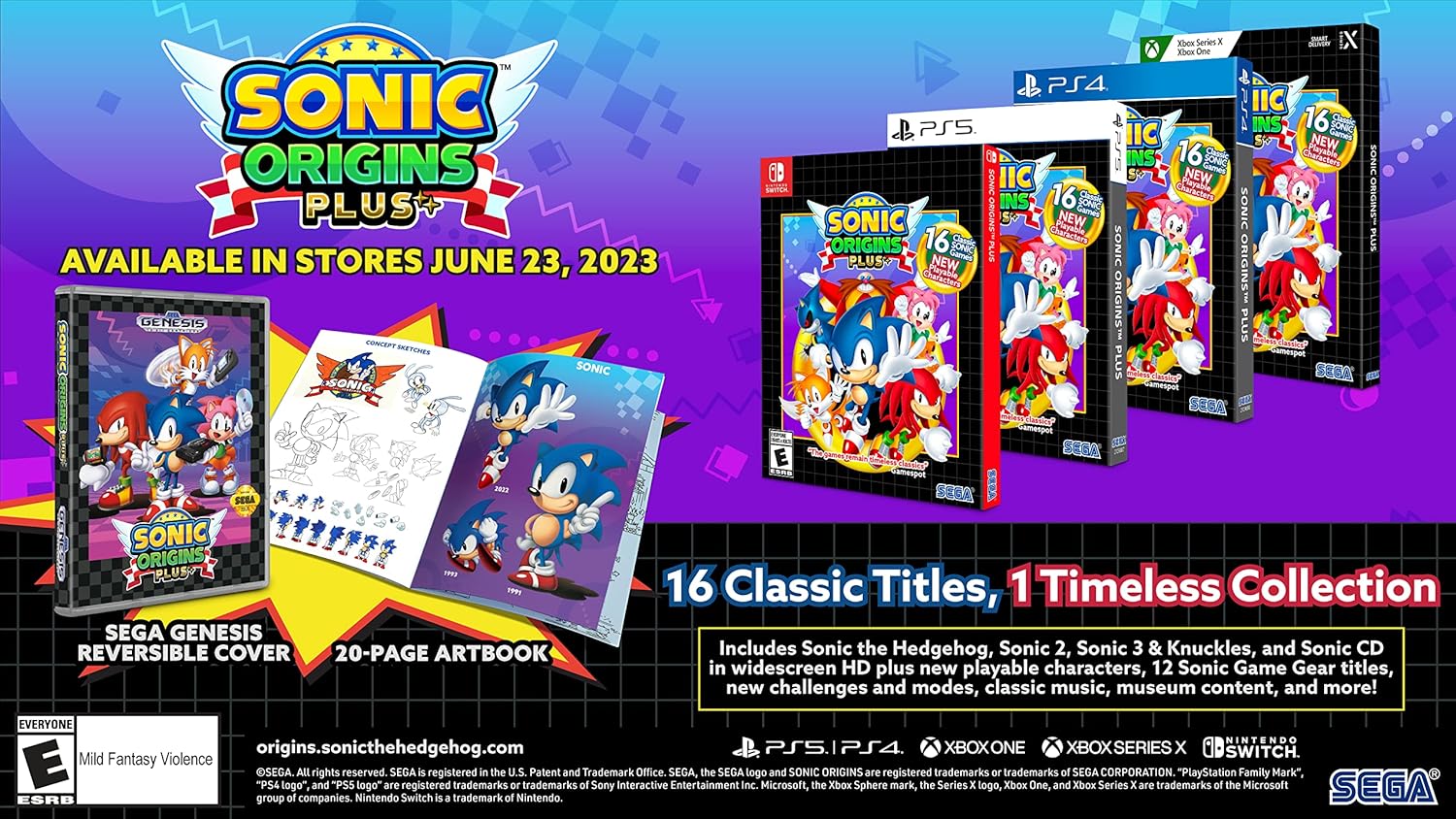
Image 2: Promotional image highlighting the physical edition's reversible cover and 20-page artbook, alongside the "16 Classic Titles, 1 Timeless Collection" feature.
Playable Characters
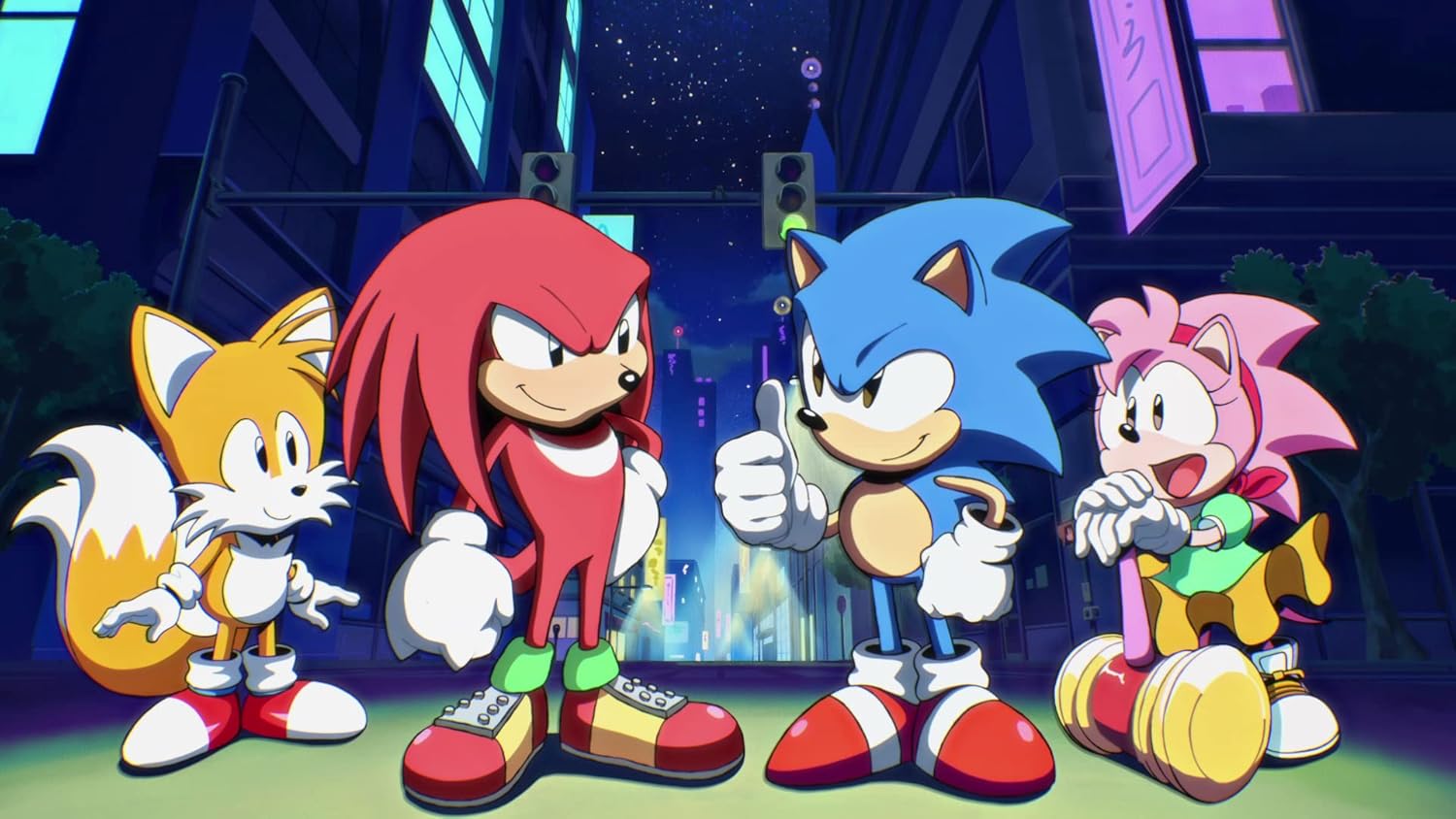
Image 3: Animated character art featuring Sonic, Tails, Knuckles, and Amy Rose, who are all playable characters in various games within the collection.
Controls (Nintendo Switch)
While specific controls may vary slightly between games and modes, the general control scheme for platforming is as follows:
- Left Stick/D-Pad: Move character (Sonic, Tails, Knuckles, Amy).
- A/B/X/Y Buttons: Jump, perform special moves (e.g., Spin Dash).
- +/- Buttons: Pause game, access in-game menu.
- L/R Buttons: May be used for specific character abilities or menu navigation.
Refer to the in-game tutorial or options menu for detailed control configurations for each specific title.

Image 4: In-game screenshot from a classic Sonic title, showing Sonic and Tails at a starting line with rings and a score counter.

Image 5: In-game screenshot of Sonic running through a vibrant, classic level with palm trees, water, and enemies.

Image 6: In-game screenshot featuring Knuckles the Echidna in a jungle-themed level, engaging with a large mechanical boss.

Image 7: In-game screenshot showing Sonic riding on Tails' biplane, the Tornado, flying over a water level with enemies.
Maintenance
Game Card Care (if applicable)
- Keep the game card clean and free from dust or debris.
- Store the game card in its protective case when not in use.
- Avoid touching the metal connectors on the back of the game card.
- Do not expose the game card to extreme temperatures or direct sunlight.
Digital Game Care
- Ensure your Nintendo Switch has sufficient storage space for game updates.
- Regularly check for and install game updates to ensure optimal performance and access to the latest features.
- Maintain a stable internet connection for downloading updates and accessing online features.
Troubleshooting
| Issue | Possible Solution |
|---|---|
| Game does not start or freezes. |
|
| Controls are unresponsive. |
|
| Graphics or audio issues. |
|
Specifications
- Product Name: Sonic Origins Plus
- Platform: Nintendo Switch
- Brand: SEGA
- ASIN: B0BZFGSY5W
- UPC: 010086770315
- Release Date: June 23, 2023
- Dimensions (Packaging): 1.68 x 17.2 x 15.04 cm (L x W x H)
- Weight (Packaging): 136.08 grams
- Number of Discs/Cards: 1 (Game Card)
- Languages (Subtitles): English, Spanish, Brazilian Portuguese
- Languages (Dubbed): Spanish
Warranty Information
For warranty information regarding Sonic Origins Plus, please refer to the official SEGA website or the retailer from whom the game was purchased. Warranty terms and conditions may vary by region and retailer. Keep your proof of purchase for any warranty claims.
Support
If you encounter issues not covered in this manual or require further assistance, please contact SEGA customer support through their official website:
- SEGA Official Website: www.sega.com/support
- Nintendo Support: For console-related issues, visit www.nintendo.com/support
Please have your game version and console details ready when contacting support.