
BRONC V7
BRONC V7 Tattoo Machine User Manual
Model: V7 | Brand: BRONC
Introduction
The BRONC V7 Tattoo Machine is a rotary pen-style device designed for professional tattooing. It features a coreless motor, a high-capacity 2000mAh battery, and a 4.0mm stroke length, offering both standalone wireless operation and wired connectivity. Crafted from aircraft-grade aluminum with precision CNC technology, the V7 ensures durability and reliable performance. It incorporates advanced safety features such as overload and short-circuit warnings, along with automatic power-off protection.
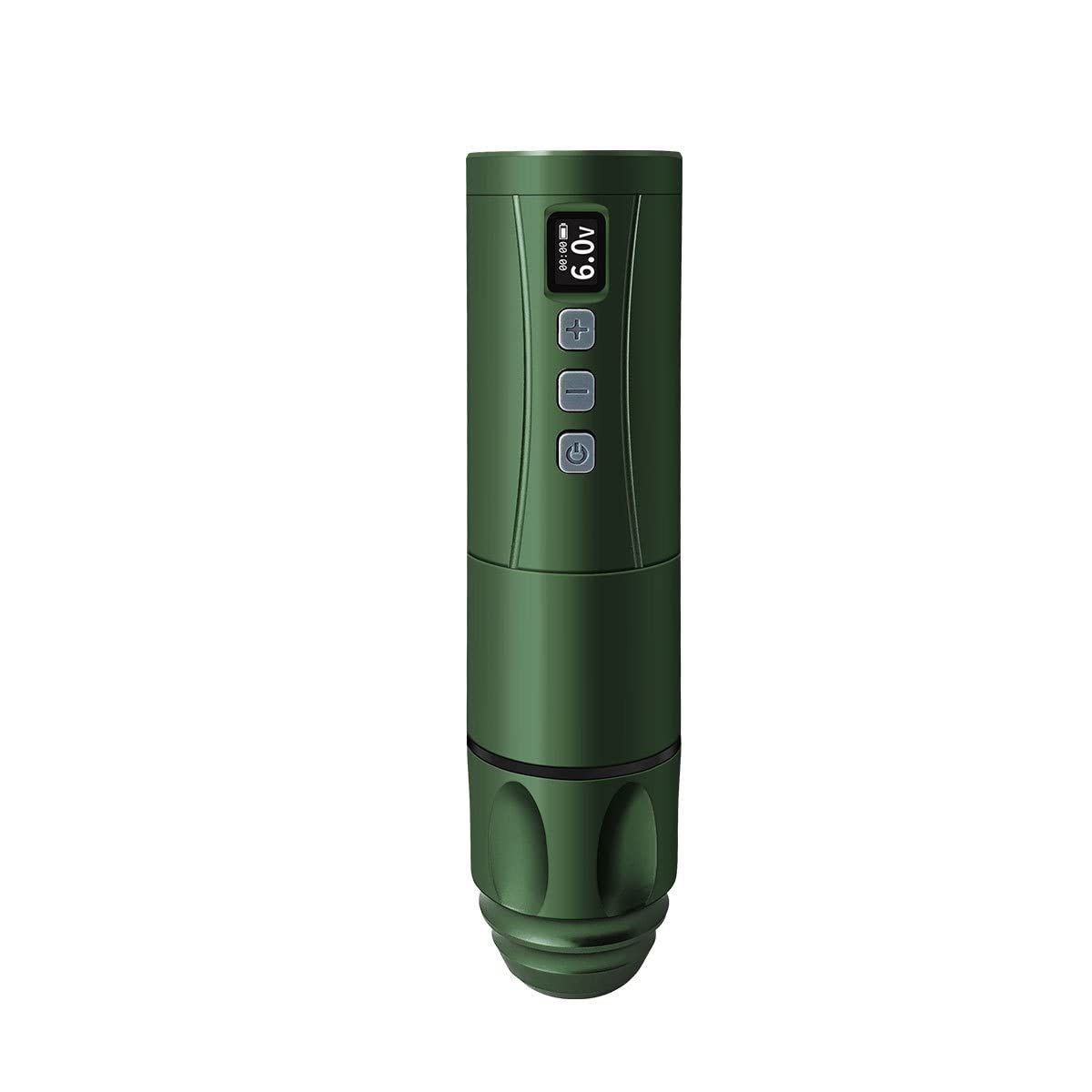
Image: The BRONC V7 Tattoo Machine in Army Green, showcasing its sleek design and digital display.
Setup
Package Contents Verification
Before beginning, ensure all components are present in the package:
- BRONC V7 Tattoo Pen
- High-Capacity Battery
- Type-C Charging Cable
- Coil Adapter
- Carrying Case
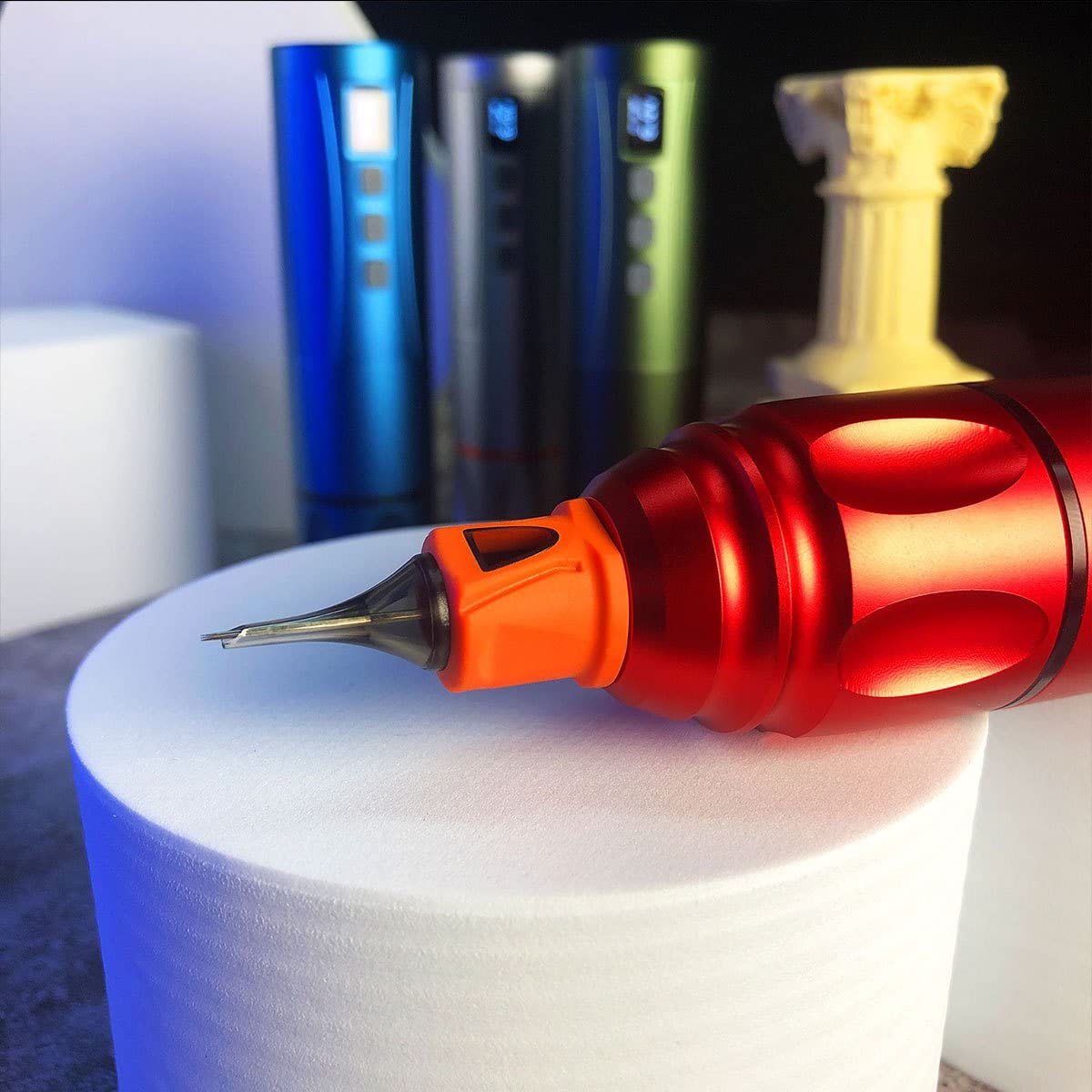
Image: The BRONC V7 Tattoo Machine, its battery, and the included carrying case, demonstrating the complete package.
Battery Charging and Installation
- Connect the Type-C charging cable to the machine's charging port and a suitable USB power adapter.
- Allow the battery to fully charge before first use. The digital display will indicate charging status.
- To install the battery, align it correctly with the battery compartment and gently push until it clicks into place.
Needle Cartridge Installation
- Ensure the machine is powered off.
- Carefully insert the desired needle cartridge into the front opening of the machine, twisting slightly until it locks securely.
- Adjust the needle depth by rotating the grip section of the machine. The needle depth range is 0-4.0mm.

Image: A close-up view of the BRONC V7 Tattoo Machine's tip, illustrating the proper way to insert a needle cartridge.
Dual Functionality Setup
The BRONC V7 supports both standalone wireless operation and connected usage. To switch to connected mode, remove the battery and attach the provided coil adapter. This allows the machine to be powered by an external power supply via an RCA connection (power supply and RCA cable not included).
Operating Instructions
Powering On/Off and Voltage Adjustment
- To power on, press and hold the power button (usually indicated by a circle with a vertical line) until the display illuminates.
- To power off, press and hold the power button again.
- Use the '+' and '-' buttons to adjust the voltage. The recommended operating voltage is 5.5V-7.5V, with a range of 5.0V-11.0V.
- The machine features a 9V jump-start function for certain needle types or starting conditions.
Safety Features
The BRONC V7 is equipped with built-in safety mechanisms:
- Overload and Short-Circuit Warnings: The machine will alert the user if an overload or short-circuit condition is detected.
- Overload and Over-Current Protection: The machine will automatically shut off if it gets stuck or experiences a short-circuit to prevent damage.
General Usage Tips
- Always ensure proper hygiene and sterilization practices when using the tattoo machine.
- Regularly check needle depth and adjust as needed for different tattooing techniques.
- Monitor the battery level on the display during wireless operation to avoid interruptions.
Video: A demonstration of the BRONC V7 Tattoo Machine in use, showing the process of setting up the machine and performing tattooing work.
Maintenance
Cleaning and Sterilization
- After each use, thoroughly clean the exterior of the machine with a suitable disinfectant wipe.
- Do not immerse the machine in liquids. The machine is water resistant, not waterproof.
- Ensure all disposable components (needle cartridges) are properly discarded after use.
Battery Care and Storage
- Store the machine and battery in a cool, dry place away from direct sunlight and extreme temperatures.
- For long-term storage, ensure the battery is partially charged (around 50%) to prolong its lifespan.
- Avoid overcharging or completely draining the battery frequently.
Troubleshooting
| Problem | Possible Cause | Solution |
|---|---|---|
| Machine does not turn on. | Low battery; incorrect battery installation; power button not pressed long enough. | Charge the battery; re-install battery correctly; press and hold power button for 3 seconds. |
| Machine stops during operation. | Low battery; overload/short-circuit protection activated. | Recharge battery; check for needle obstruction or short-circuit, then restart. |
| Unusual vibration or noise. | Loose needle cartridge; internal issue. | Ensure needle cartridge is securely locked; if problem persists, contact support. |
| Battery not charging. | Faulty cable or adapter; charging port issue. | Try a different Type-C cable and adapter; ensure cable is fully inserted. |
Specifications
| Parameter | Value |
|---|---|
| Material | Aircraft-grade aluminum |
| Stroke Length | 4.0mm |
| Needle Depth Range | 0-4.0mm |
| Motor Type | Swiss DC motor |
| No-Load Speed | 12,000 rpm |
| Voltage Output Range | 5.0V-11.0V |
| Recommended Operating Voltage | 5.5V-7.5V |
| Battery Capacity | 2000mAh |
| Operating Time (Test Results) | 7-9 hours |
| Charging Method | Type-C Fast Charging |
| Battery Specifications | 7V 18500 LI-ION |
| Dimensions (Diameter x Length) | (22-34) x 145mm |
| Weight (Pen with battery) | 195g |
| Water Resistance Level | Water Resistant |
Warranty and Support
BRONC products are manufactured to high-quality standards. For information regarding warranty coverage, technical support, or service inquiries, please refer to the contact information provided with your product packaging or visit the official BRONC website. Please retain your proof of purchase for any warranty claims.
Ask a question about this manual
Ask about setup, troubleshooting, compatibility, parts, safety, or missing instructions. Manuals+ will review the question and use this page’s manual context to help answer it.