
1. Introduction
Thank you for choosing the Dreame H12 Core Wet and Dry Vacuum Cleaner. This manual provides essential information for the safe and efficient operation, maintenance, and troubleshooting of your device. Please read it thoroughly before first use and keep it for future reference.
2. Safety Instructions
To prevent electric shock, fire, or injury, please read all instructions carefully before using the appliance.
- This appliance is not intended for use by persons (including children) with reduced physical, sensory or mental capabilities, or lack of experience and knowledge, unless they have been given supervision or instruction concerning use of the appliance by a person responsible for their safety.
- Children should be supervised to ensure that they do not play with the appliance.
- Do not immerse the appliance, power cord, or plug in water or other liquids.
- Do not use the appliance to pick up flammable or combustible liquids, such as gasoline, or use in areas where they may be present.
- Do not pick up anything that is burning or smoking, such as cigarettes, matches, or hot ashes.
- Always turn off the appliance before connecting or disconnecting the brush roll.
- Use only Dreame recommended cleaning solutions.
- Ensure the clean water tank and dirty water tank are correctly installed before operation.
3. Package Contents
Verify that all items are present and in good condition upon unpacking.
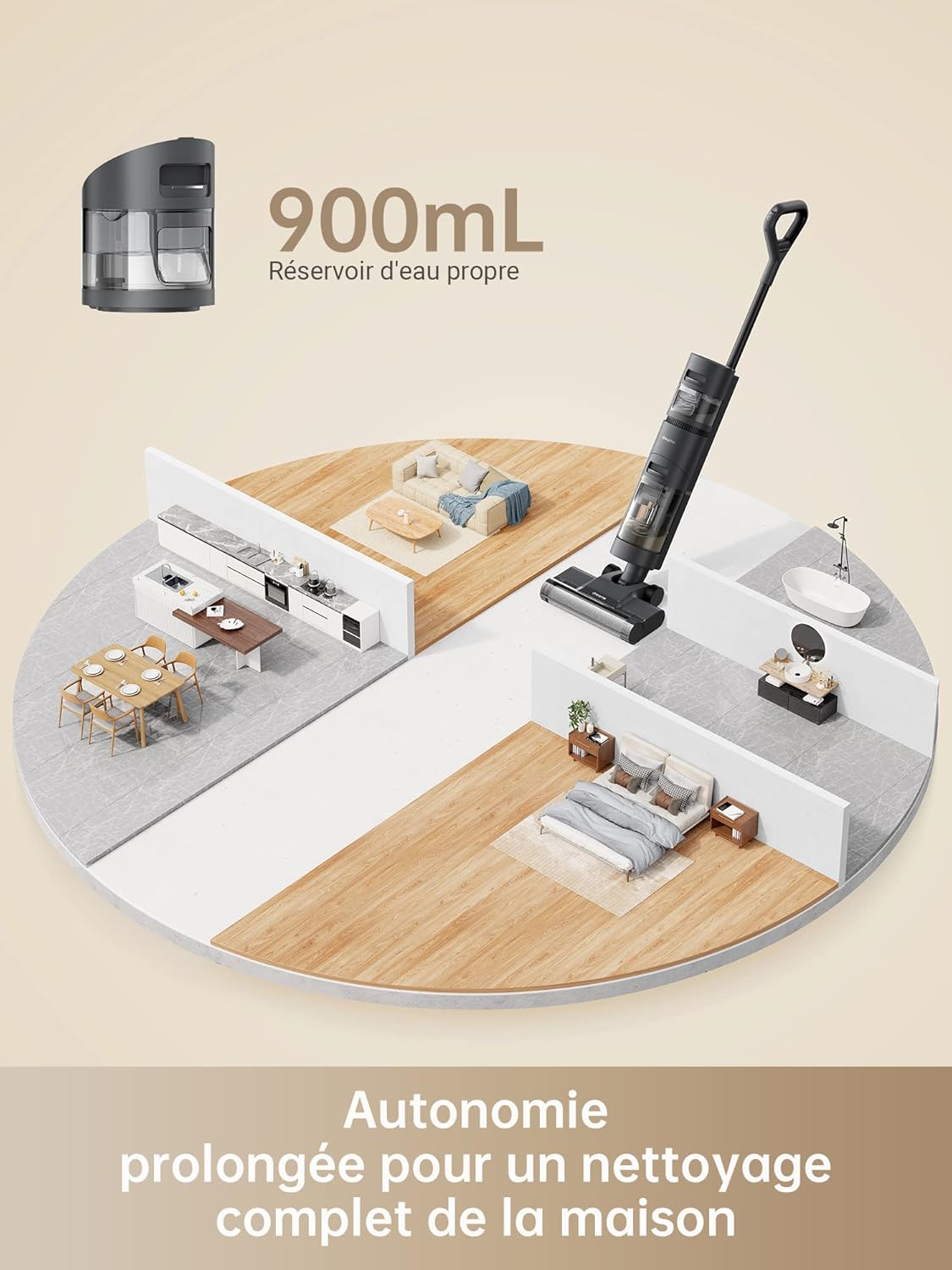
Image: The package contents of the Dreame H12 Core, showing the main body, handle, power adapter, cleaning solution, cleaning brush, and charging base.
- Main Body x1
- Handle x1
- Power Adapter x1
- Cleaning Brush x1
- Charging Base x1
- Cleaning Solution x1
4. Product Overview
Familiarize yourself with the components of your Dreame H12 Core.

Image: A full view of the Dreame H12 Core Wet and Dry Vacuum Cleaner, highlighting its sleek design and integrated water tanks.
Display Indicators

Image: Close-up of the LED display on the Dreame H12 Core, showing indicators for cleaning mode, battery level, clean water tank, dirty water tank, blocked tube, and tangled brush.
- Cleaning Indicator: Shows the current cleaning mode.
- Battery Power: Displays the remaining battery percentage.
- Clean Water Tank Indicator: Alerts when the clean water tank is low.
- Dirty Water Tank Indicator: Alerts when the dirty water tank is full.
- Blocked Tube Indicator: Indicates a blockage in the suction path.
- Tangled Brush Indicator: Alerts if the brush roll is tangled.
5. Setup
Assembly
- Insert the handle into the main body until it clicks into place.
- Ensure the clean water tank and dirty water tank are securely attached.
Initial Charging

Image: The Dreame H12 Core placed on its charging base, connected to a power outlet, indicating the charging process.
- Place the vacuum cleaner on the charging base.
- Connect the power adapter to the charging base and a power outlet.
- Charge the device fully before first use. The display will show the charging status.
6. Operating Instructions
Filling the Clean Water Tank

Image: A close-up of the Dreame H12 Core's 900ml clean water tank, indicating its capacity for extended cleaning sessions.
- Remove the clean water tank from the main body.
- Open the tank cap and fill with clean water. For enhanced cleaning, add a small amount of Dreame cleaning solution.
- Close the cap securely and reattach the tank to the main body.
Powering On and Selecting Modes
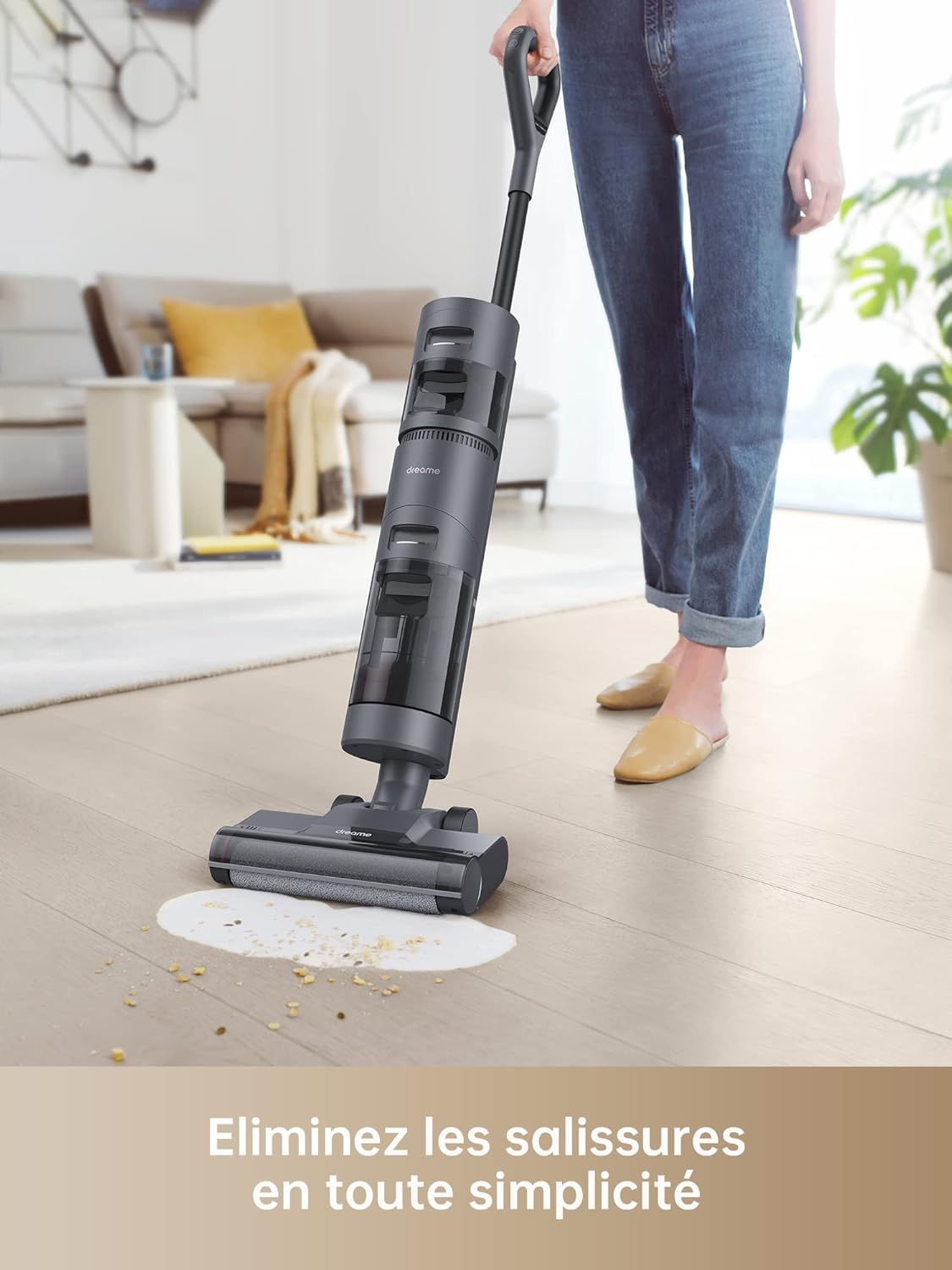
Image: A split image demonstrating the two cleaning modes of the Dreame H12 Core: Automatic mode for wet and dry cleaning, and Suction mode for liquid spills.
- Press the power button on the handle to turn on the vacuum cleaner.
- The device will start in Automatic Mode by default, intelligently adjusting suction and water flow based on dirt detection.
- Press the mode button to switch to Suction Mode for liquid-only spills.
Intelligent Dirt Detection

Image: The Dreame H12 Core cleaning a spill, with its LED display showing intelligent dirt detection and adjusted suction power.
The H12 Core features an intelligent sensor that detects the level of dirt on your hard floors and automatically adjusts the suction power and water flow for optimal cleaning efficiency. The LED display provides real-time feedback on the dirt level.
Cleaning Performance

Image: The Dreame H12 Core effectively cleaning a liquid spill and scattered debris on a hard floor, demonstrating its wet and dry cleaning capabilities.
The powerful brush roll rotates at 180 RPM to scrub floors, effectively removing powders, liquids, hair, and other debris. The integrated scraper cleans hair and dirt from the brush roll during operation.
Maneuverability

Image: A person easily maneuvering the Dreame H12 Core around furniture in a living room, showcasing its lightweight design and powerful forward traction.
The H12 Core features powerful forward traction, a lightweight design, and large rear wheels, making it easy to push and maneuver around furniture and close to walls.
Voice Prompts

Image: A close-up of the Dreame H12 Core's display with speech bubbles indicating voice prompts such as "Automatic mode," "Intelligent detection," and "Fill the clean water tank."
The device provides helpful voice prompts to inform you about its status, such as current mode, dirt detection, and tank levels, ensuring you get the most out of each cleaning session.
7. Maintenance
Automatic Self-Cleaning
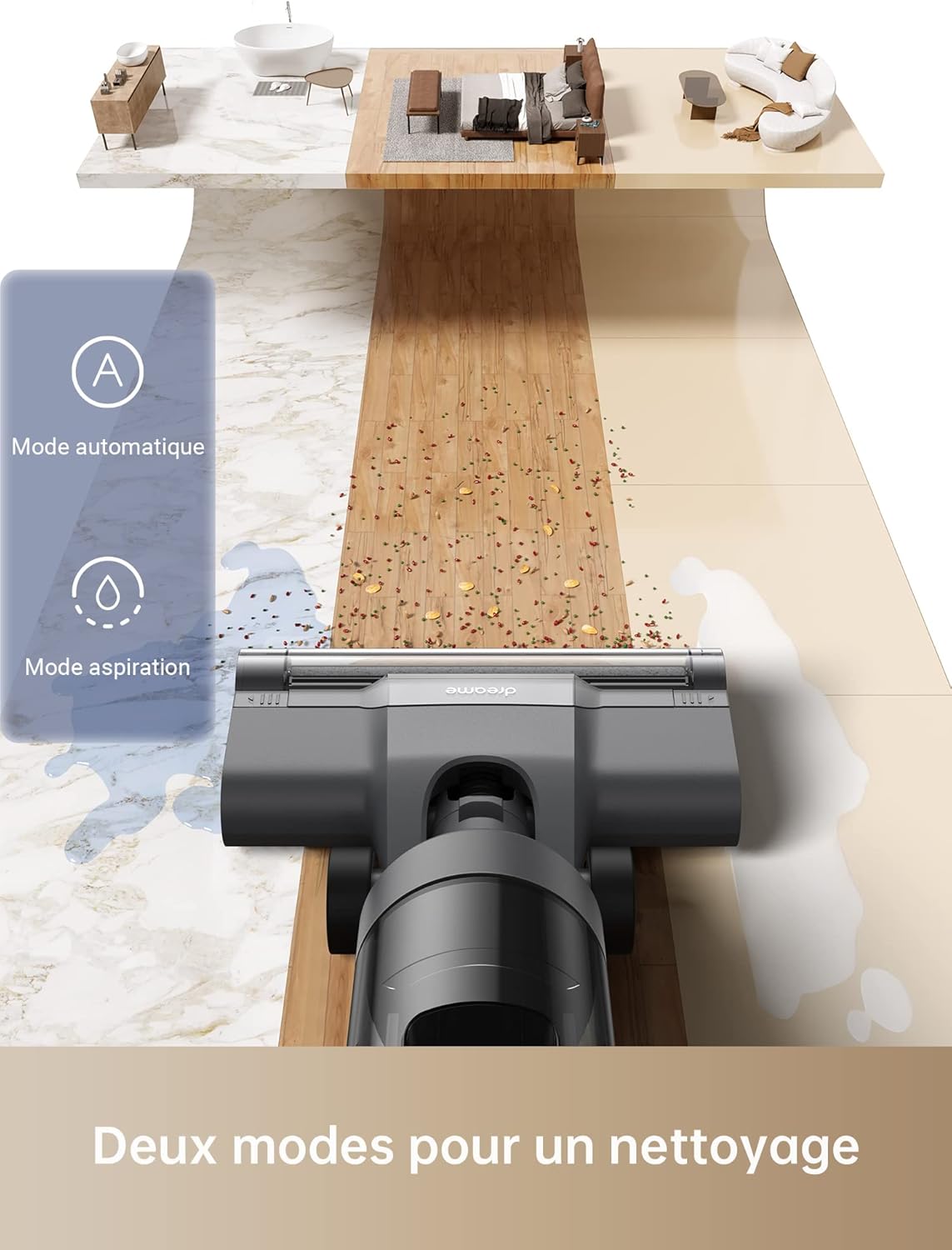
Image: A hand pressing the self-clean button on the Dreame H12 Core's handle while the vacuum is on its charging base, initiating the automatic self-cleaning cycle.
- After cleaning, place the vacuum cleaner on its charging base.
- Press the self-clean button on the handle.
- The device will automatically rinse, wring, and clean the brush roll, preparing it for the next use.
Emptying the Dirty Water Tank
Regularly empty the dirty water tank to maintain optimal performance and prevent odors.
- Remove the dirty water tank from the main body.
- Open the tank and dispose of the dirty water.
- Rinse the tank with clean water and dry it thoroughly before reattaching.
Cleaning the Brush Roll and Filter
For thorough cleaning, remove the brush roll and filter for manual washing.
- Turn off the vacuum cleaner and disconnect it from the charging base.
- Remove the brush roll cover and then the brush roll.
- Use the provided cleaning brush to remove any tangled hair or debris from the brush roll.
- Rinse the brush roll and HEPA filter under running water. Allow them to air dry completely before reinstallation.
8. Troubleshooting
Refer to this section for common issues and their solutions.
| Problem | Possible Cause | Solution |
|---|---|---|
| No power | Battery depleted; Not charging correctly | Charge the battery fully; Ensure power adapter is connected securely. |
| Poor suction | Dirty water tank full; Brush roll tangled; Filter clogged | Empty dirty water tank; Clean brush roll; Clean/replace filter. |
| Water leakage | Water tanks not installed correctly; Tank caps loose | Reinstall tanks securely; Tighten tank caps. |
| Unusual noise | Foreign object in brush roll; Motor issue | Check and remove any foreign objects; Contact customer support if noise persists. |
9. Specifications
Technical details of the Dreame H12 Core Wet and Dry Vacuum Cleaner.
| Feature | Detail |
|---|---|
| Model Number | HHR22B |
| Dimensions (L x W x H) | 32.1 x 28.2 x 115 cm |
| Weight | 5.8 kg |
| Battery Type | Lithium-ion |
| Rated Voltage | 26 V |
| Rated Power | 200 W |
| Clean Water Tank Capacity | 900 ml |
| Dirty Water Tank Capacity | 500 ml (approximate, derived from feature bullets) |
| Runtime | Up to 22 minutes (Battery life up to 35 minutes) |
| Noise Level | 73 dB |
| Filter Type | HEPA |
| Recommended Surface | Hardwood, Tile, Vinyl, Carpet (light cleaning) |
10. Official Product Video
Watch this video for a visual guide on the Dreame H12 Core's features and operation.
Video: An official product demonstration showcasing the Dreame H12 Core Wet and Dry Vacuum Cleaner's intelligent cleaning, dual modes, and self-cleaning function.
11. Warranty and Support
For warranty information, technical support, or service inquiries, please refer to the warranty card included with your product or visit the official Dreame website. Keep your purchase receipt as proof of purchase.