
1. Introduction
Thank you for choosing the PeakPlus LED Tactical Flashlight. This manual provides essential information for the safe and effective use of your new flashlight. Please read it thoroughly before operation and retain it for future reference.
1.1 Package Contents
Verify that all items are present in your package:
- 4 x PeakPlus LED Tactical Flashlights
- 4 x AAA Battery Holders (for use with AAA batteries)
- 4 x Battery Sleeves (for use with rechargeable batteries)
- 1 x Warranty Card
- 1 x User Manual (this document)

Figure 1: Included Package Contents
2. Product Features
The PeakPlus LED Tactical Flashlight is designed for durability and versatile illumination:
- High Lumens Output: Provides powerful illumination for various tasks.
- Durable Construction: Crafted from aluminum alloy to withstand drops and impacts.
- Water Resistant: Designed to perform in various weather conditions.
- Adjustable Focus (Zoomable): Allows switching between a narrow spotlight beam and a wide floodlight.
- Multiple Lighting Modes: Features 5 distinct modes for different situations.
- Compact Design: Handheld and portable for everyday carry.
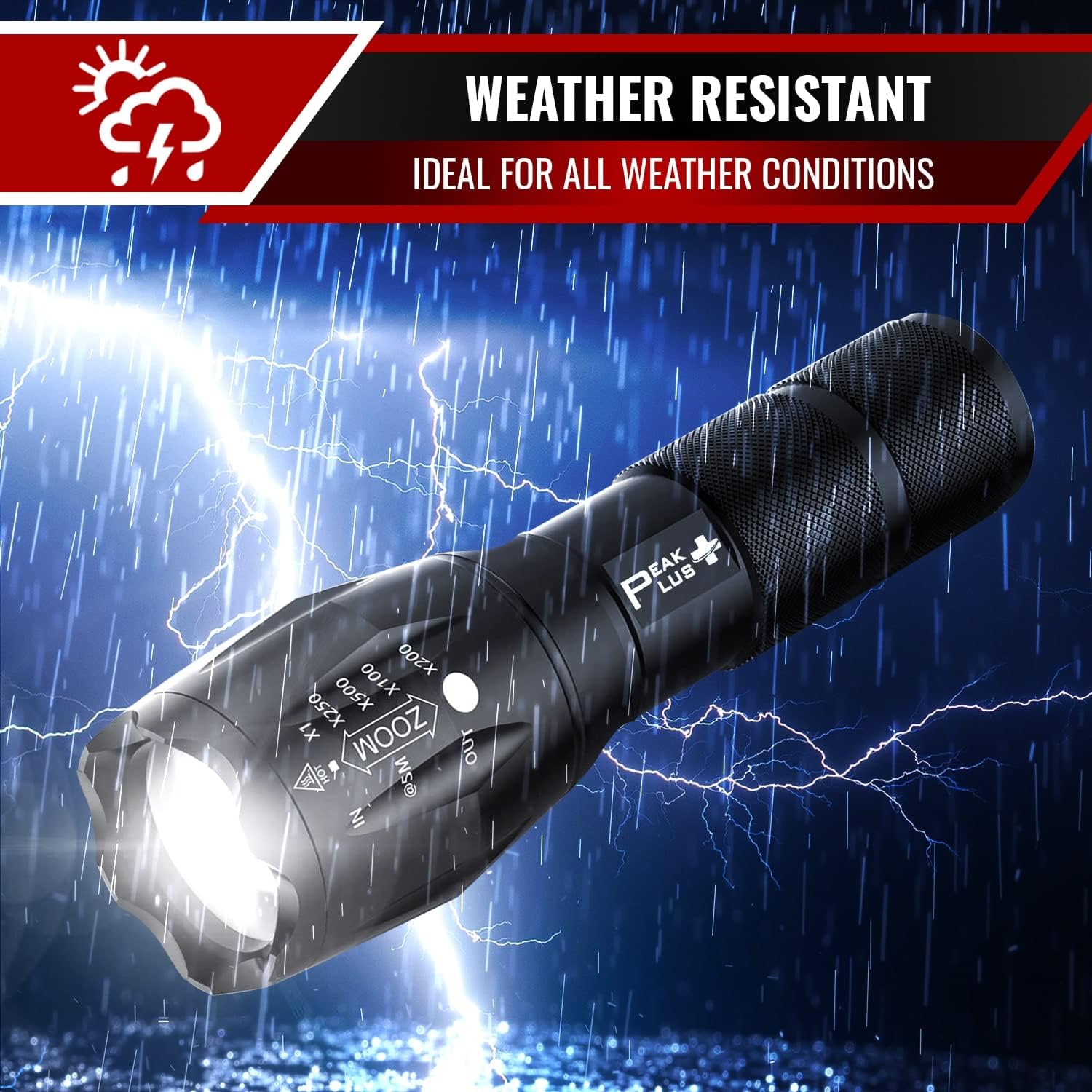
Figure 2: Flashlight Features Overview
3. Specifications
| Feature | Description |
|---|---|
| Model Number | PPLFX10504P |
| Light Source Type | LED |
| Material | Aluminum Alloy |
| Color | Black |
| Dimensions (L x Head Dia. x Body Dia.) | 5.3" x 1.6" x 1.1" (6.10" Extended length) |
| Weight | Approximately 0.33 lbs (0.15 kg) per flashlight |
| Power Source | 3 x AAA batteries OR 1 x Rechargeable Battery (Batteries NOT included) |
| Brightness | Up to 1000 Lumens |
| Beam Range | 200 to 500 meters |
| Zoom Levels | x1, x250, x500, x1000, x2000 |
| Lighting Modes | 5 Modes (e.g., High, Medium, Low, Strobe, SOS) |
| Water Resistance Level | Waterproof |
4. Setup
4.1 Battery Installation
The PeakPlus LED Tactical Flashlight operates with either three AAA batteries or one rechargeable battery (not included).
- Unscrew the tail cap of the flashlight by turning it counter-clockwise.
- For AAA Batteries: Insert three AAA batteries into the provided AAA battery holder, ensuring correct polarity (+/-). Place the loaded battery holder into the flashlight body.
- For Rechargeable Battery: Insert one rechargeable battery into the provided battery sleeve, ensuring correct polarity (+/-). Place the loaded battery sleeve into the flashlight body.
- Screw the tail cap back on clockwise until it is securely tightened.
Caution: Ensure batteries are inserted with correct polarity. Incorrect installation can damage the flashlight. Do not mix old and new batteries, or different types of batteries.
5. Operating Instructions
5.1 Power On/Off
Press the tactical push button switch located on the tail cap to turn the flashlight ON or OFF.
5.2 Mode Selection
With the flashlight ON, lightly press the tail switch (without fully clicking) to cycle through the 5 available lighting modes:
- High Brightness
- Medium Brightness
- Low Brightness
- Strobe (Flashing)
- SOS (Emergency Signal)
A full click of the tail switch will turn the flashlight OFF. When turned back ON, it will resume the last used mode.
5.3 Zoom Function
To adjust the beam focus, gently pull the head of the flashlight outwards for a narrow, focused beam (spotlight) or push it inwards for a wide, diffused beam (floodlight).

Figure 3: Flashlight Beam in Use
6. Maintenance
- Cleaning: Wipe the flashlight body with a soft, damp cloth. Do not use abrasive cleaners or solvents.
- Battery Care: Remove batteries if the flashlight will not be used for an extended period to prevent leakage. Store batteries in a cool, dry place.
- Lubrication: Periodically apply a thin layer of silicone grease to the O-rings and threads to maintain water resistance and smooth operation.
- Storage: Store the flashlight in a dry environment, away from direct sunlight and extreme temperatures.
7. Troubleshooting
| Problem | Possible Cause | Solution |
|---|---|---|
| Flashlight does not turn ON | Dead batteries Incorrect battery installation Loose tail cap | Replace batteries Check battery polarity Tighten tail cap securely |
| Light is dim or flickers | Low battery power Loose connections Dirty contacts | Replace batteries Ensure tail cap is tight Clean battery contacts with a cotton swab |
| Cannot change modes | Tail switch malfunction | Ensure the tail switch is fully pressed and released for mode changes. If issue persists, contact support. |
| Zoom function is stiff | Lack of lubrication Dirt or debris | Clean and apply silicone grease to the moving parts of the head. |
8. Warranty and Support
8.1 Warranty Information
PeakPlus provides a one-year replacement warranty for this product. If you experience any issues within one year of purchase, please contact our customer support for assistance.
8.2 Customer Support
For any questions, concerns, or warranty claims, please contact PeakPlus customer support. Our team is available to assist you and aims to respond within 24 hours.
Please refer to the warranty card included in your package for specific contact details or visit the official PeakPlus website.