
Introduction
This manual provides essential instructions for the safe and effective use of your oneisall Pet Clipper, model LM2. Please read this manual thoroughly before operating the device and retain it for future reference.
The oneisall Pet Clipper is designed for grooming pets, offering a quiet and efficient solution for maintaining your pet's coat.
Important Safety Instructions
To reduce the risk of electric shock, injury, or fire, always follow basic safety precautions when using electrical appliances. Read all instructions before use.
- Keep the appliance dry. Do not use it near water or in wet conditions.
- Do not disassemble the unit. Refer all servicing to qualified personnel.
- Keep out of reach of children and pets.
- Use only the charger provided or recommended by the manufacturer.
- Unplug the clipper before cleaning or performing maintenance.
- Inspect the clipper and power cord for damage before each use. Do not use if damaged.
Package Contents
Verify that all items are present in your package:
- oneisall Pet Clipper (LM2)
- Charging Cable (USB)
- Cleaning Brush
- Lubricating Oil
- Attachment Combs (various sizes)
- Instruction Manual
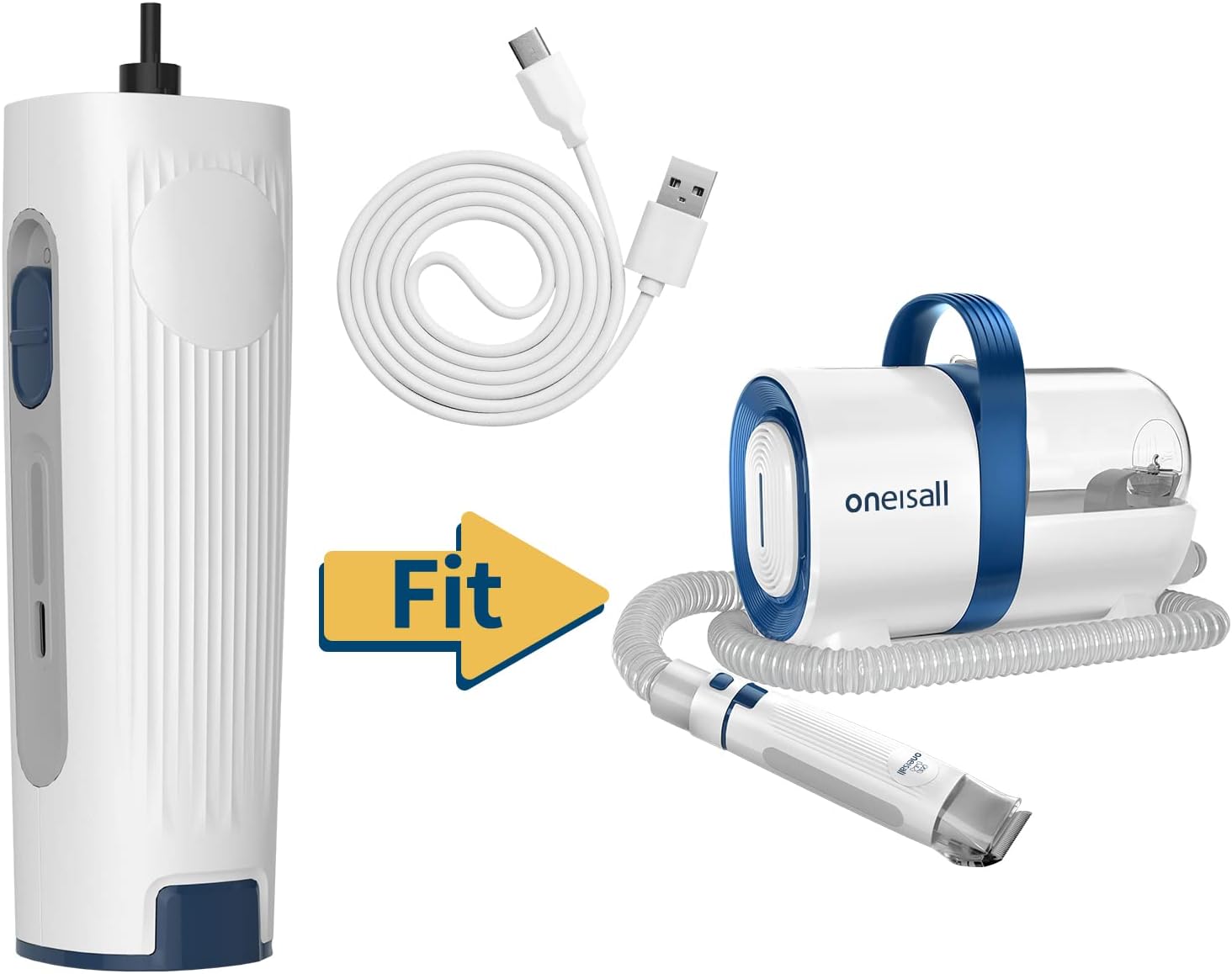
Image: The oneisall Pet Clipper LM2 shown alongside its charging cable and other grooming kit components, indicating compatibility.
Setup
- Initial Charge: Before first use, fully charge the clipper. Connect the USB charging cable to the clipper's charging port and plug the other end into a compatible USB power adapter (not included). The indicator light will show charging status. A full charge typically takes 3-5 hours.
- Blade Inspection: Ensure the blade is clean and properly seated. Apply a few drops of lubricating oil to the blade before each use for optimal performance and longevity.
- Attach Comb Guide: Select the desired attachment comb length. Align the comb with the clipper blade and slide it on until it clicks securely into place.
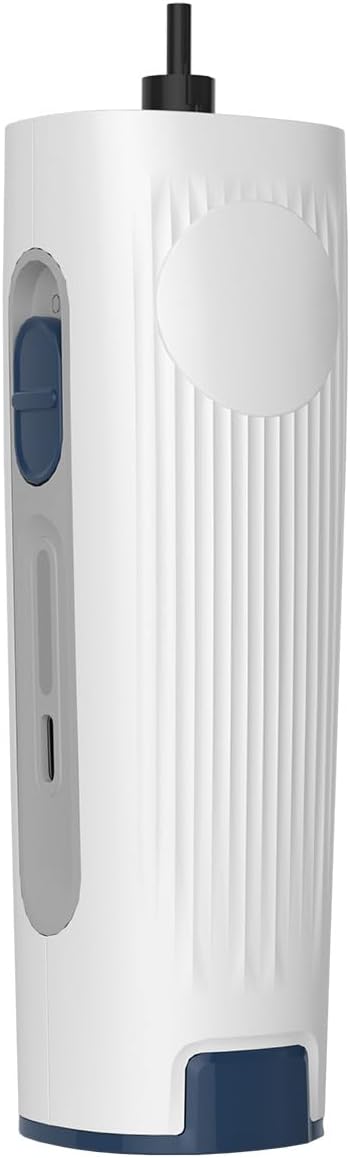
Image: A close-up view of the oneisall Pet Clipper LM2, highlighting its ergonomic design and power switch.
Operating Instructions
- Prepare Your Pet: Ensure your pet's coat is clean, dry, and free of tangles. Brush thoroughly before clipping.
- Turn On: Press the power button to turn on the clipper. The clipper operates quietly to minimize pet anxiety.
- Clipping Technique: Hold the clipper firmly and move it smoothly against the direction of hair growth. Use short, even strokes. Be cautious around sensitive areas such as ears, paws, and stomach.
- Monitor Blade Temperature: Periodically check the blade temperature. If it becomes hot, turn off the clipper and allow it to cool down. Applying more lubricating oil can also help.
- Turn Off: Once grooming is complete, press the power button to turn off the clipper.
Maintenance and Cleaning
Regular maintenance ensures optimal performance and extends the life of your clipper.
- Clean Blades: After each use, remove the attachment comb and use the provided cleaning brush to remove any trapped hair from the blades.
- Lubricate Blades: Apply 1-2 drops of lubricating oil to the blades after cleaning and before each use. Run the clipper for a few seconds to distribute the oil evenly.
- Wipe Down: Use a soft, dry cloth to wipe the body of the clipper. Do not use harsh chemicals or abrasive cleaners.
- Storage: Store the clipper in a dry, cool place, away from direct sunlight and moisture.
Troubleshooting
| Problem | Possible Cause | Solution |
|---|---|---|
| Clipper does not turn on. | Battery is low or depleted. | Charge the clipper fully. |
| Clipper pulls hair or cuts poorly. | Blades are dull, dirty, or not lubricated. Pet's hair is tangled. | Clean and lubricate blades. Ensure hair is brushed and tangle-free. Consider replacing blades if dull. |
| Clipper becomes hot during use. | Extended use or lack of lubrication. | Turn off and allow to cool. Apply more lubricating oil. Reduce continuous operating time. |
| Unusual noise or vibration. | Blade misalignment or foreign object. | Turn off and inspect blades for proper alignment and obstructions. Clean thoroughly. |
Specifications
- Model: LM2
- Brand: oneisall
- Product Dimensions: 6.61 x 2.56 x 1.97 inches
- Item Weight: 8.1 ounces (0.23 Kilograms)
- Power Source: Battery Powered, Corded Electric
- Batteries: 1 A battery required (included)
- Manufacturer: oneisall
Warranty and Support
Your oneisall Pet Clipper LM2 comes with a 2-Year Warranty from the date of purchase. This warranty covers manufacturing defects and workmanship under normal use.
For technical assistance, troubleshooting, or warranty claims, please contact oneisall customer support. We offer 24/7 Support to ensure your satisfaction.
For more information, visit the official oneisall website or contact our support team via the contact details provided in your purchase documentation.

Image: Visual representation of oneisall's customer support, emphasizing a 2-year warranty and 24/7 support availability.