
1. Introduction and Overview
The ELAC Varro Reference RS700 is a high-performance 12-inch powered subwoofer designed to deliver deep, impactful bass and enhance your audio experience. Featuring advanced app control and Auto EQ, this subwoofer integrates seamlessly into various home audio systems.

Figure 1: Front view of the ELAC Varro Reference RS700 Subwoofer. This image displays the subwoofer's main driver and the ELAC logo at the bottom.
Key Features:
- 12-inch HEX Surround Woofer: Delivers clear, impactful bass.
- Wide Frequency Response: Achieves deep low-frequency effects (17Hz-150Hz Anechoic, 14Hz-150Hz In-Room).
- Versatile Connectivity: Includes RCA line-level, speaker-level inputs, and a 12V trigger.
- Smart App Control: iOS and Android app for fine-tuning and Auto EQ.
- Powerful BASH Amplifier: 700 Watts RMS (1400 Watts Peak) for dynamic, distortion-free sound.
2. Safety Instructions
Please read and follow all safety instructions before operating the subwoofer to prevent damage and ensure safe use.
- Power Source: Connect the subwoofer only to the specified power supply voltage.
- Ventilation: Ensure adequate ventilation around the unit. Do not block ventilation openings.
- Water and Moisture: Do not expose the subwoofer to water, rain, or excessive moisture.
- Heat Sources: Keep the unit away from heat sources such as radiators, heat registers, stoves, or other heat-producing appliances.
- Cleaning: Unplug the unit from the wall outlet before cleaning. Use a dry cloth for cleaning.
- Servicing: Do not attempt to service this product yourself. Refer all servicing to qualified service personnel.
- Placement: Place the subwoofer on a stable, level surface to prevent it from falling.
3. Package Contents
Verify that all items are present in the package:
- ELAC Varro Reference RS700 Subwoofer
- Grille
- AC Power Cord
- 4 Spikes (for isolation)
- User Manual (this document)
4. Setup
4.1 Unpacking
Carefully remove the subwoofer from its packaging. Retain the packaging materials for future transport or storage.
4.2 Spike Installation
For optimal performance and isolation, install the included spikes into the threaded inserts on the bottom of the subwoofer. Ensure the subwoofer is stable after installation.

Figure 2: Close-up view of a subwoofer foot. This image shows the design of the foot, which can be used with or without the included spikes for stability and isolation.
4.3 Placement
Subwoofer placement significantly impacts sound quality. Experiment with different locations in your room. Common starting points include:
- Corner Placement: Often provides the most bass output, but can sometimes lead to boomy sound.
- Front Wall Placement: Near the main speakers, can help blend the subwoofer with the front soundstage.
- Mid-Room Placement: Can offer a more even bass response, but may require more experimentation.
Consider using the app's Auto EQ function after placement to optimize the subwoofer's response for your room.

Figure 3: ELAC Varro Reference RS700 Subwoofer with indicated dimensions. The image shows the height (20.75"), width (23.13"), and depth (21.25") of the unit.
5. Connections
Before making any connections, ensure the subwoofer is powered off and unplugged from the AC outlet.

Figure 4: Rear panel of the ELAC Varro Reference RS700 Subwoofer. This image displays all input/output connections, controls, and power inlet.
5.1 Line-Level Inputs (RCA)
Connect the RCA output(s) from your AV receiver or pre-amplifier to the "LINE IN" (Left/Right) inputs on the subwoofer. If your receiver has a single LFE (Low-Frequency Effects) output, connect it to the "LEFT" RCA input on the subwoofer.
5.2 Speaker-Level Inputs
If your receiver does not have a dedicated subwoofer output, you can connect the speaker-level outputs from your amplifier to the "SPEAKER LEVEL INPUTS" on the subwoofer. Connect the left and right speaker outputs from your amplifier to the corresponding inputs on the subwoofer, then connect your main speakers to the speaker-level outputs on the subwoofer.
5.3 12V Trigger
Connect a 12V trigger cable from your AV receiver or processor to the "12V TRIGGER" input on the subwoofer. This allows the subwoofer to automatically power on/off with your main system.
5.4 Power Connection
Once all audio connections are made, connect the supplied AC power cord to the subwoofer's power inlet and then to a suitable wall outlet.
6. Operation
6.1 Powering On/Off
Use the power switch on the rear panel to turn the subwoofer ON or OFF. If using the 12V trigger, the subwoofer will power on automatically when your connected equipment is activated.
6.2 App Control (iOS and Android)
The ELAC Varro Reference RS700 features advanced control via a dedicated smartphone application. Download the "ELAC Sub Control" app from the Apple App Store (for iOS) or Google Play Store (for Android).
- Pairing: Follow the in-app instructions to pair your device with the subwoofer via Bluetooth.
- Settings: The app provides comprehensive control over volume, crossover frequency, phase, and other advanced settings.
6.3 Auto EQ
The Auto EQ feature, accessible through the app, uses your smartphone's microphone to measure the subwoofer's response in your room and automatically adjusts settings for optimal sound. Follow the on-screen prompts within the app to perform Auto EQ.
7. Maintenance
To maintain the appearance and performance of your subwoofer:
- Cleaning: Use a soft, dry cloth to wipe the cabinet. Avoid abrasive cleaners or solvents.
- Grille: The magnetic grille can be removed for cleaning or if you prefer the aesthetic without it. Handle with care.
- Dust: Regularly dust the unit to prevent accumulation in vents.
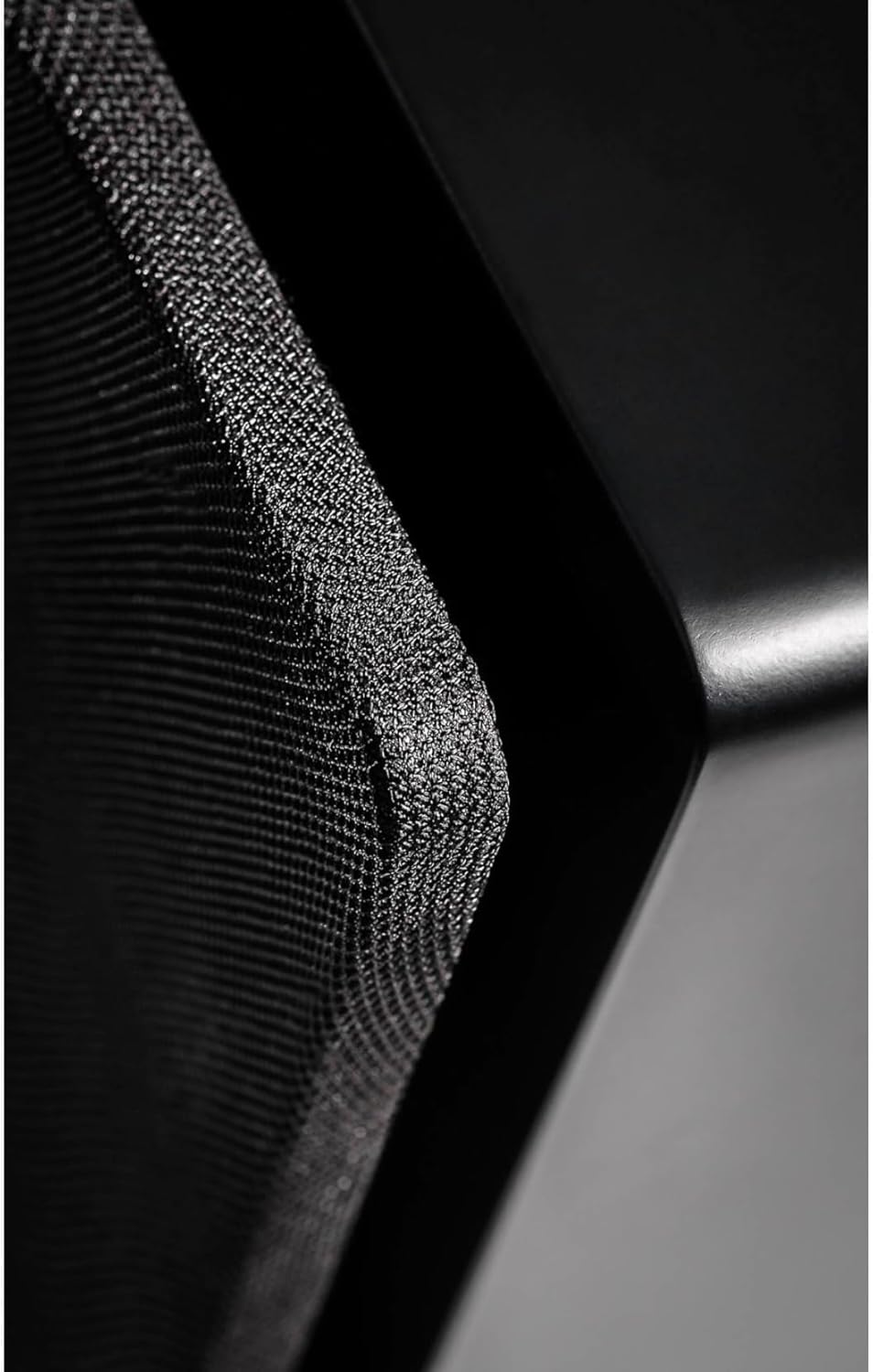
Figure 5: Close-up view of the subwoofer's magnetic grille texture. This image highlights the fine mesh material of the protective grille.
8. Troubleshooting
| Problem | Possible Cause | Solution |
|---|---|---|
| No Sound |
|
|
| Distorted Sound |
|
|
| Humming Noise |
|
|
| App Not Connecting |
|
|
9. Specifications
| Feature | Detail |
|---|---|
| Model Name | RS700 |
| Speaker Type | Powered Subwoofer |
| Woofer Diameter | 12 Inches |
| Amplifier Type | BASH Amplifier |
| Amplifier Power (RMS) | 700 Watts |
| Amplifier Power (Peak) | 1400 Watts |
| Frequency Response (Anechoic) | 17Hz-150Hz |
| Frequency Response (In-Room) | 14Hz-150Hz |
| Control Method | App (iOS, Android) |
| Special Feature | Auto EQ, Bass Boost |
| Connectivity Technology | Wireless (Wi-Fi for app, Bluetooth for pairing), Ethernet, USB (for service) |
| Inputs | RCA Line-Level (Left/Right), Speaker-Level, 12V Trigger |
| Product Dimensions (D x W x H) | 21.25" x 23.13" x 20.75" |
| Item Weight | 63.5 Pounds |
| Color | Satin Black |
| Material | Aluminum (likely for driver components) |
| Power Source | Corded Electric |
| UPC | 853720006421 |
10. Warranty and Support
Warranty Information:
The ELAC Varro Reference RS700 Subwoofer comes with a limited warranty:
- Cabinet/Driver: 3 Year Limited Warranty
- Amplifier: 1 Year Limited Warranty
Please retain your proof of purchase for warranty claims. For detailed warranty terms and conditions, refer to the official ELAC website or contact customer support.
Customer Support:
For technical assistance, troubleshooting, or service inquiries, please visit the official ELAC website or contact their customer support department. Contact information can typically be found on the ELAC website or in the product packaging.
Official ELAC Website: www.elac.com


