
Overstock VGMA-BR-128-NS
Nova Domus Kamela Modern Walnut Nightstand User Manual
Model: VGMA-BR-128-NS | Brand: Overstock
1. Introduction
Thank you for choosing the Nova Domus Kamela Modern Walnut Nightstand. This manual provides essential information for the safe assembly, operation, and maintenance of your new furniture. Please read these instructions carefully before beginning assembly and retain them for future reference.
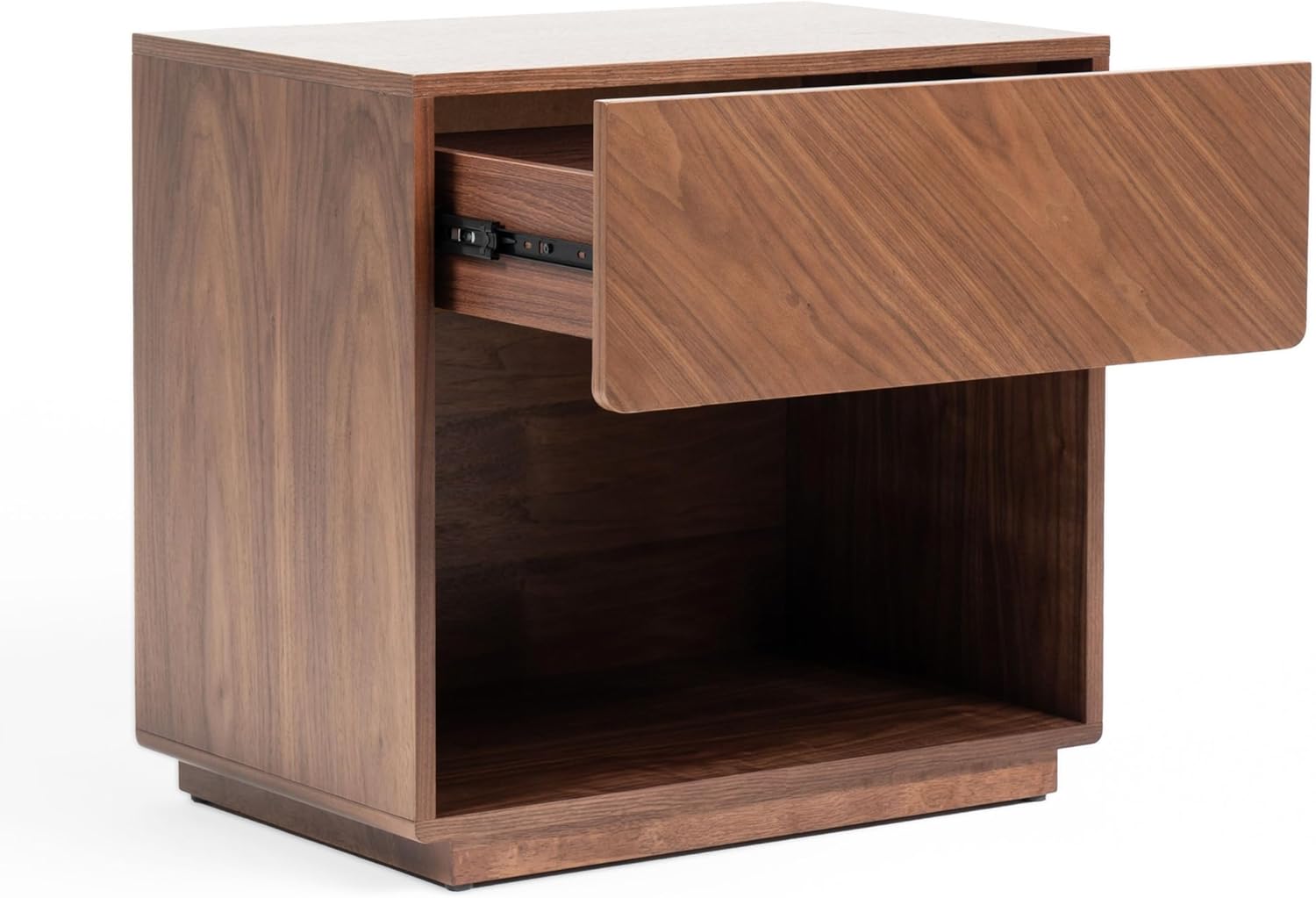
Figure 1.1: The Kamela Modern Walnut Nightstand, showcasing its single drawer and open shelf design.
Product Description
The Kamela Walnut Nightstand is an exquisite piece of furniture that effortlessly combines elegance and functionality. The rich, deep tones of the walnut wood give the nightstand a warm and inviting presence. The wood grain is carefully highlighted, creating a mesmerizing pattern that adds depth and character to the piece. It showcases the natural beauty of walnut wood in a stunning design.
Key Features
- Walnut Veneer Finish
- One (1) spacious drawer for storage
- Open shelf for easy access items
- Modern rectangular design
2. Safety Information
WARNING: To prevent serious injury, always follow these safety precautions.
- Always assemble the nightstand on a soft, clean surface to prevent scratches.
- Ensure all screws and fasteners are securely tightened before use. Periodically check and re-tighten as necessary.
- Do not stand or sit on the nightstand.
- Do not overload the drawer or shelves. Refer to specifications for weight limits (if available, otherwise general caution).
- Keep small parts and packaging materials away from children and pets.
- If any parts are missing or damaged, do not attempt to assemble. Contact customer support immediately.
- For stability, place the nightstand on a level surface.
3. Setup and Assembly
Some assembly is required for this nightstand. Please ensure you have all parts and tools before beginning.
3.1 Package Contents
Before assembly, verify that all components listed below are present. If any parts are missing or damaged, please contact customer service.
| Part | Description | Quantity |
|---|---|---|
| A | Top Panel | 1 |
| B | Side Panels | 2 |
| C | Bottom Panel | 1 |
| D | Back Panel | 1 |
| E | Drawer Assembly | 1 |
| F | Hardware Pack (Screws, Dowels, Drawer Glides) | 1 |
Note: Specific hardware details are typically found in a separate diagram within the physical manual.
3.2 Tools Required (Not Included)
- Phillips Head Screwdriver
- Hammer (for dowels, if applicable)
3.3 Assembly Steps
Step 1: Attach Side Panels to Bottom Panel. Carefully align the pre-drilled holes on the side panels (B) with the bottom panel (C). Insert dowels and secure with screws from the hardware pack (F). Ensure the panels are flush.
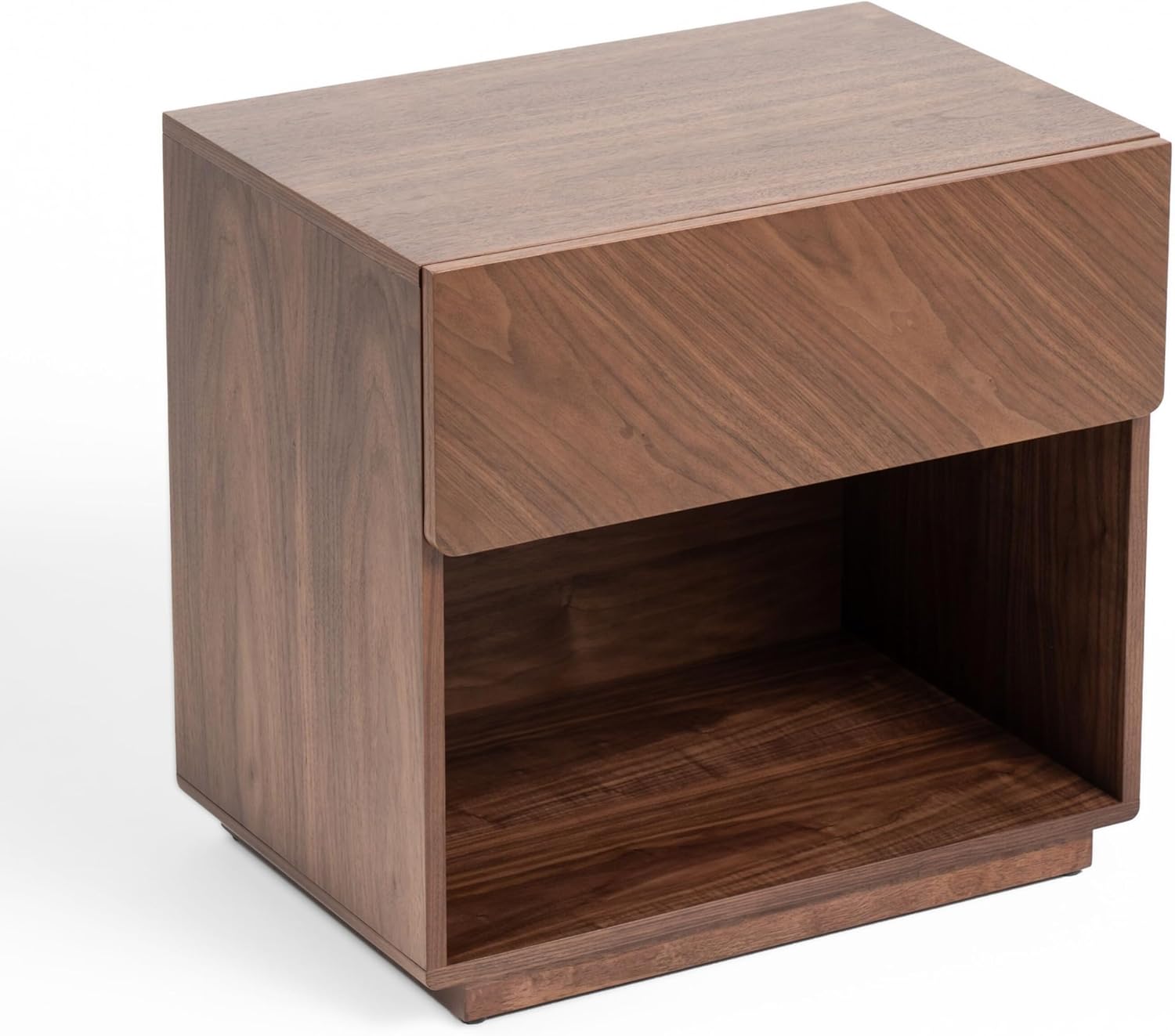
Figure 3.1: Initial assembly of side and bottom panels.
Step 2: Install Drawer Glides. Attach the drawer glides to the inner sides of the assembled frame using the provided screws. Ensure they are level and facing the correct direction for drawer insertion.
Step 3: Attach Back Panel. Slide the back panel (D) into the grooves on the assembled frame or secure it with small nails/screws as indicated in the hardware pack. This adds stability to the structure.

Figure 3.2: Securing the back panel for structural integrity.
Step 4: Attach Top Panel. Place the top panel (A) onto the assembled frame, aligning the pre-drilled holes. Secure with screws from the hardware pack (F).
Step 5: Assemble and Insert Drawer. Follow the separate instructions for assembling the drawer (E) if it comes disassembled. Once assembled, carefully slide the drawer onto the installed glides until it clicks into place or moves smoothly.

Figure 3.3: The nightstand with the drawer fully assembled and closed.
Step 6: Final Check. Ensure all connections are tight and the nightstand is stable. Gently push and pull the drawer to confirm smooth operation.
4. Operating (Usage)
The Nova Domus Kamela Nightstand is designed for bedside storage and display.
- Drawer Use: The single drawer provides concealed storage for personal items. Pull the drawer gently to open and push to close. Avoid slamming the drawer.
- Open Shelf Use: The open shelf below the drawer is ideal for books, decorative items, or electronic devices.
- Weight Capacity: Do not exceed a maximum weight of 20 lbs (9 kg) for the drawer and 30 lbs (13.6 kg) for the top surface and open shelf. Distribute weight evenly.
- Placement: Place the nightstand on a flat, stable surface to prevent wobbling.

Figure 4.1: The Kamela Nightstand integrated into a modern bedroom setting.
5. Maintenance and Care
Proper care will help maintain the beauty and longevity of your nightstand.
- Cleaning: Wipe with a dry cloth. Avoid using harsh chemicals, abrasive cleaners, or excessive moisture, as these can damage the walnut veneer finish.
- Spills: Immediately wipe up any spills with a soft, dry cloth to prevent staining or water damage.
- Sunlight Exposure: Avoid prolonged exposure to direct sunlight, which can cause fading or discoloration of the wood finish.
- Heat and Moisture: Do not place hot items directly on the surface. Use coasters or protective pads. Avoid placing the nightstand in areas with extreme temperature fluctuations or high humidity.
- Periodic Checks: Periodically check all screws and fasteners to ensure they remain tight. Re-tighten if necessary.

Figure 5.1: Detail of the rich walnut veneer finish, requiring gentle care.
6. Troubleshooting
If you encounter any issues with your nightstand, refer to the following common problems and solutions:
| Problem | Possible Cause | Solution |
|---|---|---|
| Nightstand is wobbly. | Uneven floor or loose fasteners. | Ensure the nightstand is on a level surface. Check and tighten all assembly screws. |
| Drawer does not slide smoothly. | Drawer glides misaligned or debris in tracks. | Remove the drawer and inspect the glides for proper alignment. Clean any dust or debris from the tracks. Apply a silicone-based lubricant if necessary. |
| Scratches or minor damage to finish. | Accidental impact or abrasive cleaning. | For minor scratches, a wood repair marker or furniture polish designed for walnut veneer may help. Consult a professional for significant damage. |
7. Specifications
| Feature | Detail |
|---|---|
| Model Name | VGMA-BR-128-NS |
| Brand | Overstock |
| Material | Walnut Veneer |
| Finish Type | Veneer |
| Number of Drawers | 1 |
| Style | Modern |
| Product Care | Wipe with Dry Cloth |
| UPC | 840219913421 |
Note: Dimensions are not provided in the product data. Please refer to the product listing for exact measurements.
8. Warranty and Support
For information regarding product warranty, please refer to the terms and conditions provided by Overstock or the retailer at the time of purchase. Warranty coverage typically applies to manufacturing defects and may vary.
Customer Support
If you have any questions, require assistance with assembly, or need to report missing/damaged parts, please contact the retailer or manufacturer's customer support. Have your model number (VGMA-BR-128-NS) and purchase information ready.
Manufacturer: Overstock
Website: www.overstock.com (Please check the official Overstock website for current contact information and support options.)
Ask a question about this manual
Ask about setup, troubleshooting, compatibility, parts, safety, or missing instructions. Manuals+ will review the question and use this page’s manual context to help answer it.