
Introduction
These Guudsoud Bone Conduction Headphones Lite are designed to provide clear audio through bone conduction technology, allowing you to maintain awareness of your surroundings. They are ideal for active lifestyles, offering comfort, durability, and seamless connectivity.
What's in the Box
Your package includes the following items:
- Bone Conduction Headphones
- USB Charging Cable
- Sponge Earbuds (2)
- User Manual

Image: Guudsoud Bone Conduction Headphones Lite, along with the USB charging cable, sponge earbuds, and user manual, neatly packaged.
Product Overview
The Guudsoud Bone Conduction Headphones Lite feature an open-ear design and transmit sound through bone conduction, ensuring you stay connected to your audio while remaining aware of your environment.
Key Features
- Bone Conduction Technology: Transmits sound through your skull, bypassing the eardrum.
- Open-Ear Design: Allows you to hear ambient sounds for enhanced safety and awareness.
- Lightweight: Weighs approximately 25 grams (0.882 ounces) for comfortable, prolonged wear.
- Durable & Waterproof: IP54 certified for water and sweat resistance, suitable for various activities.
- Bluetooth 5.0: Provides stable and fast wireless connection up to 10 meters (33 feet).
- Built-in Microphone: Features noise cancellation for clear calls.
- Long Battery Life: Offers 6-10 hours of continuous playback with a 2-hour charging time.
- Titanium Frame: Ensures durability and flexibility, compatible with glasses, hats, and helmets.

Image: A person wearing the Guudsoud Bone Conduction Headphones Lite while cycling, demonstrating the open-ear design that allows for environmental awareness.
Setup
Charging the Headphones
- Locate the USB charging port on the headphones, usually covered by a rubber panel.
- Connect the provided USB charging cable to the headphones and a power source (e.g., computer USB port, wall adapter).
- An LED indicator light will show the charging status. Charging typically takes about 2 hours.
- Once fully charged, disconnect the charging cable and ensure the rubber panel covers the port securely to maintain water resistance.
Pairing with a Device
- Ensure the headphones are turned off.
- Press and hold the power button (often combined with volume up) for approximately 3 seconds until the LED indicator flashes red and blue, indicating pairing mode.
- On your device (smartphone, tablet, laptop), go to Bluetooth settings and enable Bluetooth.
- Search for available devices and select "Lite" (or similar name) from the list.
- Once connected, the LED indicator will typically show a solid blue light or flash blue slowly.
Operating Instructions
Wearing the Headphones
Place the headphones over your ears so that the transducers rest on your cheekbones, just in front of your ears. The band should wrap around the back of your head.

Image: A person adjusting the bone conduction headphones to ensure proper placement on the cheekbones, just in front of the ears.
Controls
- Power On/Off: Press and hold the power button (often combined with volume up) for 3 seconds.
- Volume Up: Short press the '+' button.
- Volume Down: Short press the '-' button.
- Play/Pause: Single press the multi-function button (often on the transducer).
- Next Track: Double press the multi-function button.
- Answer/End Call: Single press the multi-function button during an incoming call or active call.
- Reject Call: Press and hold the multi-function button for 2 seconds during an incoming call.
Maintenance
- Cleaning: Wipe the headphones with a soft, dry cloth. Avoid using harsh chemicals or abrasive materials.
- Storage: Store the headphones in a cool, dry place away from direct sunlight and extreme temperatures.
- Water Resistance: The headphones are IP54 rated, meaning they are resistant to splashes and sweat. Do not submerge them in water. Ensure the charging port cover is sealed when not charging.
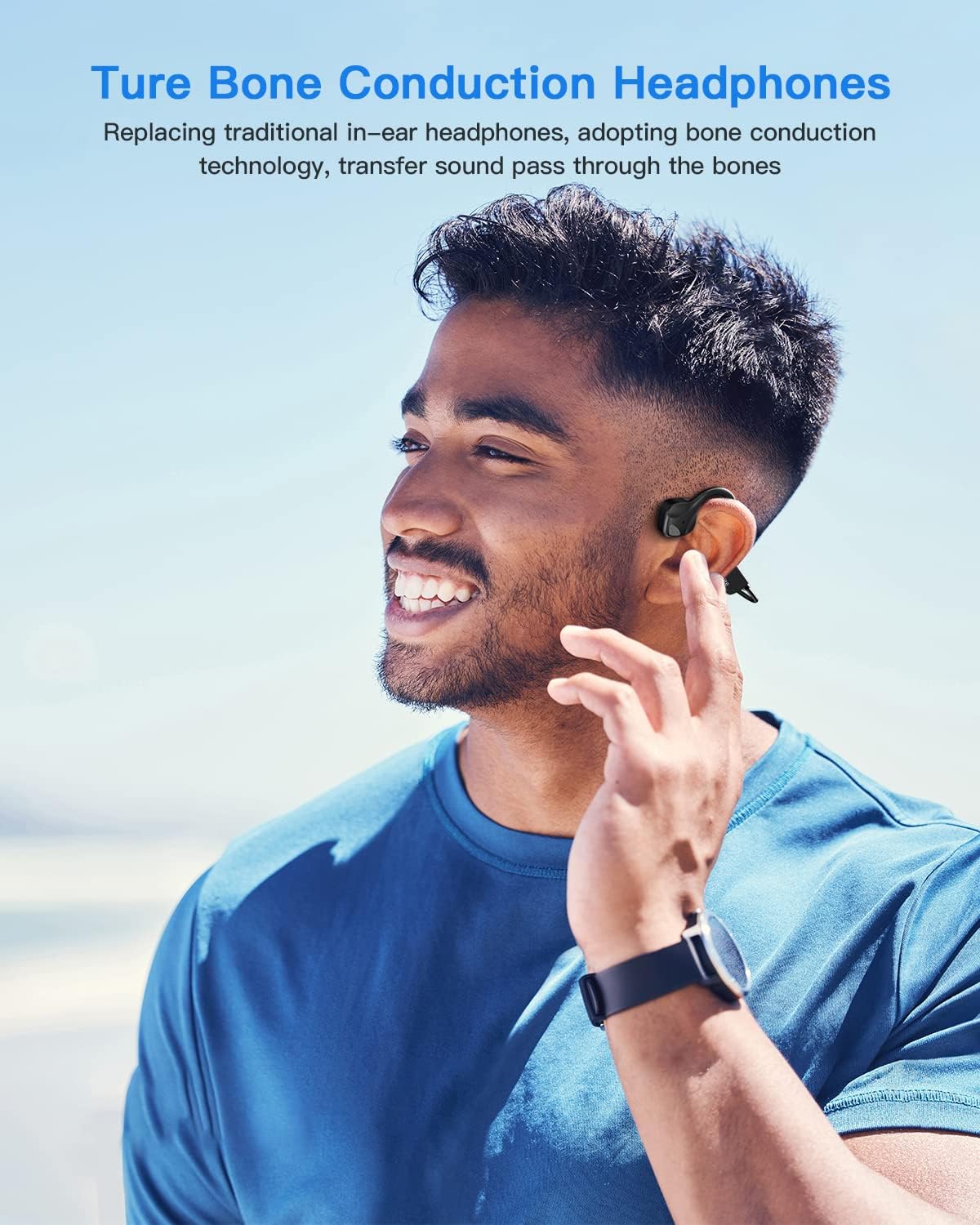
Image: A person wiping sweat from their forehead after a workout, highlighting the sweatproof feature of the headphones.
Troubleshooting
- No Power: Ensure the headphones are fully charged. Connect to a power source and check the LED indicator.
- Cannot Pair: Make sure the headphones are in pairing mode (flashing red and blue LED). Ensure Bluetooth is enabled on your device and it's within 10 meters of the headphones. Try restarting both devices.
- Low Volume/Poor Sound Quality: Adjust the volume on both the headphones and your connected device. Ensure the transducers are positioned correctly on your cheekbones.
- Intermittent Connection: Move closer to your device to reduce interference. Avoid obstacles between the headphones and your device.
Specifications
| Feature | Specification |
|---|---|
| Bluetooth Version | 5.0 |
| Bluetooth Range | 10 meters (33 feet) |
| Battery Type | Li-polymer |
| Battery Capacity | 200 mAh |
| Charging Time | 2 hours |
| Usage Time | 6-10 hours |
| Waterproof Level | IP54 |
| Item Weight | 25 grams (0.882 ounces) |
| Material | PC & ABS & Titanium |
| Included Components | Bone Conduction Headphones, Sponge Earbuds, USB Charging Cable, User Manual |
Warranty and Support
Guudsoud offers lifetime technical support, an 18-month worry-free warranty, and 24-hour customer service. For any questions or assistance, please contact Guudsoud customer service.