
1. Introduction
Thank you for choosing the Satechi USB-C to USB-C Cable. This high-performance USB4 cable is engineered to provide exceptional connectivity for your modern devices, supporting ultra-high resolution video output, rapid power delivery, and lightning-fast data transfer. This manual will guide you through the features, setup, and proper use of your new cable to ensure optimal performance and longevity.

Image 1.1: The Satechi USB-C to USB-C Cable, showcasing its braided design and compact form factor when coiled.
2. Key Features
- 8K Ultra-High Resolution Video Output: Supports stunning video output up to 8K @ 60Hz for single displays, 5K @ 60Hz for single displays, and 4K @ 60Hz for dual displays. Ideal for connecting to external monitors for work, streaming, or gaming.
- 100W Power Delivery: Enables fast and efficient charging for compatible USB-C devices. Note that USB-C power adapters are sold separately. The cable supports up to 100W, with specific compatibility for 140W via the MagSafe 3 port on the MacBook Pro (16-inch, M1 Pro/Max, 2021) when used with a compatible power adapter.
- 40Gbps Data Transfer: Achieve rapid synchronization and data transfer speeds up to 40Gbps between your USB-C devices, significantly enhancing productivity.
- Modern Durability: Constructed with premium braided nylon for enhanced resistance against breakage and wear. Includes Velcro straps for tangle-free storage and portability.
- Universal Compatibility: Seamlessly connects with a wide range of USB-C enabled devices including laptops, tablets, and smartphones.
3. Setup and Connection
Connecting your Satechi USB-C to USB-C Cable is straightforward. Ensure both your source device (e.g., laptop, tablet) and your destination device (e.g., monitor, power bank, external SSD) have compatible USB-C ports.
- Identify Ports: Locate the USB-C ports on your devices. The Satechi cable features identical USB-C connectors on both ends, allowing for reversible connection.
- Connect to Source: Insert one end of the Satechi USB-C cable firmly into the USB-C port of your source device (e.g., MacBook, iPad).
- Connect to Destination: Insert the other end of the cable firmly into the USB-C port of your destination device (e.g., external monitor, charging adapter, external hard drive).
- Verify Connection: For data transfer or video output, your device should automatically recognize the connected peripheral. For charging, ensure your power adapter is connected to a power source and the charging indicator on your device activates.

Image 3.1: The Satechi USB-C cable facilitating charging between a tablet and a power bank.

Image 3.2: A laptop connected to multiple external monitors through a hub, demonstrating the cable's capability for video output.
4. Operating the Cable
The Satechi USB-C to USB-C Cable operates passively, meaning it does not require any drivers or software installation. Its functionality is determined by the capabilities of the connected devices.
4.1. Charging
When connected to a compatible USB-C power adapter and a device, the cable will facilitate power delivery up to 100W. For optimal fast charging, ensure both your power adapter and device support the desired wattage.
4.2. Data Transfer
To transfer data, connect the cable between two USB-C enabled devices (e.g., computer and external SSD). The cable supports data transfer speeds of up to 40Gbps, allowing for quick and efficient file transfers.

Image 4.1: The Satechi USB-C cable connecting a laptop to an external solid-state drive for high-speed data transfer.
4.3. Video Output
For video output, connect the cable from a USB-C enabled device with video output capabilities (e.g., laptop, tablet) to a compatible display or monitor. The cable supports resolutions up to 8K @ 60Hz for single displays and 4K @ 60Hz for dual displays, provided your devices and display support these resolutions.
5. Maintenance and Care
To ensure the longevity and optimal performance of your Satechi USB-C to USB-C Cable, follow these maintenance guidelines:
- Handle with Care: Avoid excessive bending, twisting, or pulling on the cable, especially near the connectors.
- Clean Connectors: If connectors appear dirty, gently wipe them with a dry, lint-free cloth. Do not use liquids or abrasive cleaners.
- Storage: When not in use, coil the cable neatly and secure it with the included Velcro strap to prevent tangling and damage. Store in a cool, dry place away from direct sunlight.
- Avoid Extreme Conditions: Do not expose the cable to extreme temperatures, humidity, or corrosive substances.
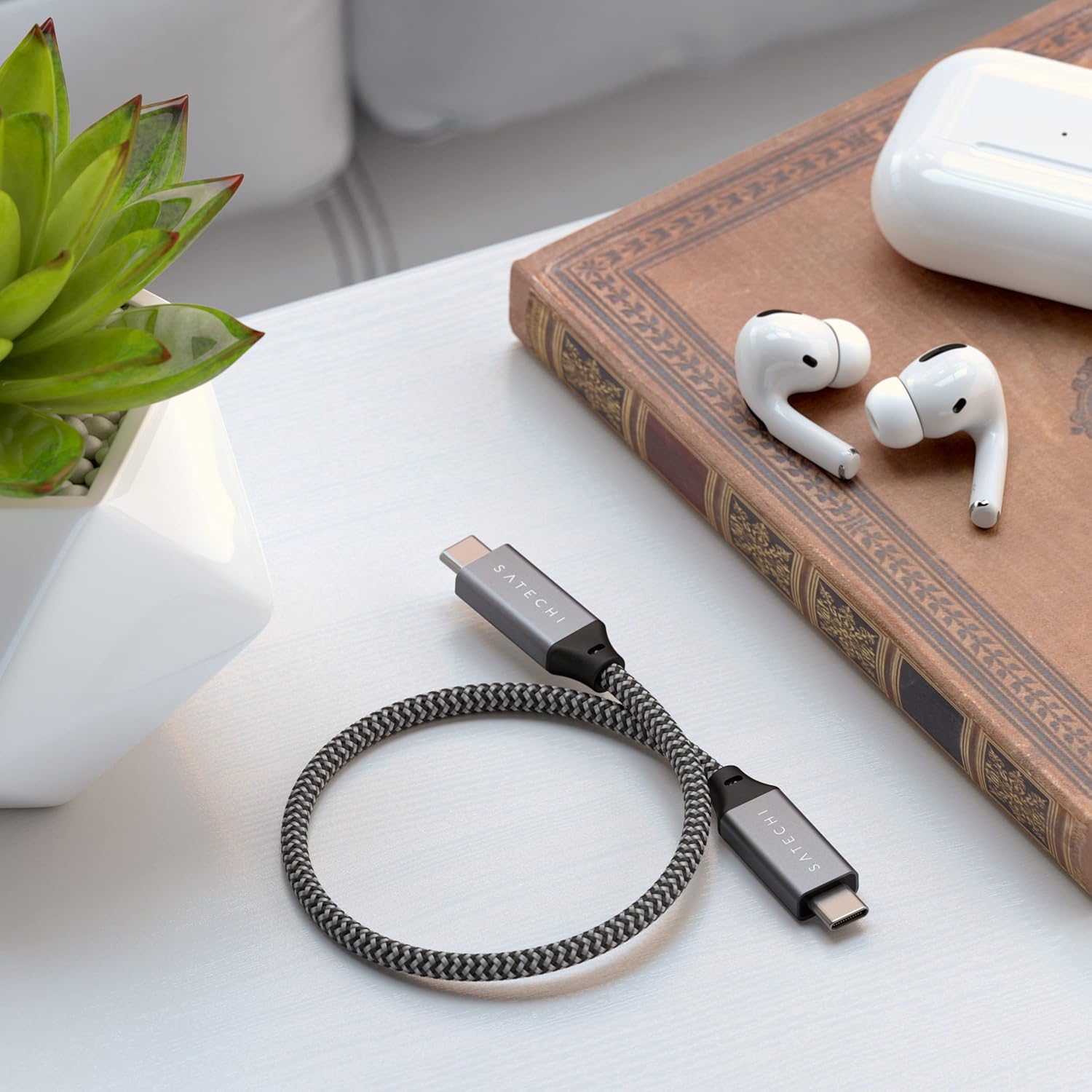
Image 5.1: The Satechi USB-C cable neatly coiled, demonstrating its tangle-free design and ease of storage.
6. Troubleshooting
If you encounter issues with your Satechi USB-C to USB-C Cable, please refer to the following common solutions:
| Problem | Possible Cause | Solution |
|---|---|---|
| No power delivery / Slow charging | Incompatible power adapter; Loose connection; Device issue. | Ensure power adapter supports sufficient wattage (e.g., 100W). Re-seat the cable firmly at both ends. Test with another device or power adapter. |
| No data transfer | Loose connection; Device not recognizing; Software issue. | Re-seat the cable. Restart both connected devices. Ensure drivers are updated for your computer's USB-C port. |
| No video output / Low resolution | Source/Display not supporting resolution; Loose connection; Incorrect display settings. | Verify both source device and display support the desired resolution (e.g., 8K@60Hz). Re-seat the cable. Check display settings on your computer. |
| Cable appears damaged | Physical stress; Manufacturing defect. | Discontinue use immediately. Refer to warranty information for replacement options. |
If the issue persists after attempting these solutions, please contact Satechi Customer Support for further assistance.
7. Specifications
| Feature | Detail |
|---|---|
| Model Number | ST-U4C25M |
| Cable Type | USB4 (USB-C to USB-C) |
| Power Delivery | Up to 100W (140W for MagSafe 3 port on MacBook Pro 16-inch, M1 Pro/Max, 2021) |
| Data Transfer Speed | Up to 40Gbps |
| Video Output | Up to 8K @ 60Hz (single display), 5K @ 60Hz (single display), 4K @ 60Hz (dual display) |
| Cable Length | 10 inches (25 cm) |
| Material | Premium Braided Nylon |
| Special Features | Braided, High Speed, Tangle Free |
| Compatible Devices | MacBook Pro, MacBook Air, Microsoft Surface Pro/Laptop Studio, ThinkPad, Dell XPS, USB-C Android smartphones/tablets, iMac, Mac mini, Mac Studio, iPad Pro/Air/mini, iPhone 16 Pro/Max, iPhone 15 Pro/Max |
8. Warranty and Support
The Satechi USB-C to USB-C Cable is covered by a 2-year limited warranty against defects in materials and workmanship under normal use. This warranty ensures your product is free from manufacturing defects for the specified period from the date of purchase.
For warranty claims, technical support, or any inquiries regarding your product, please visit the official Satechi website or contact their customer service department. You can find more information and contact details at the Satechi Store on Amazon or their official support channels.
Please retain your proof of purchase for warranty validation.