
1. Introduction and Overview
The Salicru SLC-2000-TWIN RT3 is an On-Line Double Conversion Uninterruptible Power Supply (UPS) designed to provide reliable power protection for critical systems. This model, with a capacity of 3000VA / 2000W, offers high operational efficiency and an optimized battery charging system. Its versatile design allows for both 2U rack and tower installations, adapting to various environmental needs. Key features include an output power factor of 1, a rotatable Dot Matrix display for easy monitoring, and options for extended autonomy.
2. Safety Information
Please read all safety instructions carefully before installing, operating, or servicing the UPS. Failure to follow these instructions may result in electric shock, fire, or serious injury.
- Electrical Safety: This unit contains hazardous voltages. Do not open the UPS enclosure. Servicing should only be performed by qualified personnel.
- Battery Safety: The UPS contains sealed lead-acid batteries. Do not dispose of batteries in a fire, as they may explode. Do not open or mutilate batteries. Released electrolyte is harmful to the skin and eyes.
- Environment: Install the UPS in a well-ventilated area, free from excessive dust, corrosive fumes, and conductive contaminants. Avoid direct sunlight and heat sources.
- Weight: The UPS unit is heavy. Use proper lifting techniques and ensure adequate support during installation.
3. Package Contents
Verify that all items are present in the package. If any items are missing or damaged, contact your dealer immediately.
- Salicru SLC-2000-TWIN RT3 UPS Unit
- User Manual (this document)
- Power Input Cable
- Output Power Cables (quantity may vary)
- Rack Mount Kit (rails, brackets, screws)
- Tower Stand (for vertical orientation)
- Communication Cables (USB, RS232)
4. Physical Description and Components
The SLC-2000-TWIN RT3 features a robust design with a front panel display and controls. Its convertible form factor allows for flexible deployment.

Figure 4.1: Front view of the Salicru SLC-2000-TWIN RT3 UPS in a rackmount configuration, showing the display and control buttons.
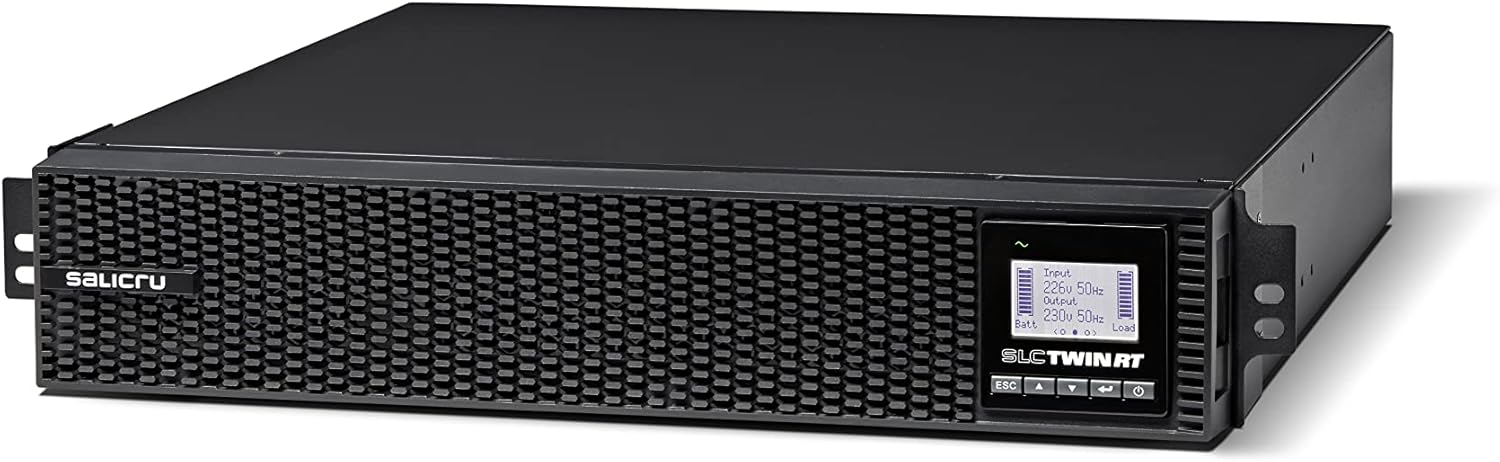
Figure 4.2: Detailed view of the UPS front panel, highlighting the Dot Matrix display and navigation buttons (ESC, Up, Down, Enter).

Figure 4.3: The Salicru UPS unit stacked with an optional external battery module, demonstrating extended autonomy capability.
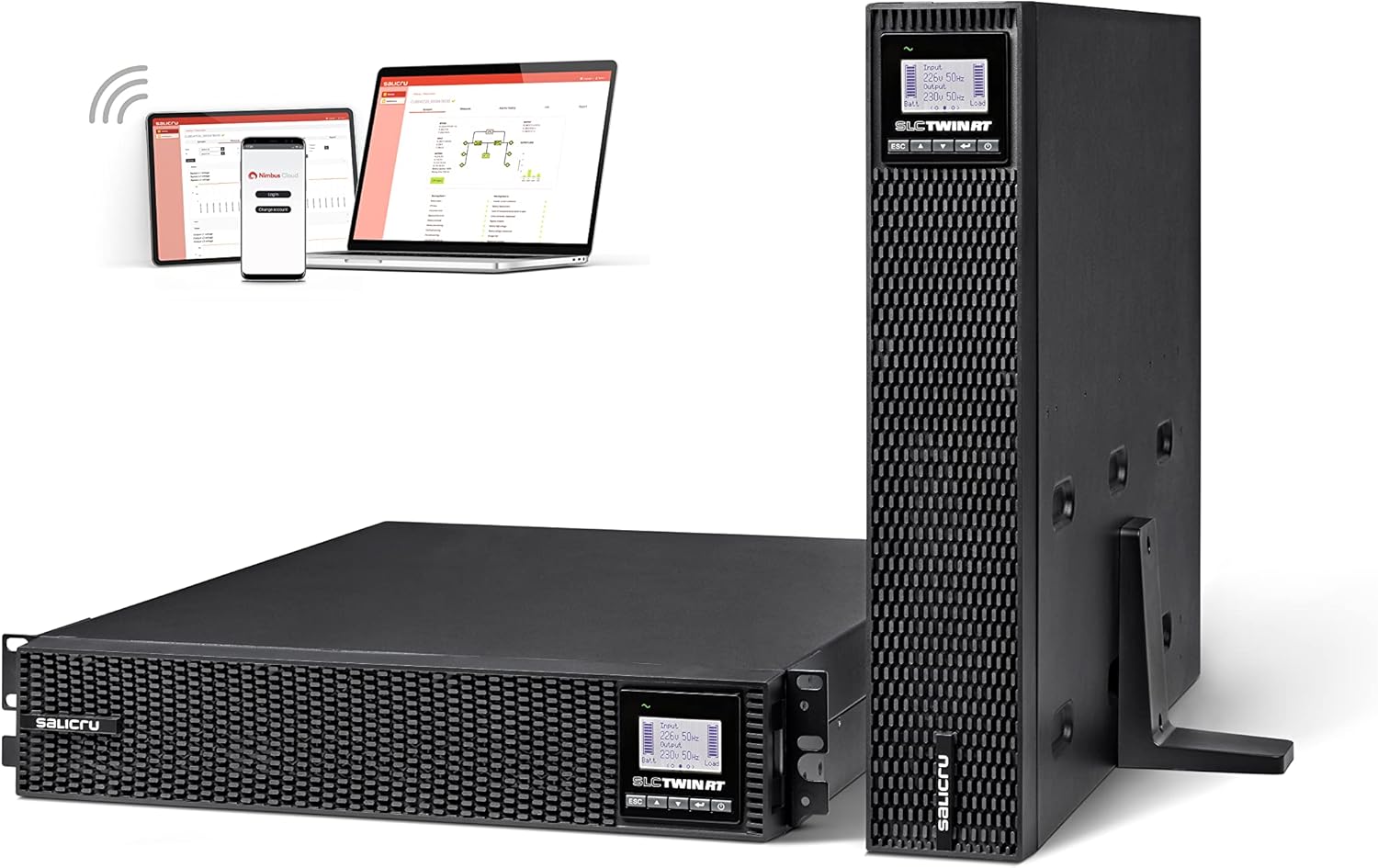
Figure 4.4: The UPS shown in both horizontal (rack) and vertical (tower) orientations, alongside a depiction of its monitoring software interface on various devices.
4.1 Front Panel
- Dot Matrix Display: Provides real-time status, input/output voltage, load level, battery status, and alarm messages. The display can be rotated for optimal viewing in both rack and tower configurations.
- Control Buttons: Used for navigating menus, confirming selections, and controlling UPS functions (e.g., ESC, Up, Down, Enter/Power).
4.2 Rear Panel
The rear panel typically includes input power connectors, output receptacles (identified by color for different functions), communication ports (USB, RS232, SNMP slot), and an external battery connector.
5. Setup and Installation
Follow these steps for proper installation of your Salicru UPS.
5.1 Choosing a Location
Select a location that meets the environmental requirements mentioned in Section 2. Ensure sufficient clearance for ventilation and access to the front and rear panels.
5.2 Rackmount or Tower Configuration
The UPS can be installed in a standard 19-inch rack or as a standalone tower unit.
- Rackmount: Attach the provided rackmount ears and rails to the UPS and then secure it into the server rack.
- Tower: Attach the provided tower stand to the base of the UPS for vertical stability. Ensure the display orientation is adjusted as needed.
5.3 Connecting the UPS
- Connect Input Power: Connect the UPS input power cable to a grounded electrical outlet.
- Connect Equipment: Plug your critical equipment (servers, network devices, etc.) into the output receptacles on the rear panel of the UPS. Observe the power ratings of the UPS and your connected devices.
- Connect Communication Cables: For monitoring and management, connect the USB or RS232 cable from the UPS to your computer or server. Install the monitoring software if desired.
- External Battery Modules (Optional): If using external battery modules, connect them to the designated port on the UPS rear panel. The UPS features an automatic detection system for these modules.
5.4 Initial Startup
- Ensure all connections are secure.
- Press and hold the power button on the front panel until the UPS powers on.
- The display will show the startup sequence and then the current operating status.
- Allow the UPS to charge its internal batteries for at least 8 hours before relying on it for extended backup.
6. Operating Instructions
The Salicru SLC-2000-TWIN RT3 operates in On-Line Double Conversion mode, providing continuous, clean power to connected equipment.
6.1 Display and Navigation
The Dot Matrix display provides comprehensive information. Use the navigation buttons (ESC, Up, Down, Enter) to scroll through menus and adjust settings. Refer to the detailed menu structure in the full manual for specific options.
6.2 Normal Operation
During normal operation, the UPS continuously converts incoming AC power to DC to charge the batteries and then converts it back to clean AC power for your connected devices. This isolates your equipment from utility power fluctuations.
6.3 Battery Mode
In the event of a power outage, the UPS automatically switches to battery power, providing uninterrupted power to your connected equipment. The display will indicate battery mode and remaining runtime.
6.4 Shutdown
To safely shut down the UPS, press and hold the power button until the unit powers off. Ensure all connected equipment is also properly shut down before disconnecting the UPS from the power source.
7. Maintenance
Regular maintenance ensures the longevity and optimal performance of your UPS.
- Battery Care: The UPS features an improved 8A charger with a


