1. Introduction
The Loycco HDMI 2.0 Sync Box LED TV Backlight (Model SL004) enhances your viewing and gaming experience by synchronizing ambient lighting with your TV screen content. This system features RGBIC LED technology, offering dynamic color effects and smart control options. This manual provides essential information for the proper installation, operation, and maintenance of your device.
2. Package Contents
Please verify that all items listed below are included in your package:
- 1 x HDMI 2.0 Sync Box
- 1 x 3.8m LED Strip (composed of 4 parts)
- 1 x Light Strip Controller
- 2 x Power Adapters
- 2 x USB A to A Cables
- 1 x HDMI 2.0 Cable
- 10 x Clips
3. Setup and Installation
Follow these steps to correctly install your Loycco LED TV Backlight system.
3.1 LED Strip Installation
- Ensure your TV screen is clean and dry before installation.
- The 3.8m LED strip is divided into 4 parts. Carefully attach each part to the back of your 55-65 inch TV screen using the provided adhesives.
- Use the included clips to secure the LED strip firmly, especially at corners and connection points.
- Ensure each side of the LED strip is connected by its flexible cable.
3.2 HDMI Sync Box Connection
- Connect your HDMI source (e.g., Apple TV, Amazon Fire Stick, Xbox, PlayStation, Mac) to the HDMI IN port on the Sync Box using the provided HDMI 2.0 cable.
- Connect the OUT/TV port of the Sync Box to your TV or monitor using another HDMI 2.0 cable (not included, unless the product description implies one is included, which it does: "1 câble HDMI 2.0"). Correction: One HDMI 2.0 cable is included. Use it for HDMI IN or OUT, and provide your own for the other connection if needed.
- Connect the light strip controller to the DATA OUTPUT port on the Sync Box.
- Connect a power adapter to the DC IN port of the Sync Box and plug it into a power outlet.
- Connect the second power adapter to the light strip controller and plug it into a power outlet.

4. Operating Instructions
Learn how to use your Loycco LED TV Backlight system to its full potential.
4.1 Basic Operation
- Power On/Off: Press the Power button on the Sync Box or use the Loycco app to turn the system on or off.
- Mode Selection: Use the MODE button on the Sync Box to switch between Music Mode and Sync Mode.
- Sync Mode: In this mode, the LED backlight will synchronize with the colors displayed on your TV screen, providing an immersive visual experience. The system supports 4K/60Hz, Dolby Vision, SDR, and HDR 10+.
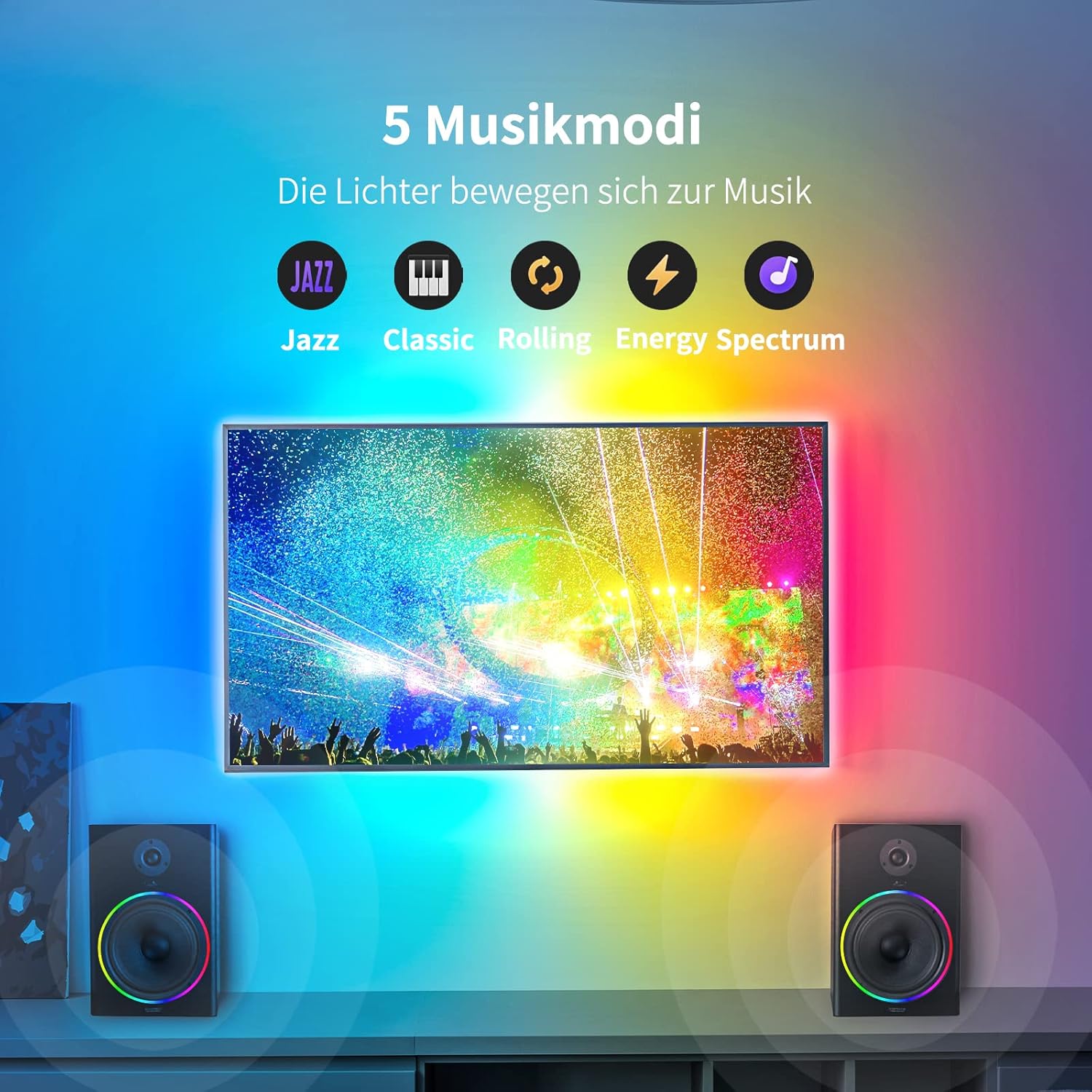
- Music Mode: In this mode, the lights will react to audio, creating dynamic light effects that move with the music. There are 9 distinct music modes available.

4.2 Smart Control
The Loycco LED TV Backlight system offers convenient smart control options:
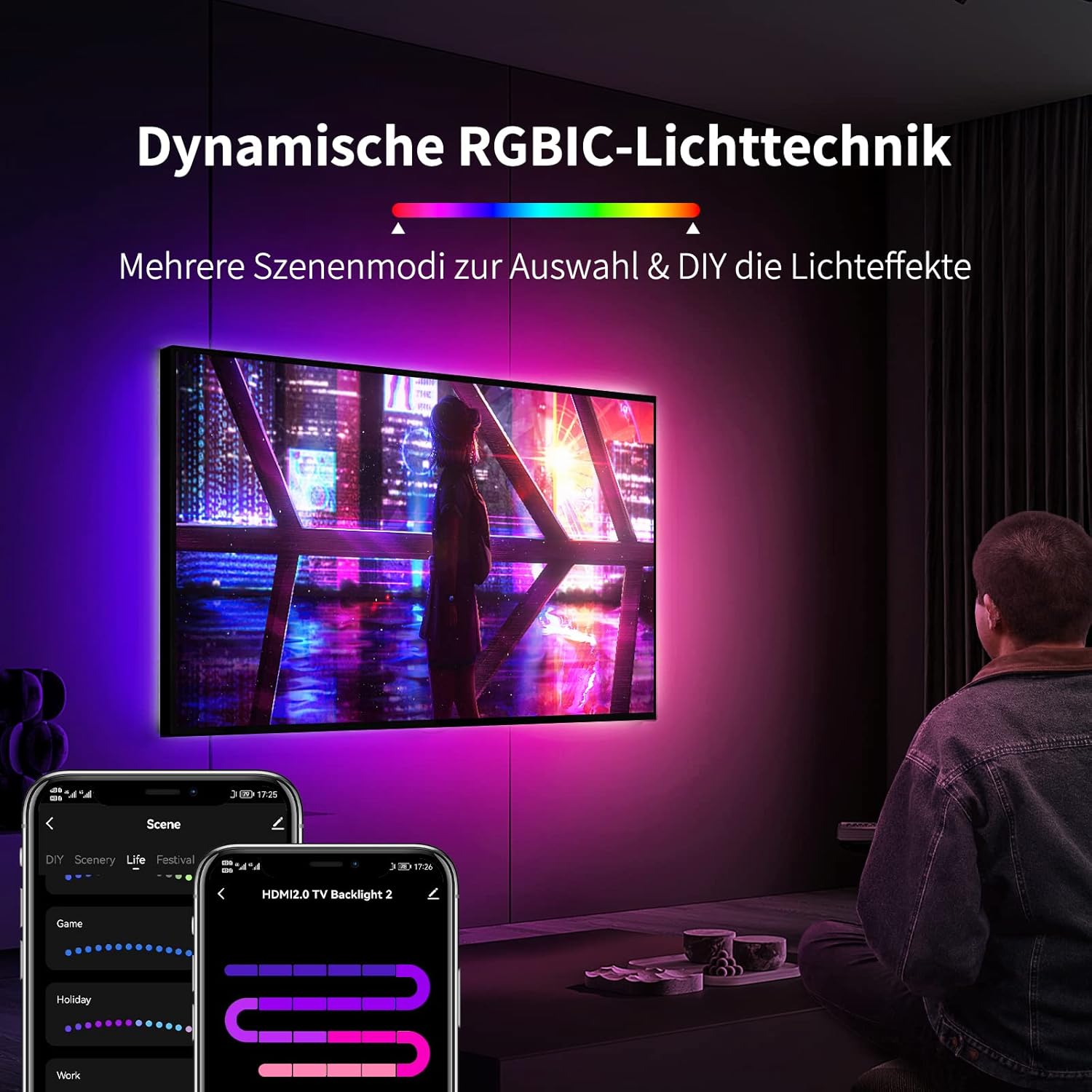
- Loycco App: Download the Loycco app on your smartphone to access a wide range of colors, dynamic lighting effects, timer mode, DIY customization, and music synchronization features.
- Voice Control: The system is compatible with Amazon Alexa and Google Assistant. Use simple voice commands to manage your LED light strips, change colors, or activate specific modes.

4.3 Dynamic Lighting Effects (RGBIC Technology)
The RGBIC technology allows for advanced lighting customization:
- Individual Segment Control: Adjust each segment of the light strip independently to display multiple colors simultaneously.
- Scene Modes: Choose from a variety of pre-set scene modes, including 21 scene modes, 12 life modes, 13 festival modes, and 7 mood modes, to match any occasion or ambiance.
- DIY Modes: Create and save your own custom lighting effects using the Loycco app.

5. Maintenance
To ensure the longevity and optimal performance of your Loycco LED TV Backlight system, follow these maintenance guidelines:
- Cleaning: Gently wipe the LED strips and Sync Box with a soft, dry cloth. Avoid using abrasive cleaners or solvents, as they may damage the components.
- Dust Removal: Periodically remove dust from the Sync Box and LED strips to prevent overheating and maintain light quality.
- Cable Management: Ensure all cables are neatly arranged and not under tension to prevent damage.
- Storage: If storing the device for an extended period, disconnect it from power and store it in a cool, dry place.
6. Troubleshooting
If you encounter issues with your Loycco LED TV Backlight, refer to the following common problems and solutions:
- Lights Not Turning On:
- Check if both power adapters are securely connected to the Sync Box, light strip controller, and a working power outlet.
- Ensure the power button on the Sync Box is pressed.
- Verify that the USB A to A cables are correctly connected between the Sync Box and the light strip controller.
- Inspect power cables for any visible damage. A faulty power cable (e.g., USB to USB-C for the Sync Box) can prevent operation. Try using a different compatible cable if available.
- No Color Synchronization with TV:
- Ensure the HDMI source is connected to the HDMI IN port and your TV is connected to the OUT/TV port of the Sync Box.
- Confirm that the Sync Box is in Sync Mode (use the MODE button).
- Check the HDMI cable connections for looseness or damage. Try a different HDMI cable if necessary.
- Verify that your TV's input is set to the correct HDMI port connected to the Sync Box.
- App Connection Issues:
- Ensure your smartphone's Bluetooth and Wi-Fi are enabled.
- Make sure the Loycco app is updated to the latest version.
- Restart the Loycco app and try reconnecting.
- Power cycle the Sync Box by unplugging and replugging its power adapter.
- Lights Not Responding to Music:
- Ensure the Sync Box is in Music Mode.
- Check the audio source and volume levels.
7. Specifications
| Feature | Specification |
|---|---|
| Brand | Loycco |
| Model Number | SL004 |
| Color | Black |
| Special Features | HDMI 2.0 Sync Box included, Image Synchronization, Music Synchronization |
| Light Source Type | LED |
| Power Source | DC |
| Light Color | RGBIC |
| Style | Modern |
| Material | Plastic |
| Number of Light Sources | 1 |
8. Warranty and Support
Specific warranty information and detailed support contacts are not available in the provided product data. Please refer to the product packaging or the manufacturer's official website for the most current warranty terms and customer support options.
