1. Introduction
The TECHSMARTER TSB9266 is a 20000mAh wireless rugged and waterproof portable charger designed for durability and versatile charging. It features a 30W USB-C Power Delivery port, two 18W USB-A ports, and a 15W wireless charging pad. This power bank is built to withstand challenging environments, making it suitable for outdoor activities while ensuring your devices remain powered.
2. Package Contents
Please verify that all items are present in your package:
- TECHSMARTER TSB9266 20000mAh Portable Charger
- USB-C to USB-C Cable
- Lanyard
- User Guide (this document)
3. Product Overview
The TSB9266 portable charger is engineered for robust performance. It features a durable exterior, multiple charging ports, and an integrated flashlight. The device includes LED indicators to display the remaining battery capacity.

Image: Front and back view of the TECHSMARTER TSB9266 portable charger, highlighting its wireless charging pad and integrated flashlight.

Image: Close-up view of the TECHSMARTER TSB9266's side, showing the two USB-A ports, one USB-C PD port, and the flashlight, with labels indicating their functions.
4. Setup and Charging
4.1 Charging the Portable Charger
To recharge the TSB9266 portable charger:
- Connect the included USB-C to USB-C cable to the USB-C PD port on the portable charger.
- Connect the other end of the cable to a 30W USB-C wall charger (not included).
- The LED indicators will illuminate to show the charging progress. A full recharge typically takes approximately 3 hours with a 30W charger. Lower wattage chargers can be used, but charging times will be longer.

Image: The TECHSMARTER TSB9266 portable charger connected to a wall outlet via a USB-C cable for recharging, illustrating the fast recharge capability.
4.2 Charging Devices via Wired Connection
The TSB9266 offers multiple wired charging options:
- USB-C PD Port (30W): Use a USB-C to USB-C cable to connect your compatible smartphone, tablet, or laptop (e.g., MacBook Air, Chromebook) for fast charging.
- USB-A Ports (18W each): Use appropriate USB-A cables to connect smartphones, tablets, GPS devices, cameras, speakers, Bluetooth headphones, and other USB-powered electronics.
The power bank supports pass-through charging, allowing it to charge itself while simultaneously charging your devices.
4.3 Charging Devices Wirelessly
To use the 15W wireless charging pad:
- Ensure the portable charger is powered on.
- Place your wireless charging-compatible device (e.g., smartphone) directly onto the wireless charging pad located on the back of the power bank.
- Align the device centrally on the pad for optimal charging. Charging will begin automatically.
- Remove any thick cases or metallic objects from your device that may interfere with wireless charging.

Image: A hand placing a smartphone onto the wireless charging pad of the TECHSMARTER TSB9266, demonstrating the 15W wireless fast charging feature.
5. Operating Instructions
5.1 Power On/Off
Press the power button once to turn on the portable charger and activate charging. The LED indicators will show the current battery level. Press the power button twice to turn off the device.
5.2 Flashlight Function
The TSB9266 includes a built-in flashlight for convenience:
- To turn on: Long press the power button.
- To change modes: Press the power button briefly to cycle through different modes (e.g., steady light, SOS, strobe).
- To turn off: Long press the power button again.
6. Features and Capabilities
- IP66 Waterproof & Rugged Design: The TSB9266 is shockproof, dustproof, and resistant to drops. Its IP66 rating ensures protection against powerful water jets and dust ingress. The USB port lid must be securely sealed to maintain water resistance. This makes it suitable for outdoor and demanding environments.
- High Capacity 20000mAh Battery: Provides multiple charges for smartphones (up to 5-7 times) and tablets (up to 1.5 times) before requiring a recharge.
- 30W Power Delivery (USB-C): Enables rapid charging for compatible USB-C devices, including modern smartphones, tablets, and certain laptops.
- Universal Compatibility: Compatible with a wide range of devices, including iPhone, iPad, Samsung Galaxy, Note, Tab, LG, Motorola, Sony, Pixel, Google, HTC, other Android phones, portable gaming devices, and small USB electronics.
- Air Travel Compliant: The power bank meets airline capacity restrictions, allowing it to be carried on flights.
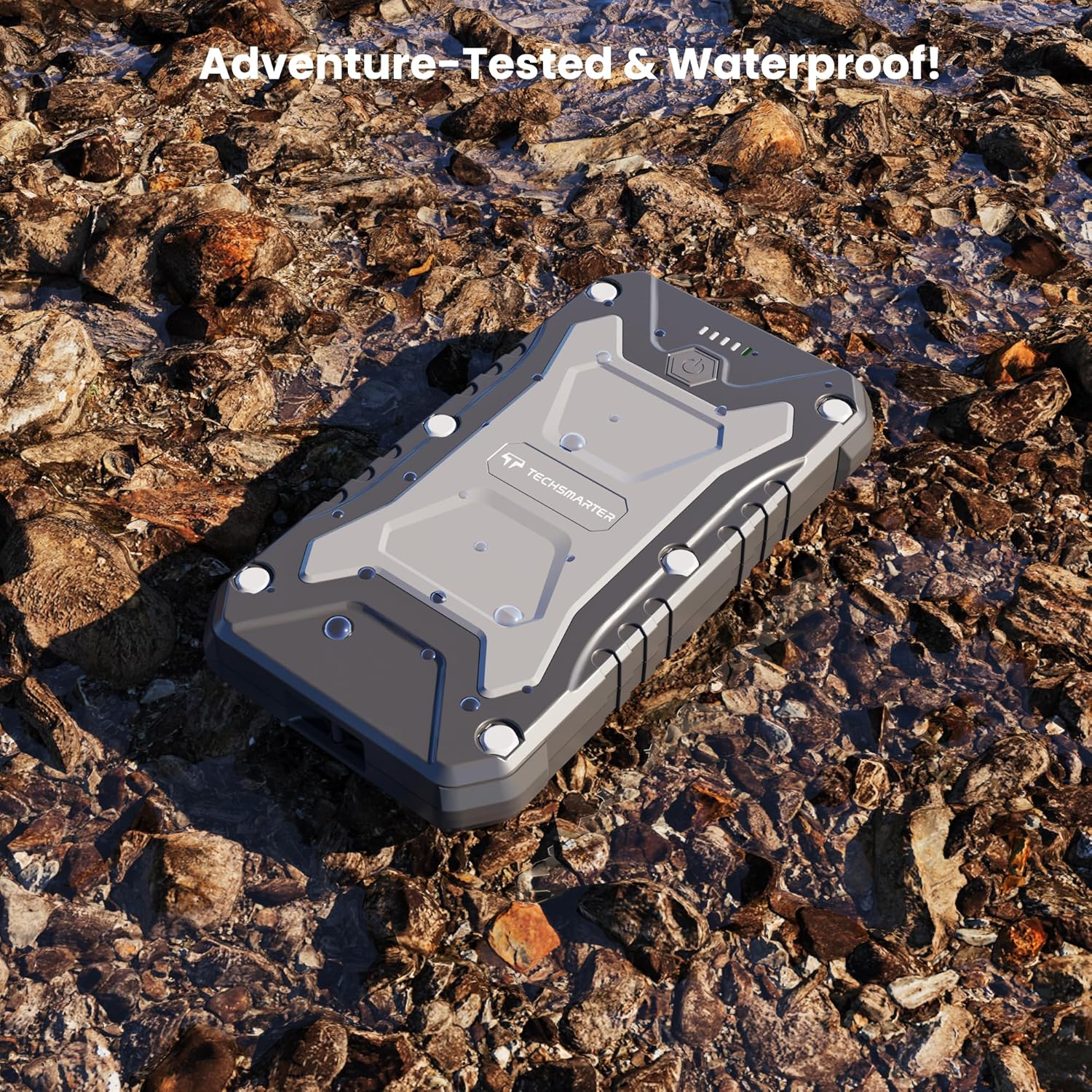
Image: The TECHSMARTER TSB9266 portable charger resting on wet rocks, demonstrating its adventure-tested and waterproof design.

Image: The TECHSMARTER TSB9266 surrounded by various electronic devices like smartphones, tablets, and a Nintendo Switch, illustrating its universal compatibility.
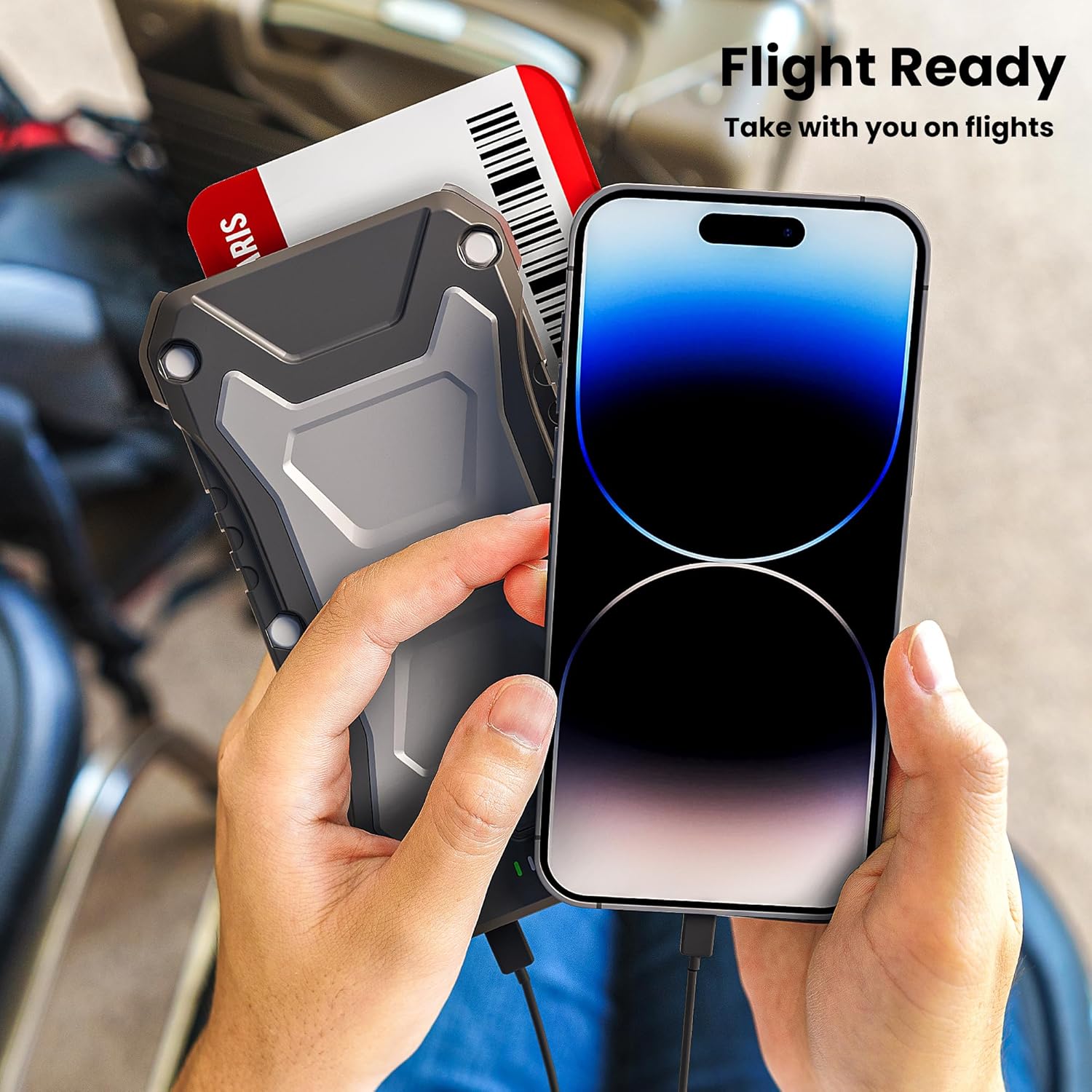
Image: The TECHSMARTER TSB9266 portable charger next to a boarding pass and a smartphone, indicating its compliance for air travel.
7. Maintenance
To ensure the longevity and optimal performance of your TECHSMARTER TSB9266 portable charger:
- Keep the device clean and dry. Wipe with a soft, damp cloth if necessary.
- Ensure the USB port lid is securely closed when not in use, especially in wet or dusty environments, to maintain its IP66 rating.
- Avoid extreme temperatures. Do not expose the device to direct sunlight for extended periods or store it in very cold conditions.
- Do not attempt to disassemble or modify the device, as this will void the warranty and may cause damage or injury.
- Store the power bank with a partial charge (around 50%) if it will not be used for an extended period. Recharge it every 3-6 months to prevent battery degradation.
8. Troubleshooting
If you encounter issues with your TSB9266 portable charger, refer to the following common solutions:
- Device not charging:
- Ensure the power bank is sufficiently charged. Check the LED indicators.
- Verify that the charging cable is securely connected to both the power bank and the device.
- Try a different charging cable or port.
- For wireless charging, ensure your device is centered on the charging pad and free of obstructions.
- Slow charging:
- Ensure you are using a compatible fast-charging cable and your device supports fast charging.
- When recharging the power bank, use a 30W USB-C PD wall charger for optimal speed.
- Charging multiple devices simultaneously may reduce individual charging speeds.
- Flashlight not working:
- Ensure the power bank is turned on.
- Long press the power button to activate the flashlight.
- Wireless charging not initiating:
- Confirm your device supports wireless charging.
- Remove any thick cases, metallic attachments, or credit cards from your phone.
- Ensure proper alignment of your device on the wireless charging pad.
If problems persist, please contact customer support.
9. Specifications
| Model Number | TSB9266 |
| Battery Capacity | 20000mAh |
| USB-C PD Output | 30W |
| USB-A Output | 2 x 18W |
| Wireless Charging Output | 15W |
| Dimensions | 6.8 x 1.37 x 3.74 inches |
| Item Weight | 15 ounces |
| Waterproof Rating | IP66 |
| Battery Type | Lithium Polymer |
10. Safety Information
Please read and follow these safety guidelines to prevent injury or damage to the device:
- Do not expose the power bank to fire, water, or extreme temperatures.
- Avoid dropping, puncturing, or disassembling the device.
- Keep out of reach of children.
- Use only original or certified cables for charging and recharging.
- If the power bank swells, emits smoke, or shows other abnormalities, discontinue use immediately.
- Dispose of the product responsibly according to local regulations.
11. Warranty and Support
Your TECHSMARTER TSB9266 portable charger is covered by a standard manufacturer's warranty. For specific warranty details, please refer to the documentation included with your purchase or visit the official TECHSMARTER website.
For technical support, troubleshooting assistance, or warranty claims, please contact TECHSMARTER customer service. Contact information can typically be found on the product packaging or the brand's official website.
Optional protection plans may be available for extended coverage. Please check with your retailer for details.


