
Introduction
Thank you for choosing the JACKYLED Motion Solar Lights Outdoor. This manual provides detailed instructions for the installation, operation, and maintenance of your solar-powered security lights. Designed for outdoor use, these lights feature 113 bright LEDs, a sensitive motion sensor, and a separate solar panel for optimal sunlight exposure. Please read this manual thoroughly before use to ensure proper function and longevity of your product.

Image: Overview of the JACKYLED Motion Solar Lights Outdoor unit.
What's in the Box
The package for your JACKYLED Motion Solar Lights Outdoor (2 Pack Flat) includes the following components:
- 2 x LED Light Units with Motion Sensors
- 2 x Separate Solar Panels
- 2 x 16.4 ft (5m) Connection Cables
- Mounting Screws and Anchors
- User Manual
Product Features
- Efficient Solar Charging: Equipped with a wider polycrystalline solar panel for faster charging, providing 10-15 hours of illumination on a full charge.
- Bright Illumination: Features 113 LEDs with convex optical lenses for a brighter, more concentrated cool white light distribution.
- Three Adjustable Modes: Easily switch between motion-sensing, constant low light, and dim-to-bright modes.
- Separate Installation: The solar panel and light unit can be installed separately, connected by a 16.4 ft cable for flexible placement and optimal sun exposure.
- Sensitive Motion Sensor: A 120° motion sensor detects movement up to 23 ft away, activating the light when needed.
- Durable and Waterproof: IP65 waterproof rating ensures reliable performance in various outdoor weather conditions, including rain and snow.

Image: Close-up view of the 113 lens-focused LEDs, illustrating how convex lenses provide concentrated light compared to plastic covers.
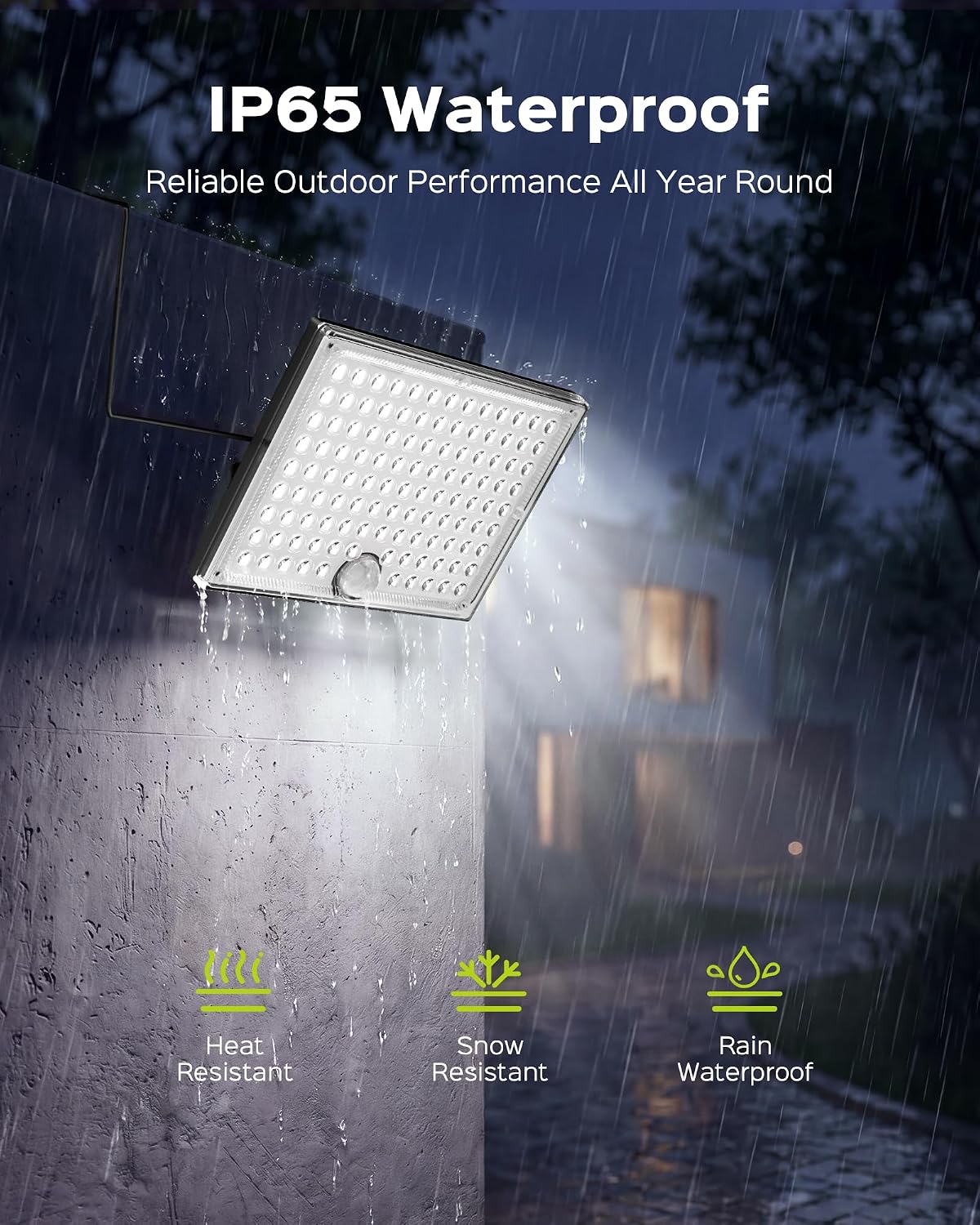
Image: The light unit shown in rainy conditions, highlighting its IP65 waterproof, heat-resistant, and snow-resistant features.
Setup and Installation
The JACKYLED Motion Solar Lights are designed for easy installation. The separate solar panel and light unit allow for flexible placement to maximize solar charging and light coverage.
- Choose Location: Select a location for the light unit that provides the desired illumination. For the solar panel, choose a spot that receives direct sunlight for at least 6-8 hours daily. Avoid shaded areas or locations under other light sources that might interfere with the dusk-to-dawn sensor.
- Mounting the Light Unit: Use the provided screws and anchors to securely mount the light unit to a wall, eave, pole, or other suitable outdoor surface.
- Mounting the Solar Panel: Mount the solar panel in your chosen sunny location. Ensure it is positioned to face the sun directly for maximum efficiency.
- Connect the Cable: Connect the 16.4 ft (5m) cable from the solar panel to the light unit. Ensure the connection is secure.
- Initial Charge: Before first use, turn on the switch on the light unit and place the solar panel under direct sunlight for approximately 1 day to ensure a full initial charge.

Image: Illustration of the solar light and panel installed separately on a house, connected by the 16.4ft extension cord, allowing for flexible placement.

Image: Demonstrates the simple two-step installation process using the innovative slide-in mounting bracket.

Image: Visual guide on proper solar panel placement, emphasizing direct sunlight exposure and avoiding shade or other light sources.
Operating Instructions
Your JACKYLED solar lights feature three distinct operating modes. Use the button on the light unit to cycle through these modes:
- Mode 1: Strong Light Motion Sensor Mode
The light remains OFF until motion is detected. When motion is sensed, the light turns ON at 100% brightness for 20 seconds, then turns OFF. - Mode 2: Always ON Low Light Mode
The light stays ON constantly from dusk to dawn at 10% brightness, regardless of motion. - Mode 3: Dim Light Motion Sensor Mode
The light stays ON at 3% brightness. When motion is detected, it brightens to 100% for 20 seconds, then returns to 3% brightness.
Important Note: The solar light only operates in darkness or at night. During the day, when the solar panel is illuminated, the light will not turn on. To test if the light is functioning, cover the solar panel after turning on the power switch.

Image: Depicts the three lighting modes (Strong Light Motion Sensor, Always ON Low Light, Dim Light Motion Sensor) with visual examples of their behavior.

Image: Provides helpful tips for solar lights, including how to test the light and the importance of initial solar charging.
Maintenance
To ensure optimal performance and extend the lifespan of your solar lights, follow these maintenance guidelines:
- Clean Solar Panel: Regularly wipe the solar panel with a soft, damp cloth to remove dust, dirt, leaves, or snow. A clean panel ensures maximum sunlight absorption and charging efficiency.
- Check Connections: Periodically inspect the connection cable between the solar panel and the light unit to ensure it is secure and free from damage.
- Clear Obstructions: Ensure no new obstructions (e.g., growing tree branches, new structures) are shading the solar panel's location.
- Battery Care: While the battery is designed for long life, extreme temperatures can affect its performance. If storing the lights for an extended period, ensure they are fully charged and stored in a cool, dry place.
Troubleshooting
If your JACKYLED Motion Solar Lights are not functioning as expected, consider the following common issues and solutions:
| Problem | Possible Cause | Solution |
|---|---|---|
| Light does not turn on at night. | Insufficient solar charge. | Ensure solar panel is in direct sunlight for 6-8 hours. Clean the solar panel. |
| Solar panel is in a shaded area. | Relocate the solar panel to an area with maximum direct sunlight. | |
| Switch is OFF. | Ensure the power switch on the light unit is ON. | |
| Sensor interference. | Ensure no other strong light sources (streetlights, other floodlights) are near the solar panel, as this can prevent the light from activating. | |
| Motion sensor is not detecting movement. | Obstruction in sensor's path. | Clear any objects blocking the motion sensor. |
| Sensor range issues. | Ensure movement occurs within the 120° detection angle and up to 23 ft range. | |
| Light is dim or runtime is short. | Insufficient charging. | Refer to solutions for "Light does not turn on at night." |
| Battery degradation. | Over time, rechargeable batteries may lose capacity. Consider replacing the unit if performance significantly degrades after several years. |
Specifications
| Feature | Detail |
|---|---|
| Brand | JACKYLED |
| Model Number | JK113LEDseparatesolarlightsP2-us |
| Light Source | 113 LED |
| Light Color | Cool White (5000 Kelvin) |
| Brightness | 1100 Lumens (Maximum) |
| Wattage | 7.4 Watt-hours |
| Voltage | 3.7 Volts |
| Motion Sensor Angle | 120° |
| Motion Sensor Distance | Up to 23 ft |
| Solar Panel Cable Length | 16.4 ft (5m) |
| Water Resistance Level | IP65 Waterproof |
| Material | Acrylonitrile Butadiene Styrene |
| Item Dimensions (L x W x H) | 5.9"L x 0.6"W x 4.3"H |
| Item Weight | 1.4 Pounds |
| Power Source | Solar Powered |
| Control Method | Push Button |
Warranty
The JACKYLED Motion Solar Lights Outdoor come with a 1-year manufacturer's warranty. This warranty covers defects in materials and workmanship under normal use. Please retain your proof of purchase for warranty claims. For specific details regarding warranty coverage and claims, refer to the product packaging or contact customer support.
Support
For any questions, technical assistance, or support regarding your JACKYLED Motion Solar Lights Outdoor, please contact the manufacturer directly. You can typically find contact information on the product packaging, the official JACKYLED website, or through the retailer where the product was purchased.
When contacting support, please have your product model number (JK113LEDseparatesolarlightsP2-us) and proof of purchase readily available.