Introduction
This manual provides essential instructions for the installation, maintenance, and troubleshooting of the Generic L106 Pro RC Drone Propeller Blades. These propeller blades are designed as spare parts for the L106 Pro quadcopter, ensuring optimal flight performance when properly installed and maintained.
Setup and Installation
Proper installation of the propeller blades is crucial for safe and stable flight. Always ensure the drone is powered off and the battery is disconnected before handling propellers.
- Identify Blade Type: Each propeller blade is designed for a specific motor arm and rotation direction. Refer to your drone's main manual for correct blade placement (e.g., A or B blades, or specific markings).
- Remove Old Blades: Carefully unscrew and remove any damaged or old propeller blades from the motor shafts. Keep track of the small screws.
- Attach New Blades: Align the new propeller blade with the motor shaft. Ensure the blade sits flush. Use the provided screws to secure the blade firmly. Do not overtighten, as this can damage the blade or motor.
- Verify Compatibility: These propeller blades are specifically designed for the L106 Pro model. Please note: These blades are not compatible with brushless motor versions of the L106 Pro drone.
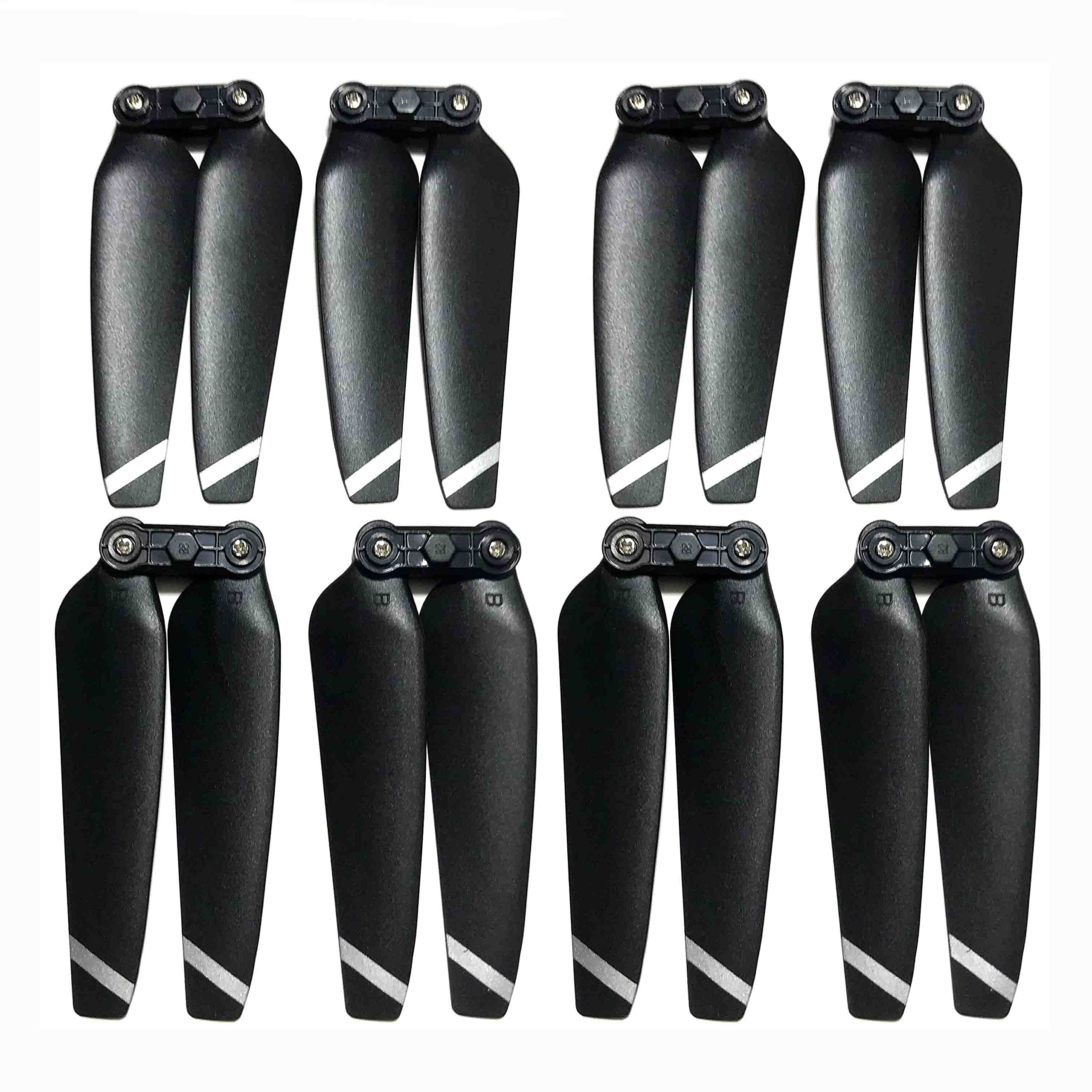
Figure 1: Image showing the Generic L106 Pro RC Drone Propeller Blades. These are spare parts made of ABS plastic, designed for replacement on the L106 Pro quadcopter.
Operating Considerations
Once installed, the propeller blades function as part of the drone's propulsion system. Ensure all blades are securely fastened before each flight. Loose or improperly installed blades can lead to unstable flight or loss of control.
- Always perform a pre-flight check to ensure all propellers are free from damage and securely attached.
- Avoid flying with chipped, bent, or cracked propellers, as this can cause vibrations and reduce flight efficiency and safety.
Maintenance
Regular maintenance extends the lifespan of your propeller blades and ensures consistent flight performance.
- Cleaning: After each flight, gently wipe the propeller blades with a soft, dry cloth to remove dust, dirt, or debris. Avoid using harsh chemicals.
- Inspection: Before and after every flight, visually inspect each blade for any signs of damage, such as cracks, bends, chips, or stress marks.
- Replacement: Replace any damaged propeller immediately. Even minor damage can significantly affect flight stability and safety. It is recommended to replace all blades if one is severely damaged to maintain balance.
- Storage: Store spare propeller blades in a cool, dry place, away from direct sunlight and extreme temperatures, to prevent material degradation.
Troubleshooting
If you experience issues related to flight stability or performance, consider the following troubleshooting steps concerning your propeller blades:
| Problem | Possible Cause | Solution |
|---|---|---|
| Drone vibrates excessively during flight. | Damaged, bent, or unbalanced propeller blade. Improperly installed blade. | Inspect all blades for damage and replace if necessary. Ensure blades are securely and correctly installed. |
| Drone drifts or is unstable. | Incorrect blade type installed on a motor. Uneven wear or damage across blades. | Verify that the correct blade type (e.g., A or B) is on the correct motor. Replace any damaged blades. |
| Reduced lift or flight time. | Worn or damaged propellers. | Replace all propellers if they show significant wear or damage. |
Specifications
- Model Number: L106 PRO
- Material: ABS Plastic
- Compatibility: L106 Pro RC Drone (Not compatible with brushless motor versions)
- Attachment: Screws
- Application: Spare parts for Helicopters/Quadcopter
Warranty and Support
Specific warranty information for these propeller blades is not provided in the product details. For any warranty claims, technical support, or further assistance, please contact the seller or manufacturer directly through your purchase platform.
You can typically find seller contact information on your order details page.


