
Retevis RB626
Retevis RB626 Two-Way Radio User Manual
Model: RB626
1. Introduction
Thank you for choosing the Retevis RB626 Two-Way Radio. This professional communication device is designed for adults, featuring a 2000mAh battery, 16 channels, USB-C rechargeable capability, wireless cloning, and an LED flashlight. It is ideal for various outdoor activities and professional use, providing reliable long-distance communication.
2. Safety Information
Please read all safety instructions carefully before using the Retevis RB626. Failure to follow these guidelines may result in injury or damage to the device.
- Do not disassemble or modify the radio.
- Use only Retevis-approved batteries and chargers.
- Keep the radio away from extreme temperatures, direct sunlight, and moisture.
- Avoid prolonged exposure to strong radio signals.
- Do not operate the radio in explosive atmospheres.
3. Package Contents
Verify that all items are present in your package:
- Retevis RB626 Radio (x2)
- 2000mAh Lithium-ion Battery (x2)
- USB-C Charging Cable (x2)
- Charging Base (x2)
- Hand Strap (x2)
- Belt Clip (x2)
- User Manual (this document)

Figure 3.1: Included accessories with the Retevis RB626 Two-Way Radio.
4. Product Overview
Familiarize yourself with the components of your Retevis RB626 radio.

Figure 4.1: Front view of the Retevis RB626 radios in charging bases.
- Antenna: For transmitting and receiving signals.
- Power/Volume Knob: Turns the radio on/off and adjusts volume.
- Channel Selector Knob: Selects one of the 16 available channels.
- PTT (Push-to-Talk) Button: Press and hold to transmit, release to receive.
- Speaker/Microphone: For audio output and input.
- USB-C Charging Port: For direct charging.
- LED Indicator: Shows status (e.g., transmitting, receiving, low battery).
- Emergency Alarm Button: Activates the emergency alarm function.
- Flashlight Button: Activates the built-in LED flashlight.

Figure 4.2: Dimensions and weight of the Retevis RB626 radio.
5. Setup
5.1 Battery Installation
- Align the battery pack with the grooves on the back of the radio.
- Slide the battery pack upwards until it clicks into place.
- To remove, press the battery release latch (if present) and slide the battery downwards.
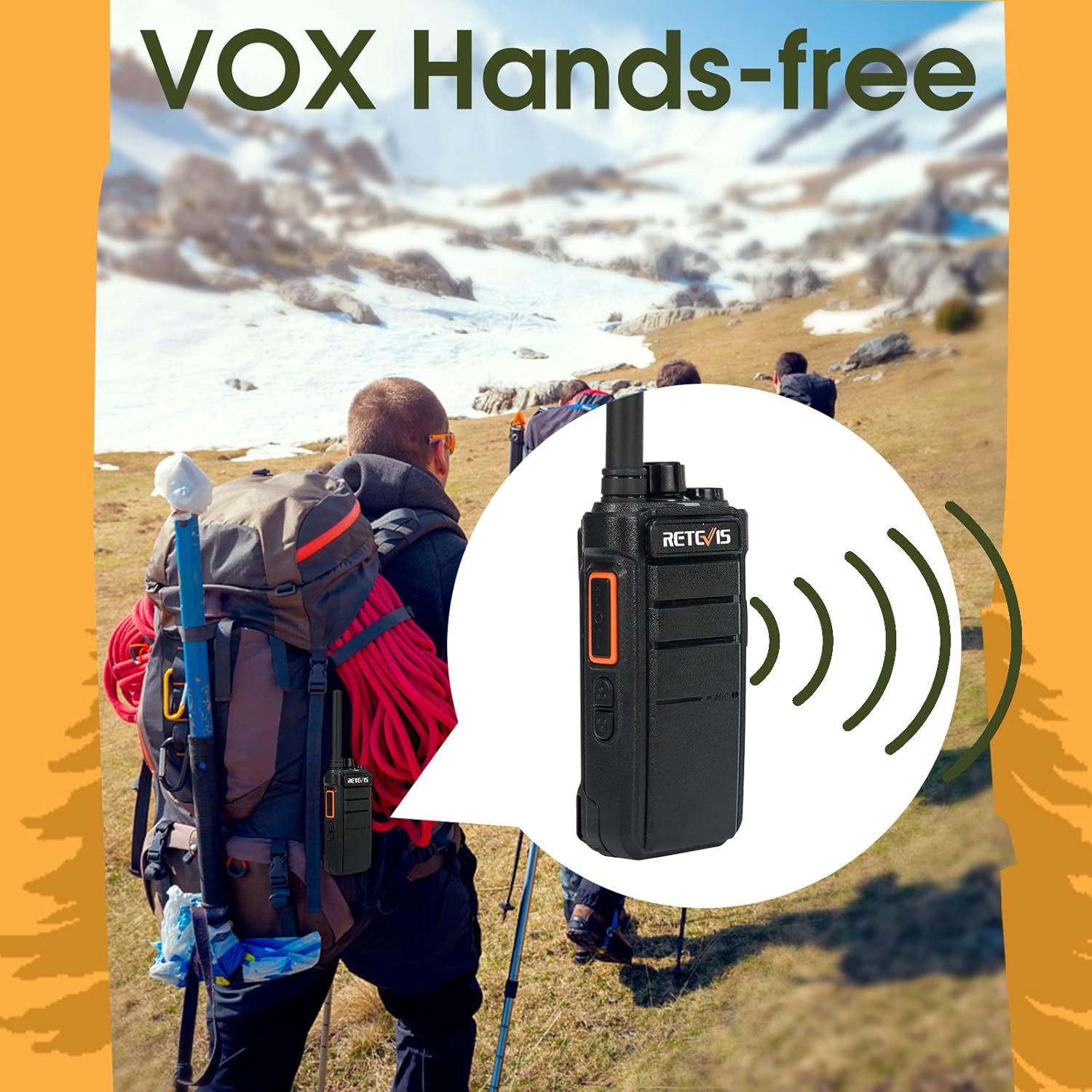
Figure 5.1: Retevis RB626 radio and its 2000mAh Lithium-ion battery.
5.2 Charging the Battery
The RB626 can be charged using the included charging base or directly via its USB-C port.
- Using the Charging Base:
- Connect the USB-C charging cable to the charging base and a power source (e.g., wall adapter, computer USB port, power bank, vehicle USB port).
- Place the radio with the battery installed into the charging slot of the base.
- The LED indicator on the radio or base will show charging status (e.g., red for charging, green for fully charged).
- Direct USB-C Charging:
- Connect the USB-C charging cable directly to the USB-C port on the side of the radio and a power source.
- The LED indicator will show charging status.
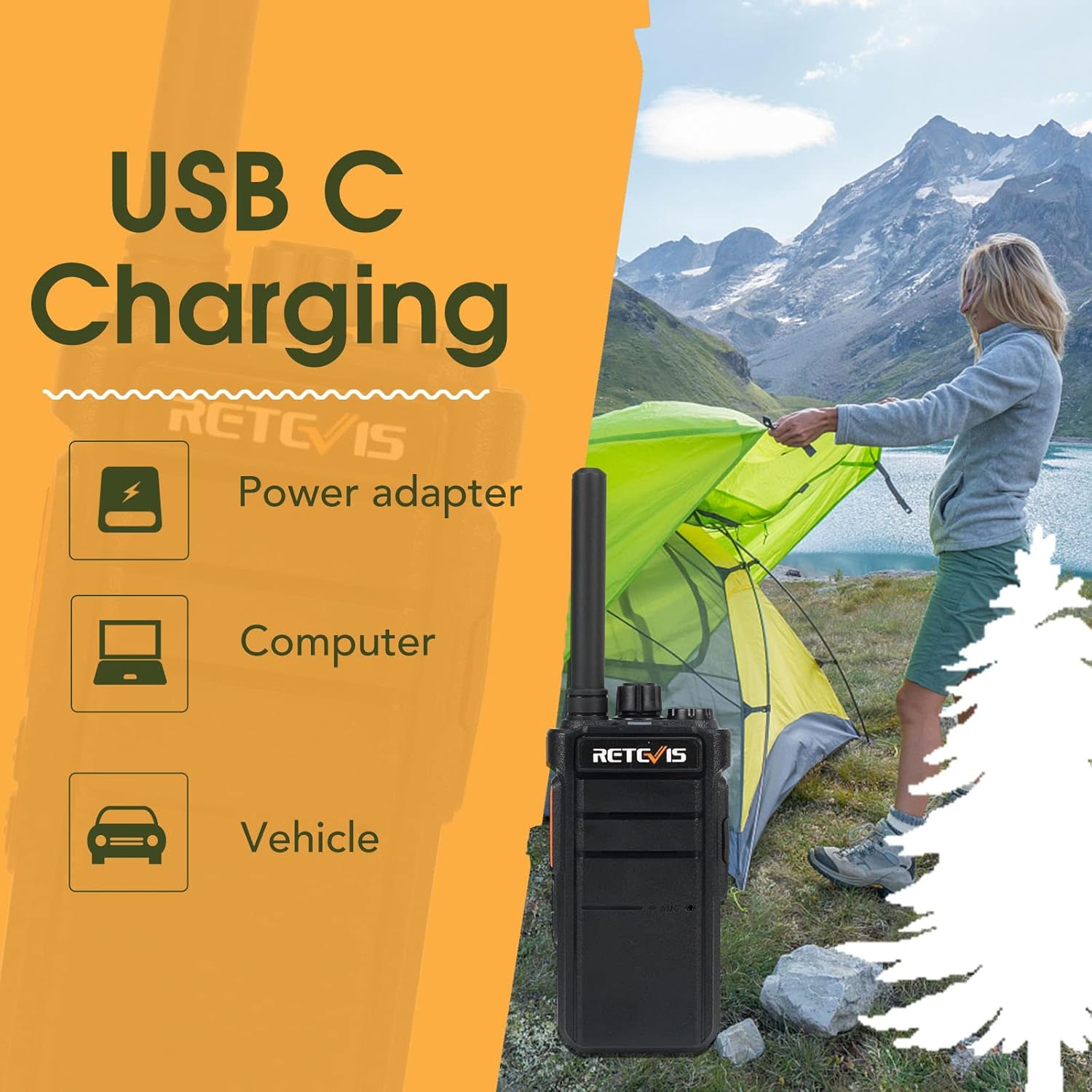
Figure 5.2: USB-C charging options for the Retevis RB626.
6. Operating Instructions
6.1 Power On/Off and Volume Adjustment
- To power on, rotate the Power/Volume knob clockwise until you hear a click.
- To power off, rotate the Power/Volume knob counter-clockwise until you hear a click.
- Adjust the volume by rotating the Power/Volume knob.
6.2 Channel Selection
- Rotate the Channel Selector knob to choose one of the 16 available channels.
- Ensure all radios in your group are set to the same channel for communication.
6.3 Transmitting and Receiving
- To transmit, press and hold the PTT (Push-to-Talk) button. Speak clearly into the microphone.
- Release the PTT button to stop transmitting and return to receive mode.
- When receiving a signal, the LED indicator may light up, and audio will come from the speaker.

Figure 6.1: Long-distance communication with Retevis RB626 radios.
6.4 VOX Function (Hands-Free Operation)
The VOX (Voice Operated Exchange) function allows you to transmit by speaking into the microphone without pressing the PTT button.
- Refer to the radio's programming software or specific button combinations (if available) to enable/disable VOX and adjust its sensitivity.
- When VOX is active, the radio will automatically transmit when it detects your voice.
Figure 6.2: Using the VOX hands-free function during outdoor activities.
6.5 Emergency Alarm
The emergency alarm function can be used to alert others in urgent situations.
- Press and hold the designated Emergency Alarm button (refer to your radio's specific button layout) to activate the alarm.
- The radio will emit a loud siren sound and may transmit an alert signal to other radios on the same channel.

Figure 6.3: Activating the emergency alarm on the Retevis RB626.
6.6 LED Flashlight
- Press the dedicated Flashlight button to turn the LED flashlight on or off.
- The flashlight provides illumination in low-light conditions.
6.7 Wireless Copy Function
The RB626 supports wireless data copying from one radio to another, eliminating the need for a computer.
- Refer to the radio's specific instructions or programming guide for detailed steps on how to initiate and complete wireless cloning between two RB626 units.

Figure 6.4: Wireless cloning feature of the Retevis RB626.
7. Maintenance
7.1 Cleaning
- Wipe the radio's surface with a soft, damp cloth. Do not use harsh chemicals or abrasive cleaners.
- Ensure the USB-C port cover is securely closed to prevent dust and moisture ingress.
7.2 Battery Care
- Fully charge the battery before first use.
- Avoid overcharging or completely draining the battery.
- If storing the radio for an extended period, charge the battery to about 50% and remove it from the radio.
7.3 Storage
- Store the radio in a cool, dry place, away from direct sunlight and extreme temperatures.
- Keep out of reach of children.
8. Troubleshooting
| Problem | Possible Cause | Solution |
|---|---|---|
| Radio does not power on. | Battery is low or not installed correctly. | Charge the battery or re-install it securely. |
| Cannot communicate with other radios. | Radios are on different channels or out of range. | Ensure all radios are on the same channel. Move closer to the other radio. |
| Poor audio quality or static. | Weak signal, interference, or low battery. | Move to an open area. Check for sources of interference. Charge the battery. |
| Battery life is shorter than expected. | Frequent transmission, high volume, or aging battery. | Reduce transmission time. Lower volume. Consider replacing the battery if it's old. |
9. Specifications
| Feature | Detail |
|---|---|
| Brand | Retevis |
| Model Number | RB626 |
| Color | Black |
| Number of Channels | 16 |
| Special Features | Emergency Alarm, VOX, LED Flashlight, Wireless Clone |
| Maximum Range | 3 Kilometers (approx. 1.86 miles) |
| Battery Composition | Lithium-ion |
| Battery Capacity | 2000mAh |
| Rechargeable Battery | Yes |
| Voltage | 3.7 Volts |
| Water Resistance Level | Waterproof (as per specification, though "Étanche" can mean water-resistant) |
| Product Dimensions (H x W x D) | 122mm x 61mm x 36mm (approx. 4.8 x 2.4 x 1.4 inches) |
| Weight | 193g (approx. 6.8 oz) |
| Country of Origin | China |
10. Warranty and Support
10.1 Warranty Information
Retevis offers a 2-year warranty for the radio body and a 1-year warranty for accessories. A 30-day no-reason return policy is also provided. Beyond the warranty period, maintenance services are available, with buyers responsible for associated costs.
For warranty claims or service, please contact Retevis customer support via Amazon. They aim to respond within 12 hours.
10.2 Customer Support
For any questions, technical assistance, or support, please contact Retevis directly through their official Amazon store or the Amazon messaging system.
Visit the Retevis store on Amazon: Retevis Official Store
Related documentsRB626


Ask a question about this manual
Ask about setup, troubleshooting, compatibility, parts, safety, or missing instructions. Manuals+ will review the question and use this page’s manual context to help answer it.