
Introduction
Thank you for choosing the VAXCEL T0697 Bronze Motion Sensor Outdoor Security Flood Light. This manual provides detailed instructions for the safe installation, operation, and maintenance of your new security light. Please read all instructions carefully before installation and retain this manual for future reference.
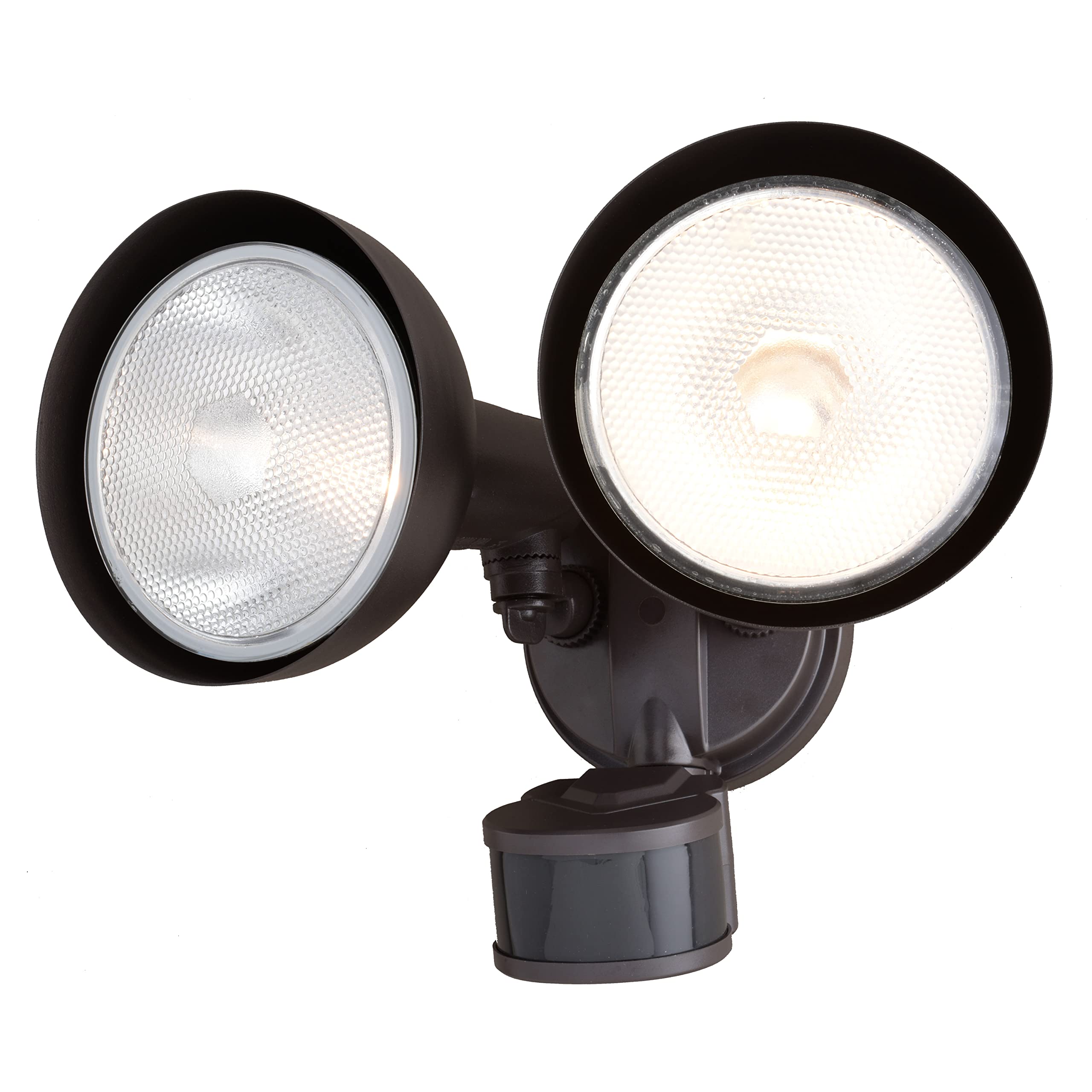
Image: The VAXCEL Bronze Motion Sensor Outdoor Security Flood Light mounted on the exterior of a house, illuminating the area.
Safety Information
- WARNING: Risk of electric shock. Disconnect power at the fuse or circuit breaker before installation or servicing.
- This product must be installed in accordance with the applicable installation code by a person familiar with the construction and operation of the product and the hazards involved.
- Use only UL or ETL listed wire for connections.
- Do not install near combustible materials.
- Ensure all connections are secure and properly insulated.
What's in the Box
Verify that all components are present before beginning installation:
- Security Flood Light Fixture
- Mounting Hardware
- Shade
- Instruction Manual
Note: Light bulbs (2 x 150 watt PAR 38 medium base E26 screw-in bulbs) are not included. LED compatible.
Setup and Installation
This VAXCEL security light is designed for hardwired installation and can be mounted to a wall or eave. Ensure the mounting surface is structurally sound and capable of supporting the fixture's weight.
Mounting Options
The fixture offers flexible mounting options, allowing for installation on either a wall or an eave. The light heads and motion sensor are adjustable to direct light where needed most.
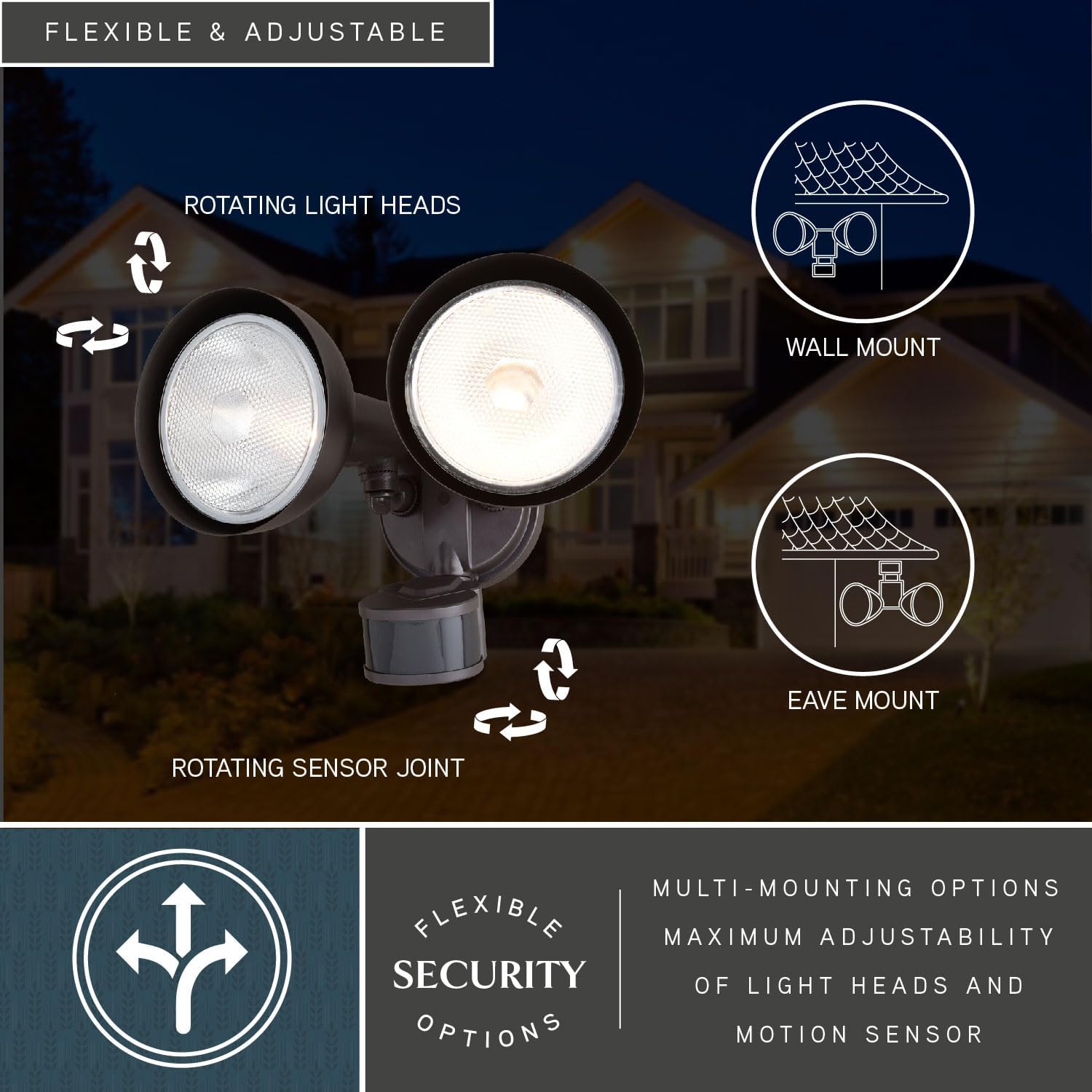
Image: A diagram illustrating the flexibility of the VAXCEL flood light, showing how it can be mounted on a wall or an eave, with arrows indicating the rotatable light heads and sensor joint for optimal positioning.
Wiring Instructions
- Turn off power at the circuit breaker or fuse box.
- Attach the mounting bracket to the junction box using the provided hardware.
- Connect the fixture's wires to the household wiring: black to black (live), white to white (neutral), and green/bare copper to green/bare copper (ground). Secure connections with wire nuts.
- Carefully tuck all wires into the junction box.
- Mount the fixture to the mounting bracket, ensuring a tight seal against the mounting surface to prevent water intrusion.
- Install two PAR38 E26 base bulbs (not included) into the sockets.
- Restore power at the circuit breaker.
Product Dimensions

Image: A technical drawing providing the precise measurements of the VAXCEL flood light fixture, indicating its length, width, and height for installation planning.
Operating Instructions
Your VAXCEL security flood light features advanced motion sensing and dusk-to-dawn capabilities, offering multiple modes for customized security and energy efficiency.
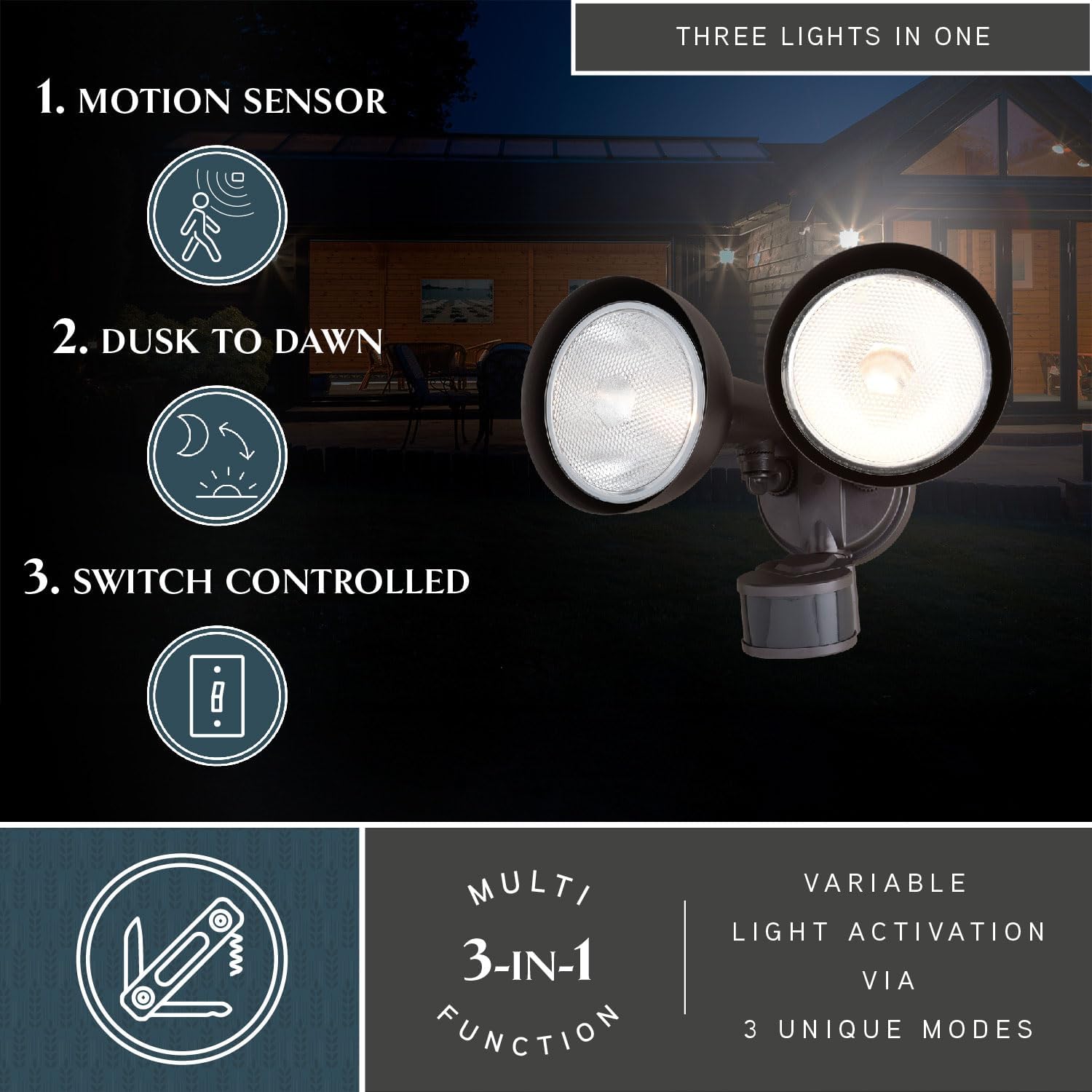
Image: A visual representation of the three primary operational modes of the VAXCEL flood light: motion sensor activation, automatic dusk-to-dawn operation, and manual switch control.
Motion Sensor Function
- Detection Range: The sensor detects motion within a 240-degree range and up to 85 feet.
- Adjustable Sensitivity: The motion sensitivity can be adjusted to cover distances up to 85 feet, preventing false triggers from distant objects.
- Motion Shut-off Delay: Customize how long the light stays on after motion is detected, with settings from 5 seconds to 3 minutes.
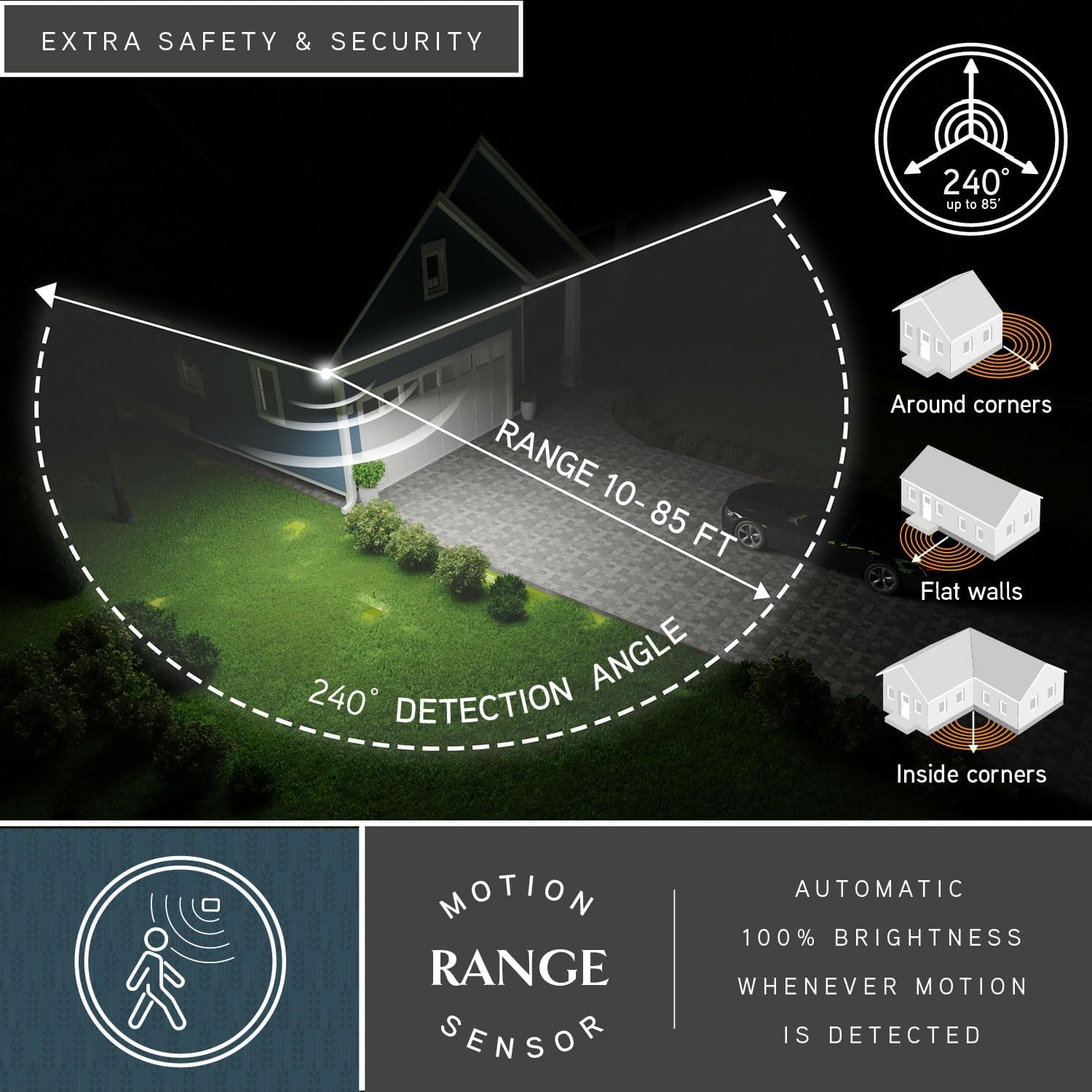
Image: A graphic demonstrating the wide 240-degree detection angle and adjustable range (10-85 feet) of the motion sensor, highlighting its effectiveness in various outdoor settings including around corners and along walls.
Dusk-to-Dawn Photocell
The integrated photocell automatically turns the fixture on when it gets dark and off when it becomes light, providing continuous security and saving energy during daylight hours.
Dual-Level Brightness & Modes
- Low-Level Brightness: The light can operate at approximately 30% brightness during periods of no motion.
- High-Level Brightness: Upon motion detection, the light automatically switches to 100% brightness.
- Early Evening Timer: Set the light to stay on at low-level brightness for 0, 3, or 6 hours after dusk before switching to motion-only mode.
- 5 Automatic Modes: Further customize the light's behavior with five distinct operational modes to suit your specific security needs.

Image: A detailed graphic outlining the fully customizable settings of the VAXCEL flood light, including options for motion shut-off delay, sensitivity, early evening timer, various operating modes, and the dual-level brightness feature.
Maintenance
- Cleaning: Clean the fixture with a soft, damp cloth. Do not use abrasive cleaners or solvents.
- Bulb Replacement: Ensure power is off before replacing bulbs. Use two 150-watt maximum PAR38 E26 medium base screw-in bulbs. LED compatible bulbs can be used for energy efficiency.
- Durability: The fixture is constructed from weather-resistant plastic material, suitable for outdoor use in various conditions.
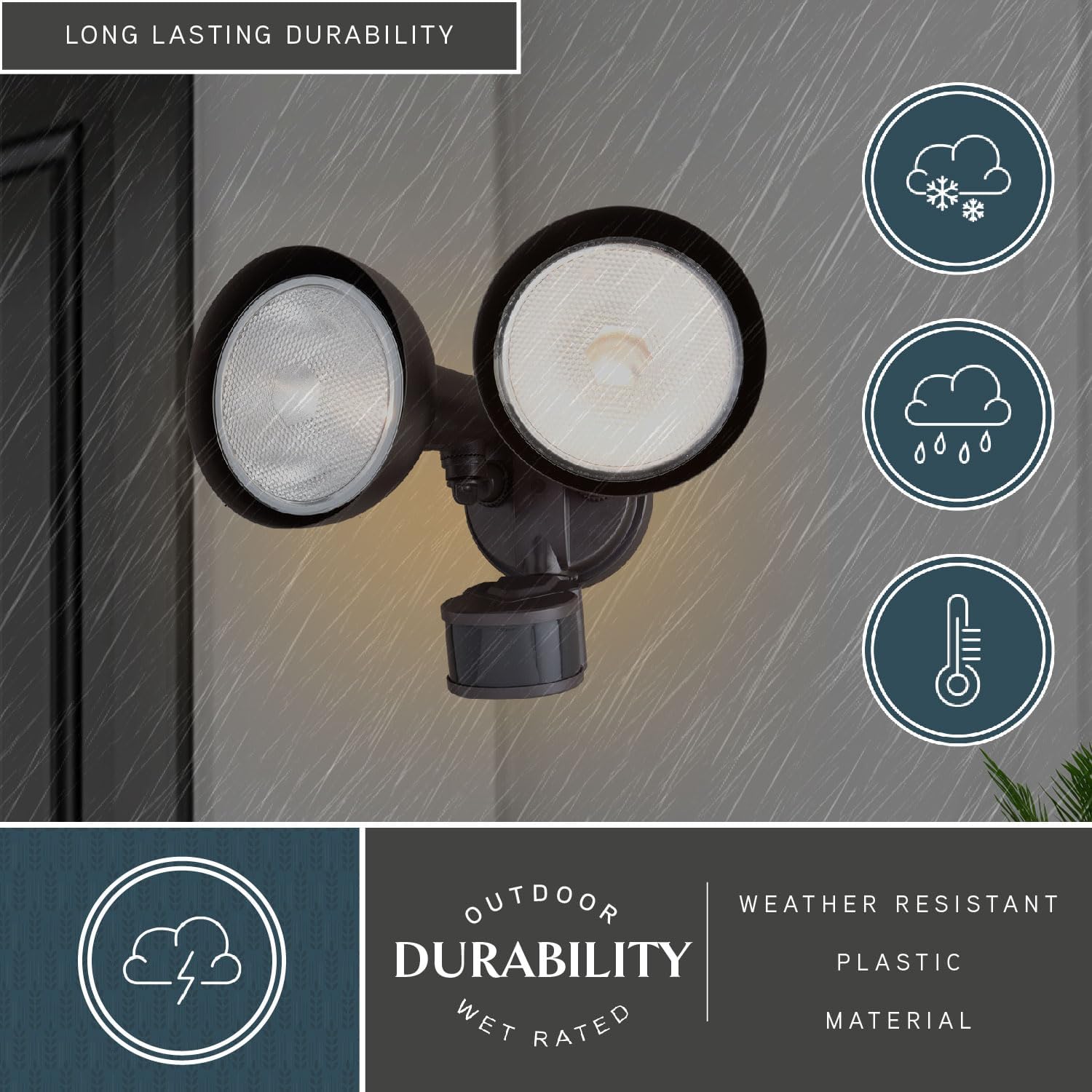
Image: The VAXCEL flood light shown enduring rain and snow, emphasizing its robust outdoor durability and weather-resistant construction.
Troubleshooting
| Problem | Possible Cause | Solution |
|---|---|---|
| Light does not turn on. | No power; faulty bulb; sensor malfunction. | Check circuit breaker. Replace bulbs. Ensure sensor is clean and unobstructed. |
| Light stays on continuously. | Sensor in test mode; continuous motion detected; wiring error. | Check sensor mode. Remove obstructions. Verify wiring connections. |
| Light flashes or flickers. | Loose wiring; incompatible bulb; power fluctuations. | Check all wiring connections. Use recommended bulbs. Consult an electrician if power issues persist. |
| Motion sensor not detecting. | Sensor obstructed; incorrect sensitivity setting; improper angle. | Clear obstructions. Adjust sensitivity. Reposition sensor for optimal coverage. |
Specifications
| Feature | Detail |
|---|---|
| Brand | VAXCEL |
| Model Name | T0697 |
| Color | Bronze |
| Material | Plastic |
| Product Dimensions | 8.75"L x 11.75"W x 8"H |
| Indoor/Outdoor Usage | Outdoor |
| Power Source | Hardwired |
| Installation Type | Wall Mounted (also Eave Mount) |
| Special Features | Adjustable Heads, Dusk to Dawn Sensor, Motion Sensor |
| Motion Sensor Range | 240 Degree, 85 Ft. |
| Bulb Base | E26 Medium |
| Wattage (Max) | 2 x 150 watts (bulbs not included) |
| Voltage | 120 Volts |
| Water Resistance Level | Water Repellent |
| Certification | ETL Listed |
Warranty
This VAXCEL product comes with a limited warranty. Please refer to the warranty card included in your packaging for specific terms and conditions, or visit the VAXCEL website for more information.
Product Video
Watch this video for an overview of VAXCEL lighting products, showcasing various styles and applications.
Video: An informational video titled "About Vaxcel Lighting" providing a general overview of VAXCEL's lighting solutions.
Customer Support
For further assistance, technical support, or warranty claims, please contact VAXCEL customer service. Contact information can typically be found on the VAXCEL website or on the product packaging.


