
1. Introduction and Product Overview
The Kärcher SP 9.000 Flat submersible pump is engineered for efficient drainage of clear water, capable of pumping down to a residual water level of just 1 mm in flat suction mode. Its robust design and user-friendly features make it ideal for various applications, including emptying swimming pools, basements, and other water containers. This manual will guide you through the proper use and care of your pump.

Figure 1.1: The Kärcher SP 9.000 Flat clear water submersible pump, showcasing its compact design and integrated float switch.

Figure 1.2: Front view of the pump, highlighting the hose connection point and sturdy handle.

Figure 1.3: Side profile of the pump, showing the robust casing and integrated carrying handle.

Figure 1.4: Rear view, illustrating the power cord and the attachment point for the float switch.
2. Safety Instructions
Always adhere to the following safety guidelines to prevent injury and damage to the pump:
- Electrical Safety: Ensure the power supply matches the pump's specifications (240 Volts). Do not operate the pump with a damaged power cord or plug. Never immerse the plug or power cord in water.
- Water Quality: This pump is designed for clear water. Avoid pumping abrasive materials, corrosive liquids, flammable substances, or sewage, as this can damage the pump and void the warranty.
- Operating Environment: Do not operate the pump in areas where explosive gases or vapors are present. Ensure adequate ventilation if used in confined spaces.
- Children and Bystanders: Keep children and unauthorized persons away from the operating pump.
- Maintenance: Always disconnect the pump from the power supply before performing any maintenance, cleaning, or troubleshooting.
- Temperature: Do not pump liquids hotter than 35°C (95°F).
3. Components Overview
Familiarize yourself with the main components of your Kärcher SP 9.000 Flat pump:
- Carrying Handle: For easy transport of the pump.
- Float Switch: Automatically turns the pump on/off based on water level.
- Hose Connection: Universal connection point for various hose sizes (1", 1 1/4", 1 1/2").
- Folding Support Feet: Allows for increased capacity when folded out, or flat suction when folded in.
- Power Cable: Connects the pump to the electrical supply.

Figure 3.1: Close-up of the hose connection system, designed for quick and secure attachment.

Figure 3.2: The float switch, which controls the pump's automatic operation based on water levels.
4. Setup
Follow these steps for initial setup of your pump:
- Unpacking: Carefully remove the pump and all accessories from the packaging. Inspect for any signs of damage.
- Hose Connection: Attach a suitable drainage hose to the pump's outlet. The pump features a Quick Connect system for easy attachment of hoses with 1", 1 1/4", or 1 1/2" threads. Ensure the connection is secure to prevent leaks.
- Float Switch Adjustment: The float switch cable length can be adjusted to set the desired on/off water levels. A shorter cable length results in a higher switch-on level and a higher residual water level.
- Positioning: Place the pump on a stable, flat surface in the area to be drained. Ensure the pump is fully submerged in water before starting, if operating in automatic mode.

Figure 4.1: Connecting the drainage hose to the pump's outlet. Ensure a tight and secure fit.

Figure 4.2: Adjusting the float switch to control the automatic on/off levels of the pump.
5. Operating the Pump
The Kärcher SP 9.000 Flat can operate in automatic mode via the float switch or in continuous manual mode.
5.1. Automatic Operation (with Float Switch)
For automatic operation, ensure the float switch is freely movable and not obstructed. The pump will switch on when the water level rises and lifts the float switch, and switch off when the water level drops and the float switch lowers.
- Plug the pump into a grounded electrical outlet.
- Place the pump in the water, ensuring it is fully submerged.
- The pump will start automatically when the water level reaches the set switch-on height.

Figure 5.1: The pump in operation, effectively draining water from a pool area.

Figure 5.2: The pump positioned for clear water drainage from a pool, demonstrating its compact footprint.
5.2. Flat Suction Mode
The SP 9.000 Flat is equipped with folding support feet that allow for flat suction down to 1 mm residual water level. To activate this mode:
- Ensure the support feet are folded in.
- Place the pump directly on the flat surface to be drained.
- The pump will draw water from the lowest possible point, leaving minimal residual water.

Figure 5.3: The pump in flat suction mode, effectively removing water from a shallow area.
5.3. Manual Operation (Continuous)
To operate the pump continuously, regardless of water level, secure the float switch in an upward position (e.g., by attaching it to the carrying handle). This bypasses the automatic shut-off feature.
- Secure the float switch in the 'on' position.
- Plug the pump into a grounded electrical outlet.
- The pump will run continuously until unplugged or the water source is depleted.

Figure 5.4: The pump effectively draining water from a flooded basement, suitable for continuous operation.
6. Maintenance
Regular maintenance ensures the longevity and optimal performance of your Kärcher SP 9.000 Flat pump.
- Cleaning: After each use, especially if pumping slightly turbid water, rinse the pump with clean water. This prevents sediment buildup.
- Impeller Inspection: Periodically check the impeller area for any debris (leaves, small stones) that might obstruct its rotation. Disconnect power before inspection.
- Storage: Store the pump in a dry, frost-free location when not in use. If storing for extended periods, ensure it is clean and completely dry.
- Winterization: In freezing temperatures, ensure the pump is completely drained of water to prevent damage from ice expansion.
7. Troubleshooting
Before troubleshooting, always disconnect the pump from the power supply.
| Problem | Possible Cause | Solution |
|---|---|---|
| Pump does not start. | No power supply; Float switch not activated (in auto mode); Impeller jammed. | Check power connection and circuit breaker; Ensure float switch is free to move and water level is sufficient; Disconnect power and clear any obstructions from the impeller. |
| Pump runs but does not pump water. | Air in pump; Suction inlet blocked; Hose kinked or blocked. | Submerge pump completely to release air; Clean suction inlet; Straighten or clear hose. |
| Pump switches on/off frequently. | Water level too low for automatic mode; Float switch cable too short. | Increase water level or switch to manual mode; Adjust float switch cable length. |
| Reduced pumping performance. | Partial blockage in pump or hose; Worn impeller. | Clean pump and hose; Contact Kärcher service for impeller replacement. |
8. Technical Specifications
| Specification | Value |
|---|---|
| Model Number | 1.645-810.0 |
| Power Source | Corded Electric |
| Voltage | 240 Volts |
| Wattage | 280 Watts |
| Item Weight | 4.13 Kilograms (9.09 pounds) |
| Product Dimensions (L x W x H) | 8.94 x 9.45 x 10.31 inches |
| Max. Flow Rate | 9,000 l/h (approx. 2,377 GPH) |
| Max. Delivery Height | 6 m (approx. 19.7 ft) |
| Max. Particle Size | 5 mm |
| Residual Water Level (Flat Suction) | 1 mm |
9. Warranty and Support
Kärcher offers a 5-year extended guarantee for the SP 9.000 Flat pump upon registration. Please refer to the product packaging or the official Kärcher website for detailed warranty terms and conditions, and information on how to register your product.
For technical support, spare parts, or service inquiries, please visit the official Kärcher website or contact their customer service department. Always have your model number (1.645-810.0) and purchase information ready when contacting support.
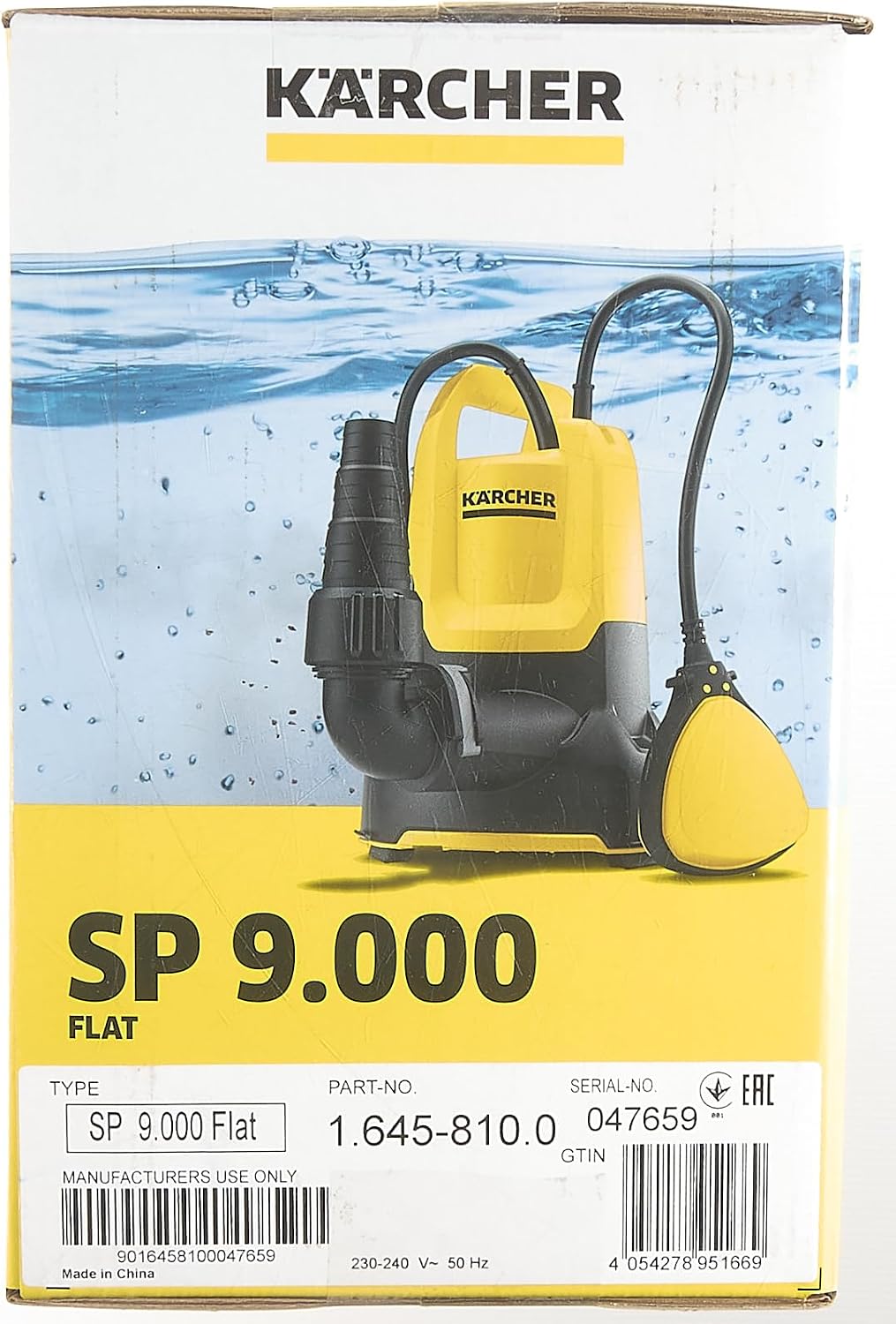
Figure 9.1: Product packaging highlighting the 5-year extended guarantee.

Figure 9.2: Rear of the packaging, providing additional product features and warranty details. Scan the QR code for more information.