
Katomi LED-800
Katomi DMX 1000W Fog Machine User Manual
Comprehensive guide for setup, operation, and maintenance of your Katomi 1000W Fog Machine with LED RGB Light and Wireless Remote Control.
Product Overview
The Katomi DMX 1000W Fog Machine is designed to produce thick, consistent fog with vibrant RGB LED lighting effects, perfect for enhancing the ambiance of various events. It features both wireless remote control and DMX compatibility for versatile operation.

Image: The Katomi 1000W Fog Machine, showcasing its compact design, fog outlet, LED lights, and included wireless remote control and power cord.

Image: Detailed view of the fog machine with labels pointing to key components such as LED lights, fog outlet, tank, ON/OFF switch, fuse, power cord jack, DIP/ON switch, DMX512 input, and DMX output.
Setup Guide
Follow these steps to set up your Katomi Fog Machine for optimal performance.
- Unpack and Inspect: Carefully remove all components from the packaging. Ensure the fog machine, power cord, wireless remote, and any included accessories (like the handle and screws) are present and undamaged.
- Attach Handle (Optional): If desired, attach the metal handle to the top of the fog machine using the provided screws. This handle aids in portability and positioning.
- Positioning: Place the fog machine on a stable, flat surface in a well-ventilated area, away from flammable materials. Ensure there is adequate space around the unit for heat dissipation.
- Fill Fog Fluid Tank: Unscrew the cap of the fluid tank located on top of the machine. Carefully pour high-quality, water-based fog fluid into the tank. Do not overfill. Ensure the fluid intake tube is submerged in the fluid. Note: Fog fluid is not included and must be purchased separately.
- Connect Power: Insert the power cord into the power cord jack at the back of the machine. Plug the other end into a standard AC 110V 50/60Hz power outlet.
- Connect Remote Control: For wired control, connect the manual controller cable to the designated port on the back of the machine. For wireless control, ensure the wireless receiver is connected (if applicable) or the remote is paired according to its instructions.

Image: A visual step-by-step guide illustrating the setup process: 1. Install the handle, 2. Plug in the power cord, 3. Pour fog fluid into the tank, 4. Turn on the fog switch and wait for warm-up, 5. Display remaining capacity, 6. Press the fog button on the remote.
Operating Instructions
Learn how to operate your fog machine and utilize its various features.
- Power On and Warm-up: Flip the main power switch (usually red) on the back of the machine to the "ON" position. The machine will begin to warm up. This typically takes 2-3 minutes. The indicator light on the machine or remote will illuminate when it's ready for operation.
- Fog Output:
- Wireless Remote Control: Use the provided wireless remote to activate fog output. Press the designated button (often labeled "FOG" or a fog icon) to release fog. Release the button to stop.
- Manual Spraying: If using the wired manual controller, press and hold the button on the controller to spray fog.
- LED Lighting Control: The machine features 6 built-in RGB LED lights.
- Ball Lighting: Use the "Ball Lighting" switch on the back of the machine to turn on/off the sound-activated disco light effect. This light projects colorful patterns that react to sound.
- LED Lighting: Use the "LED Lighting" switch to control the static RGB LED lights around the fog outlet.
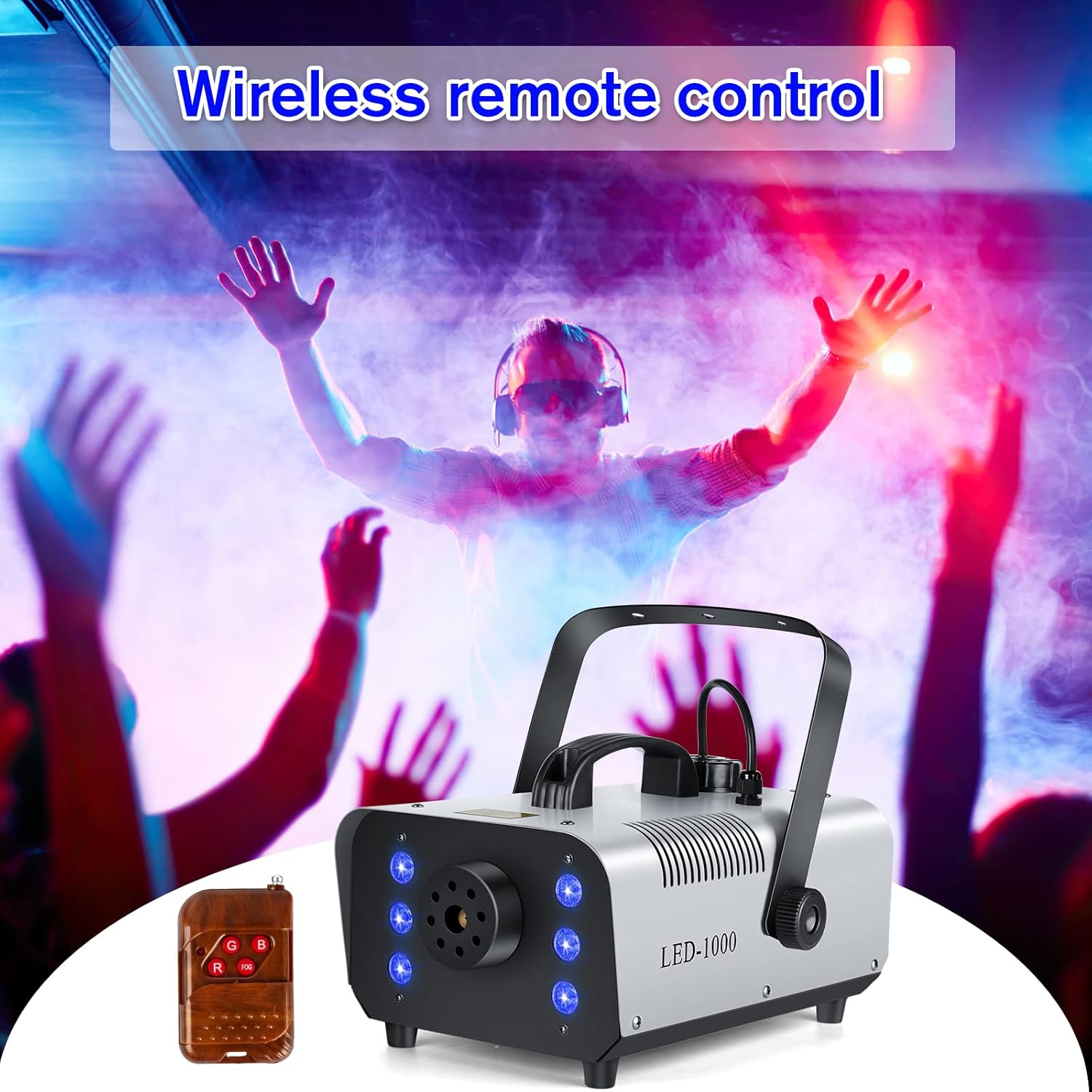
Image: A hand holding the wireless remote control, demonstrating its use to activate the fog machine and its lighting effects.
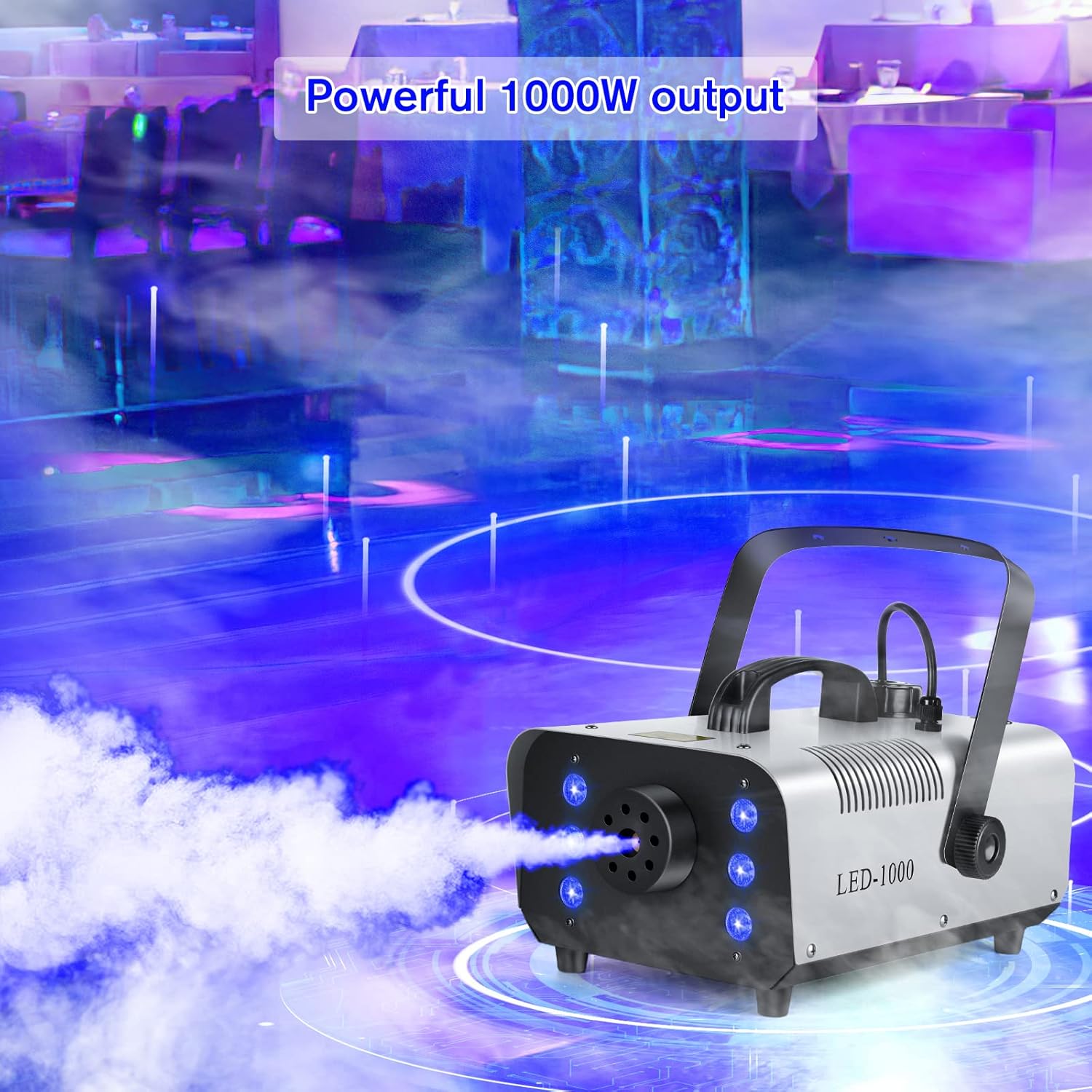
Image: The Katomi 1000W Fog Machine actively producing a stream of fog, illuminated by its blue LED lights, demonstrating its powerful output.
- DMX Control (Advanced): For professional lighting setups, connect the machine to a DMX controller using DMX cables. Refer to your DMX controller's manual for specific programming instructions. The machine supports DMX512.
Maintenance
Proper maintenance ensures the longevity and reliable performance of your fog machine.
- Regular Cleaning: After each use, especially if storing for an extended period, run a fog machine cleaning solution through the unit. This helps prevent clogs in the heating element and pump.
- Fluid Tank: Empty any remaining fog fluid from the tank after use to prevent residue buildup. Clean the tank periodically with distilled water.
- Exterior Cleaning: Wipe down the exterior of the machine with a soft, dry cloth. Do not use abrasive cleaners or allow liquids to enter internal components.
- Storage: Store the fog machine in a cool, dry place, away from direct sunlight and extreme temperatures.
Troubleshooting
If you encounter issues with your fog machine, refer to the following common troubleshooting steps:
| Problem | Possible Cause | Solution |
|---|---|---|
| No fog output |
|
|
| Weak fog output |
|
|
| Lights not working |
|
|
| Burning smell |
|
|
Specifications
| Feature | Detail |
|---|---|
| Model | LED-800 (1000W Output) |
| Power Output | 1000W |
| Voltage | AC 110V 50/60Hz |
| Tank Capacity | 40.6 Oz (approx. 1.2 Liters) |
| Warm-up Time | 2-3 Minutes |
| Spray Distance | Up to 16.4 ft (5 meters) |
| Remote Control Distance | Up to 32.8 ft (10 meters) |
| LED Lights | 6 RGB LEDs with sound-activated disco ball effect |
| Control Modes | Wireless Remote, Wired Manual, DMX512 |
| Item Weight | 8 pounds (approx. 3.6 kg) |
| Package Dimensions | 16 x 12 x 8 inches (approx. 40.6 x 30.5 x 20.3 cm) |
| Country of Origin | Afghanistan |

Image: A visual representation of the fog machine's dimensions and a table listing its key specifications including current voltage, power, tank capacity, spray distance, RC distance, and warm-up time.
Warranty and Support
For warranty information, please refer to the terms and conditions provided at the time of purchase or contact your retailer. Keep your proof of purchase for any warranty claims.
If you have any questions, require technical assistance, or need to report an issue with your Katomi Fog Machine, please contact our support team:
- Email: samcommedia01@gmail.com
- WhatsApp: +8618107444437
Please read this manual carefully before operating. Damage caused by misuse is not covered by the warranty.
Related documentsLED-800

Ask a question about this manual
Ask about setup, troubleshooting, compatibility, parts, safety, or missing instructions. Manuals+ will review the question and use this page’s manual context to help answer it.