
Introduction
Thank you for choosing the UGREEN PowerRoam 600 Portable Power Station. This manual provides essential information for the safe and efficient operation, maintenance, and troubleshooting of your device. Please read this manual thoroughly before use and retain it for future reference.
Product Overview
The UGREEN PowerRoam 600 is a versatile portable power station designed for emergency backup, outdoor camping, and RV use. It features a LiFePO4 battery, multiple output ports, and fast charging capabilities.
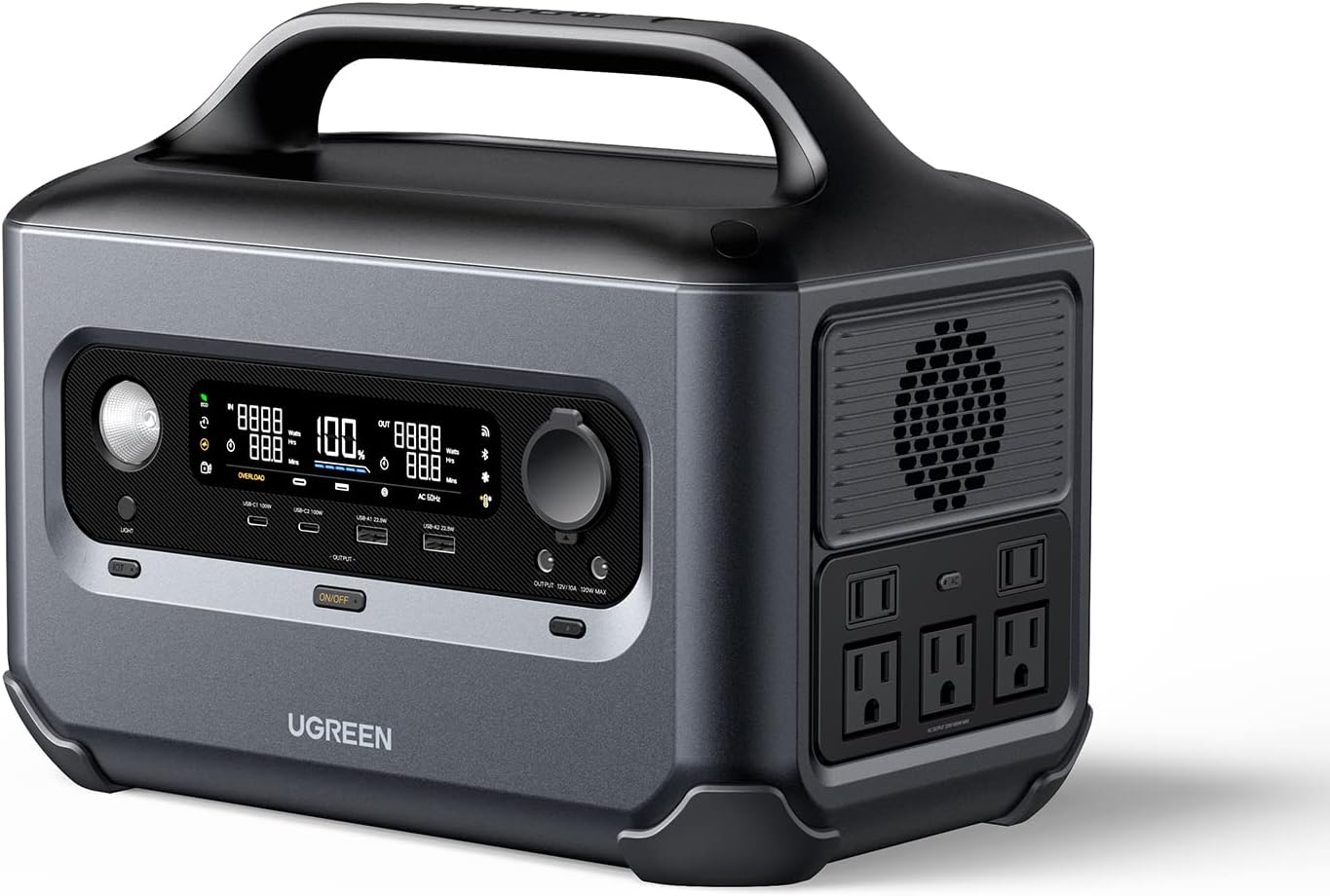
Figure 1: Front view of the UGREEN PowerRoam 600, showing the display, control knob, and various input/output ports.

Figure 2: The UGREEN PowerRoam 600 connected to a microwave and a kettle, demonstrating its ability to power high-wattage appliances up to 1500W using U-Turbo technology.

Figure 3: Detailed view of the UGREEN PowerRoam 600 highlighting its 12 ports: 2 USB-C (100W each), 2 USB-A (22.5W each), 3 Car/DC Outlets (120W total), and 5 AC Outlets (600W total).
Setup
Unpacking and Inspection
Carefully remove the power station and all accessories from the packaging. Inspect the unit for any signs of damage. If any damage is found, do not use the product and contact customer support immediately.
Initial Charging
Before first use, it is recommended to fully charge the PowerRoam 600. Connect the power station to a standard AC wall outlet using the provided charging cable. The display will indicate the charging status. The unit can charge from 0% to 80% in approximately 50 minutes and fully charge in 1.5 hours using AC input.
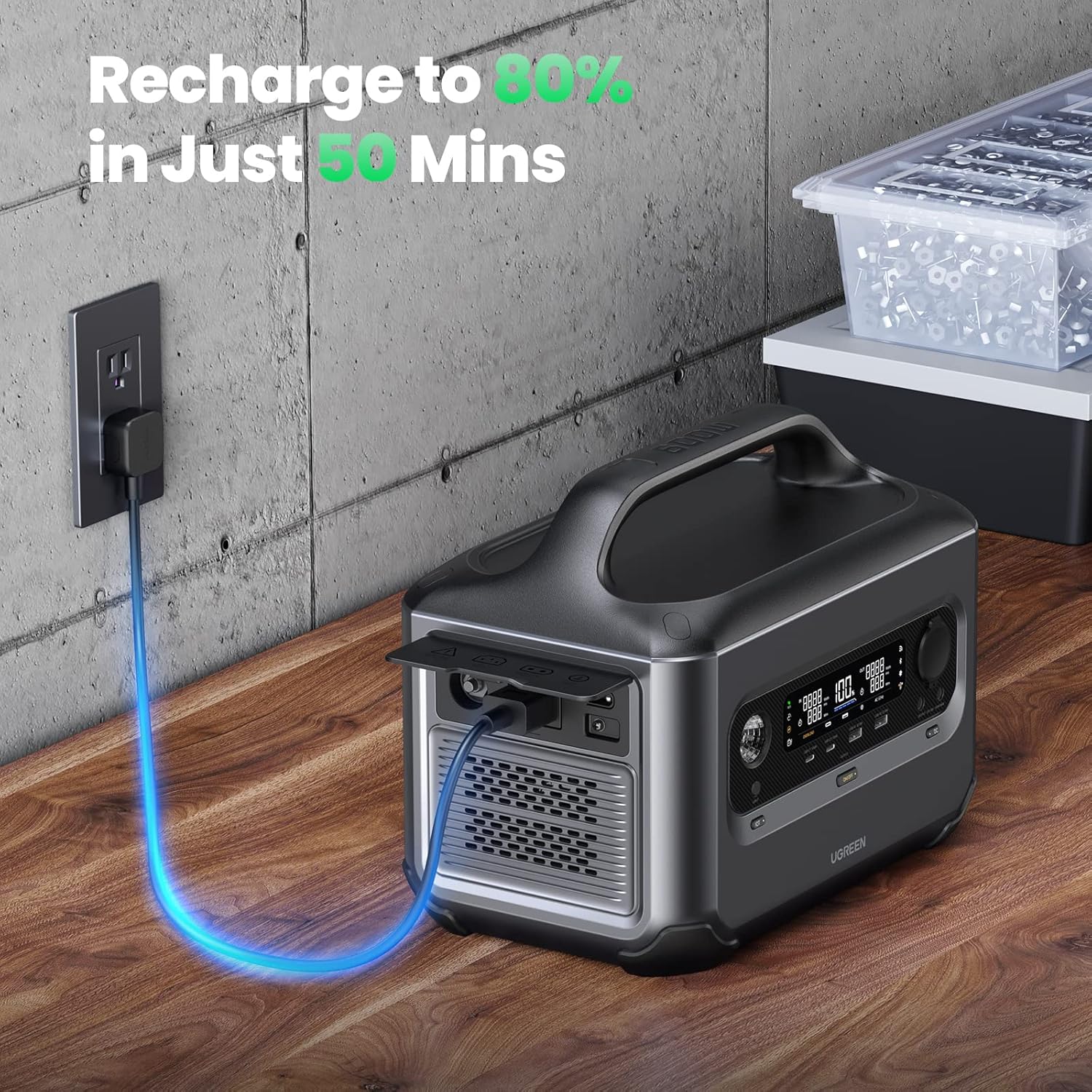
Figure 4: The UGREEN PowerRoam 600 being recharged from a standard wall outlet, demonstrating its fast charging capability.
App Connection (Optional)
For enhanced control and monitoring, download the Ugreen App from your device's app store. The app allows you to control various functions such as Quiet Mode, Energy-Saving Mode, and Safety Child Lock via Wi-Fi or Bluetooth.

Figure 5: A smartphone displaying the Ugreen app interface, showing remote control and monitoring capabilities for the PowerRoam 600 via Wi-Fi and Bluetooth.
Operating Instructions
Turning On/Off
Press and hold the main power button to turn the unit on or off. The LED display will illuminate upon activation.
Using AC Outlets
To use the AC outlets, ensure the AC output function is enabled (usually via a dedicated button or the app). Plug your devices into the AC ports. The PowerRoam 600 can support appliances up to 1500W with U-Turbo technology.
Using USB and DC Ports
The USB-C, USB-A, and DC5521 ports are typically active when the unit is on. Simply plug in your compatible devices. The USB-C ports offer up to 100W output each, suitable for charging laptops and other high-power USB-C devices.

Figure 6: The UGREEN PowerRoam 600 simultaneously charging two 16-inch MacBook Pros using its dual 100W USB-C ports.
Solar Charging
Connect compatible solar panels (not included) to the solar input port. The power station can be recharged in as fast as 4 hours with up to 200W solar input.

Figure 7: The UGREEN PowerRoam 600 shown alongside UGREEN solar panels, illustrating its solar charging capability for off-grid power.
Car Charging
The PowerRoam 600 can be recharged using a 12V/24V car outlet. Connect the appropriate car charger cable (if included or purchased separately) to the car charging port on the unit.

Figure 8: The UGREEN PowerRoam 600 positioned in a car, demonstrating its ability to be recharged via a 12V/24V car charging port while on the go.
Maintenance
Cleaning
Wipe the exterior of the power station with a soft, dry cloth. Do not use abrasive cleaners or solvents. Ensure all ports are free of dust and debris.
Storage
Store the unit in a cool, dry place away from direct sunlight and extreme temperatures. For long-term storage, it is recommended to discharge the battery to about 50% and recharge it every 3-6 months to maintain battery health.
Battery Life
The PowerRoam 600 uses advanced LiFePO4 EV batteries, which offer a 10-year service life and over 3000 charge cycles, providing 6 times longer lifespan compared to traditional lithium-ion batteries.

Figure 9: An illustrative diagram highlighting the 10-year service life of the PowerRoam 600's LiFePO4 batteries, emphasizing 3000+ cycles and 6X longer lifespan.
Troubleshooting
| Problem | Possible Cause | Solution |
|---|---|---|
| Unit does not turn on | Battery is completely discharged. | Connect to AC power and charge for at least 10 minutes before attempting to turn on. |
| AC output not working | AC output function is not enabled. / Overload protection activated. | Ensure AC output is turned on. Reduce connected load; if overloaded, disconnect devices and restart the unit. |
| App connection issues | Bluetooth/Wi-Fi off. / App not updated. | Ensure Bluetooth/Wi-Fi is enabled on your phone and the power station. Update the Ugreen App to the latest version. |
| Unit drains quickly (as per a review) | Continuous on function resetting via app. | If using for critical loads like sump pumps, activate the continuous on function manually on the unit rather than solely relying on the app, especially if internet connection is unstable. |
Specifications
- Model: GS600
- Brand: UGREEN
- Battery Type: LiFePO4 EV Battery
- Capacity: 680Wh
- AC Output: Up to 600W (1500W with U-Turbo Technology)
- USB-C Output: 2 x 100W
- USB-A Output: 2 x 22.5W
- DC5521 Ports: 2
- Car Outlet: 1
- AC Input: Fast charge 0-80% in 50 mins, full in 1.5 hours
- Solar Input: Up to 200W (full in 4 hours)
- Dimensions: 23.88 x 30.99 x 19.05 cm
- Material: Metal
- Color: Green
- Special Features: Portable, LED Display, App Control (Quiet Mode, Energy-Saving Mode, Safety Child Lock)
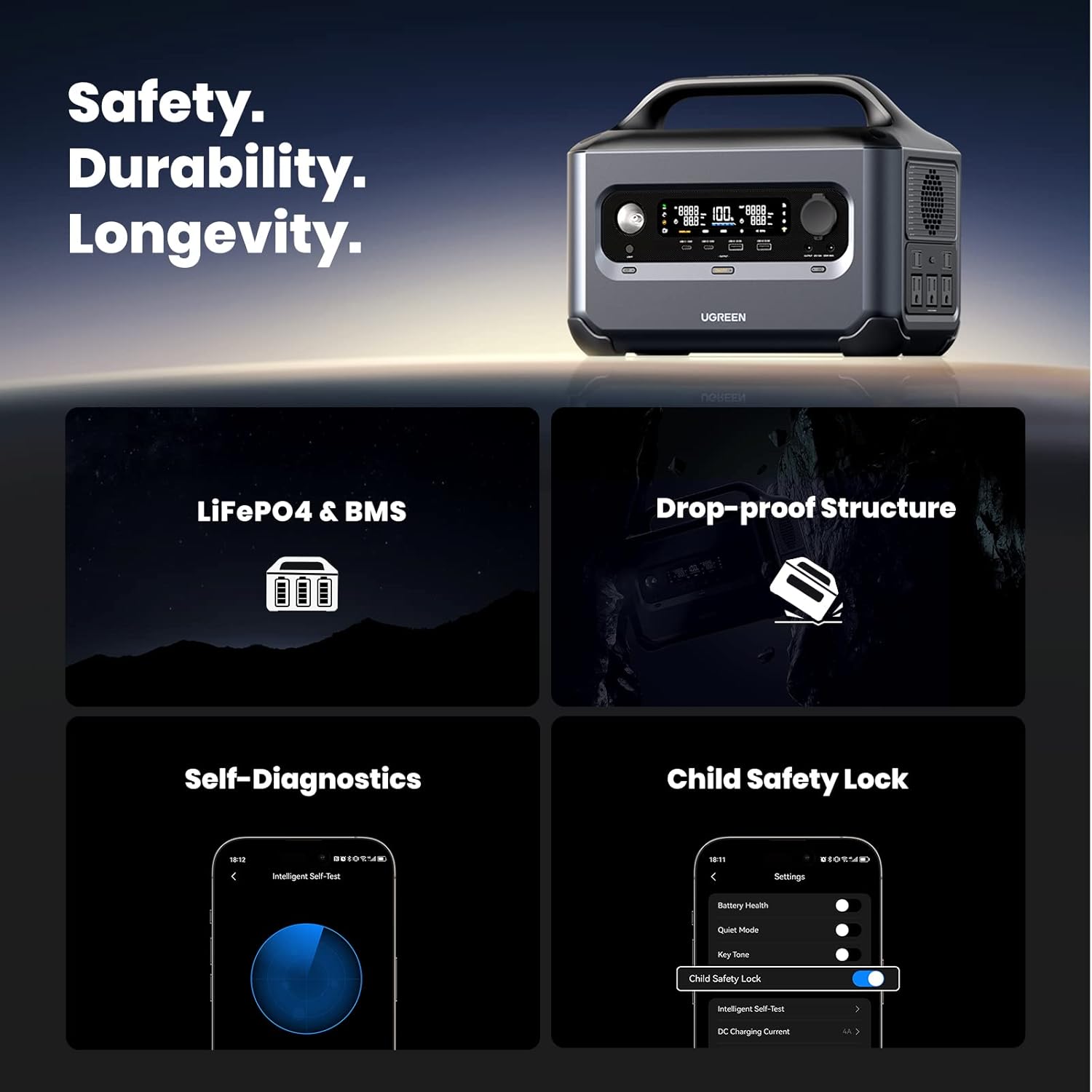
Figure 10: The UGREEN PowerRoam 600 with its dimensions clearly marked: 30.99cm length, 19.05cm width, and 23.88cm height.
Warranty and Support
The UGREEN PowerRoam 600 comes with a 5-year warranty from the date of purchase. This warranty covers defects in materials and workmanship under normal use.
For warranty claims, technical support, or any inquiries, please contact UGREEN customer service. You can typically find contact information on the official UGREEN website or through the retailer where you purchased the product.
Seller Information: UGREEN GROUP LIMITED
For further assistance, visit the UGREEN Store on Amazon.