
iJoy IJPB2101
Contents
iJoy 10000mAh Portable Charger Power Bank User Manual
Model: IJPB2101 | Brand: iJoy
Introduction
This user manual provides essential information for the safe and efficient operation of your iJoy 10000mAh Portable Charger Power Bank. Please read this manual thoroughly before using the device and retain it for future reference.
Safety Information
- Do not expose the power bank to extreme temperatures (heat or cold), direct sunlight, or humidity.
- Do not disassemble, open, or attempt to repair the power bank yourself.
- Keep away from water and other liquids.
- Do not drop, puncture, or apply excessive force to the power bank.
- Use only the provided or certified charging cables.
- Keep out of reach of children.
Product Overview
The iJoy 10000mAh Portable Charger Power Bank is designed to provide reliable power on the go. It features a compact design and multiple charging ports.
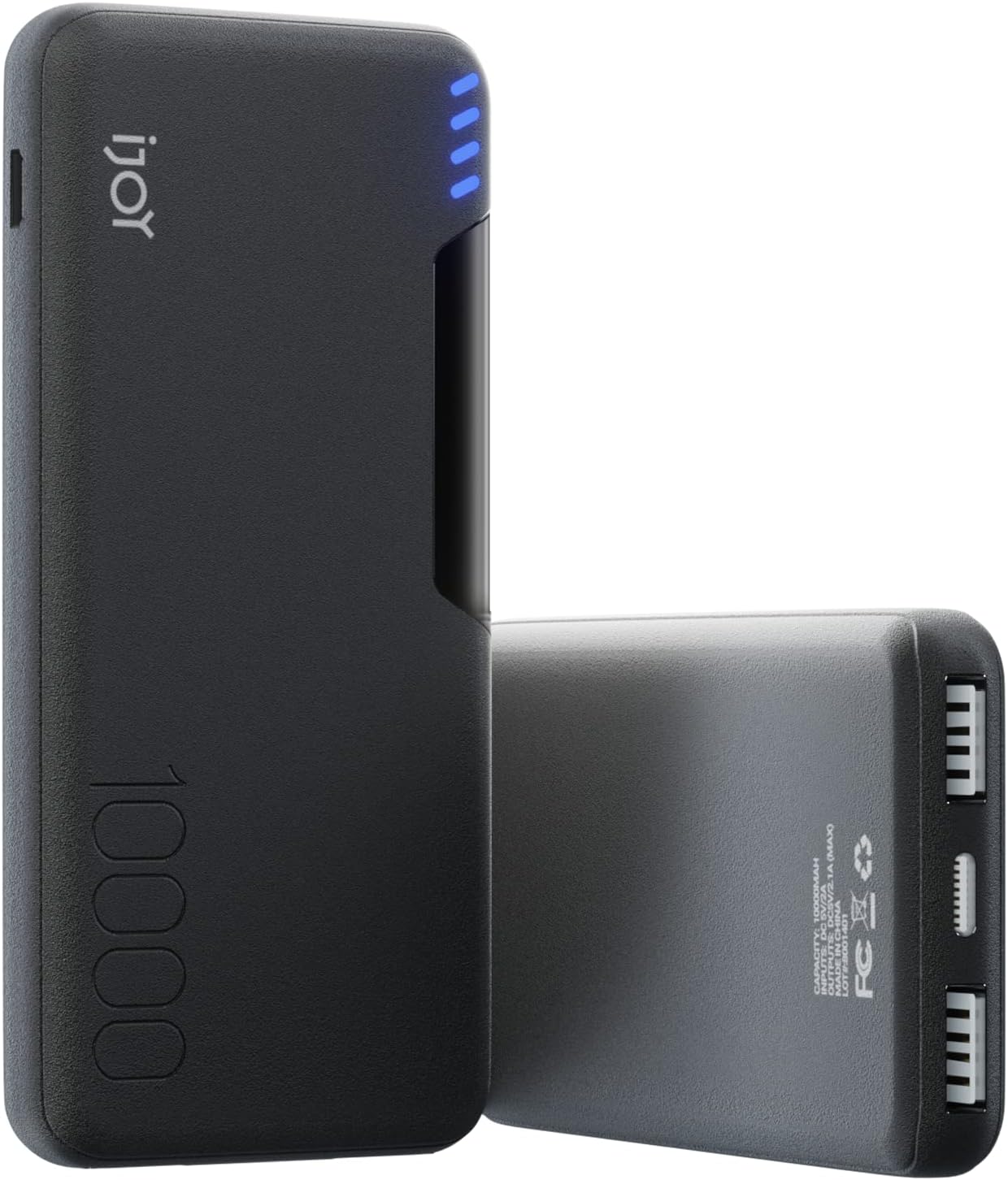
Figure 1: Front view of the iJoy 10000mAh Portable Charger Power Bank, showcasing its sleek black design and the iJoy logo.
Components:
- Dual USB-A Output Ports: Allows for simultaneous charging of two devices.
- USB-C Input Port: Used for recharging the power bank itself.
- Micro USB Input Port: Alternative port for recharging the power bank.
- 4-Bar LED Indicator: Displays the remaining battery life of the power bank.
- Power Button: Activates the LED indicator and initiates charging.
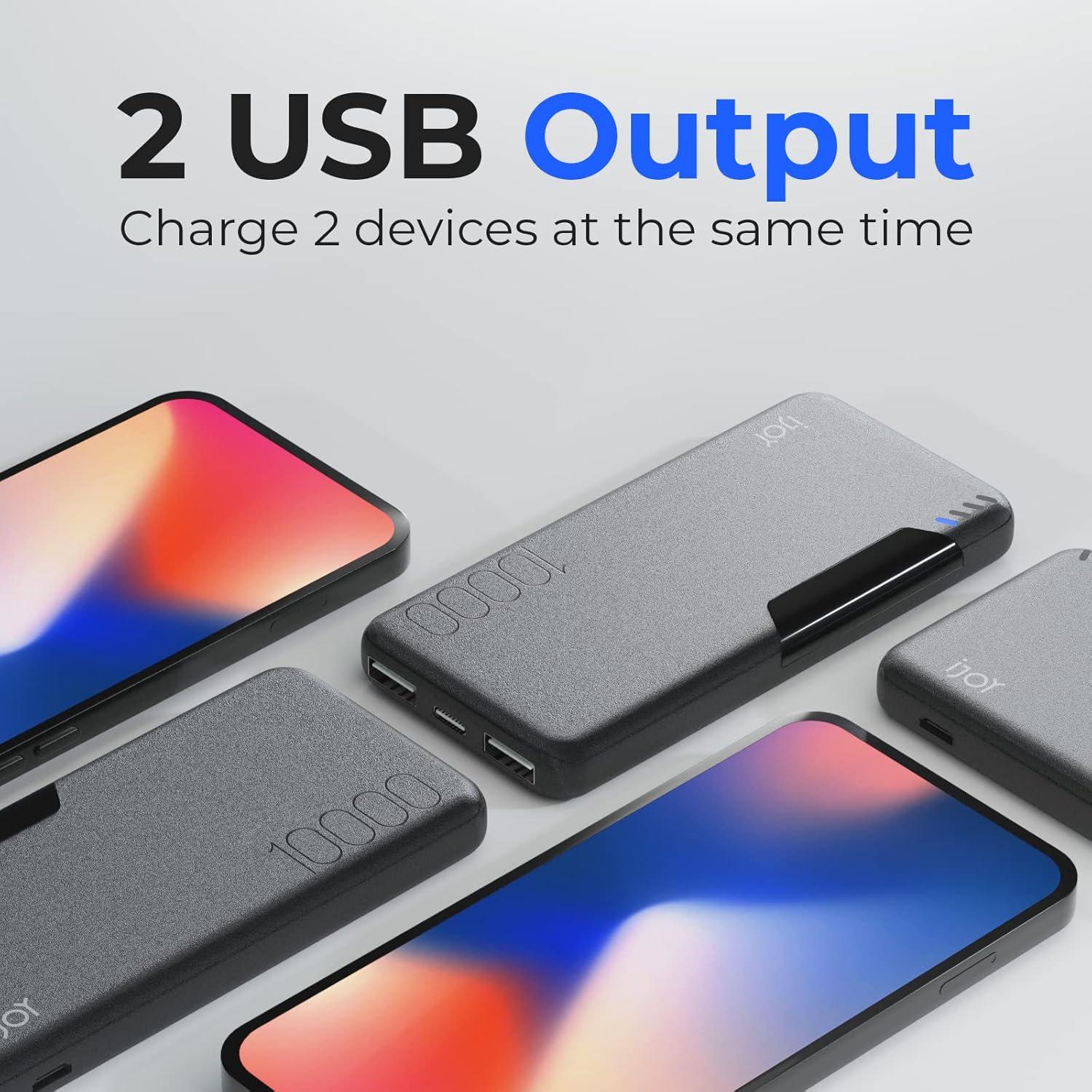
Figure 2: Close-up view of the power bank's end, highlighting the two USB-A output ports, one USB-C input port, and one Micro USB input port.

Figure 3: Detailed view of the power bank's LED indicator lights, showing four blue lights indicating battery charge level.
Setup
Charging the Power Bank:
- Connect the included Type-C charging cable to the USB-C input port on the power bank.
- Connect the other end of the cable to a compatible USB wall adapter (not included) or a computer's USB port.
- The LED indicator lights will illuminate and blink to show the charging progress. All four lights will be solid when fully charged.
- It is recommended to fully charge the power bank before its first use.
Operating Instructions
Charging Your Devices:
- Connect your device's charging cable to one of the USB-A output ports on the power bank.
- Connect the other end of the cable to your device.
- The power bank will automatically begin charging your device. If not, press the power button once to activate charging.
- You can charge up to two devices simultaneously using both USB-A ports.
- The 5V/2.1A output provides fast charging for compatible devices.
Checking Battery Level:
- Press the power button once. The LED indicator lights will show the current battery level:
- 1 light: 0-25% charge
- 2 lights: 25-50% charge
- 3 lights: 50-75% charge
- 4 lights: 75-100% charge
Maintenance
- Clean the power bank with a soft, dry cloth. Do not use harsh chemicals or abrasive materials.
- Store the power bank in a cool, dry place away from direct sunlight and extreme temperatures.
- If not used for extended periods, charge the power bank at least once every three months to maintain battery health.
Troubleshooting
| Problem | Possible Cause | Solution |
|---|---|---|
| Power bank not charging devices. | Low battery on power bank; incorrect cable; device not compatible. | Recharge power bank; ensure cable is securely connected and functional; verify device compatibility. |
| Power bank not recharging. | Faulty charging cable or adapter; damaged port. | Try a different Type-C or Micro USB cable and wall adapter; contact support if ports appear damaged. |
| LED indicators not working. | Power bank is completely drained or faulty. | Attempt to charge the power bank for several hours; if still unresponsive, contact customer support. |
Specifications
- Model Number: IJPB2101
- Battery Capacity: 10000 Milliamp Hours
- Output: 5V/2.1A (USB-A)
- Input: USB Type C, Micro USB
- Product Dimensions: 5.7 x 2.9 x 0.6 inches
- Item Weight: 8.1 ounces
- Color: Black
- Special Features: LED Indicator Lights, Lightweight, Fast Charging, Built In Cable, Pocket Size
Warranty and Support
For warranty information or technical support, please refer to the product packaging or contact iJoy customer service directly. Keep your purchase receipt as proof of purchase.
Documents and downloads
Ask a question about this manual
Ask about setup, troubleshooting, compatibility, parts, safety, or missing instructions. Manuals+ will review the question and use this page’s manual context to help answer it.