
1. Product Overview
The Fishman AFX Pro EQ Mini is a compact acoustic preamp and equalizer pedal designed to optimize the sound of acoustic instruments. It features a high-impedance instrument preamp to condition your pickup signal and a versatile four-band acoustic tone control section. This pedal allows for precise sculpting of bass, mid, treble, and brilliance frequencies, along with a sweepable low cut filter to manage low-end response.

Figure 1.1: Front view of the Fishman AFX Pro EQ Mini pedal, showing the Level and Input Trim knobs, Low Cut, Bass, Middle, Treble, and Brilliance sliders, and the footswitch.
2. Key Features
- Acoustic Preamp: High-impedance input designed specifically for acoustic instrument pickups.
- 5-Band Equalization: Includes Low Cut, Bass, Middle, Treble, and Brilliance controls for comprehensive tone shaping.
- Sweepable Low Cut Filter: Allows fine-tuning of low frequencies to reduce or enhance thumps and sub-harmonics.
- Switchable Bypass: Offers both True Bypass and Buffered Bypass modes for signal integrity.
- Compact Design: Mini pedal format for easy integration into any pedalboard.
3. Controls and Connections
3.1 Front Panel Controls
- Level Knob: Adjusts the overall output volume of the pedal.
- Input Trim Knob: Controls the input gain, allowing for optimal signal level from various pickups.
- Low Cut Slider: Filters out unwanted low frequencies. Adjustable from OFF to MAX.
- Bass Slider: Boosts or cuts low frequencies.
- Middle Slider: Boosts or cuts mid-range frequencies.
- Treble Slider: Boosts or cuts high frequencies.
- Brilliance Slider: Adds clarity and sparkle to the highest frequencies.
- Footswitch: Engages or bypasses the effect.
3.2 Side and Rear Panel Connections
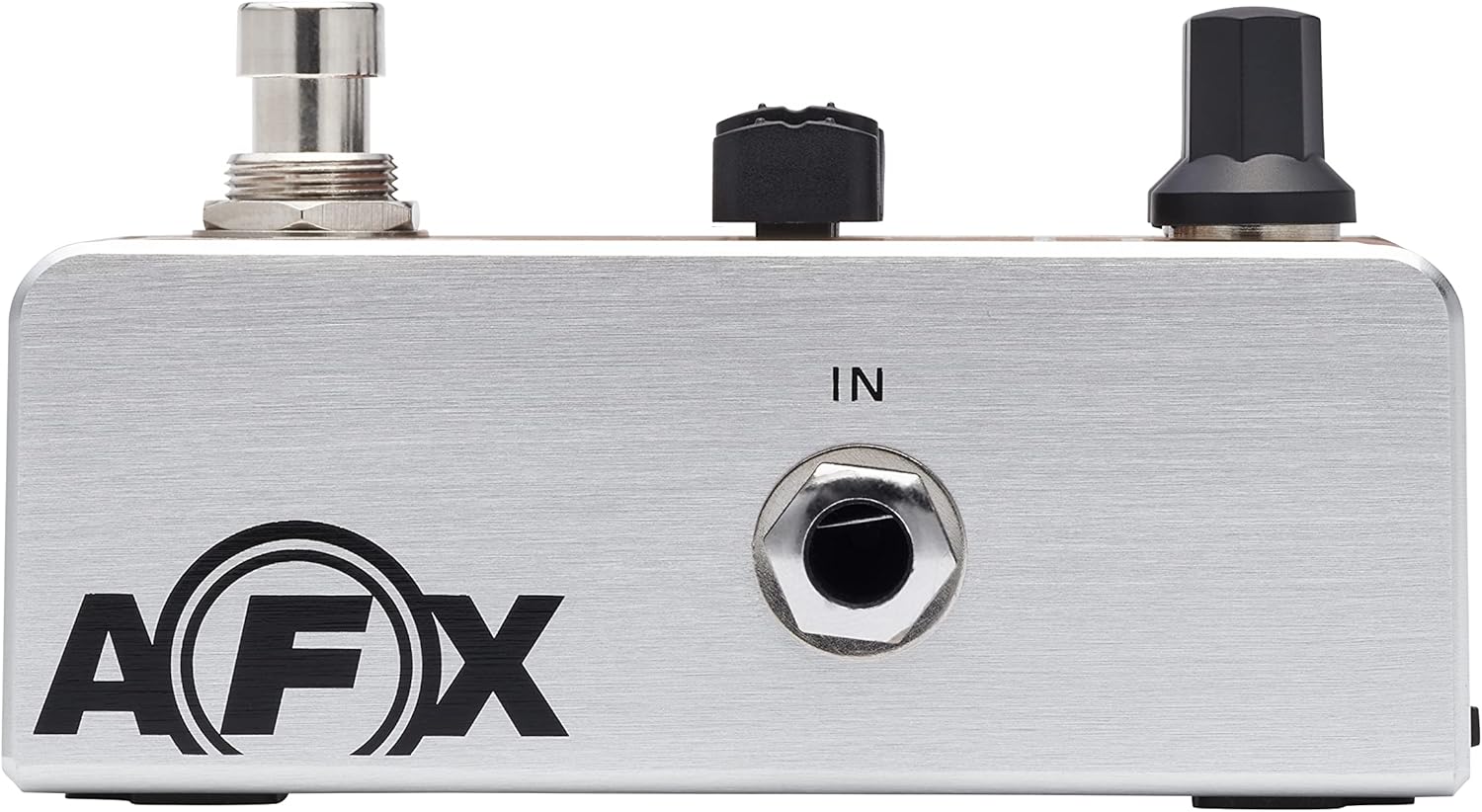
Figure 3.1: Side view showing the 1/4-inch input jack.
- IN Jack (1/4-inch): Connect your acoustic instrument here.
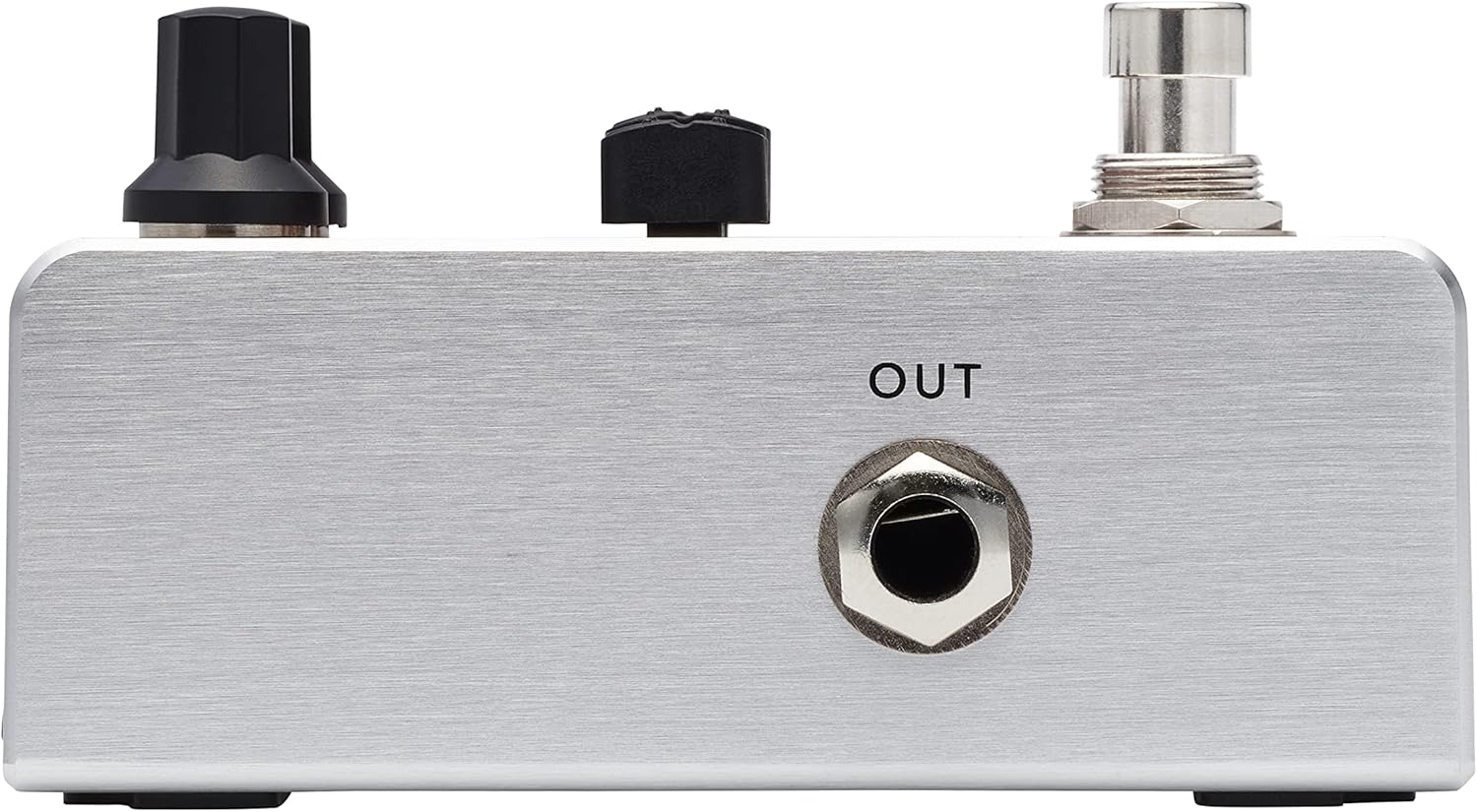
Figure 3.2: Side view showing the 1/4-inch output jack.
- OUT Jack (1/4-inch): Connect to your amplifier, mixer, or next pedal in the signal chain.

Figure 3.3: Rear view showing the 9V DC power input, Audio Path switch, and Bypass switch.
- 9V DC Power Input: Connect a 9V DC, 30mA, center-negative power adapter (not included).
- Audio Path Switch (Tip (mono)/Ring): Selects the audio path configuration. Consult your instrument's output type for optimal setting.
- Bypass Switch (True/Buffer): Selects between True Bypass (signal completely bypasses the circuit when off) and Buffered Bypass (signal passes through a buffer circuit when off). Buffered bypass can help maintain signal integrity over long cable runs.
4. Setup
- Power Connection: Connect a 9V DC, 30mA, center-negative power adapter to the 9V DC input on the rear of the pedal. Ensure the power adapter meets these specifications to prevent damage. Note: A power adapter is not included with the pedal.
- Instrument Connection: Connect your acoustic instrument to the IN jack on the side of the pedal using a standard 1/4-inch instrument cable.
- Output Connection: Connect the OUT jack on the opposite side of the pedal to your amplifier, mixer, or other effects pedals using a standard 1/4-inch instrument cable.
- Bypass Mode Selection: Before powering on, set the Bypass switch on the rear panel to either True or Buffer based on your preference and signal chain requirements.
- Audio Path Selection: Set the Audio Path switch on the rear panel according to your instrument's output. For most standard mono outputs, select Tip (mono).
5. Operation
- Power On: Once all connections are made, apply power to the pedal. The LED indicator will illuminate when the pedal is active.
- Input Trim Adjustment: Begin with the Input Trim knob at its minimum setting. Play your instrument and slowly increase the Input Trim until the signal is strong without clipping. The LED may briefly flash red if the input signal is too hot.
- Level Adjustment: Set the Level knob to achieve the desired output volume, balancing it with your bypassed signal or other pedals.
- Equalization: Adjust the Low Cut, Bass, Middle, Treble, and Brilliance sliders to shape your acoustic tone. Experiment with each control to find the optimal sound for your instrument and playing environment.
- Low Cut: Use to remove muddiness or feedback-prone low frequencies.
- Bass: Controls the warmth and fullness of your sound.
- Middle: Affects the presence and clarity of your instrument.
- Treble: Adjusts the brightness and attack.
- Brilliance: Adds air and sparkle to the very top end.
- Engaging/Bypassing the Effect: Press the footswitch to toggle the effect on or off. The LED indicates the pedal's active status.
6. Maintenance
- Cleaning: Use a soft, dry cloth to clean the pedal's exterior. Avoid abrasive cleaners or solvents.
- Storage: Store the pedal in a dry environment away from extreme temperatures and direct sunlight.
- Power: Always disconnect power when the pedal is not in use for extended periods.
7. Troubleshooting
| Problem | Possible Cause | Solution |
|---|---|---|
| No power/LED off | Incorrect power adapter; adapter not connected; faulty power supply. | Ensure a 9V DC, 30mA, center-negative adapter is used and properly connected. Test with a known working power supply. |
| No sound | Cables incorrectly connected; instrument or amplifier volume off; Input Trim too low; faulty cables. | Check all cable connections. Ensure instrument and amplifier volumes are up. Increase Input Trim and Level. Test with different cables. |
| Excessive noise/hiss | High Input Trim/Level settings; ground loop; interference from other pedals/power supply. | Reduce Input Trim and Level. Ensure proper grounding. Use an isolated power supply. Adjust EQ sliders, especially Brilliance, which can accentuate hiss. |
| Tone is too thin/harsh | EQ settings. | Adjust Bass and Middle sliders to boost lower frequencies. Reduce Treble and Brilliance sliders. Experiment with the Low Cut setting. |
8. Specifications
- Model: PRO-AFX-EQ2
- Brand: Fishman
- Power: 9V DC, 30mA, Center Negative (Power adapter not included)
- Audio Output Effects: Equalization, Phase Control (via Audio Path switch)
- Controls Type: Knobs (Level, Input Trim), Sliders (Low Cut, Bass, Middle, Treble, Brilliance)
- Hardware Interface: 1/4-inch Audio Input, 1/4-inch Audio Output
- Signal Format: Analog
- Item Dimensions (L x W x H): 5.51 x 2.36 x 2.76 inches
- Connector Type: 1/4" TRS, 5.5mm OD, 2.1mm ID Barrel Connector (Center = negative)
9. Warranty and Support
This product is covered by a 1-year limited warranty from the date of purchase. For detailed warranty information, technical support, or service inquiries, please visit the official Fishman website or contact their customer service department. Keep your proof of purchase for warranty claims.
