Introduction
This manual provides comprehensive instructions for the APM Wireless Bluetooth Earbuds, Model 200026. Please read this manual carefully before using the product to ensure proper operation and to maximize your listening experience. Keep this manual for future reference.
Package Contents
Verify that all items listed below are included in your package:
- APM Wireless Earbuds (Left and Right)
- Charging Case
- Lightning Charging Cable
- Silicone Protective Cover
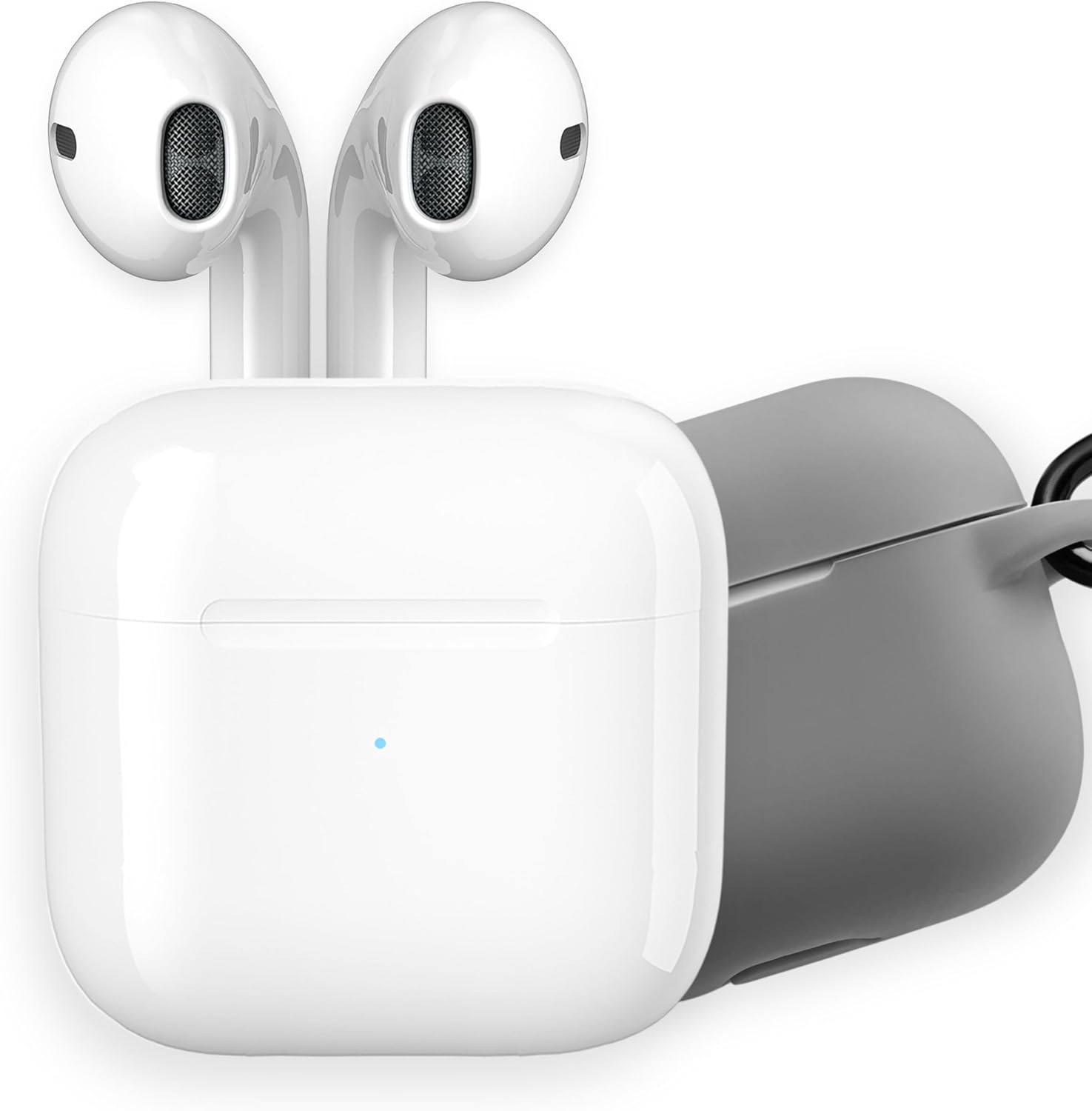
Image: APM Wireless Bluetooth Earbuds, charging case, and included silicone protective cover.
Setup Guide
1. Initial Charging
Before first use, fully charge the earbuds and the charging case. Place the earbuds into the charging case. Connect the Lightning charging cable to the charging port on the case and plug the other end into a USB power source. The indicator light on the case will show charging status. A full charge takes approximately 1.3 hours for the case.

Image: Earbuds inside the charging case, illustrating the extended battery life of up to 20 hours with the case.
2. Bluetooth Pairing
- Ensure the earbuds are charged and inside the charging case.
- Open the charging case lid. The earbuds will automatically enter pairing mode.
- On your device (smartphone, tablet, PC), go to Bluetooth settings and enable Bluetooth.
- Search for available devices and select "APM Earbuds" (or similar name) from the list.
- Once connected, you will hear a confirmation tone, and the earbuds will be ready for use.
The earbuds offer a stable connection up to 10 meters (approximately 33 feet).
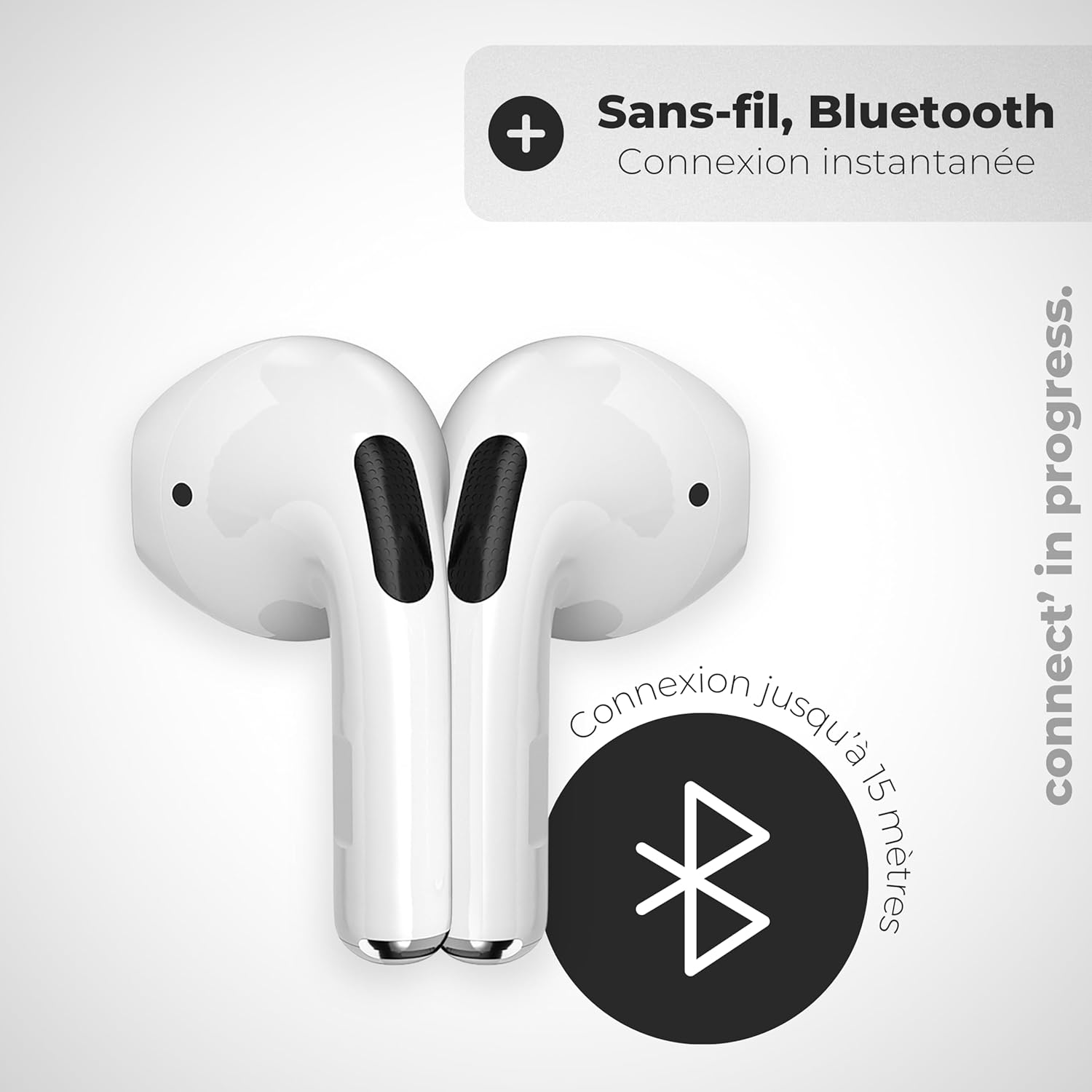
Image: Two earbuds demonstrating wireless Bluetooth connectivity with a range of up to 15 meters.
3. Wearing the Earbuds
Gently insert each earbud into your ear canal. Adjust them for a comfortable and secure fit. A proper fit enhances sound quality and passive noise isolation.

Image: Close-up of an earbud, highlighting its ergonomic and timeless design for comfortable wear.
Operating Instructions
The APM Wireless Earbuds feature intuitive touch controls for easy management of audio playback and calls.
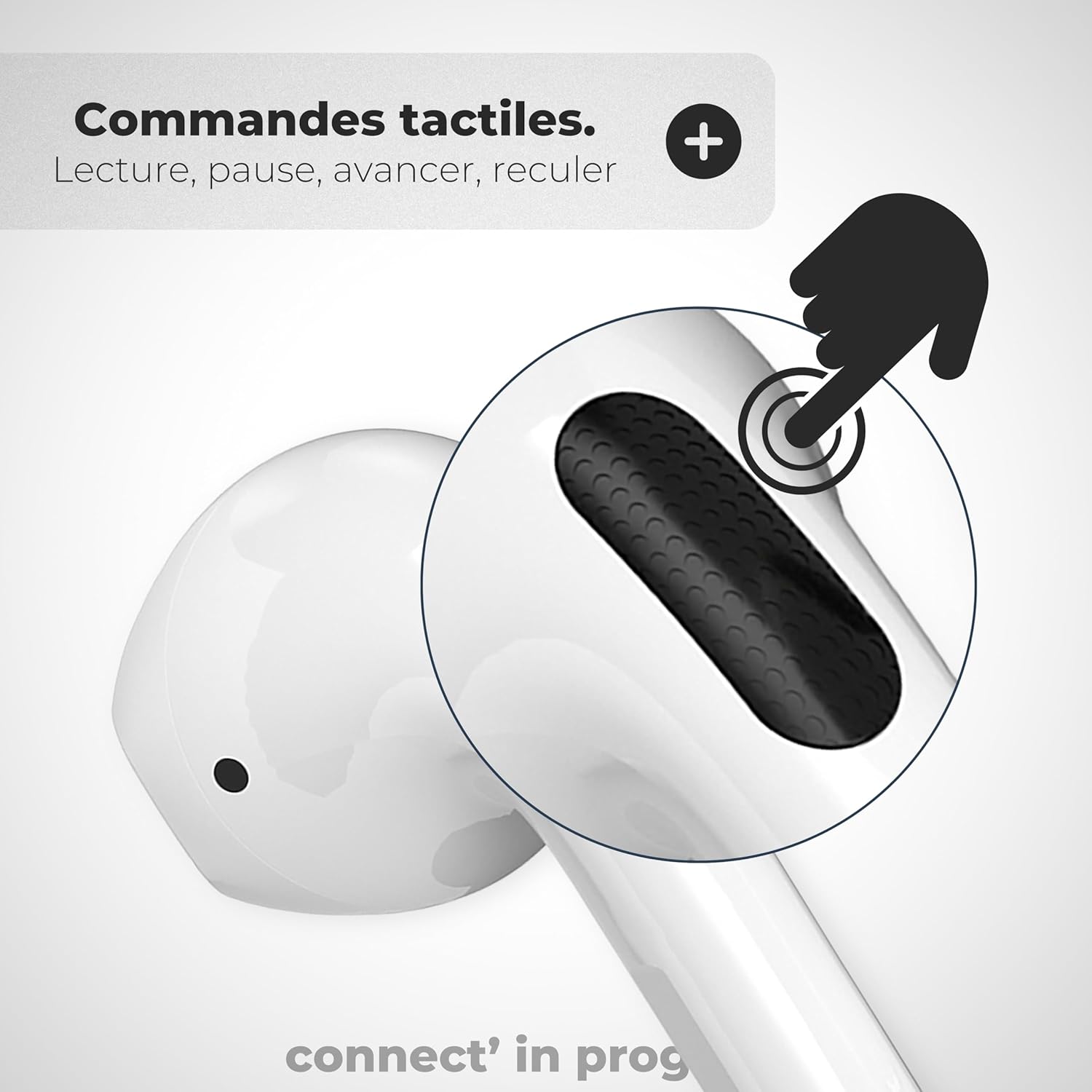
Image: Detailed view of an earbud, indicating the touch-sensitive control area for various functions.
Touch Controls:
- Play/Pause: Single tap on either earbud.
- Next Track: Double tap on the right earbud.
- Previous Track: Double tap on the left earbud.
- Answer/End Call: Single tap on either earbud.
- Reject Call: Press and hold either earbud for 2 seconds.
- Activate Voice Assistant: Triple tap on either earbud (if supported by your device).

Image: An earbud with icons for answering and rejecting calls, highlighting the integrated microphone for clear communication.
Mono/Stereo Mode:
You can use both earbuds together for a stereo audio experience or use a single earbud (left or right) independently for mono audio. Simply return one earbud to the charging case to switch to mono mode.
Maintenance and Care
- Cleaning: Regularly clean the earbuds and charging case with a soft, dry, lint-free cloth. Do not use abrasive cleaners or immerse in liquids.
- Storage: When not in use, store the earbuds in their charging case to protect them and keep them charged.
- Water Resistance: The product is not waterproof. Avoid exposure to water or excessive moisture.
- Silicone Cover: Use the provided silicone protective cover to shield the charging case from minor impacts and scratches.

Image: The included grey silicone protective cover, designed to offer shock protection for the charging case.
Troubleshooting
If you encounter issues with your APM Wireless Earbuds, refer to the following common solutions:
- Earbuds not pairing:
- Ensure both earbuds are charged.
- Place earbuds back in the case, close the lid, wait a few seconds, then open the lid again.
- On your device, forget the "APM Earbuds" from your Bluetooth list and attempt to pair again.
- Ensure your device's Bluetooth is enabled and within range (10 meters).
- No sound from one earbud:
- Check if the earbud is properly seated in the charging case and fully charged.
- Try resetting the earbuds by placing both in the case, closing the lid, and then re-pairing.
- Charging issues:
- Verify the charging cable and power adapter are working correctly.
- Ensure the charging contacts on the earbuds and inside the case are clean and free of debris.
- Poor sound quality:
- Ensure the earbuds are properly fitted in your ears.
- Check for interference from other wireless devices.
- Clean any debris from the earbud speaker mesh.
Specifications
| Model Number | 200026 |
| Connectivity Technology | Bluetooth Wireless |
| Ear Placement | In-Ear |
| Impedance | 32 Ohms |
| Sensitivity | 100 dB |
| Control Method | Touch |
| Microphone | Included |
| Charging Time | 1.3 hours (case) |
| Battery Life (Earbuds) | Up to 6 hours continuous playback |
| Battery Life (with Case) | Up to 20 hours total |
| Weight | 39 Grams |
| Compatible Devices | Game Console, Computer, Laptop, Tablet, Phone |
Warranty Information
The APM Wireless Bluetooth Earbuds (Model 200026) come with a manufacturer's warranty of 2 years from the date of purchase. This warranty covers defects in materials and workmanship under normal use. It does not cover damage caused by misuse, accidents, unauthorized modifications, or normal wear and tear.
Please retain your proof of purchase for warranty claims.
Support
For further assistance, technical support, or warranty inquiries, please contact APM customer service. Refer to the contact information provided with your product packaging or visit the official APM website.
Online Resources: Visit the APM Store on Amazon