
Real HD 6MP PTZ PoE IP Camera
Contents
User Manual for Real HD 6MP Mini PTZ Dome PoE IP Camera
Model: 6MP PTZ PoE IP Camera
1. Product Overview
The Real HD 6MP Mini PTZ Dome PoE IP Camera is a high-resolution surveillance solution designed for both indoor and outdoor applications. Featuring a 6-megapixel sensor, 3X optical zoom, and Pan/Tilt capabilities, it provides clear, detailed video coverage. Its Power over Ethernet (PoE) functionality simplifies installation by delivering power and data over a single cable. The camera is built with an IP66 weather-rated enclosure, ensuring durability in various environmental conditions.

Image: Front view of the Real HD 6MP Mini PTZ Dome PoE IP Camera.
2. Key Features
- HD 6MP Resolution: Captures smooth 3072x2048 @25fps video with a 1/3" progressive scan CMOS sensor, providing clear and sharp images.
- Pan & Tilt Functionality: Offers a Pan range of 0° to 350° and a Tilt range of 0° to 90°, allowing for wide area coverage.
- 3X Optical Zoom: Equipped with a 2.8-8mm motorized AF lens for 3X optical zoom, enabling detailed viewing without compromising video quality.
- IR Night Vision: Provides clear night vision up to 98 feet (30 meters).
- Power over Ethernet (PoE): Simplifies installation by allowing power and data transmission over a single Ethernet cable.
- IP66 Weather Rated Enclosure: Designed for robust outdoor and indoor use, resistant to dust and water.
- Dual H.265/H.264 Compression: Utilizes advanced video compression to reduce file sizes and storage requirements.
- Compatibility: ONLY compatible with Hik Vision and Uniview Standalone NVRs. Not compatible with Reolink, Dahua, Lorex, Amcrest NVRs, or other software.

Image: Illustration showing the 350° Pan and 90° Tilt range of the camera, covering a wide outdoor area.

Image: Close-up view demonstrating the 2.8-8mm motorized lens with 3X optical zoom capability.

Image: The camera shown under simulated rain, highlighting its IP66 weatherproof rating for all-weather performance.
3. Package Contents
Upon opening the package, please verify that all components are present and in good condition:
- 6MP PTZ IP Camera
- User Manual
- Mounting Template
- Screws and Wall Plugs
- Waterproof Lid for Ethernet Cable
4. Setup and Installation
4.1 Power over Ethernet (PoE) Connection
This camera supports Power over Ethernet (PoE), allowing both power and data to be transmitted through a single Ethernet cable. This simplifies wiring and installation.

Image: Diagram illustrating how the camera receives power and data via a single Ethernet cable from a PoE NVR or PoE Switch.
4.2 Connecting to an NVR (Network Video Recorder)
For optimal performance, it is recommended to connect the camera to a compatible Hik Vision or Uniview Standalone NVR. Ensure your NVR supports 1080P monitor/TV output and 1920x1080 resolution.

Image: Detailed diagram showing connections from the camera to an NVR, including monitor, mouse, and router connections.
4.3 Connecting to a PC (Standalone Use)
The camera can also be connected directly to a PC for standalone use via a PoE switch or PoE injector. Software for viewing and managing the camera is available for both Mac and Windows, as well as mobile apps for iOS and Android.

Image: Diagram illustrating how to connect the camera to a PC using a PoE switch/injector and showing available software platforms.
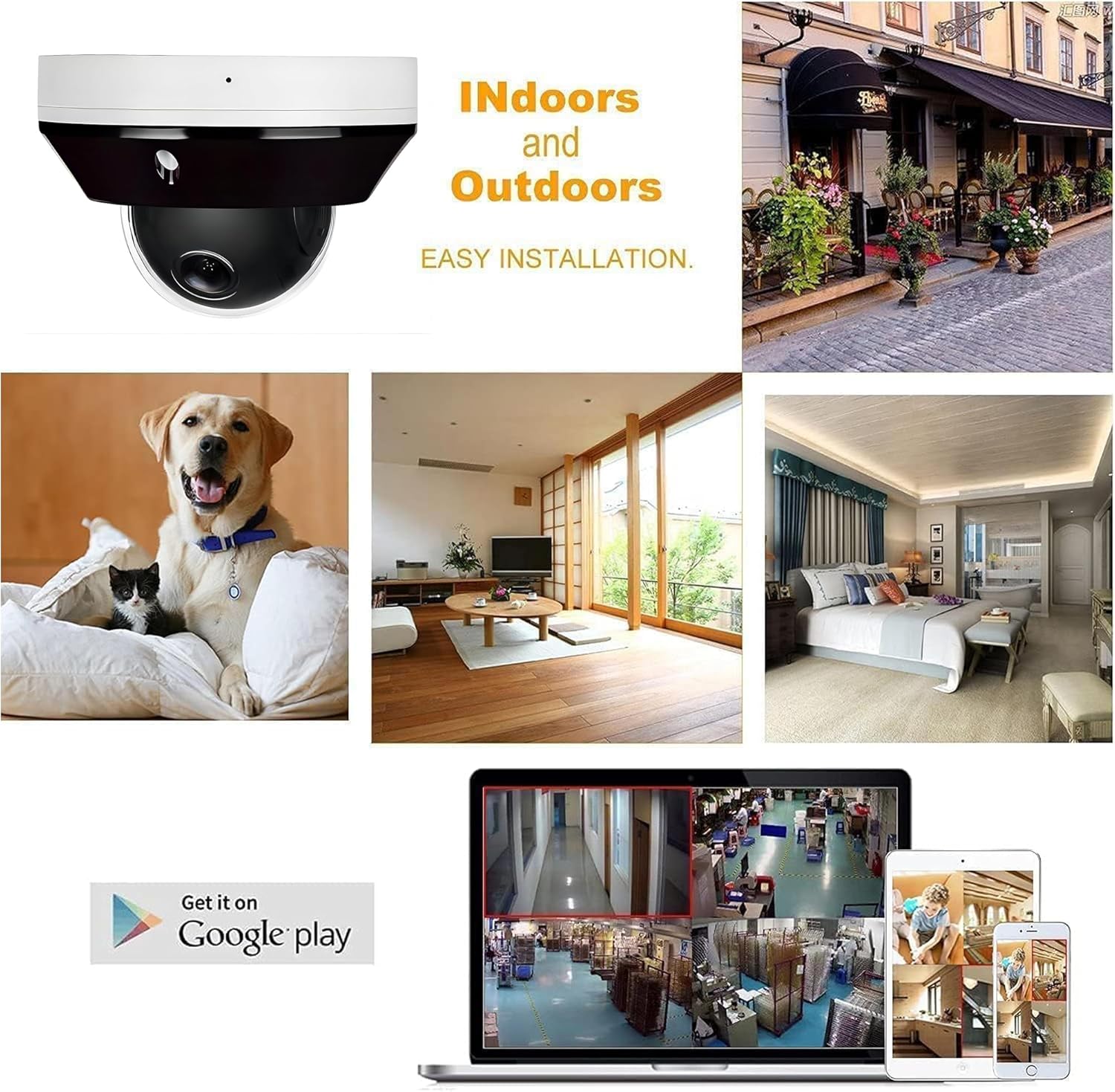
Image: Collage showing the camera's suitability for both indoor and outdoor environments, along with mobile app interfaces.
5. Operating Instructions
5.1 Pan, Tilt, and Zoom Control
Once connected to a compatible NVR or PC software, you can control the camera's Pan (horizontal rotation), Tilt (vertical movement), and Optical Zoom functions. Use the software interface to navigate the camera's view and zoom in on specific areas of interest.
Video: Demonstration of the 6MP Mini PTZ PoE IP Camera's pan, tilt, and 3X optical zoom capabilities, showcasing its wide coverage and detailed viewing.
5.2 Night Vision
The camera is equipped with IR night vision, providing clear surveillance footage in low-light or no-light conditions up to 98 feet. The camera automatically switches to night vision mode when ambient light levels are insufficient.
5.3 Motion Detection
Configure motion detection settings through your NVR or PC software. You can define detection zones, sensitivity levels, and set up alerts for motion events. This feature helps in monitoring specific areas and receiving notifications for unusual activity.
6. Maintenance
To ensure optimal performance and longevity of your camera, follow these maintenance guidelines:
- Cleaning: Periodically clean the camera lens and dome cover with a soft, damp cloth. Avoid using harsh chemicals or abrasive materials that could scratch the surface.
- Cable Inspection: Regularly inspect the Ethernet cable and connections for any signs of wear, damage, or corrosion, especially for outdoor installations.
- Firmware Updates: Check the manufacturer's website or your NVR/software provider for any available firmware updates to ensure your camera operates with the latest features and security patches.
- Environmental Considerations: While the camera is IP66 rated, extreme weather conditions (e.g., direct lightning strikes, prolonged submersion) should be avoided.
7. Troubleshooting
| Problem | Possible Cause | Solution |
|---|---|---|
| No video feed / Camera offline |
|
|
| Poor image quality |
|
|
| PTZ controls unresponsive |
|
|
| Cannot log in (default credentials) |
|
|
8. Technical Specifications
| Specification | Detail |
|---|---|
| Brand | Real HD |
| Model | 6MP PTZ PoE IP Camera |
| Video Capture Resolution | 6 MP (3072x2048) |
| Photo Sensor Technology | CMOS |
| Lens | 2.8-8mm Motorized Varifocal Lens |
| Optical Zoom | 3X |
| Pan Range | 0° ~ 350° |
| Tilt Range | 0° ~ 90° |
| Night Vision Range | 98 Feet |
| Connectivity Technology | Wired Ethernet (PoE) |
| International Protection Rating | IP66 |
| Video Compression | H.265/H.264 |
| Power Source | Corded Electric (PoE) |
| Voltage | 12 Volts (DC) |
| Wattage | 20 watts |
| Mounting Type | Ceiling Mount (Wall mount with optional bracket) |
| Item Weight | 1.15 pounds |
| Dimensions | 5.39 x 5.31 x 4.06 inches |
9. Warranty and Support
Real HD is committed to providing reliable products and customer support. For any technical assistance, inquiries, or warranty claims, please contact the seller directly.
- Local Support: US local office provides tech support.
- Support Hours: 9 am-5 pm CST.
- Contact: Please refer to your purchase documentation or the seller's information on the platform where the product was purchased for direct contact methods.
Please note that this camera is specifically designed for compatibility with Hik Vision and Uniview Standalone NVRs. Ensure your system meets these requirements before seeking support for compatibility issues with other brands.
Ask a question about this manual
Ask about setup, troubleshooting, compatibility, parts, safety, or missing instructions. Manuals+ will review the question and use this page’s manual context to help answer it.