
Introduction
The Disney Minnie Mouse Color-Changing Squishy Light provides a soft, squeezable illumination featuring Minnie's iconic ears and red polka-dot bow. This versatile light offers multiple color modes and dimmable white light, suitable for various settings such as bedrooms, playrooms, or living rooms. It can be powered via a USB-C cable or AAA batteries, offering flexibility for both stationary and portable use.
Safety Information
- This product is designed for indoor use only.
- Keep away from water or excessive moisture. This product is not water resistant.
- Battery replacement must be performed by an adult. Dispose of used batteries safely according to local regulations. Do not mix old and new batteries.
- Do not expose batteries to fire as they may leak or explode.
- The light will automatically shut off after 60 minutes of continuous operation when running on batteries.
- Ensure the USB-C cable is properly connected to a 5V, 1A USB-A port or adapter (not included).
Package Contents
- Disney Minnie Mouse Squishy Light (Model 66945)
- 2ft. USB-C Cable
Note: 3 AAA batteries and a 5V, 1A USB-A adapter are not included.
Setup
Battery Installation
- Locate the battery compartment on the bottom of the light.
- Remove the screw and open the battery cover.
- Insert 3 AAA batteries (not included), observing polarity.
- Close the battery cover and re-insert the screw.
USB-C Power
- Plug the USB-C end of the included power cable into the port on the back of the light.
- Plug the USB-A end of the power cable into a 5V, 1A USB-A port or adapter (not included).
Note: While on USB-C power, the batteries will not be used. The USB-C cable does not charge the batteries. If the power goes out, the light will switch to battery power.

Image: The Minnie Mouse Squishy Light demonstrating its two power options: USB-C cable connection and the battery compartment for 3 AAA batteries.
Operating Instructions
Power Button
- Press the power button on the back of the light to turn it on.
- Press and hold the power button to turn the light off.
Note: When turned off and turned back on, the light will return to the last mode used. When the USB-C cable is disconnected, the light will reset to high white mode.
Changing Colors and Modes
Lightly tap the squishy light to cycle through the following modes:
- High white
- Medium white
- Low white
- Automatic color fade (cycles through all colors)
- Red
- Green
- Blue
- Orange
- Yellow
- Light green
- Teal
- Dark blue
- Purple
- Light purple
- Dark pink
- Pink
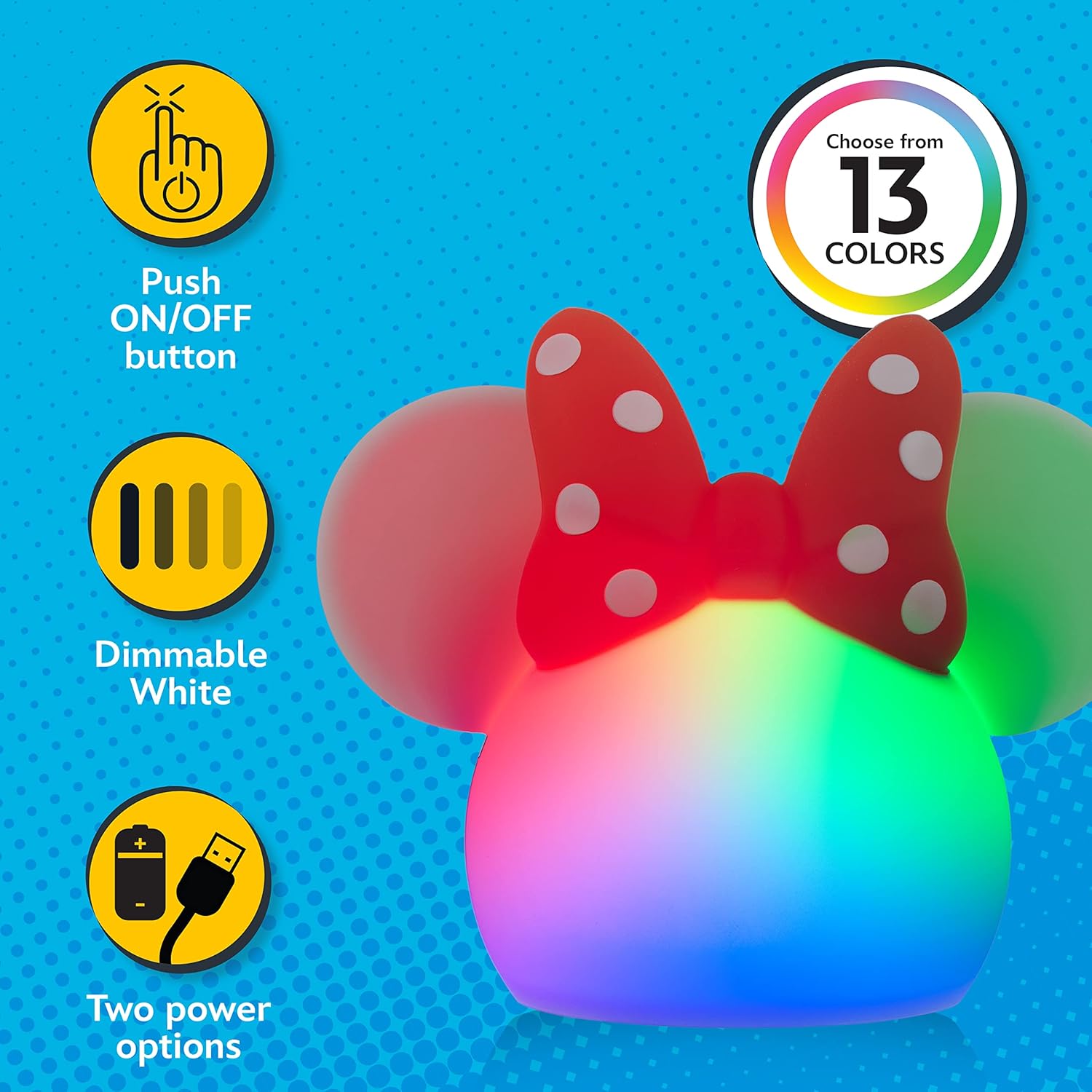
Image: The Minnie Mouse Squishy Light showcasing its touch-activated color-changing feature with various vibrant colors.

Image: The Minnie Mouse Squishy Light illustrating three levels of dimmable white light: Low, Medium, and High.

Image: The Minnie Mouse Squishy Light glowing in a soft blue, highlighting its squeezable silicone design.
Media Gallery
Official Product Video
Video: An official product video from Jasco Products Company demonstrating the features and functionality of the Minnie Mouse Squishy Light, including its color-changing modes and soft texture.
Maintenance
- To clean the light, wipe with a soft, damp cloth.
- Do not use abrasive cleaners or solvents.
Troubleshooting
- Light not turning on: Ensure batteries are correctly inserted with proper polarity or that the USB-C cable is securely connected to a working power source.
- Colors not changing: Lightly tap the squishy light firmly to cycle through modes. If using USB-C power, ensure the connection is stable.
- Light turns off unexpectedly: When operating on batteries, the light has an automatic 60-minute shut-off feature.
Specifications
| Feature | Detail |
|---|---|
| Model Number | 66945 |
| Brand | Disney |
| Material Type | Silicone |
| Light Source Type | LED |
| Number of Light Sources | 11 (colors) |
| Power Source | Battery Powered (3 AAA, not included) / USB (USB-C cable included, adapter not included) |
| Voltage | 5 Volts |
| Control Method | Touch Control |
| Product Dimensions | 4.5"D x 5.3"W x 6.15"H |
| Item Weight | 10.23 ounces |
| Additional Features | Color Changing, Dimmable |
Warranty and Support
This product comes with a 90-day limited warranty from the manufacturer, Jasco Products. For support or warranty claims, please refer to the contact information provided with your purchase or visit the Disney Store on Amazon.