
1. Introduction
Thank you for choosing the Uliptz WH202A Bluetooth Headphones. This manual provides essential information for setting up, operating, and maintaining your headphones to ensure optimal performance and longevity. Please read this manual thoroughly before using the product.
2. Product Overview
Key Features:
- High-Fidelity Audio: Equipped with 40mm acoustic stereo drivers for clear highs, balanced mids, and powerful bass.
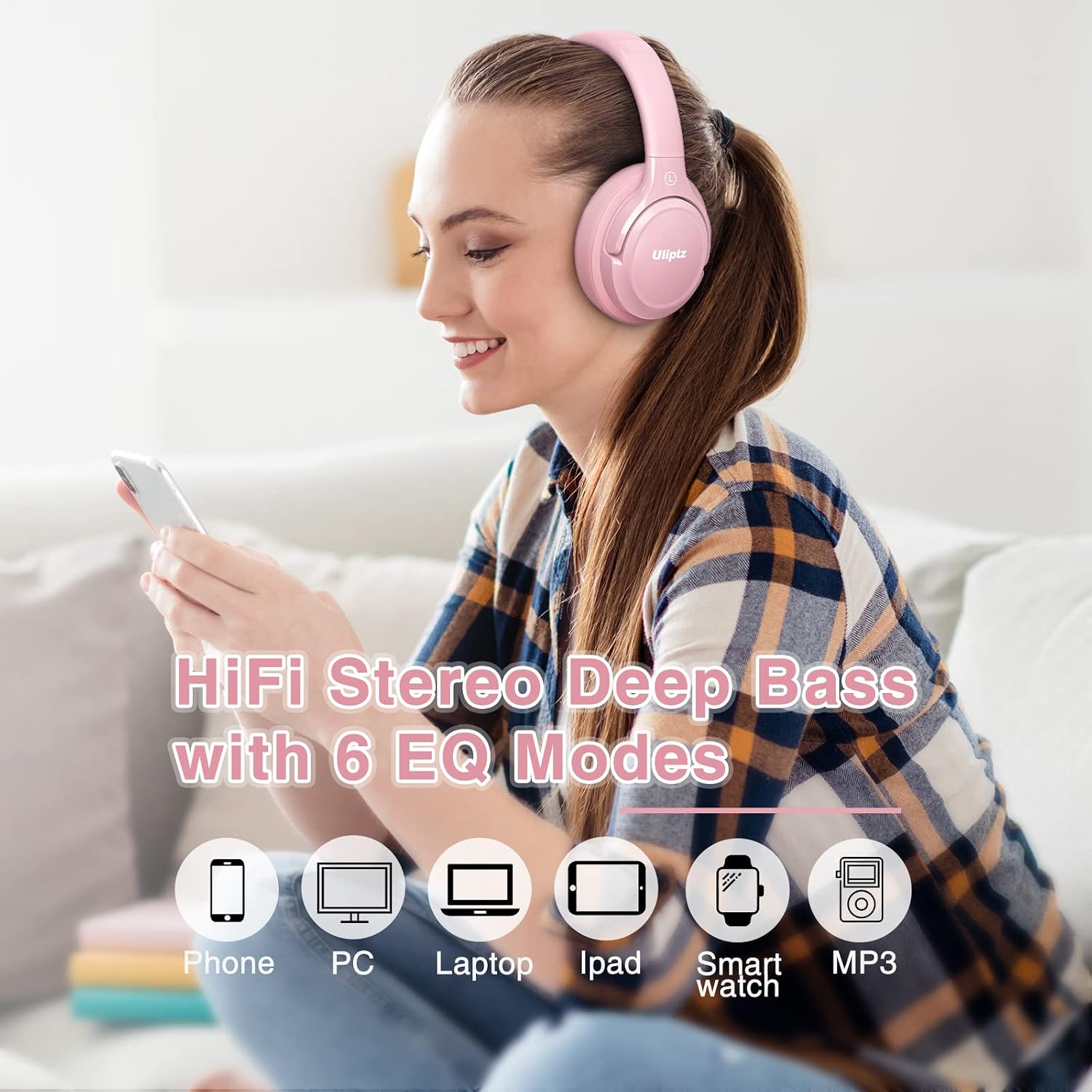
- 6 EQ Modes: Customize your audio experience to suit different music genres.
- Bluetooth 5.3 Technology: Provides a stable and faster wireless connection.
- Extended Playtime: Up to 65 hours of wireless playback on a single charge.
- Quick Charge: 10 minutes of charging provides up to 4 hours of playback.
- Dual Device Connection: Connect to two devices simultaneously and switch seamlessly.
- Wired & Wireless Modes: Use wirelessly via Bluetooth or wired with the included 3.5mm audio cable.
- Lightweight & Comfortable: Designed with acoustically engineered memory foam earcups and an adjustable headband for all-day comfort.
- Built-in Microphone: For clear hands-free calls and voice assistant use (microphone functions only in wireless mode).
- Foldable Design: For easy storage and portability.
Package Contents:
- 1 x Uliptz WH202A Wireless Bluetooth Headset
- 1 x 3.5mm Audio Cable
- 1 x USB-C Charging Cable
- 1 x User Manual
Product Diagram:

3. Setup
3.1 Charging the Headphones:
- Connect the provided USB-C charging cable to the charging port on the headphones.
- Connect the other end of the cable to a USB power adapter (not included) or a computer's USB port.
- The LED indicator will show the charging status. A full charge typically takes approximately 2-3 hours.
- A quick 10-minute charge provides up to 4 hours of playback.

3.2 Power On/Off:
- Power On: Press and hold the Power button for 3 seconds until the LED indicator flashes blue.
- Power Off: Press and hold the Power button for 3 seconds until the LED indicator turns red and then off.
3.3 Bluetooth Pairing:
- Ensure the headphones are powered off.
- Press and hold the Power button for 5 seconds until the LED indicator flashes blue and red alternately, indicating pairing mode.
- On your device (smartphone, tablet, PC), enable Bluetooth and search for available devices.
- Select "Uliptz WH202A" from the list of devices.
- Once connected, the LED indicator will flash blue slowly.

4. Operating Instructions
4.1 Basic Controls:
| Button/Action | Function |
|---|---|
| Power Button (Long Press) | Power On/Off |
| Power Button (Short Press) | Play/Pause music, Answer/End call |
| Volume + Button (Short Press) | Increase Volume |
| Volume + Button (Long Press) | Next Track |
| Volume - Button (Short Press) | Decrease Volume |
| Volume - Button (Long Press) | Previous Track |
| EQ Button (Short Press) | Cycle through 6 EQ Modes |
4.2 EQ Modes:
The headphones feature 6 equalizer modes to optimize your listening experience for different audio content. Press the EQ button to cycle through the available modes. Each mode adjusts the audio profile (e.g., Bass Boost, Vocal, Pop, Rock, etc.) to enhance specific frequencies.
4.3 Wired Mode:
To use the headphones in wired mode, connect one end of the 3.5mm audio cable to the headphone's audio jack and the other end to your audio source. Wired mode does not require battery power and can be used even when the headphones are off or out of battery. The built-in microphone is not active in wired mode.

4.4 Dual Device Connection:
The Uliptz WH202A headphones can connect to two Bluetooth devices simultaneously. After pairing with the first device, disable Bluetooth on that device. Then, pair the headphones with the second device. Once paired, re-enable Bluetooth on the first device. The headphones should now be connected to both devices, allowing you to switch audio sources without re-pairing.

4.5 Microphone Usage:
The integrated microphone provides clear voice pickup for hands-free calls and interacting with voice assistants. Note: The microphone functions only when the headphones are connected via Bluetooth (wireless mode).
5. Maintenance
- Clean the headphones regularly with a soft, dry cloth. Do not use abrasive cleaners or solvents.
- Avoid exposing the headphones to extreme temperatures, humidity, or direct sunlight.
- Store the headphones in a cool, dry place when not in use. The foldable design allows for compact storage.
- Keep the charging port and audio jack free of dust and debris.
- The headphones are rated as water-resistant, but avoid submerging them in water or exposing them to heavy rain.
6. Troubleshooting
Common Issues and Solutions:
- No Power:
- Ensure the headphones are fully charged.
- Press and hold the Power button for 3 seconds to turn on.
- Cannot Pair with Device:
- Ensure the headphones are in pairing mode (LED flashes blue and red alternately).
- Make sure Bluetooth is enabled on your device.
- Place the headphones and device within 1 meter during pairing.
- Clear the Bluetooth pairing list on your device and try pairing again.
- No Sound:
- Check the volume level on both the headphones and your connected device.
- Ensure the headphones are properly connected via Bluetooth or the 3.5mm audio cable.
- If using wired mode, ensure the cable is fully inserted.
- Poor Sound Quality:
- Move closer to your device to avoid interference.
- Ensure there are no obstacles between the headphones and your device.
- Try a different audio source or file.
- Microphone Not Working:
- Ensure the headphones are in wireless (Bluetooth) mode. The microphone does not work in wired mode.
- Check your device's audio input settings to ensure the headphone microphone is selected.
7. Specifications
| Feature | Detail |
|---|---|
| Model Number | WH202A |
| Brand | Uliptz |
| Connectivity Technology | Wireless (Bluetooth 5.3), Wired (3.5mm Jack) |
| Wireless Communication Technology | Bluetooth |
| Form Factor | Over-Ear (Circum-Aural) |
| Ear Placement | Supra-aural |
| Special Features | Fast Charging, Built-in Microphone, Foldable, Sweat Resistant |
| Control Method | Tactile |
| Battery Composition | Lithium-ion |
| Rechargeable Battery | Yes |
| Item Weight | 200 Grams |
| Material | Plastic |
| Water Resistance Level | Waterproof (Note: Avoid submersion) |
| Compatible Devices | Computer, Laptop, Phone, Mobile Phone, Tablet, Car Audio System, Smart Speaker, Television |
8. Warranty and Support
Uliptz provides a 30-day free return policy and a 12-month warranty for the WH202A Bluetooth Headphones. If you encounter any issues or have questions during use, please do not hesitate to contact Uliptz customer support. Contact information can typically be found on the product packaging or the official Uliptz website.