
Introduction
This manual provides essential information for the proper setup, operation, and maintenance of your Dpofirs 1080P 16MP Digital Video Camera Camcorder. Please read through these instructions carefully to ensure optimal performance and longevity of your device.
What's in the Box
- Digital Video Camera
- USB Power Cord
- Audio Cable
- User Manual

Image: The Dpofirs camcorder shown alongside its USB power cord and audio cable.
Product Features
- 2.7-inch LCD Display: Features a 2.7-inch LCD display that supports 270° rotation for flexible viewing and recording angles.
- 1080P Video Recording: Capable of recording full 1080P video, capturing dynamic and clear footage.
- 16X Digital Zoom: Equipped with 16x digital zoom to bring distant subjects closer.
- USB Interface: Includes a USB interface for easy connection to a computer to transfer files, watch, and edit videos or photos.
- Built-in Flash: A built-in flash allows for taking photos in low-light environments.
- 1/4-inch Screw Interface: A 1/4-inch screw interface at the bottom provides compatibility with tripods and other accessories.

Image: A detailed view of the camcorder's video lens, showing aperture and focal length markings.

Image: The camcorder with its screen open, displaying text highlighting its 16x zoom, USB interface, and built-in flash capabilities.
Product Overview
The Dpofirs camcorder is designed for ease of use, featuring a compact body and intuitive controls. Its lightweight design makes it suitable for various recording situations.
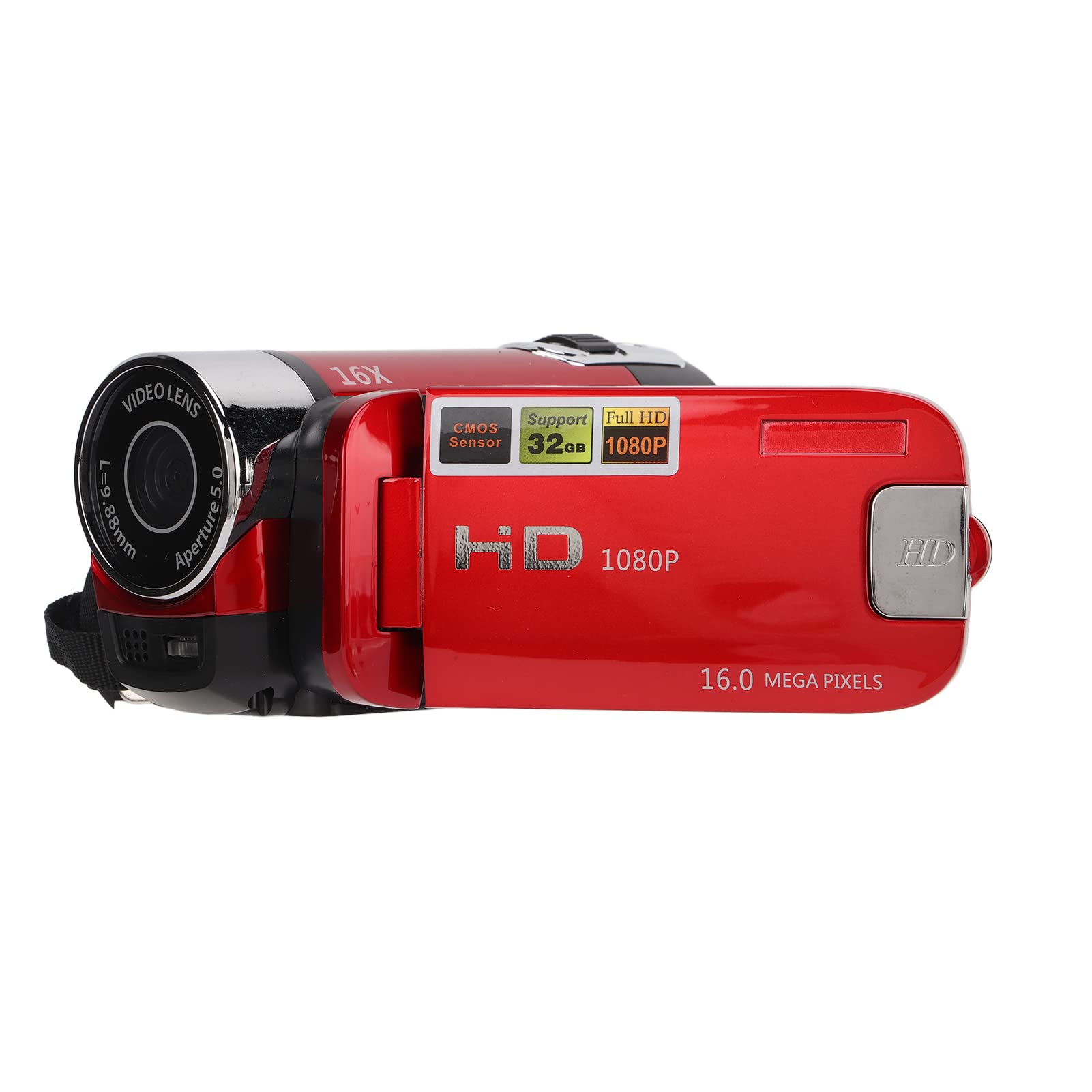
Image: A hand holding the Dpofirs camcorder with the screen open and rotated, showing the compact size and ergonomic design.

Image: The Dpofirs camcorder with its screen fully open and extended, ready for use.
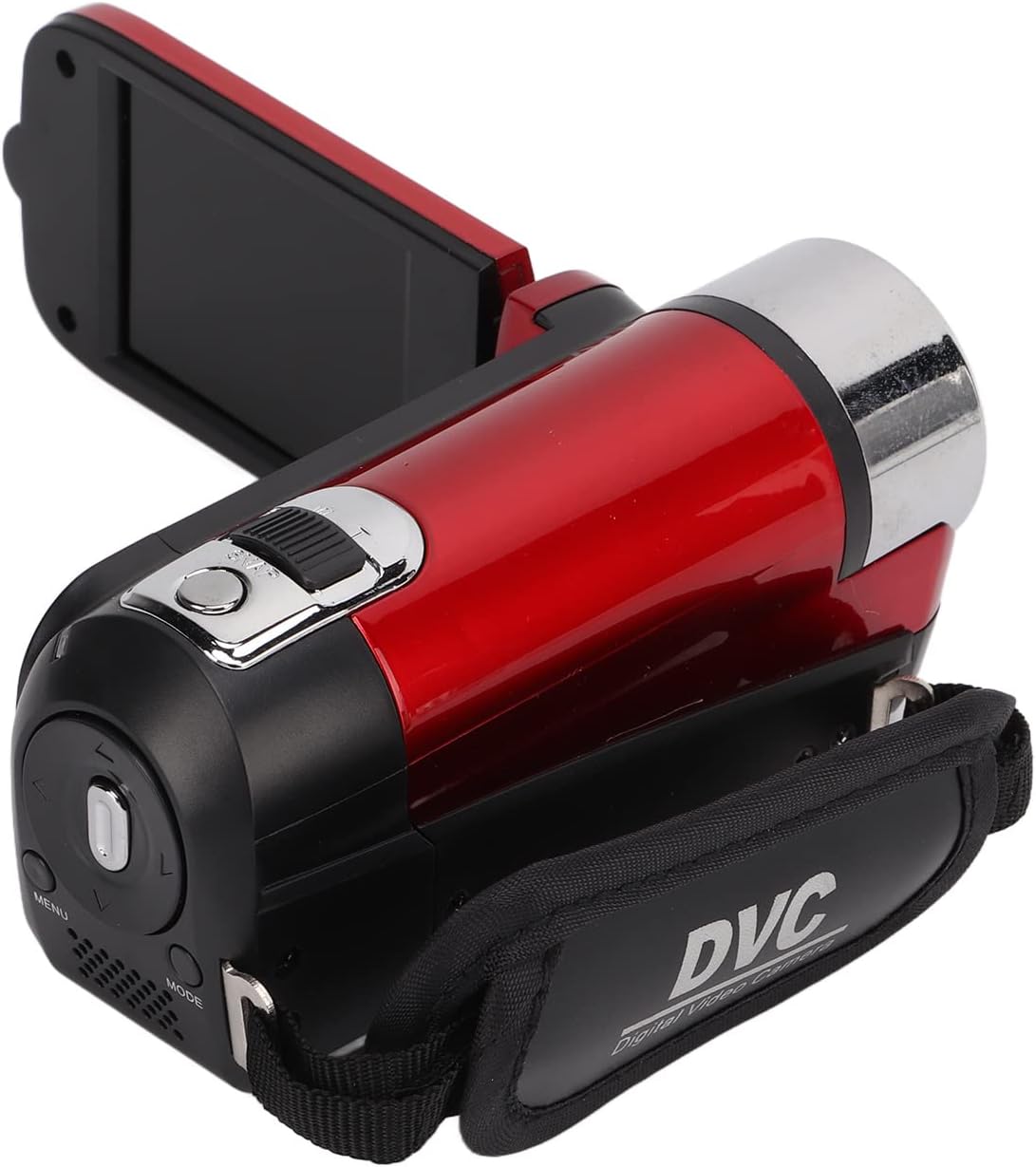
Image: Rear view of the Dpofirs camcorder, highlighting the control buttons and battery compartment.
Setup
Battery Installation
Open the battery compartment cover. Insert the provided rechargeable battery, ensuring correct polarity. Close the compartment cover securely.
SD Card Installation
Locate the SD card slot, typically found on the side or bottom of the camcorder. Insert a compatible SD card (up to 32GB recommended) until it clicks into place. Close the slot cover.
Charging the Battery
Connect the USB power cord to the camcorder's USB port and the other end to a USB power adapter or computer. The charging indicator light will illuminate. A full charge typically takes approximately 1 hour per battery.

Image: A close-up of the USB charging cable included with the Dpofirs camcorder.
Operating Instructions
Power On/Off
Open the LCD screen to power on the camcorder. Close the LCD screen to power off the camcorder.
Recording Videos
With the camcorder powered on and in video mode, press the Record button (usually a red button) to start recording. Press it again to stop.
Taking Photos
Switch the camcorder to photo mode. Frame your shot using the LCD screen, then press the Shutter button to capture a photo.
Zoom Function
Use the zoom rocker switch, typically located on the top of the camcorder, to zoom in (T) or zoom out (W). Note that this is a digital zoom function.
Menu Navigation
Press the 'MENU' button to access the settings. Use the directional buttons (up, down, left, right) or joystick to navigate through options. Press 'OK' or the central button to select an option.
Maintenance
Cleaning
Use a soft, dry cloth to clean the camcorder body. For the lens, use a specialized lens cleaning cloth and solution. Avoid using abrasive materials or harsh chemicals.
Storage
When not in use, store the camcorder in a cool, dry place away from direct sunlight and extreme temperatures. Remove the battery if storing for extended periods.
Troubleshooting
Camcorder Not Powering On
- Ensure the battery is correctly inserted and charged.
- Verify the power button is pressed correctly or the LCD screen is fully opened.
Poor Image/Video Quality
- Check lighting conditions. Use the built-in flash in dark environments.
- Clean the lens if it appears smudged or dirty.
- Avoid excessive digital zoom, as it can reduce image clarity.
Files Not Transferring to Computer
- Ensure the USB cable is securely connected to both the camcorder and the computer.
- Check if the computer recognizes the camcorder as a removable disk.
Specifications
- Brand: Dpofirs
- Model Number: Dpofirsz9kg2fbnmu-12
- Item Weight: 3 pounds
- Photo Sensor Technology: CMOS
- Video Capture Resolution: 1080p
- Flash Memory Type: SD
- Video Capture Format: AVI
- Supported Audio Format: AAC
- Screen Size: 2.7 Inches
- Connectivity Technology: USB
- Color: Red
- Special Feature: 16x Zoom, 270-degree rotatable screen
Warranty and Support
For warranty information or technical support, please refer to the contact details provided in your product packaging or visit the official Dpofirs website. Keep your purchase receipt as proof of purchase for any warranty claims.