
Introduction
The Cooler Master V850 Gold i ATX3.0 Power Supply Unit (PSU) is designed to provide stable and efficient power to your computer system. This fully modular, 80 PLUS Gold certified PSU features a semi-digital platform for real-time monitoring and customization via the MasterPlus+ software. This manual provides essential information for the proper installation, operation, and maintenance of your V850 Gold i PSU.
Setup
Proper installation is crucial for the performance and longevity of your PSU. Follow these steps carefully.
1. Unboxing and Component Identification
Carefully remove the PSU and all accessories from the packaging. Verify that all components are present.

Image: The Cooler Master V850 Gold i PSU and its array of fully modular cables.
The V850 Gold i is a fully modular power supply, meaning you only connect the cables your system requires. This reduces cable clutter and improves airflow within your PC case.

Image: Close-up of the modular connection ports on the PSU, clearly labeled for different components like M/B, 12VHPWR, PCIe/CPU, and HDD/SATA.
2. Physical Installation
- Mount the PSU securely into the designated PSU bay of your computer case using the provided screws.
- Connect the necessary modular cables to the PSU. Refer to the labels on the PSU and the cable diagram for correct connections.
- Connect the main 24-pin ATX cable to your motherboard.
- Connect the 8-pin EPS/CPU power cable(s) to your motherboard.
- Connect the 12VHPWR cable to your compatible graphics card (if applicable).
- Connect PCIe 6+2 pin cables to other graphics cards or components as needed.
- Connect SATA and Peripheral 4-pin cables to storage drives and other peripherals.
- Connect the included USB 3.0 cable from the PSU's 'COMM PORT' to an available USB 3.0 header on your motherboard. This enables the semi-digital features and MasterPlus+ software control.

Image: A motherboard's USB 3.0 header, where the PSU's communication cable connects for digital control.
Video: This video demonstrates the unboxing and contents of the Cooler Master V850 Gold i Power Supply, including the various cables and accessories.
3. Power Connection
Connect the main power cable from your wall outlet to the PSU's power inlet. Ensure the power switch on the PSU is in the 'OFF' position before connecting.
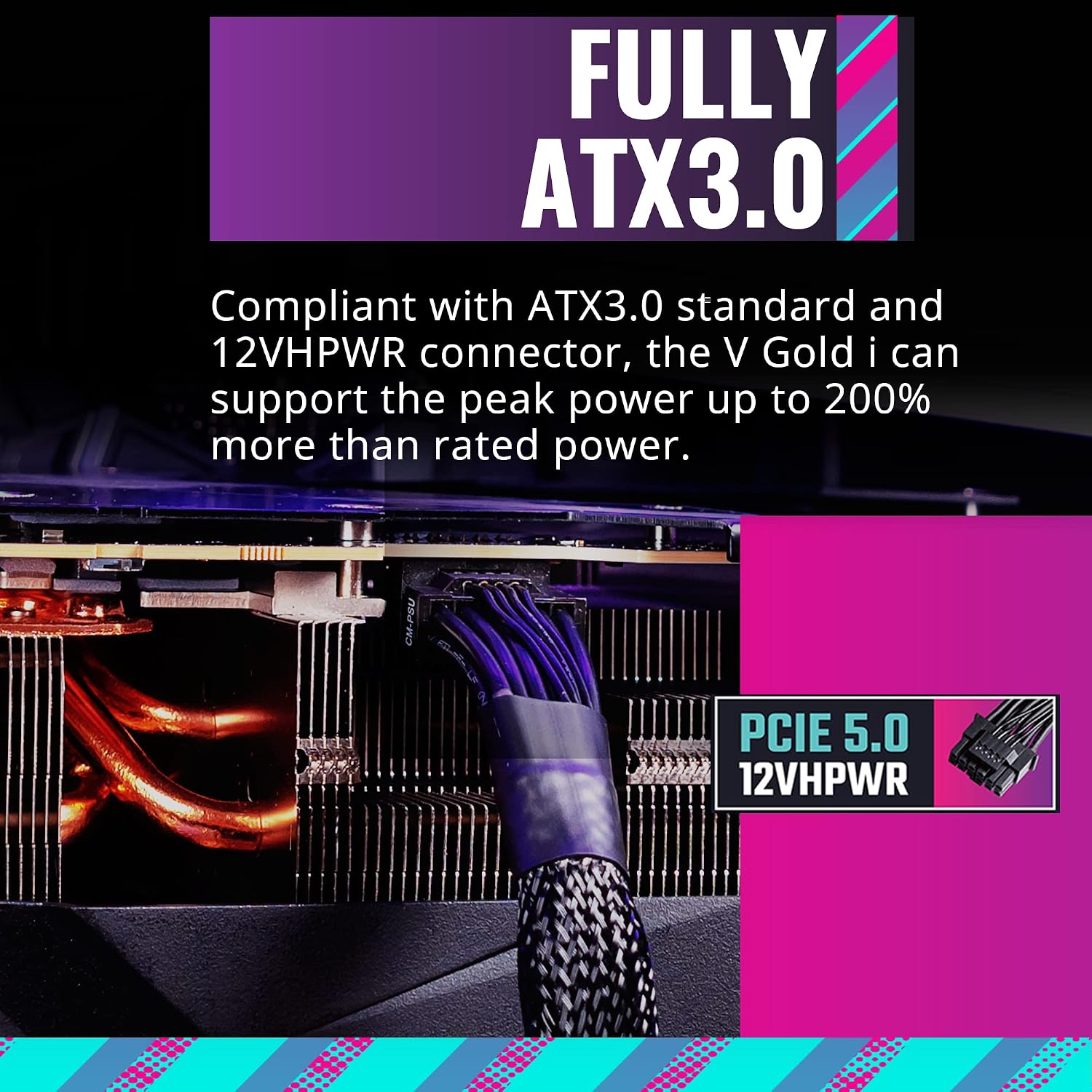
Image: The rear panel of the PSU showing the power inlet and the main on/off switch.
Operating Instructions
Once installed, your V850 Gold i PSU is ready for operation. Its semi-digital design allows for advanced control.
1. Initial Power On
After all connections are secure, flip the power switch on the back of the PSU to the 'ON' position. Your system should now be ready to power on via your PC's power button.
2. MasterPlus+ Software
The V850 Gold i features a semi-digital platform that connects directly to your motherboard via the included USB 3.0 cable. This allows you to monitor and customize PSU performance in real-time using Cooler Master's free MasterPlus+ software.
- Download: Obtain the MasterPlus+ software from the official Cooler Master website.
- Monitoring: The software provides real-time data on input/output voltages, current load, fan speed, and temperature.
- Customization: Adjust fan curves and other settings to optimize performance or noise levels according to your preferences.

Image: The MasterPlus+ software interface displaying real-time monitoring data for the PSU, including input, output, and fan speed.
Video: This video demonstrates the performance monitoring capabilities of the Cooler Master V850 Gold i Power Supply, including voltage testing and software interface.
Maintenance
Regular maintenance helps ensure optimal performance and extends the lifespan of your PSU.
1. Dust Management
Periodically clean the PSU's fan and vents to prevent dust buildup, which can impede cooling and reduce efficiency. Use compressed air to gently clear dust from the fan blades and grille.

Image: A detailed view of the 135mm silent fan, designed for quiet operation across various load scenarios.
2. Smart Thermal Control Mode
The V850 Gold i features a Smart Thermal Control Mode. This mode, configurable through the MasterPlus+ software, allows you to customize the fan curve based on PSU temperature and load, ensuring optimal cooling while minimizing noise.
3. Efficiency
The PSU is 80 PLUS Gold certified, guaranteeing a minimum typical efficiency of 90% under normal operating conditions. This means less energy is wasted as heat, contributing to lower operating temperatures and reduced electricity consumption.

Image: An efficiency graph illustrating the 80 PLUS Gold certification, showing power retention at different load percentages for 230V/50Hz and 115V/60Hz.
Troubleshooting
If you encounter issues with your V850 Gold i PSU, consider the following common troubleshooting steps:
- No Power: Ensure the main power cable is securely connected to both the PSU and the wall outlet. Check that the PSU's on/off switch is in the 'ON' position. Verify your wall outlet is functional.
- System Instability/Crashes: Check all modular cable connections to ensure they are firmly seated in both the PSU and the components. Ensure your system's power requirements do not exceed the PSU's 850W capacity.
- Loud Fan Noise: If the fan is unusually loud, check the MasterPlus+ software for the current fan mode. Adjust the fan curve to a quieter setting if desired. Ensure there is no dust buildup obstructing the fan.
- Software Not Detecting PSU: Verify that the USB 3.0 communication cable is correctly connected from the PSU's 'COMM PORT' to your motherboard's USB 3.0 header. Restart the MasterPlus+ software or your computer.
- Voltage Readings: Use the MasterPlus+ software to monitor real-time voltage outputs. If readings are outside acceptable ranges, consult Cooler Master support.
Video: This video provides a rapid review of the Cooler Master V850 Gold i ATX3.0 Power Supply, showcasing its features and connections, which can be helpful for troubleshooting physical setup.
Specifications
| Feature | Description |
|---|---|
| Model Name | V850 Gold i |
| Model Number | MPZ-8501-AFAG-BUS |
| Wattage | 850 Watts |
| Efficiency Certification | 80 PLUS Gold |
| Form Factor | ATX |
| ATX Standard | ATX3.0 Compliant |
| Modular Type | Fully Modular |
| Fan Size | 135mm Silent Fan |
| Capacitors | 100% Japanese Capacitors |
| Digital Platform | Semi-Digital (MasterPlus+ Software Control) |
| 12VHPWR Cable | Native 12VHPWR cable included |
| Dimensions (LxWxH) | 12 x 8 x 4.95 inches |
| Weight | 7.05 pounds (3.21 Kilograms) |

Image: The product label of the Cooler Master V850 Gold i, indicating its 850W power output and 80 PLUS Gold certification.
Warranty and Support
The Cooler Master V850 Gold i ATX3.0 PSU comes with a 10-year warranty, ensuring long-term reliability and peace of mind.
For technical support, warranty claims, or additional product information, please visit the official Cooler Master website or contact their customer service department. Keep your proof of purchase for warranty validation.


