
WOLILIWO V7022B-MSA-1V003
WOLILIWO V7022B-MSA-1V003 Wired Video Intercom System User Manual
Model: V7022B-MSA-1V003
Introduction
Thank you for choosing the WOLILIWO V7022B-MSA-1V003 Wired Video Intercom System. This system provides enhanced security and convenience for your villa, house, office, or apartment. It features a 7-inch LCD display, an HD outdoor camera with IR night vision, and supports remote unlocking. This manual provides detailed instructions for installation, operation, and maintenance to ensure optimal performance and longevity of your device.
Package Contents
Please verify that all items listed below are included in your package:
- Indoor unit (Monitor)
- Outdoor unit (Doorbell Camera)
- Hanging plate
- Power Adapter
- Test cable
- Mounting screws and anchors
- User Manual (this document)

Image: Contents of the WOLILIWO V7022B-MSA-1V003 package.
Components Overview
Indoor Monitor Unit
The indoor unit features a 7-inch LCD screen for clear viewing of visitors. It includes touch buttons for various functions such as mute, ringtone selection, monitoring, unlocking, and intercom communication.

Image: Multiple indoor monitor units and the outdoor doorbell camera.
Outdoor Doorbell Camera Unit
The outdoor unit is equipped with an HD camera, IR night vision for clear visibility in low light, and a 120° ultra-wide-angle lens. It is designed to be waterproof (IP65 rated) and resistant to various temperatures, making it suitable for all seasons. It also features buttons for visitors to call specific indoor units and an area for custom door numbers.

Image: Detailed view of the outdoor doorbell camera unit with key features highlighted.
Setup and Installation
This system supports both flush mount and flat mount installation options. Basic electrical and wiring knowledge is recommended for installation.
1. Mounting the Outdoor Unit
- Choose a suitable location near your entrance, ensuring clear visibility and accessibility for visitors.
- Use the hanging plate as a template to mark drilling points on the wall.
- Drill holes and insert wall anchors. Secure the hanging plate to the wall using the provided screws.
- Connect the necessary wiring (power, video, audio, unlock control) from the outdoor unit to the designated cables. Refer to the wiring diagram in the included manual for specific connections.
- Mount the outdoor unit onto the secured hanging plate.
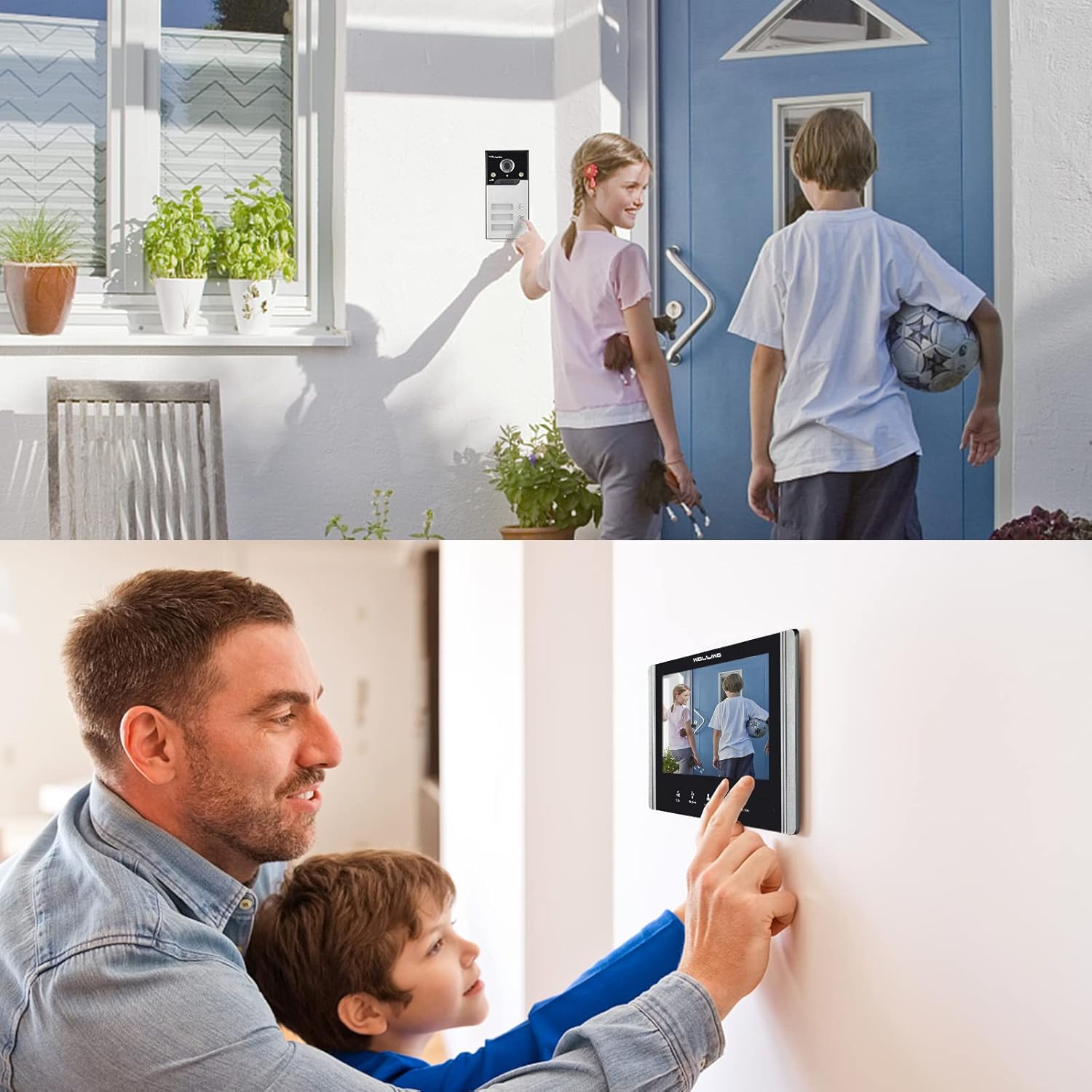
Image: Installation of the outdoor doorbell unit.
2. Mounting the Indoor Monitor Units
- Select appropriate indoor locations for each monitor unit, such as living rooms, bedrooms, or offices.
- Similar to the outdoor unit, use the monitor's hanging plate to mark and drill holes, then secure the plate.
- Connect the wiring from the outdoor unit and power adapter to the indoor monitor. Ensure all connections are secure.
- Attach the indoor monitor unit to its hanging plate.
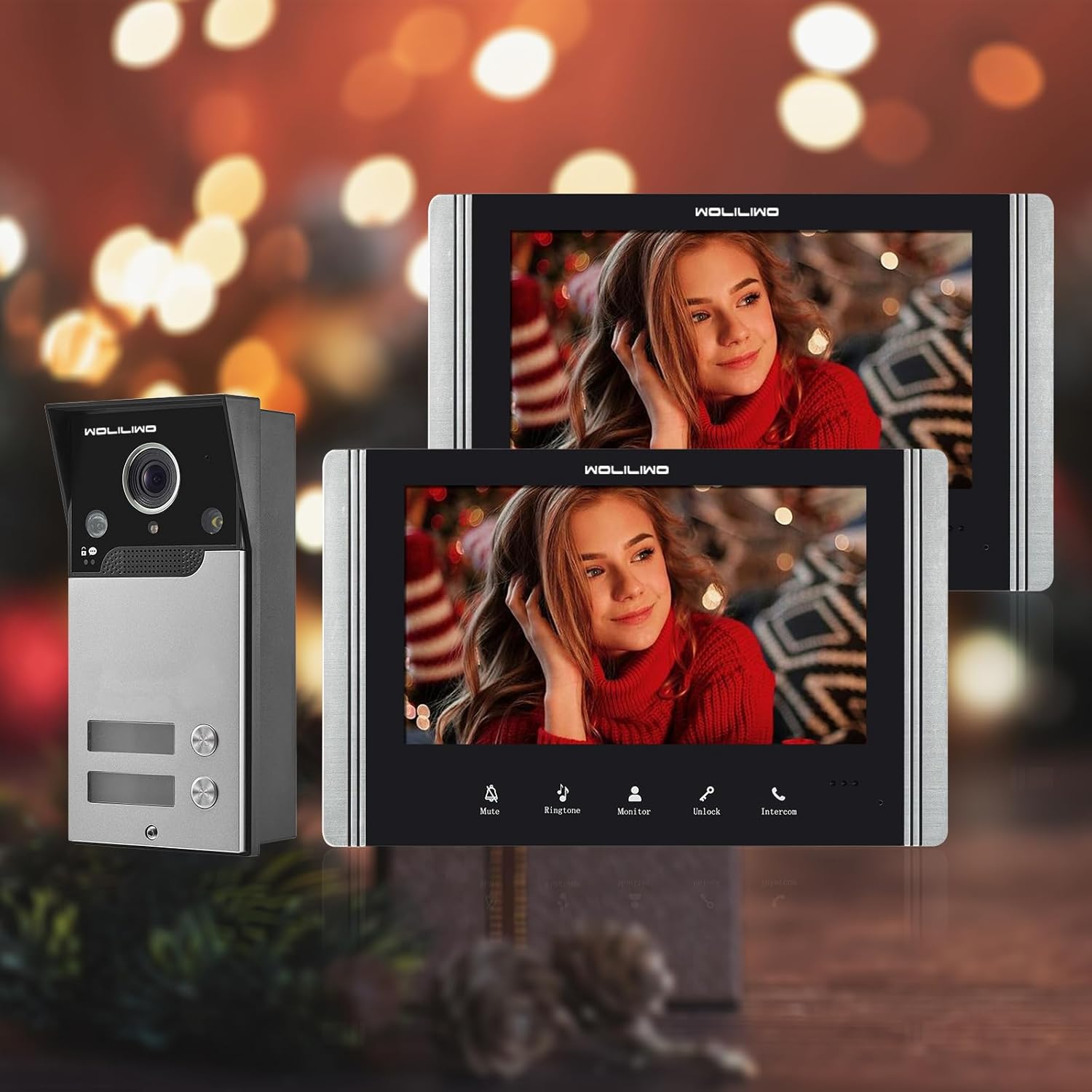
Image: An indoor monitor unit installed on a wall.
3. Powering On and Initial Test
Once all units are securely mounted and wired, connect the power adapters to a power outlet. The system should power on automatically. Test the doorbell function by pressing the call button on the outdoor unit and verifying that the indoor monitors ring and display the video feed.
Operation
Receiving a Call
When a visitor presses the call button on the outdoor unit, all connected indoor monitors will ring and display the visitor's video feed. You can then:
- Answer: Press the "Intercom" button on any indoor monitor to initiate two-way communication with the visitor.
- Monitor: Press the "Monitor" button to view the outdoor camera feed without answering the call.
- Unlock: If connected to an electronic lock, press the "Unlock" button to remotely open the door for the visitor.
- Mute: Press the "Mute" button to silence the ringtone.

Image: Indoor monitor showing a visitor.
Night Vision
The outdoor unit is equipped with IR night vision, allowing you to clearly see visitors even in low-light conditions or at night. The system automatically switches to night vision mode when ambient light is insufficient.

Image: Outdoor unit demonstrating night vision capability.
Customizing Settings
The indoor monitors allow for customization of various settings:
- Ringtones: Choose from 52 different ringtones.
- Display Settings: Adjust color, volume, and brightness of the monitor.
- Intercom between Monitors: Initiate calls between different indoor units within the system.
Maintenance
To ensure the longevity and optimal performance of your WOLILIWO Video Intercom System, follow these maintenance guidelines:
- Cleaning: Use a soft, dry cloth to clean the indoor monitor screens and the outdoor camera lens. Avoid abrasive cleaners or solvents.
- Outdoor Unit Protection: While the outdoor unit is IP65 waterproof, regularly check for any debris or obstructions around the camera and microphone.
- Wiring Inspection: Periodically inspect all wiring connections for any signs of wear or damage. Ensure connections remain secure.
- Software Updates: Check the manufacturer's website for any available firmware updates for your system.
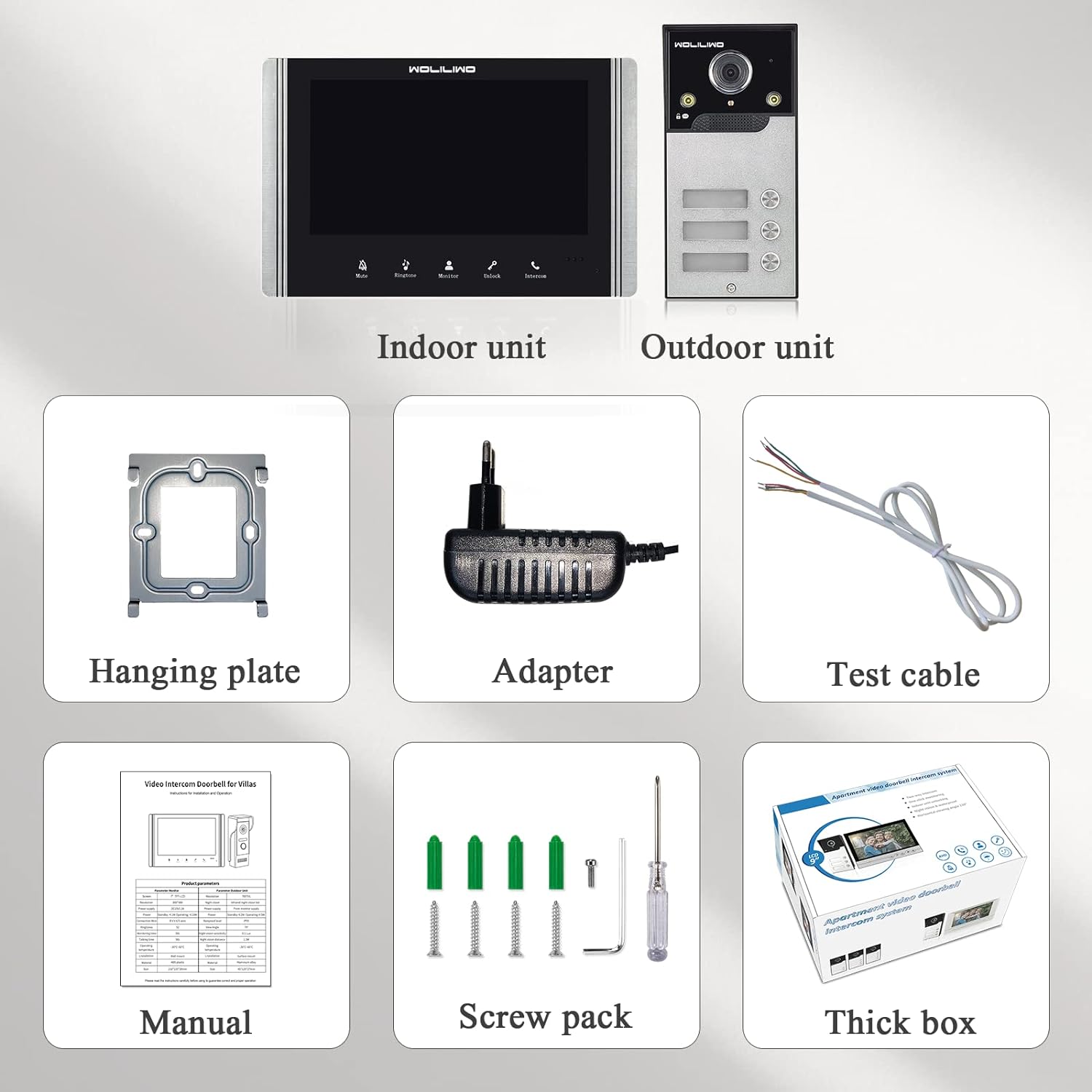
Image: Outdoor unit demonstrating weather resistance.
Troubleshooting
| Problem | Possible Cause | Solution |
|---|---|---|
| No image on indoor monitor. | Power supply issue, loose wiring, camera malfunction. | Check power connections. Verify all cables are securely connected between outdoor and indoor units. Ensure the camera lens is clean and unobstructed. |
| No sound during intercom. | Microphone/speaker issue, volume settings, wiring problem. | Check volume settings on the indoor monitor. Inspect audio wiring for damage or loose connections. |
| Door unlock function not working. | Incorrect wiring to electronic lock, lock malfunction, power supply to lock. | Verify wiring to the electronic lock according to the diagram. Test the electronic lock independently. Ensure adequate power supply to the lock. |
| Poor night vision quality. | Obstructed IR sensors, dirty camera lens. | Clean the camera lens and ensure nothing is blocking the IR sensors on the outdoor unit. |
If you encounter issues not listed here or require further assistance, please contact WOLILIWO customer support.
Specifications
| Feature | Detail |
|---|---|
| Model Name | V7022B-MSA-1V003 |
| Brand | WOLILIWO |
| Indoor/Outdoor Usage | Outdoor |
| Connectivity Technology | Wired |
| Power Source | Corded Electric |
| Video Capture Resolution | 1080p |
| Viewing Angle | 120 Degrees |
| Night Vision Range | 10 Meters |
| International Protection Rating | IP65 |
| Material | Metal |
| Item Dimensions (L x W x H) | 8.21 x 5.31 x 0.78 inches |
| Item Weight | 6.15 pounds |
| Wattage | 24 watts |
| Control Method | Touch |
| Photo Sensor Technology | CMOS |
| Special Feature | Night Vision |
Warranty and Support
WOLILIWO provides customer support for this product. If you have any questions regarding installation, operation, or troubleshooting, please contact the WOLILIWO customer service team. Refer to your purchase documentation or the WOLILIWO official website for specific warranty details and contact information.
Note: The manufacturer's customer service team is available to provide assistance and lightning-fast responses to your questions. Your satisfaction is their first priority.
Ask a question about this manual
Ask about setup, troubleshooting, compatibility, parts, safety, or missing instructions. Manuals+ will review the question and use this page’s manual context to help answer it.