
MONODEAL MD702
MONODEAL Portable CD Player Instruction Manual
Model: MD702
Introduction
The MONODEAL MD702 Portable CD Player offers a versatile audio experience with its compact design, Bluetooth connectivity, and support for various audio formats. Equipped with dual stereo speakers and advanced anti-skip technology, it is designed for seamless music enjoyment whether you are at home, in your car, or on the go. This manual provides detailed instructions to help you get the most out of your new device.
What's in the Box
Please check the package contents to ensure all items are present:
- 1*CD player
- 1*3.5 to 3.5mm AUX cable
- 1*USB to Type-C charging cable
- 1*User manual
- 1*Earphones
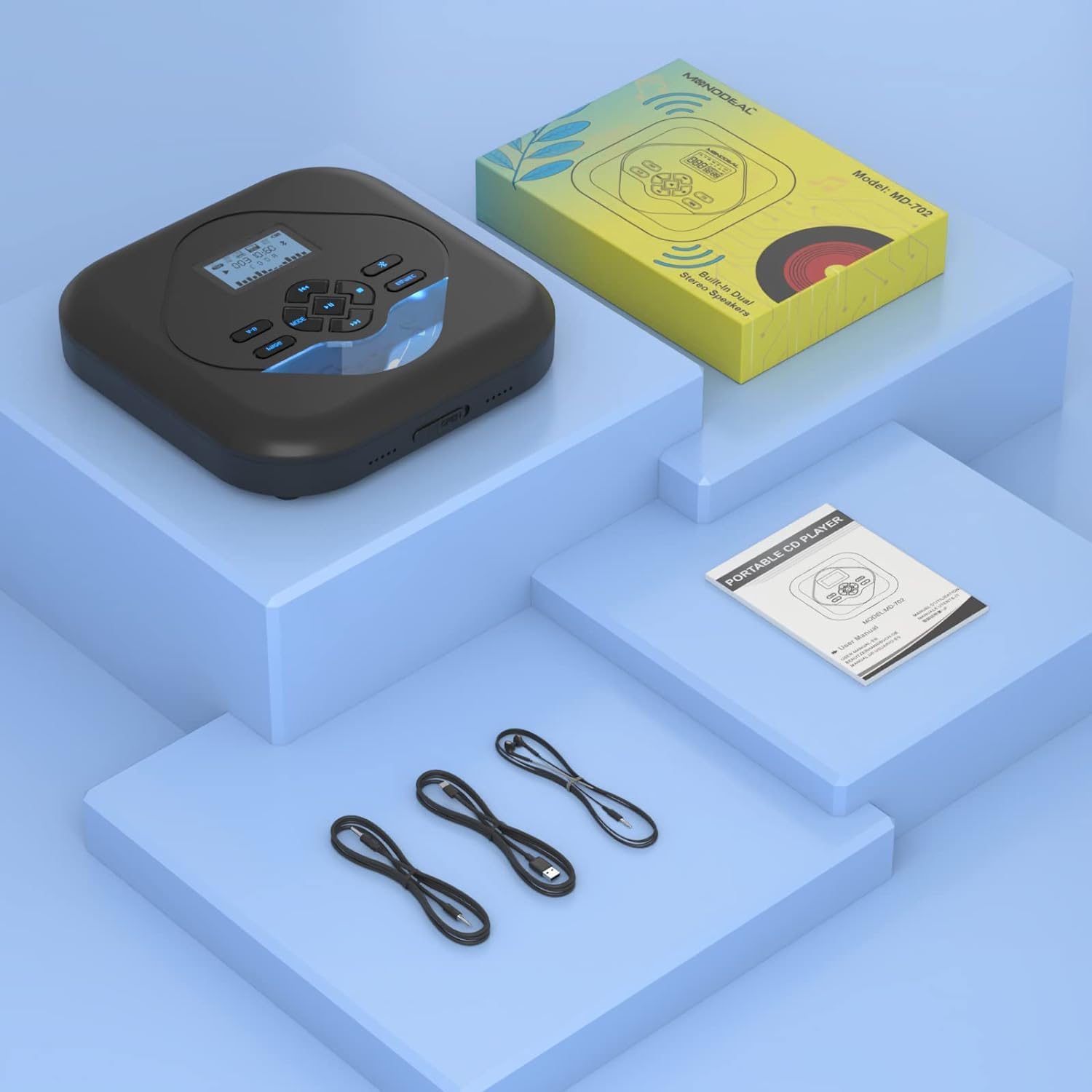
Image: All items included in the MONODEAL MD702 package.
Product Overview & Features
The MD702 CD player is designed with user convenience and high-quality audio in mind. Key features include:
- DSD Technology and TF Card Support: Compatible with CD, MP3, CD-R, CD-RW, and HDCD discs. Supports FLAC, WAV, CD-DA, MP3, WMA music formats. A micro TF card slot allows playback of MP3 files (TF card not included).
- Small CD Player with Bluetooth: Features Bluetooth 5.0 for stable transmission up to 6 meters, allowing connection to Bluetooth headphones or speakers.
- Car CD Player and Anti-Skip: Can be used in a car via the AUX port with the supplied 3.5mm audio cable. Advanced anti-skip and anti-shock technology ensures uninterrupted playback.
- CD Player with Stereo Speakers: Built-in dual stereo speakers allow playback without earbuds, reducing ear fatigue and providing excellent sound quality.
- Easy to Use: Backlit design and a larger LCD display for clear information viewing in dark environments. Buttons are designed for easy operation. Includes two headphone jacks for music sharing.

Image: MONODEAL MD702 Portable CD Player with its intuitive controls.
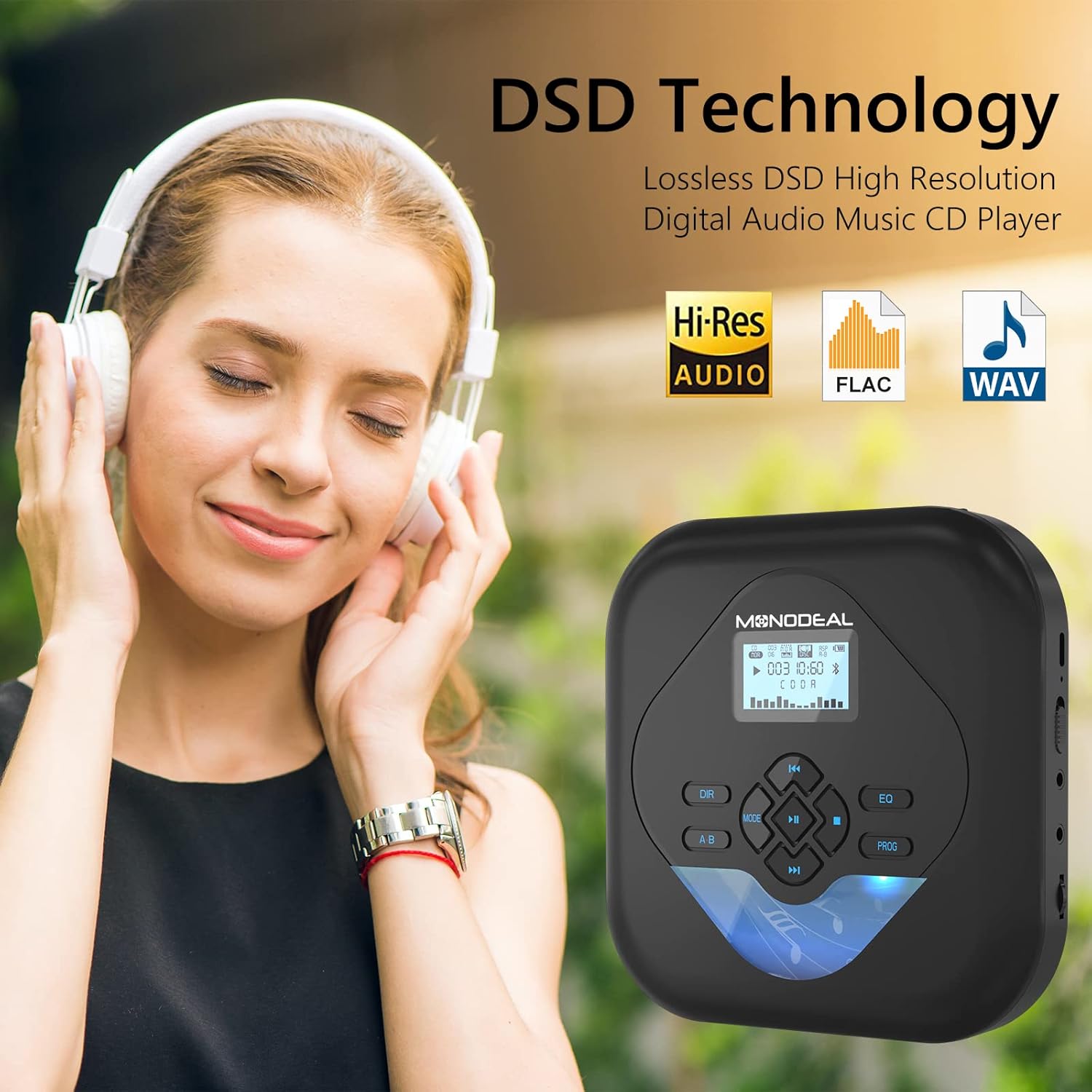
Image: DSD Technology for high-resolution audio playback.
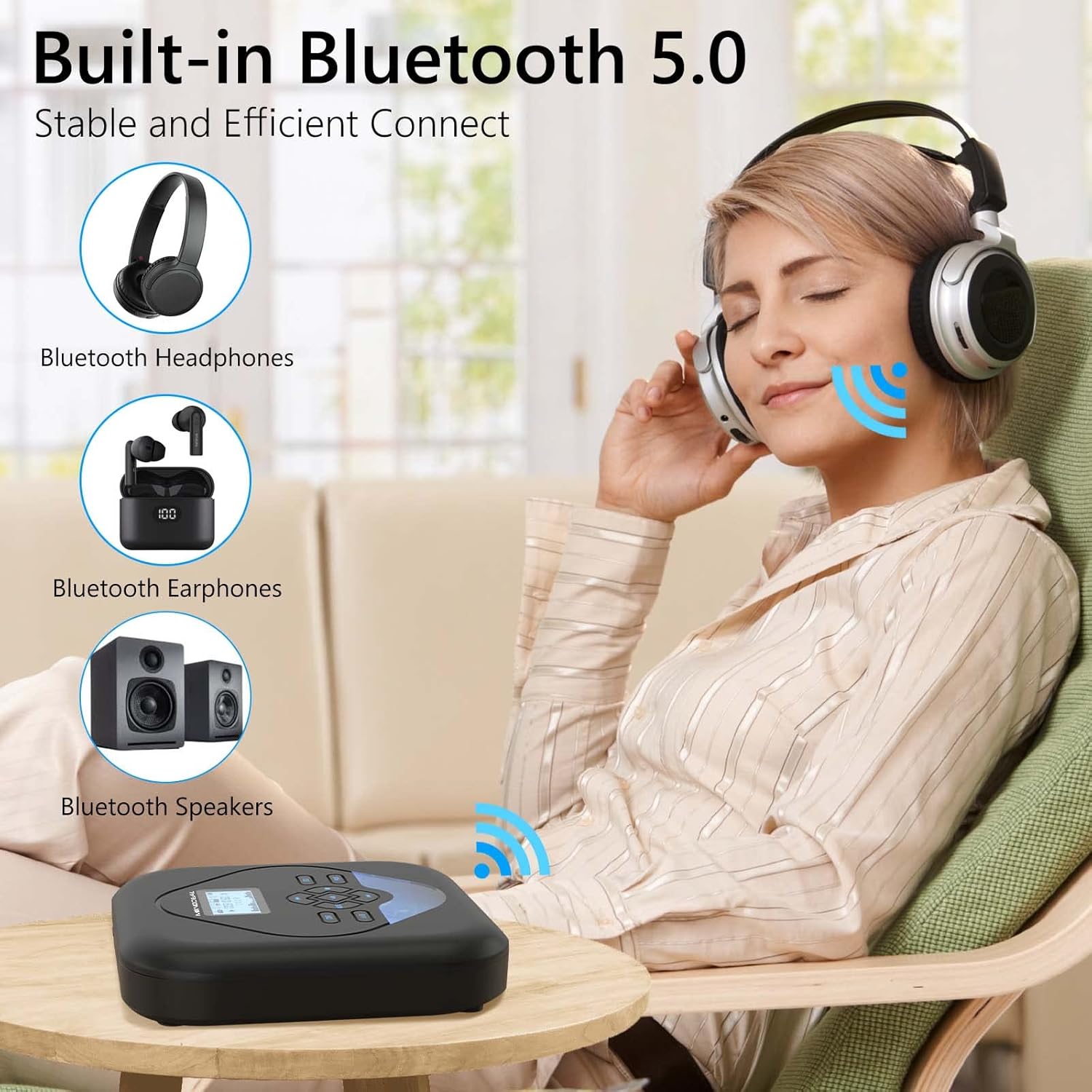
Image: Built-in Bluetooth 5.0 for wireless audio.

Image: Various play modes and compatible media types.
Setup
Charging the Device
Before first use, fully charge the CD player. Connect the supplied USB to Type-C charging cable to the player's charging port and a compatible USB power source (e.g., computer, car charger, wall adapter, power bank).

Image: Convenient charging options for the MD702.
Inserting a CD
- Gently open the CD compartment lid.
- Place the CD onto the spindle with the label side facing up.
- Close the CD compartment lid firmly until it clicks.
Using a TF Card
The player supports TF cards up to 32GB for MP3 playback. TF card is not included.
- Locate the TF card slot on the side of the player.
- Insert the TF card into the slot until it clicks into place.
- The player will automatically detect the TF card. Use the 'MODE' button to switch to TF card playback.
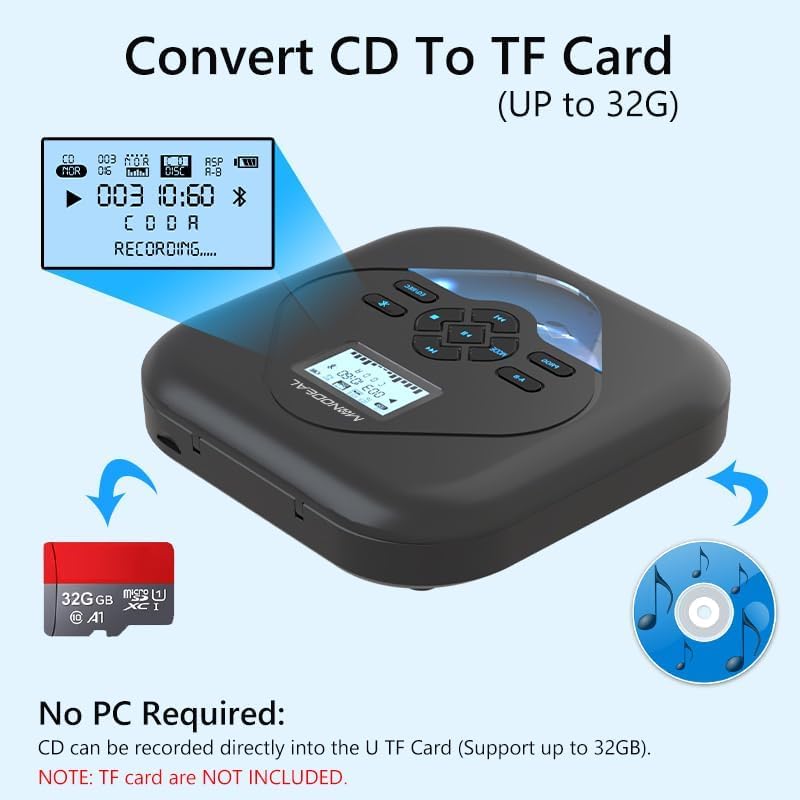
Image: Converting CD content to a TF card (up to 32GB).
Connecting to Car Audio or External Speakers (AUX)
Use the provided 3.5mm AUX cable to connect the CD player to your car's auxiliary input or any external speaker system with a 3.5mm audio jack.

Image: Connecting the MD702 to a car's 3.5mm auxiliary jack.
Bluetooth Pairing
Pair your MONODEAL MD702 with Bluetooth headphones or speakers for wireless listening.
- Turn on your Bluetooth headphone/speaker and ensure Bluetooth is enabled and in pairing mode.
- On the MD702, press the Bluetooth button. If Bluetooth is off, press the play button to turn it on.
- Select 'BT Search' option, then press the PLAY button. The CD player will start searching for nearby Bluetooth devices.
- Press the PLAY button to select the name of your device that needs to connect to. (Tips: The blinking Bluetooth icon on the screen means searching for Bluetooth devices, and the icon is always on indicates that Bluetooth has been connected.)
- After pairing successfully, press the BLUETOOTH button to return to the play interface.
Video: A tutorial demonstrating the Bluetooth connection process for the MD702 CD player.
Operating
Basic Playback Controls
- Play/Pause: Press the Play/Pause button to start or temporarily stop playback.
- Next/Previous Track: Use the forward/backward arrow buttons to skip to the next track or return to the beginning of the current/previous track.
- Volume Control: Adjust the volume using the dedicated volume toggle switch on the side of the player.
- Dual Headphone Jacks: The player features two 3.5mm headphone jacks, allowing two users to listen simultaneously.
Video: Demonstration of the MONODEAL Bluetooth CD Player with its built-in speakers.
Maintenance
- Cleaning: Use a soft, dry cloth to clean the exterior of the player. For the lens, use a specialized CD lens cleaner.
- Handling CDs: Always hold CDs by the edges to avoid fingerprints and scratches. Store CDs in their cases when not in use.
- Storage: Store the player in a cool, dry place away from direct sunlight and extreme temperatures.
Troubleshooting
| Problem | Possible Cause | Solution |
|---|---|---|
| CD not playing / Skipping | Dirty or scratched CD; Anti-skip feature off; Player shaken excessively. | Clean the CD; Ensure anti-skip is active; Avoid strong vibrations. |
| No sound from speakers/headphones | Volume too low; Headphones/AUX cable not fully inserted; Bluetooth not connected. | Increase volume; Re-insert cables firmly; Re-pair Bluetooth device. |
| Bluetooth device not pairing | Device not in pairing mode; Too far from player; Interference. | Ensure device is in pairing mode; Move closer to player; Turn off other Bluetooth devices. |
| Player not turning on | Low battery; Power switch off. | Charge the player; Ensure power switch is in 'ON' position. |
Specifications
- Product Dimensions: 5.5 x 5.5 x 1.18 inches
- Item Weight: 1.13 ounces
- Model Number: MD702
- Brand: MONODEAL
- Color: Black
- Connectivity Technology: Bluetooth, Auxiliary
- Special Feature: Portable, Anti-Skip, Dual Headphone Jacks, Built-in Speakers, TF Card Support
- Supported Disc Formats: CD, MP3, CD-R, CD-RW, HDCD
- Supported Music Formats: FLAC, WAV, CD-DA, MP3, WMA
- Battery: 1800mAh Rechargeable Battery (approx. 10 hours play time with headphones)
Warranty & Support
For detailed warranty information and customer support, please refer to the official MONODEAL website or contact their customer service. You can also find additional support and a downloadable PDF version of the user guide via the following link:
Protection plans are available for purchase to extend coverage for your device:
- 2-Year Protection Plan
- 3-Year Protection Plan
- Complete Protect (Monthly Renewal)
Related documentsMD702


Ask a question about this manual
Ask about setup, troubleshooting, compatibility, parts, safety, or missing instructions. Manuals+ will review the question and use this page’s manual context to help answer it.