
1. Introduction
This manual provides detailed instructions for the safe and effective use of your mifa X180 True Wireless Earbuds. Please read this manual thoroughly before using the product and retain it for future reference. The mifa X180 earbuds feature Bluetooth 5.0 connectivity, 4-microphone Environmental Noise Cancellation (ENC) for clear calls, and IPX7 water resistance.
2. Package Contents
Verify that all items listed below are present in your product package:
- mifa X180 True Wireless Earbuds (Left and Right)
- Charging Case
- USB Charging Cable
- User Manual
- Replaceable Ear Tip Set (various sizes)
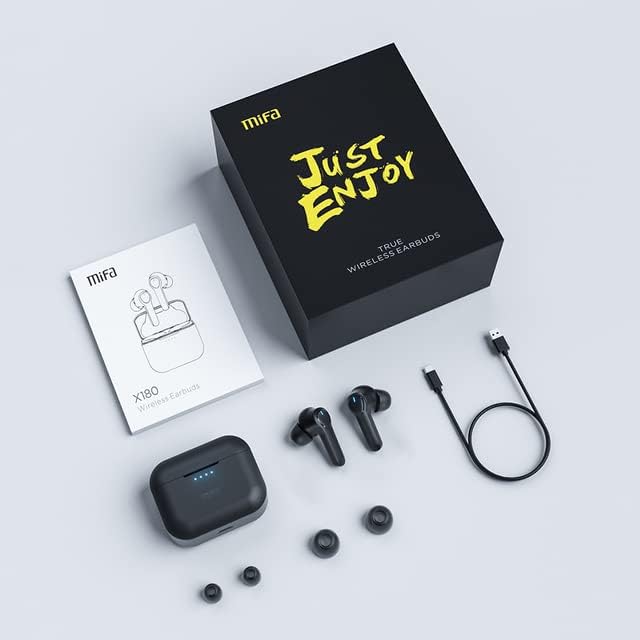
Image: The mifa X180 earbuds, charging case, USB cable, user manual, and extra ear tips laid out on a surface.
3. Product Overview
The mifa X180 earbuds are designed for comfort and a secure fit, ensuring stability during various activities.

Image: A person wearing a mifa X180 earbud, demonstrating a comfortable and secure fit.
Earbud Components:
- Touch Control Area: For playback, call management, and other functions.
- Microphones: Multiple microphones for voice pickup and Environmental Noise Cancellation (ENC).
- Charging Contacts: Located at the bottom of the earbud stem.
- LED Indicator: Displays status such as pairing, charging, and connection.
Charging Case Components:
- Earbud Charging Slots: Securely holds and charges the earbuds.
- USB-C Charging Port: For charging the case.
- LED Indicators: Shows the charging status and battery level of the case.
4. Setup
4.1. Charging the Earbuds and Case
Before first use, fully charge both the earbuds and the charging case.
- Place the earbuds into the charging case. Ensure they are correctly seated; the LED indicators on the earbuds should light up.
- Connect the charging case to a power source using the provided USB charging cable. The case's LED indicators will show the charging progress.
- A full charge provides approximately 5 hours of playback for the earbuds, with the charging case offering an additional 25 hours, totaling up to 30 hours of playback. The earbuds can fast charge in about 1.2 hours.
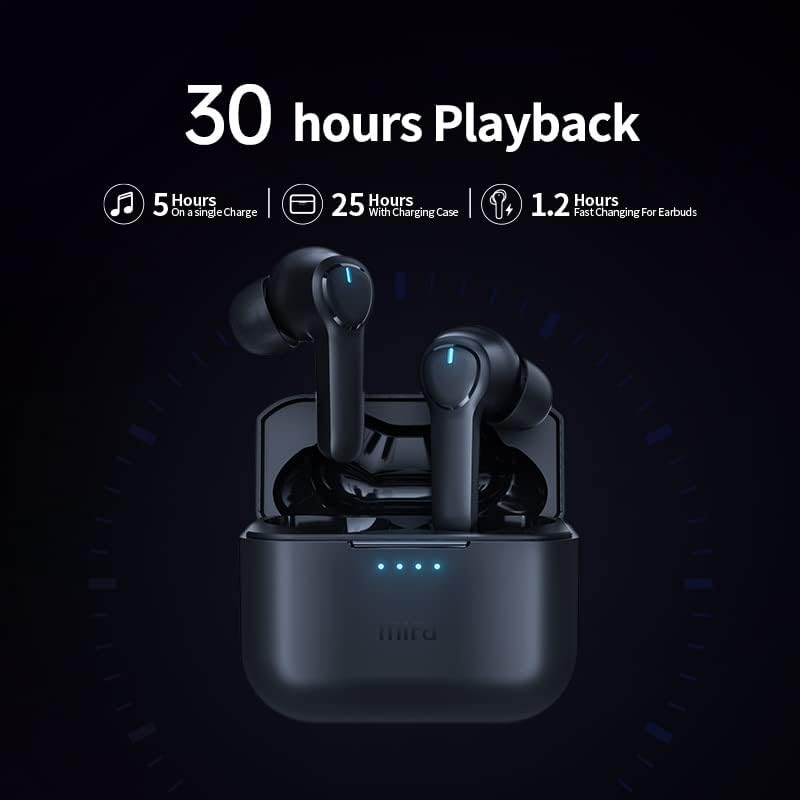
Image: The mifa X180 earbuds in their charging case, illustrating the 30-hour total playback time (5 hours on a single charge + 25 hours with charging case).
4.2. Pairing with a Device
The mifa X180 earbuds feature one-step pairing for convenience.
- Open the charging case. The earbuds will automatically enter pairing mode, indicated by a flashing LED on the earbuds.
- On your device (smartphone, tablet, etc.), enable Bluetooth.
- Search for available Bluetooth devices and select "mifa X180" from the list.
- Once connected, the earbud LED indicator will stop flashing, and your device will confirm the connection.
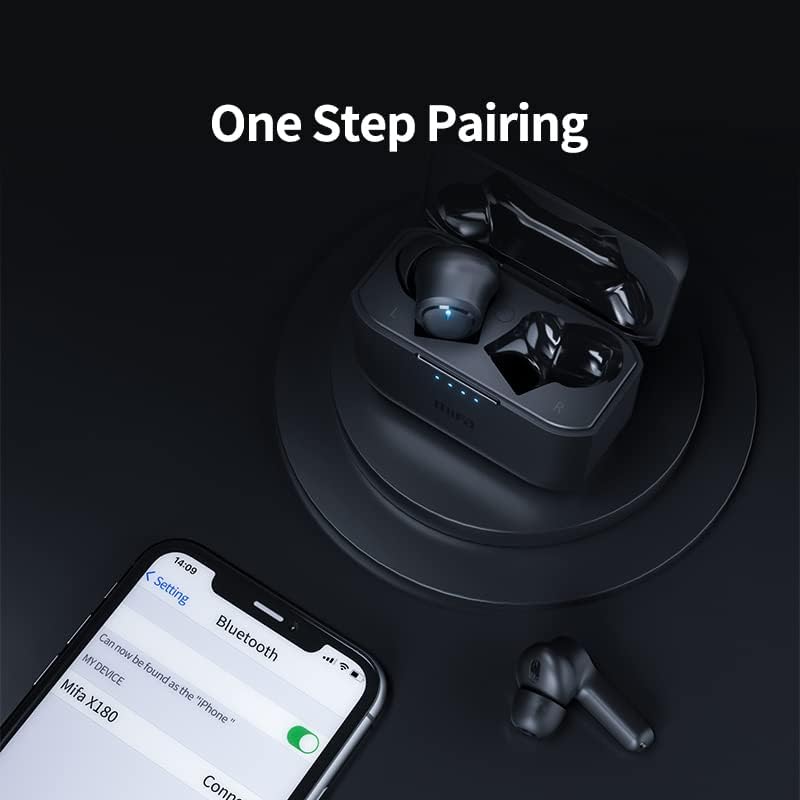
Image: A smartphone displaying the Bluetooth settings with "mifa X180" available for connection, demonstrating the one-step pairing process.
5. Operating Instructions
5.1. Basic Functions (Touch Controls)
The mifa X180 earbuds utilize touch controls for various functions. Refer to the specific touch patterns in the quick start guide included in your package for detailed operations such as:
- Play/Pause music
- Next/Previous track
- Volume up/down
- Activate voice assistant
5.2. Call Functions with ENC Noise Cancelling
The earbuds are equipped with 4 microphones and Environmental Noise Cancellation (ENC) technology to ensure clear call quality by reducing background noise.
- Answer/End Call: Tap the touch control area once.
- Reject Call: Press and hold the touch control area for 2 seconds.

Image: A diagram illustrating the placement and function of the four microphones on the mifa X180 earbuds, highlighting their role in Environmental Noise Cancellation (ENC) for calls.
5.3. Gaming Mode with Low Latency
Activate Gaming Mode for a low-latency audio experience, ideal for gaming and video playback where audio-visual synchronization is critical. Refer to the quick start guide for instructions on how to toggle Gaming Mode.
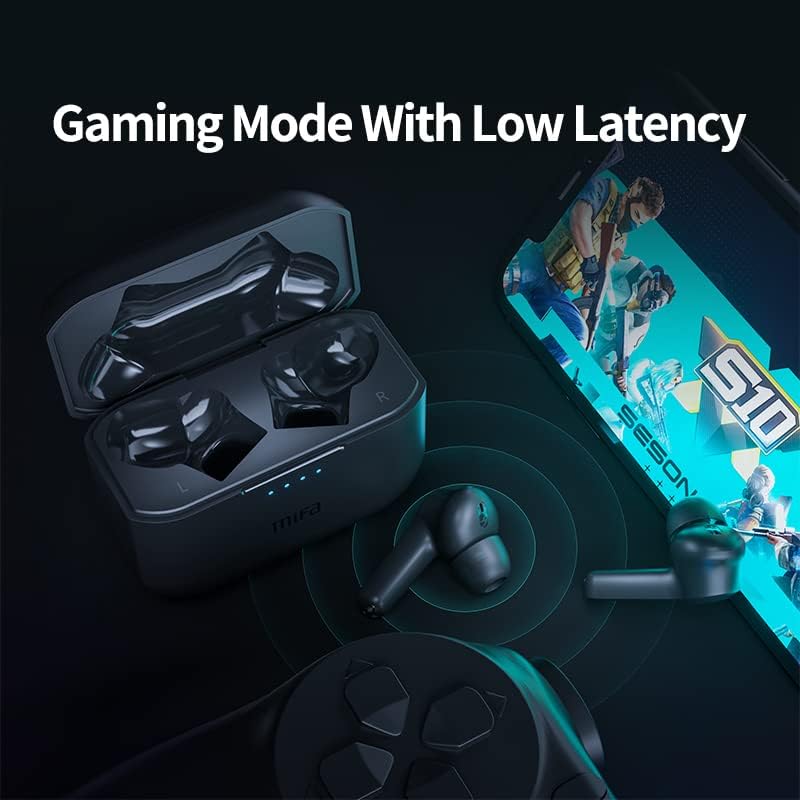
Image: The mifa X180 earbuds and charging case alongside a smartphone displaying a game, emphasizing the low-latency gaming mode feature.
6. Water Resistance (IPX7)
The mifa X180 earbuds are rated IPX7 waterproof, meaning they can withstand immersion in water up to 1 meter for 30 minutes. This makes them suitable for workouts and light rain. However, the charging case is not waterproof. Do not expose the charging case to water or moisture.
- Do not use the earbuds for swimming or showering.
- Ensure the earbuds are completely dry before placing them back into the charging case to prevent damage.
7. Maintenance and Care
To ensure the longevity and optimal performance of your mifa X180 earbuds:
- Cleaning: Regularly clean the earbuds, especially the ear tips and charging contacts, with a soft, dry, lint-free cloth. Do not use harsh chemicals or abrasive materials.
- Storage: When not in use, store the earbuds in their charging case to protect them from dust and damage.
- Temperature: Avoid exposing the earbuds and charging case to extreme temperatures (hot or cold) or direct sunlight.
- Charging: Use only the provided charging cable or a certified equivalent.
8. Troubleshooting
If you encounter issues with your mifa X180 earbuds, try the following solutions:
| Problem | Solution |
|---|---|
| Earbuds not pairing |
|
| No sound from one earbud |
|
| Charging case not charging |
|
9. Specifications
| Feature | Detail |
|---|---|
| Model | X180 |
| Bluetooth Version | 5.0 |
| Earcups Type | Semi-open |
| Impedance Range | Up to 32 Ω |
| Output | 10mW |
| Charging Method | Charging case |
| Headphone Pads Material | Silicone |
| Magnet Type | Neodymium |
| Water Resistance | IPX7 (Earbuds only) |
| Noise Control | Sound Isolation, Active Noise Cancelling (ENC for calls) |
| Battery Life | Approx. 5 hours (earbuds), 25 hours (with charging case) |
10. Warranty and Support
Your mifa X180 True Wireless Earbuds come with a 12-month warranty. This warranty covers manufacturing defects and ensures that the product is free from defects in material and workmanship under normal use.
For warranty claims, technical support, or any inquiries, please refer to the contact information provided on the product packaging or the official mifa website.