
1. Introduction
Thank you for choosing the Gaiatop Portable Neck Fan M5. This hands-free, rechargeable personal fan is designed to provide comfortable cooling. Please read this manual carefully before use to ensure proper operation and maintenance.
2. Product Overview
The Gaiatop M5 neck fan features a wearable design with 72 air outlets for 360-degree cooling. It is constructed from durable ABS and soft silicone for comfort and safety. The fan includes a control button for power and speed adjustments and a USB Type-C charging port.

Image 1: The Gaiatop Portable Neck Fan M5 in white, showcasing its ergonomic, wearable design.
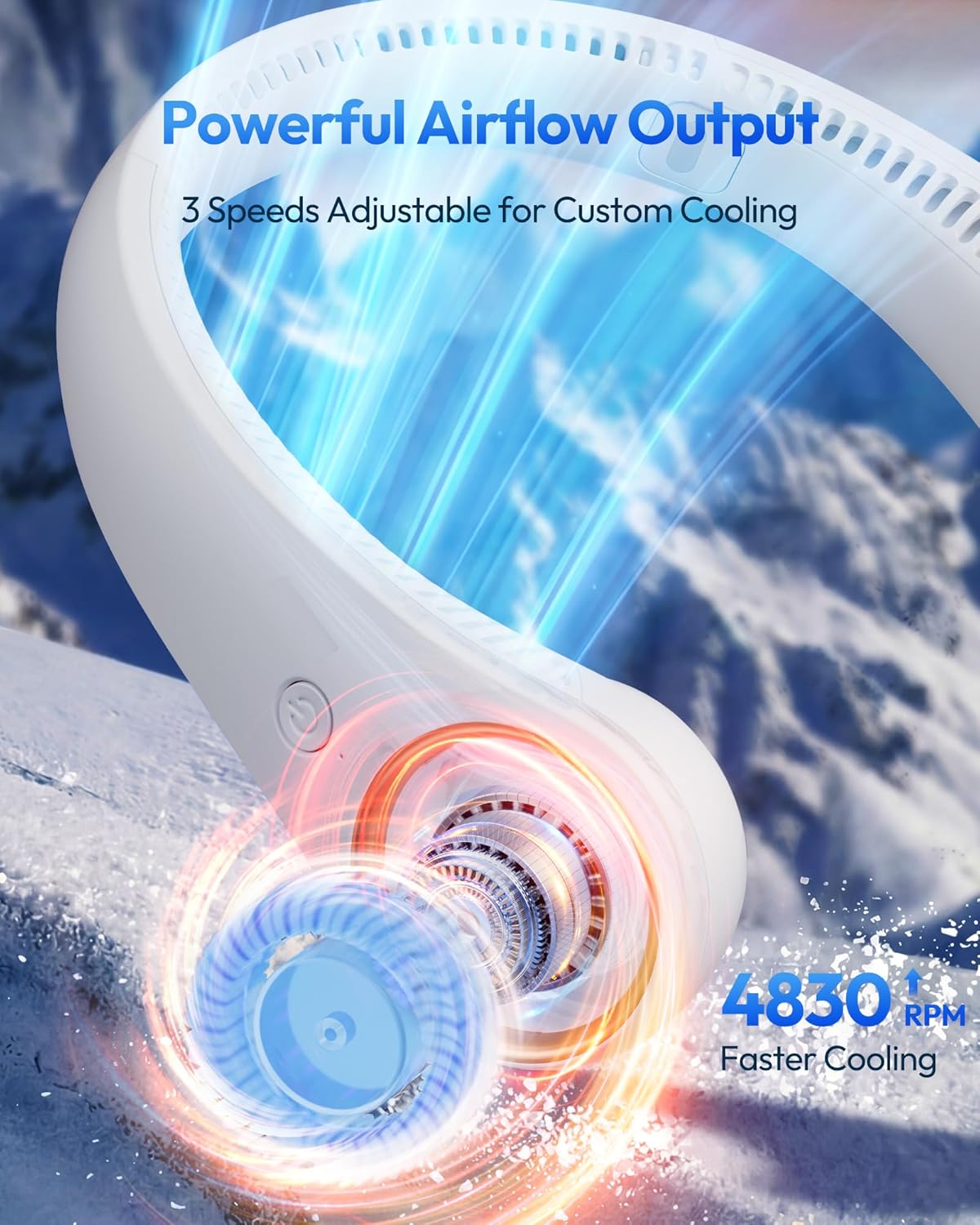
Image 2: Illustration of the fan's powerful airflow output and three adjustable speed settings.
3. Setup
3.1 Initial Charging
Before first use, fully charge the neck fan. Connect the provided USB Type-C cable to the fan's charging port and a compatible USB power adapter (not included). A full charge typically takes approximately 5 hours.
Video 1: Official product video demonstrating the features and usage of the Gaiatop Portable Neck Fan, including charging.
3.2 Wearing the Fan
Place the fan around your neck with the air outlets facing upwards and inwards towards your neck and face. The flexible design allows for minor adjustments to fit comfortably.

Image 3: A person wearing the neck fan, highlighting its lightweight and flexible design for comfortable all-day wear.
4. Operating Instructions
4.1 Power On/Off
Press and hold the power button located on the side of the fan to turn it on or off.
4.2 Adjusting Fan Speed
Once powered on, press the power button repeatedly to cycle through the three available speed settings:
- Level 1: Gentle breeze, longest runtime (up to 23.5 hours).
- Level 2: Medium airflow, moderate runtime (up to 11.5 hours).
- Level 3: Powerful blast, shortest runtime (up to 6.0 hours).

Image 4: Visual representation of the fan's battery life at different speed settings, showing up to 23.5 hours of cooling.
4.3 Adjustable Angle
The fan's neckband is designed to be flexible, allowing you to adjust the angle of the airflow for personalized comfort.

Image 5: Demonstration of the fan's 120-degree flexible adjustment for a customized fit around the neck.
5. Maintenance
5.1 Cleaning
To clean the fan, gently wipe the exterior surfaces with a soft, dry cloth. Do not use harsh chemicals or abrasive materials. Ensure the fan is powered off before cleaning. Avoid submerging the device in water.
5.2 Storage
When not in use for extended periods, store the fan in a cool, dry place away from direct sunlight and extreme temperatures. Ensure the battery is partially charged before storage to prolong its lifespan.
6. Troubleshooting
- Fan not turning on: Ensure the battery is charged. Connect the fan to a power source using the USB Type-C cable and allow it to charge for a few minutes before attempting to power it on again.
- Weak or no airflow: Check the selected speed setting and increase it if necessary. Ensure the air outlets are not obstructed.
- Charging issues: Verify that the USB Type-C cable is securely connected to both the fan and the power adapter. Try using a different USB cable or power adapter to rule out faulty accessories.
- Unusual noise: The fan operates at a low noise level (30-55dB). If you hear an unusual or excessive noise, ensure no foreign objects are obstructing the fan blades.
7. Specifications
| Feature | Detail |
|---|---|
| Brand | Gaiatop |
| Model | M5 |
| Color | White |
| Power Source | Battery Powered |
| Product Dimensions (D x W x H) | 2.2" x 6.5" x 7.7" |
| Item Weight | 0.58 Pounds |
| Number of Speeds | 3 |
| Noise Level | 30-55 Decibels |
| Wattage | 5 watts |
| Voltage | 5 Volts |
| Speed | 4800 RPM |
| Main Power Connector Type | Type-C USB |
| Material | Acrylonitrile Butadiene Styrene, Silicone |
| Reusability | Rechargeable |
8. Safety Information
- Do not expose the fan to water or excessive moisture.
- Avoid disassembling or modifying the device.
- Keep out of reach of small children.
- Do not expose to extreme temperatures or direct sunlight for prolonged periods.
- Caution: Users with long hair or beards should exercise caution to prevent hair from getting caught in the fan's air inlets.
9. Warranty and Support
This product includes a neck fan, a Type-C power cord, and this user manual. For warranty information or technical support, please refer to the product packaging or contact the seller directly. Keep your purchase receipt for any warranty claims.