
1. Introduction
The Phomemo M04AS Thermal Note Printer is a compact, portable, and inkless printer designed for a variety of printing needs, including notes, memos, documents, lists, and photos. Its thermal printing technology eliminates the need for ink cartridges, offering a convenient and cost-effective printing solution. This manual provides detailed instructions to help you set up, operate, and maintain your Phomemo M04AS printer.
2. What's in the Box
Please check the package contents to ensure all items are present:
- Phomemo M04AS Printer x1
- White Adhesive Paper x1 (pre-installed or separate roll)
- Type-C Cable x1
- Operating Instructions x1 (this manual)

The image above displays the Phomemo M04AS printer along with examples of printed materials and paper rolls, illustrating the typical contents and output of the device.
3. Setup Guide
3.1 Initial Charging
Before first use, fully charge the printer using the provided Type-C cable. Connect the cable to the printer's charging port and a USB power adapter (not included). The indicator light will show charging status.
3.2 Installing Paper
The Phomemo M04AS supports various paper widths (15mm, 53mm, 80mm, 110mm). To install a paper roll:
- Open the printer's cover by gently pushing the release button or sliding the cover open.
- Insert the thermal paper roll with the printing side facing the print head. Ensure the paper is aligned straight.
- Close the cover firmly until it clicks into place. A small amount of paper should protrude from the output slot.
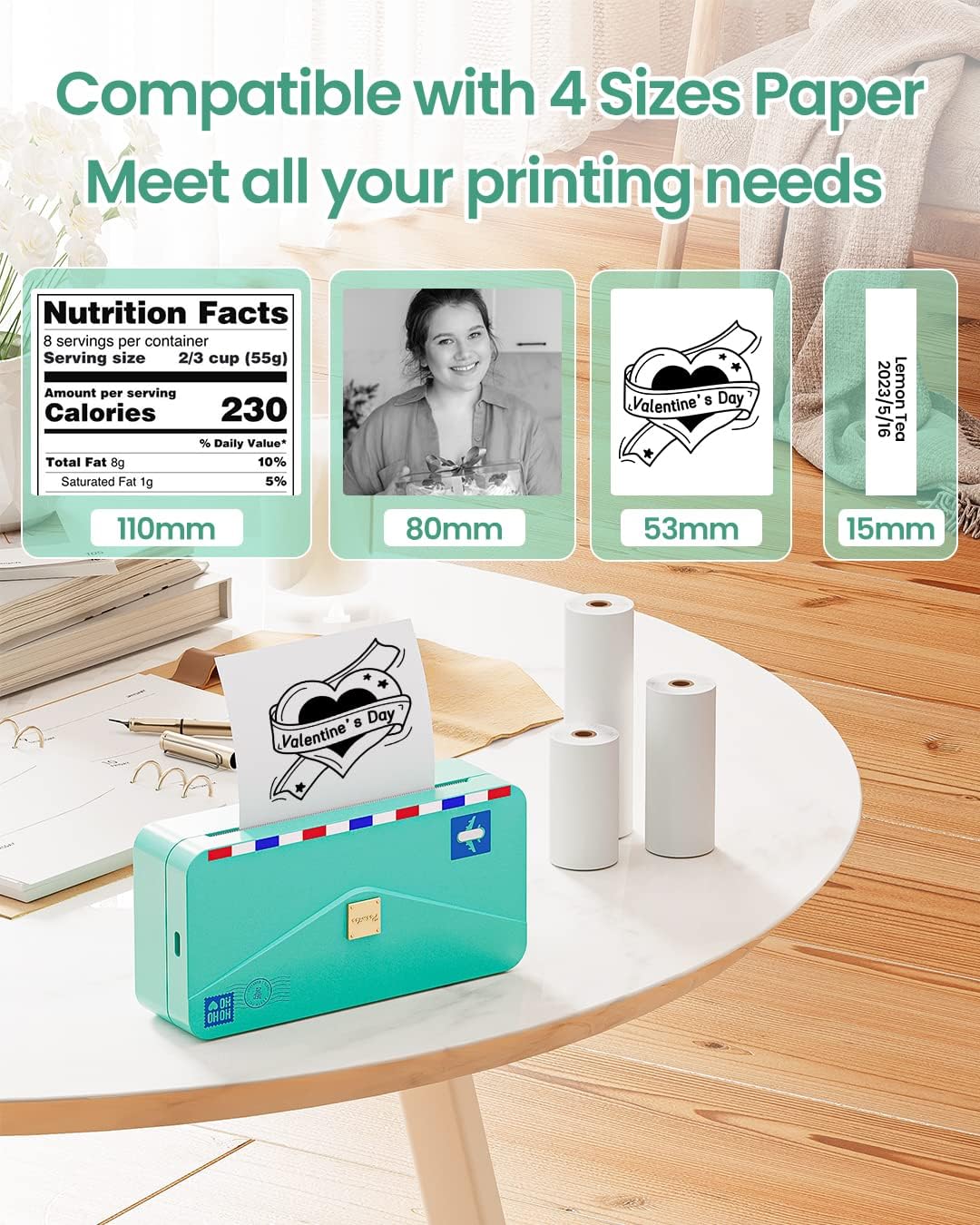
This image illustrates the versatility of the Phomemo M04AS printer, showcasing how it accommodates various paper widths to meet diverse printing requirements.
3.3 App Download and Bluetooth Connection
The Phomemo M04AS printer operates via the Phomemo mobile application.
- Download the App: Search for "Phomemo" in your device's app store (Google Play Store for Android or Apple App Store for iOS) and download the official application.
- Turn On Printer: Press and hold the power button on the printer until the indicator light turns on.
- Enable Bluetooth: Ensure Bluetooth is enabled on your smartphone or tablet.
- Connect in App: Open the Phomemo app. The app will automatically search for nearby Phomemo devices. Select "M04AS" from the list to connect. The printer's indicator light will change to confirm a successful connection.

This image highlights the seamless integration of the Phomemo M04AS printer with its dedicated mobile application, allowing for easy editing and printing directly from your smart devices.
4. Operating Instructions
4.1 Using the Phomemo App for Printing
The Phomemo app offers a wide range of functions for printing various content:
- Print Images: Select photos from your gallery to print. The app allows for basic editing like cropping and adjusting contrast.
- Document Print: Print text documents, PDFs, or web pages directly from your device.
- Notes & Memos: Create and print quick notes, to-do lists, or study materials using the app's built-in editor.
- Label Workshop: Design and print custom labels for organization, shipping, or personal use.
- Templates: Access a library of pre-designed templates for various purposes, including decorative frames, educational materials, and more.
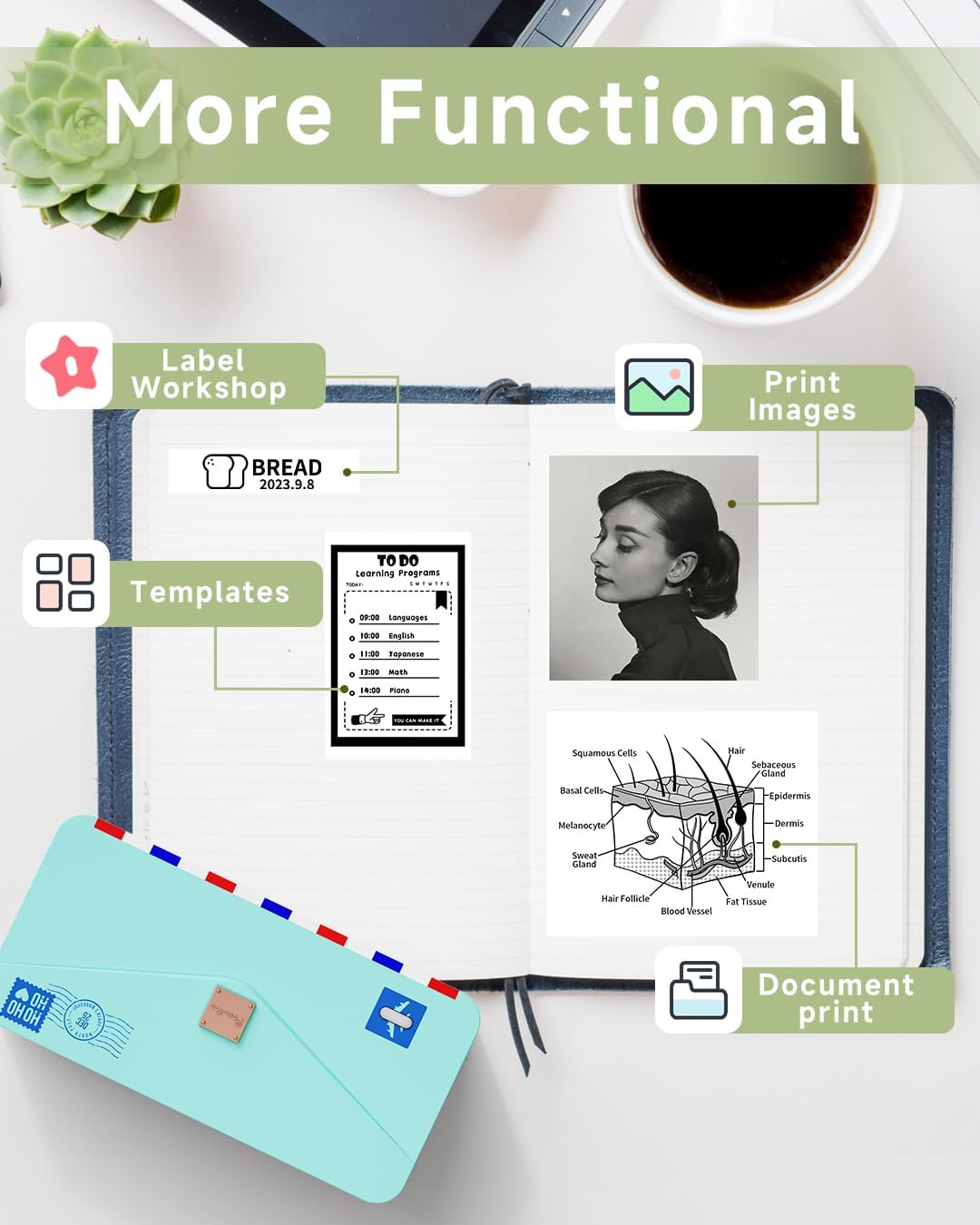
This image demonstrates the diverse applications of the Phomemo M04AS printer, highlighting its ability to produce various types of content from the mobile application.
4.2 Paper Options and Print Quality
The Phomemo M04AS is compatible with over 50 different styles of thermal paper, including white, color, transparent, semi-transparent, and shiny options, available in both sticker and non-sticker formats. This allows for extensive personalization of your prints.

This image illustrates the wide range of thermal paper types that can be used with the Phomemo M04AS, offering creative flexibility for users.
With a 300dpi resolution, the printer produces clear and high-quality prints for both text and images. For optimal print quality, ensure the paper is loaded correctly and the print head is clean.
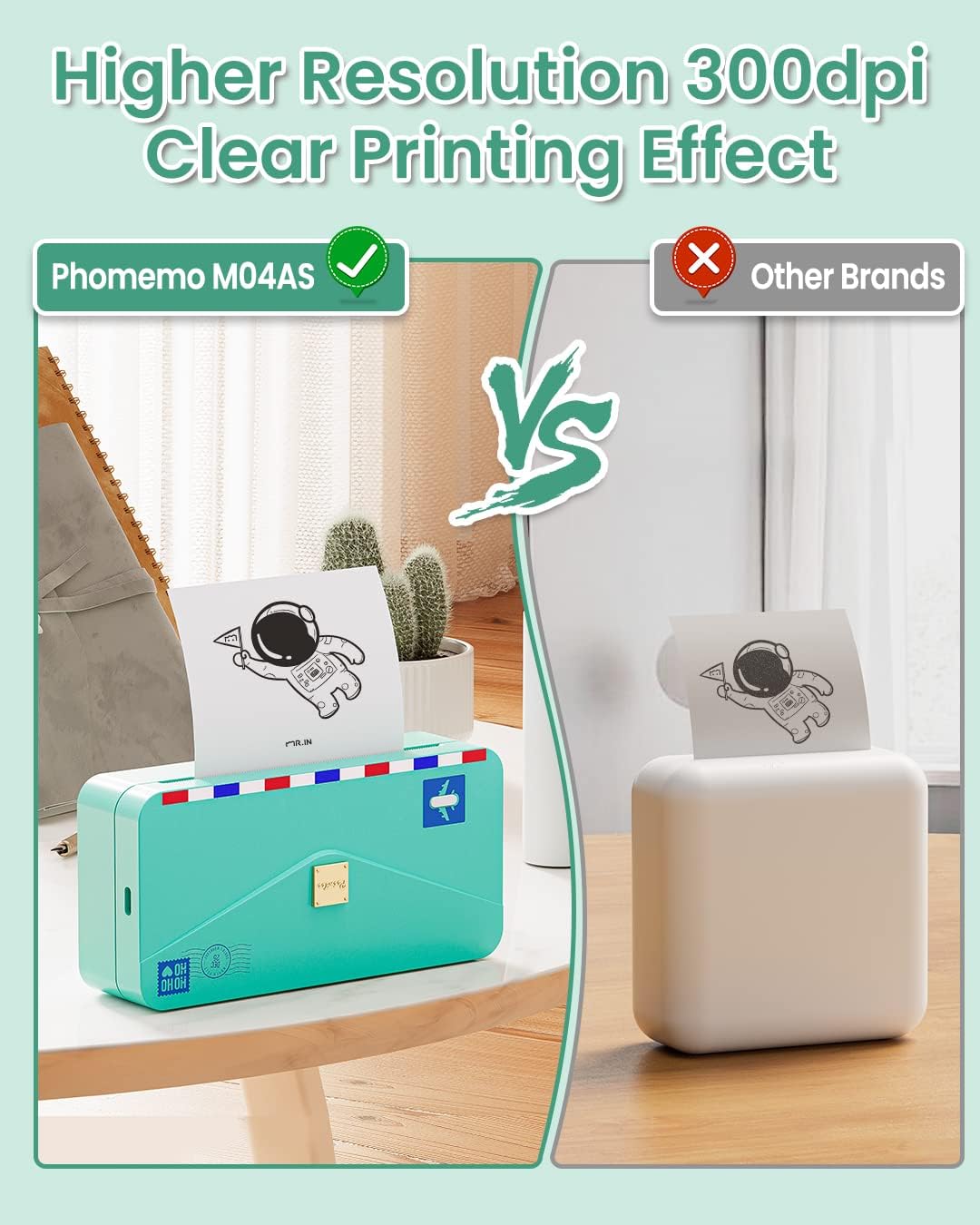
This image visually demonstrates the superior print clarity achieved by the Phomemo M04AS printer due to its 300dpi resolution, contrasting it with the output of a lower-resolution printer.
5. Maintenance
5.1 Cleaning the Print Head
To ensure consistent print quality, regularly clean the print head:
- Turn off the printer and disconnect the power cable.
- Open the printer cover.
- Gently wipe the print head with a cotton swab lightly dampened with rubbing alcohol. Allow it to dry completely before closing the cover and turning the printer back on.
5.2 Paper Storage
Store thermal paper in a cool, dry place away from direct sunlight and heat to prevent fading and preserve print longevity.
6. Troubleshooting
6.1 Common Issues and Solutions
- Printer Not Connecting:
- Ensure the printer is turned on and fully charged.
- Verify Bluetooth is enabled on your device.
- Restart both the printer and your mobile device.
- Forget the device in your phone's Bluetooth settings and try pairing again through the Phomemo app.
- Poor Print Quality (Faint, Streaky, or Blank):
- Check if the thermal paper is loaded correctly with the printing side facing the print head.
- Clean the print head as described in the Maintenance section.
- Ensure you are using genuine Phomemo thermal paper.
- The paper roll might be running out. Replace with a new one.
- Paper Jam:
- Turn off the printer immediately.
- Open the printer cover and carefully remove any jammed paper. Avoid tearing the paper inside the mechanism.
- Ensure the paper is loaded straight and not wrinkled before closing the cover.
- Printer Not Responding:
- Perform a hard reset by pressing and holding the power button for 10 seconds.
- Check the battery level.
For more detailed troubleshooting or issues not covered here, please refer to the Phomemo app's help section or contact customer support.
7. Specifications
| Feature | Specification |
|---|---|
| Product Dimensions | 7"D x 4"W x 2.8"H |
| Item Weight | 15.5 ounces |
| Printing Technology | Thermal |
| Printer Ink Type | Inkless |
| Maximum Black and White Print Resolution | 300 dpi |
| Connectivity Technology | Bluetooth |
| Compatible Devices | Smartphones, Tablets (Android, iOS) |
| Maximum Media Size | 4 inch (110mm) |
| Supported Paper Widths | 15mm, 53mm, 80mm, 110mm |
| Power Source | 1 Lithium Polymer battery (included) |
| Control Method | App |
8. Warranty and Support
8.1 Limited Warranty
The Phomemo M04AS Thermal Note Printer comes with a limited warranty. Please refer to the official Phomemo website or the warranty card included in your package for specific terms and conditions.
8.2 Customer Support
For further assistance, technical support, or inquiries, please visit the official Phomemo website or contact their customer service team. You can also refer to the comprehensive Instructions for Use (PDF) for additional details.
