
1. Introduction
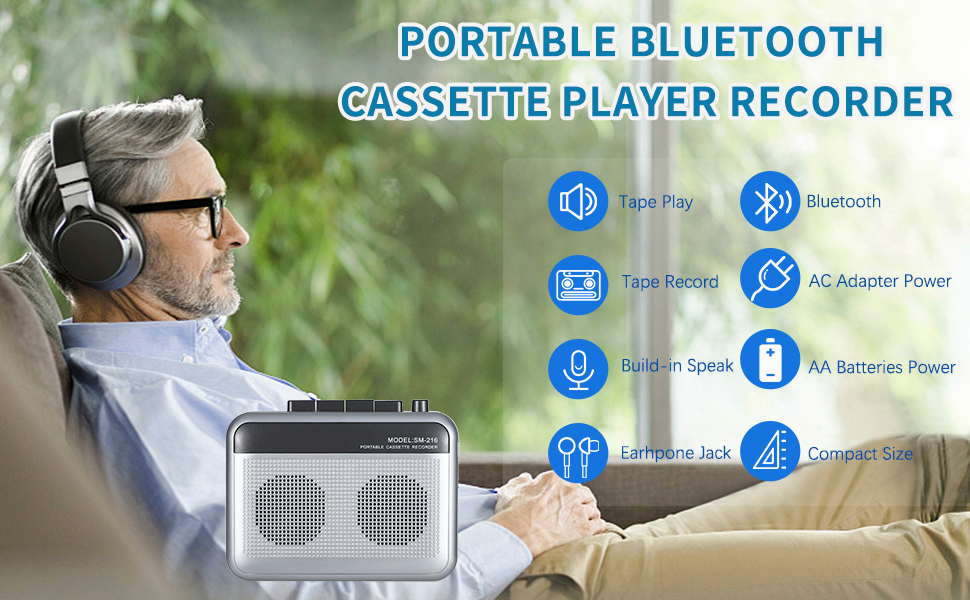
Thank you for purchasing the FIOLEES Portable Cassette Player Recorder with Bluetooth Transmitter, Model SM-216. This device allows you to enjoy your classic cassette tapes, record audio, and transmit audio wirelessly via Bluetooth to compatible headphones or speakers. Its compact design makes it ideal for use at home or on the go.

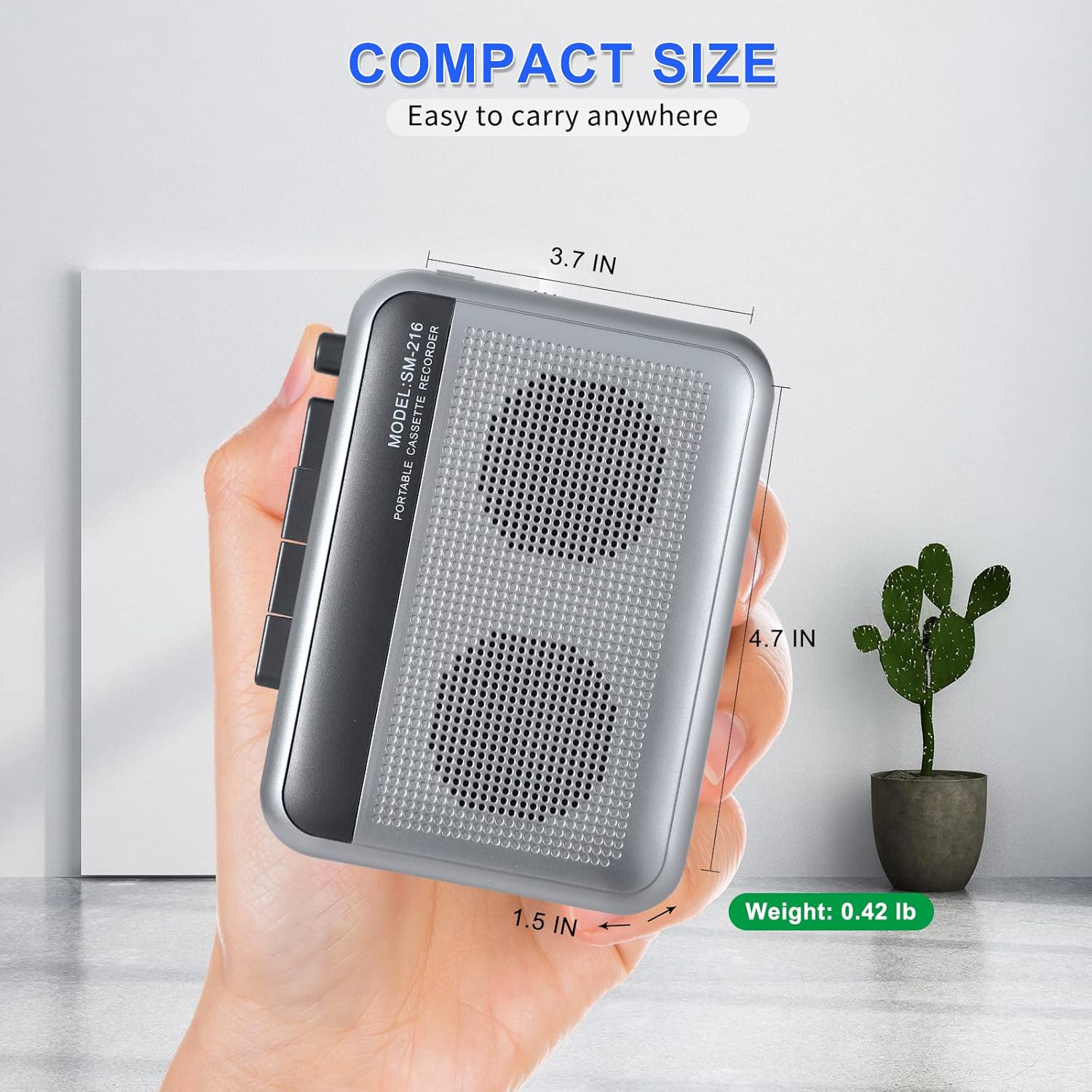
The FIOLEES SM-216 is designed for portability, measuring 4.7 x 1.5 x 3.7 inches and weighing only 0.42 lbs.

Its compact size allows for easy storage and transport in bags or pockets.
2. Safety Information
Please read all safety instructions before using this product. Keep this manual for future reference.
- Do not expose the device to extreme temperatures, direct sunlight, or high humidity.
- Avoid dropping or subjecting the device to strong impacts.
- Do not attempt to disassemble or modify the device. This will void the warranty.
- Use only the specified power adapter or AA batteries.
- Keep out of reach of children.
3. Product Overview
Familiarize yourself with the controls and ports of your cassette player recorder.
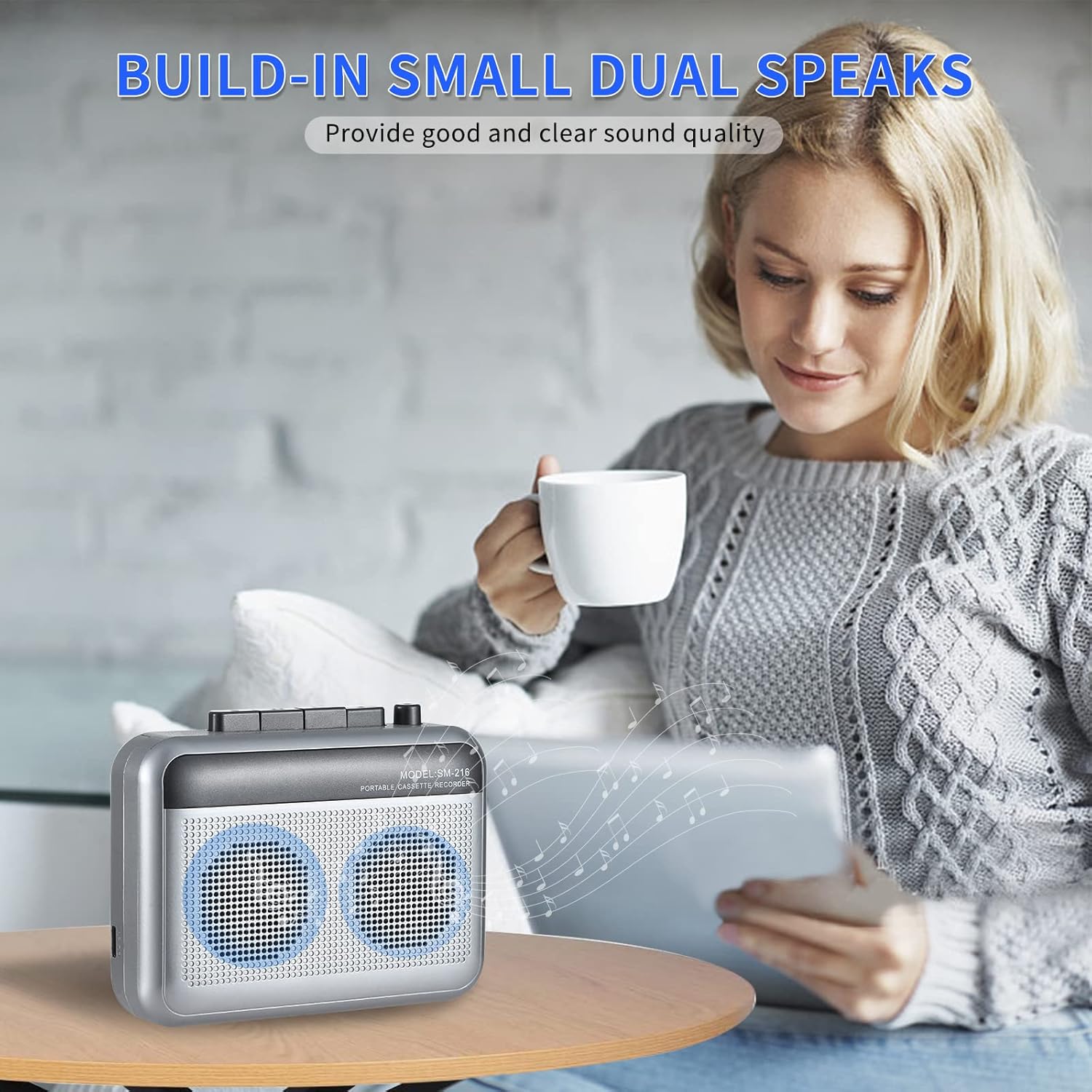
Front view of the cassette player, highlighting the dual speakers and control panel.
Controls and Ports:
- POW (Power Indicator): LED light indicating power status.
- STOP Button: Stops playback or recording.
- F.FWD (Fast Forward) Button: Fast forwards the tape.
- F.REW (Fast Rewind) Button: Fast rewinds the tape.
- PLAY Button: Starts tape playback.
- REC (Record) Button: Initiates recording (requires a blank tape).
- MIC (Microphone) Jack: For connecting an external microphone.
- Volume Control: Rotary knob to adjust speaker or headphone volume.
- ON-BT-OFF Switch: Power switch with Bluetooth mode.
- 3.5mm Earphone Jack: For connecting headphones.
- DC 5V Input: For connecting the AC power adapter.
4. Setup
4.1 Powering the Device
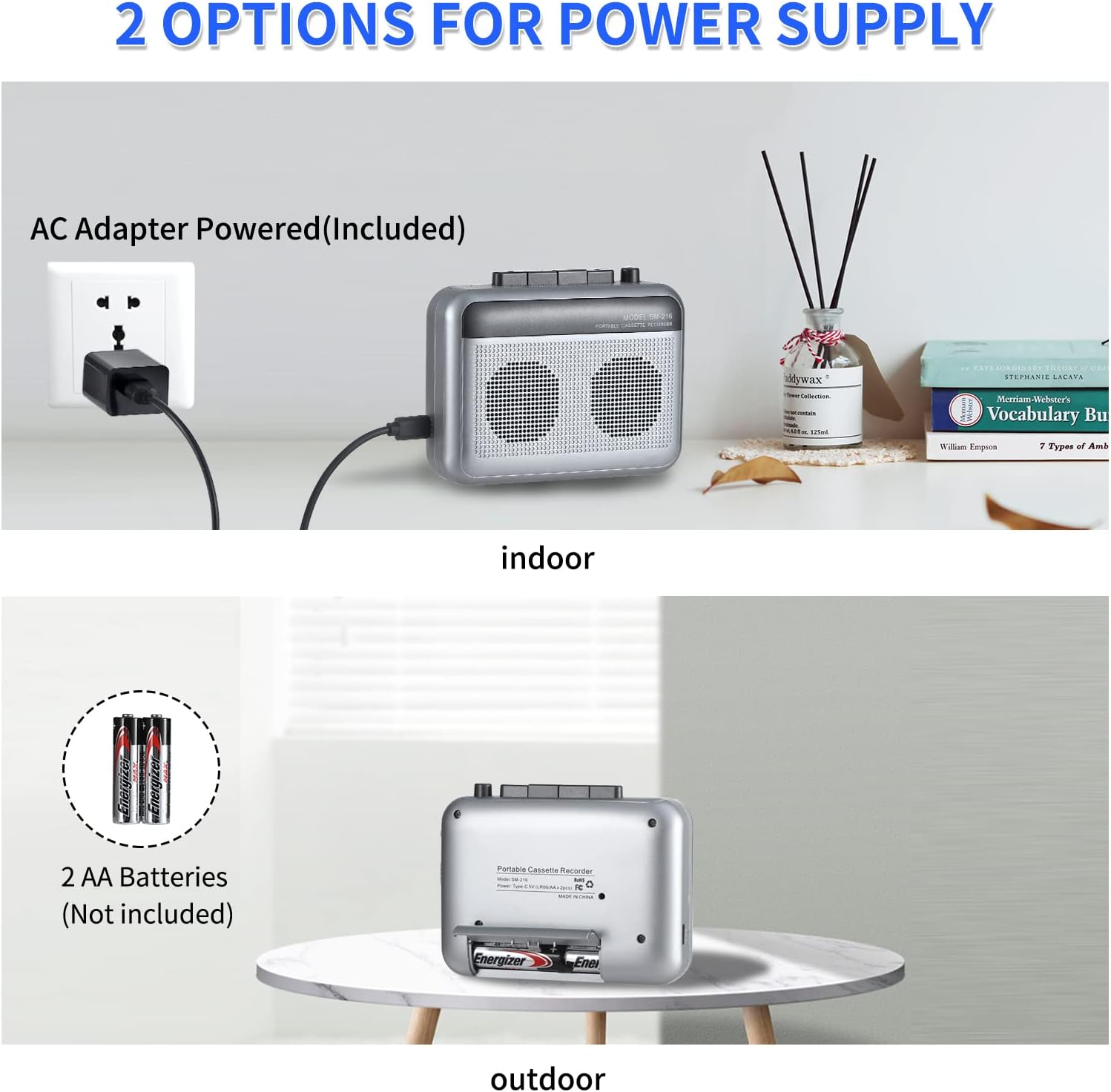
The FIOLEES SM-216 can be powered by either an AC adapter or AA batteries.
Flexible power options: AC adapter for indoor use and AA batteries for portability.
Detailed view of connecting the AC adapter and inserting AA batteries.
Using the AC Adapter (Included):
- Connect the small end of the USB cable to the DC 5V input port on the side of the cassette player.
- Plug the USB end of the cable into the provided AC adapter.
- Plug the AC adapter into a standard wall outlet.
Using AA Batteries (Not Included):
- Open the battery compartment cover on the back of the device.
- Insert two (2) AA batteries, ensuring correct polarity (+/-).
- Close the battery compartment cover securely.
4.2 Inserting a Cassette Tape
- Gently open the cassette compartment door.
- Insert a cassette tape with the exposed tape facing upwards.
- Close the cassette compartment door until it clicks into place.

View of the open cassette compartment, revealing the tape mechanism.

Inserting a cassette tape for playback or recording.
5. Operating Instructions
5.1 Playing a Cassette Tape
- Ensure the cassette tape is properly inserted.
- Slide the ON-BT-OFF switch to the "ON" position.
- Press the PLAY button to start playback.
- Adjust the Volume Control to your desired listening level.
- Use the F.FWD or F.REW buttons to fast forward or rewind the tape.
- Press the STOP button to stop playback.
5.2 Recording Audio
The device supports recording from its built-in microphone or an external microphone.
- Insert a blank cassette tape into the compartment.
- Slide the ON-BT-OFF switch to the "ON" position.
- If using an external microphone, plug it into the MIC jack.
- Press the REC button to begin recording. The POW indicator will light up.
- Speak clearly into the built-in microphone or external microphone.
- Press the STOP button to end the recording.
5.3 Bluetooth Transmission
Transmit audio from your cassette player to Bluetooth headphones or speakers.

The cassette player can transmit audio to various Bluetooth devices.

Wireless Bluetooth transmission for an enhanced listening experience.
- Turn on your Bluetooth headphones or speaker and set them to pairing mode.
- Slide the ON-BT-OFF switch on the cassette player to the "BT" position. The POW indicator will flash, indicating it's searching for a Bluetooth device.
- Once paired, the POW indicator will stop flashing and remain solid.
- Start playing your cassette tape. Audio will now transmit to your paired Bluetooth device.
5.4 Using Headphones
For private listening, connect headphones to the 3.5mm earphone jack.
Enjoy private listening by connecting headphones to the 3.5mm jack.
- Plug your 3.5mm headphones into the Earphone Jack on the side of the device.
- Start playing your cassette tape.
- Adjust the Volume Control to a comfortable listening level.
6. Maintenance
6.1 Cleaning
- Use a soft, dry cloth to clean the exterior of the device.
- To clean the tape head and pinch roller, use a cotton swab lightly dampened with isopropyl alcohol. Do this periodically to ensure optimal sound quality and tape longevity.
- Do not use abrasive cleaners or solvents.
6.2 Storage
- When not in use for extended periods, remove the AA batteries to prevent leakage.
- Store the device in a cool, dry place away from direct sunlight and dust.
7. Troubleshooting
If you encounter any issues, please refer to the following troubleshooting guide:
| Problem | Possible Cause | Solution |
|---|---|---|
| Device does not power on. | No power, dead batteries, or faulty adapter. | Check AC adapter connection or replace AA batteries. Ensure power switch is ON. |
| No sound during playback. | Volume too low, headphones not connected properly, or tape head dirty. | Increase volume. Ensure headphones are fully plugged in. Clean tape head. |
| Poor sound quality. | Dirty tape head, worn-out tape, or low battery. | Clean tape head. Try a different tape. Replace batteries or use AC adapter. |
| Bluetooth not pairing. | Device not in pairing mode, too far from receiver, or interference. | Ensure the switch is in "BT" position. Place devices closer. Turn off other Bluetooth devices. |
| Recording is not working. | Tape is not blank, REC button not fully pressed, or microphone issue. | Ensure a blank tape is used. Press REC firmly. Test with an external microphone if available. |
8. Specifications
| Feature | Detail |
|---|---|
| Brand | FIOLEES |
| Model | SM-216 |
| Connectivity Technology | Bluetooth 5.0 |
| Speaker Type | Dual Built-in Speakers |
| Power Source | AC Adapter (USB included) or 2 x AA Batteries (not included) |
| Item Weight | 10.5 ounces (approx. 0.3 kg) |
| Package Dimensions | 6.46 x 4.02 x 2.01 inches (approx. 16.4 x 10.2 x 5.1 cm) |
| Color | Sliver |
9. Warranty and Support
FIOLEES products are designed for durability and performance. This product comes with a standard manufacturer's warranty against defects in materials and workmanship. Please retain your proof of purchase for warranty claims.
For technical support, troubleshooting assistance, or warranty inquiries, please contact FIOLEES customer service through the retailer where the product was purchased or refer to the contact information provided with your product packaging.
10. Product Videos
10.1 Bluetooth Cassette Tape Player Overview
This video provides a general overview of the FIOLEES Bluetooth Cassette Tape Player, demonstrating its compact design, power options, and basic functions like playing and recording. It also shows how to connect to a Bluetooth speaker and use the earphone jack.
10.2 Bluetooth Cassette Recorder Demonstration
A short demonstration video showcasing the recording capabilities and Bluetooth functionality of the FIOLEES Portable Cassette Recorder.