Introduction
This manual provides essential information for the setup, operation, and maintenance of your SAMSUNG Galaxy Watch 5 40mm Bluetooth Smartwatch. The Galaxy Watch 5 is designed to help you monitor your health, track fitness activities, and stay connected.
Key features include:
- Advanced Sleep Coaching for improved sleep habits.
- Body Composition Analysis (BIA) for detailed body metrics.
- Improved sensor accuracy for heart rate monitoring.
- Automatic workout tracking for various activities.
- Enhanced battery life and seamless Galaxy device connectivity.
- Durable Sapphire Crystal Glass and water-resistant design.
- Enhanced GPS with voice navigation.
What's in the Box
Upon unboxing your SAMSUNG Galaxy Watch 5, you should find the following items:
- Smart Watch
- Watch Strap
- Wireless Charger
- Quick Start Guide
Setup
1. Initial Charging
Before first use, fully charge your Galaxy Watch 5. Connect the provided wireless charger to a power source and place your watch on the charging pad. The watch display will indicate charging status.

Image: The SAMSUNG Galaxy Watch 5 resting on its wireless charging pad, indicating proper placement for charging.
2. Pairing with Your Smartphone
- Ensure your smartphone has the latest version of the Samsung Wearable app installed.
- Turn on your Galaxy Watch 5 by pressing and holding the Home key (bottom button).
- Open the Samsung Wearable app on your smartphone and follow the on-screen instructions to pair your watch.
- Confirm the pairing code displayed on both devices.
Operating Your Galaxy Watch 5
Display and Customization
The Galaxy Watch 5 features a customizable display. You can change watch faces, adjust brightness, and configure notifications directly from the watch or through the Samsung Wearable app on your smartphone.

Image: The watch face of the SAMSUNG Galaxy Watch 5 showing the current time and activity progress rings.
Health and Fitness Tracking
Your Galaxy Watch 5 is equipped with advanced sensors to monitor various health and fitness metrics:
- Sleep Tracking: Wear your watch at night to track sleep stages (Awake, REM, Light, Deep) and receive Advanced Sleep Coaching to improve sleep habits.
- Body Composition Analysis (BIA): Measure body fat, skeletal muscle, body water, basal metabolic rate, and Body Mass Index (BMI) directly from your wrist.
- Heart Rate Monitoring: The improved curved Samsung BioActive Sensor provides accurate heart rate readings.
- Workout Tracking: The watch automatically detects and tracks common workouts like running, rowing, and swimming. You can also manually track over 90 exercises.
- Enhanced GPS: Utilize the built-in GPS for accurate location tracking during outdoor activities, complete with voice navigation.
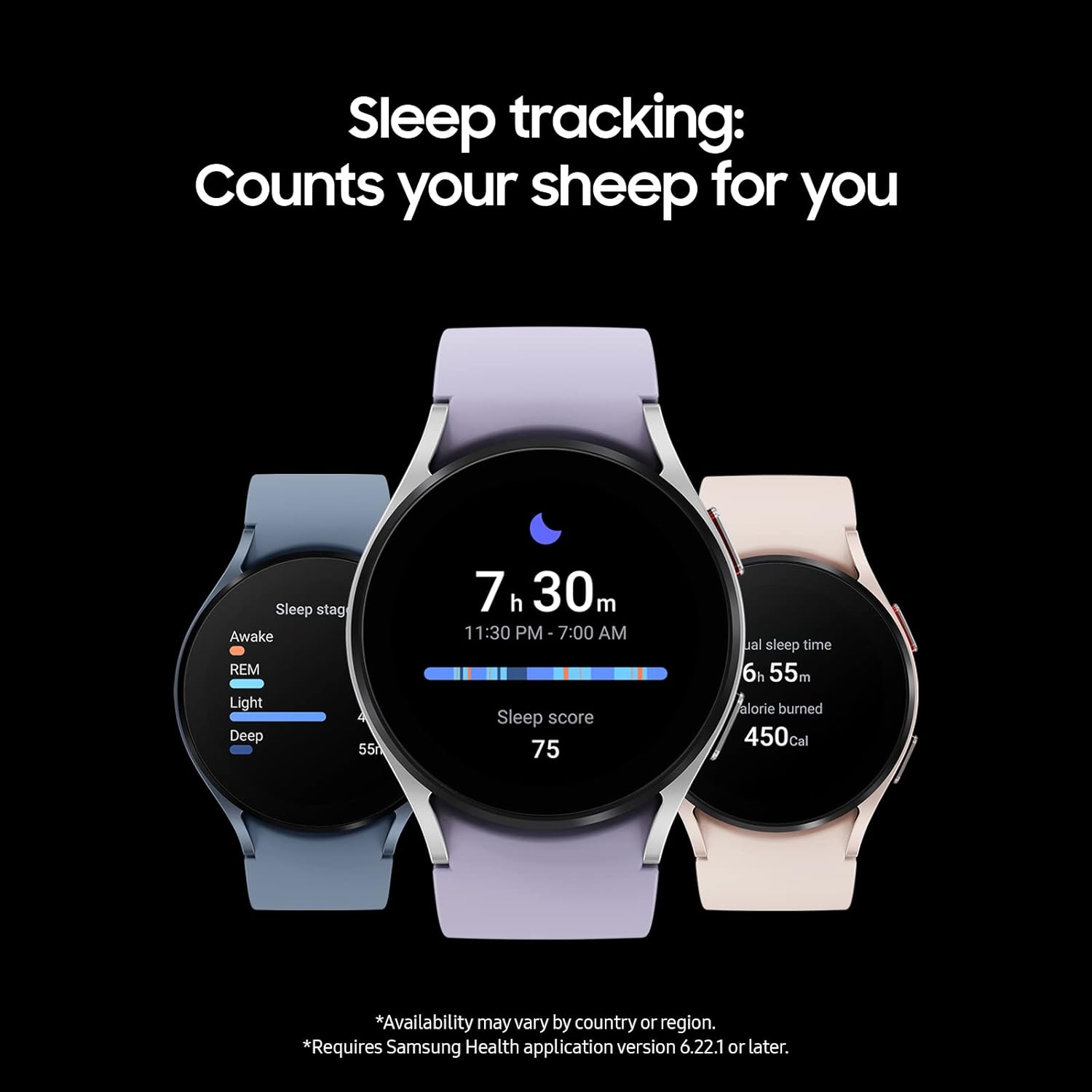
Image: The SAMSUNG Galaxy Watch 5 screen showing detailed sleep tracking data, including sleep stages and a sleep score.
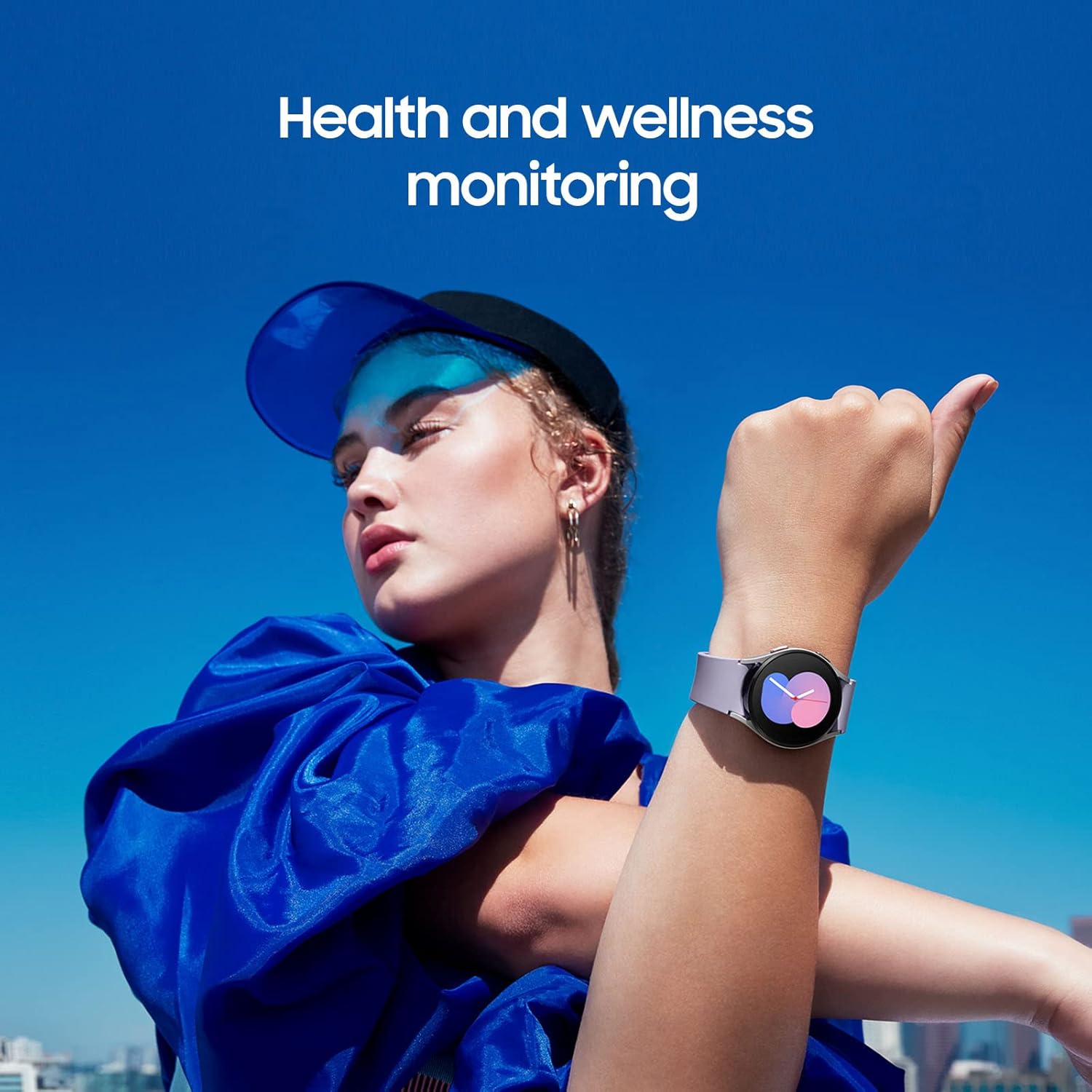
Image: The SAMSUNG Galaxy Watch 5 displaying various health and wellness monitoring features on its screen.
Connectivity
Pair your Galaxy Watch 5 with your smartphone via Bluetooth to receive notifications, make and receive calls, send text messages, and control various applications directly from your wrist.
Water Resistance
The Galaxy Watch 5 has a water resistance depth of 50 meters, making it suitable for swimming and showering. It is designed to withstand splashes and brief immersion in water. Ensure the water lock feature is activated when engaging in water activities to prevent accidental screen touches.
Maintenance
Charging
To maintain optimal battery performance, charge your Galaxy Watch 5 regularly using the provided wireless charger. A full charge typically provides sufficient power for a busy day.
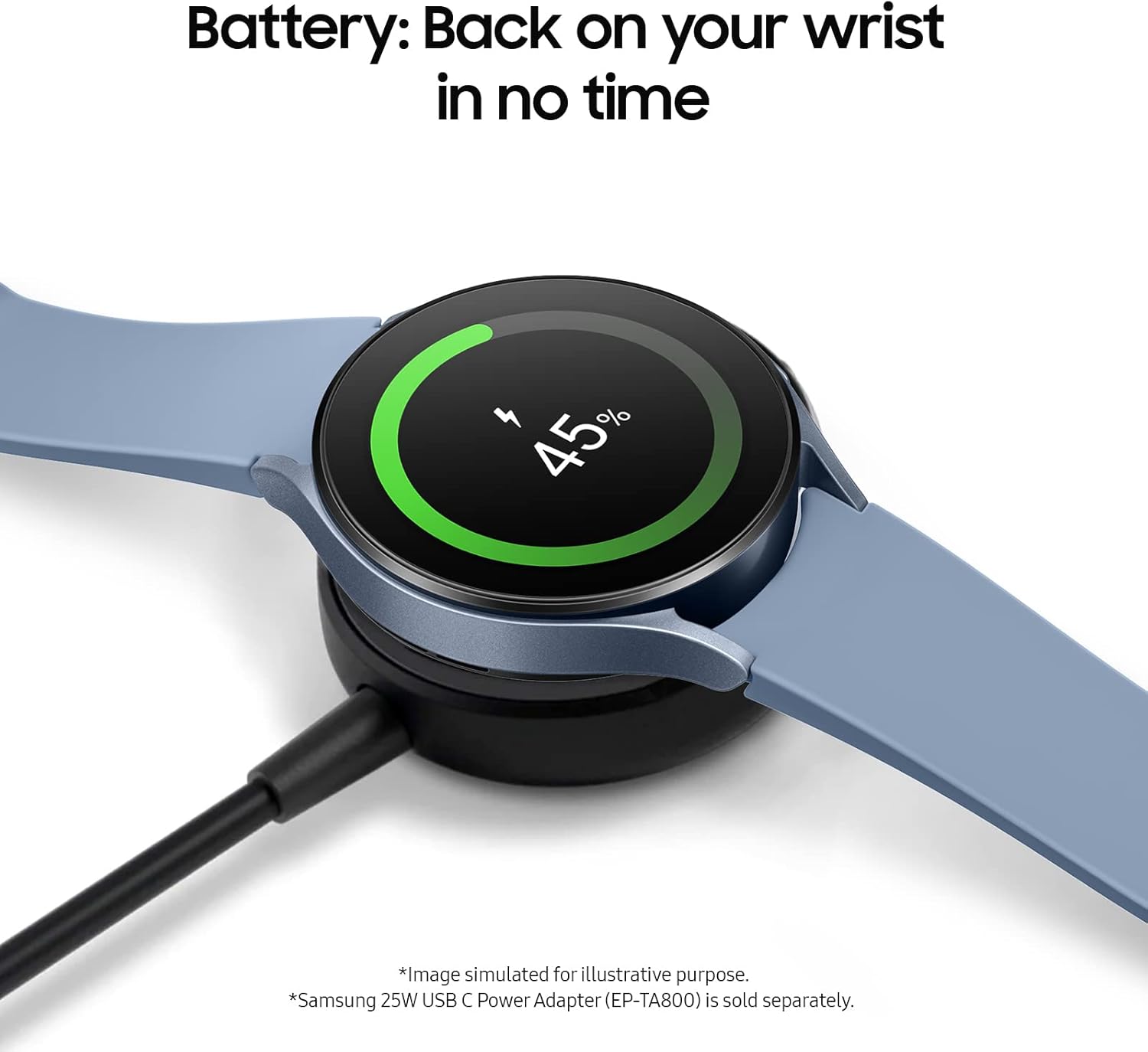
Image: The SAMSUNG Galaxy Watch 5 screen showing a 45% battery charge level while connected to its charger.
Cleaning
Regularly clean your watch and strap to prevent skin irritation and maintain device hygiene. Use a soft, damp cloth to wipe the watch face and strap. Avoid harsh chemicals or abrasive materials.
Troubleshooting
- Connectivity Issues: Ensure Bluetooth is enabled on your smartphone and the watch is within range. Restart both devices if connection problems persist.
- Battery Drain: Adjust screen brightness, disable unnecessary notifications, and close unused apps to optimize battery life.
- Inaccurate Readings: Ensure the watch is worn snugly on your wrist, and keep the sensors clean.
Specifications
| Feature | Detail |
|---|---|
| Product Dimensions | 1.59 x 1.54 x 0.38 inches |
| Item Weight | 1.01 ounces (0.06 Pounds) |
| Item Model Number | Galaxy Watch5 |
| Batteries | 1 Lithium Polymer battery required |
| Standing Screen Display Size | 1.2 Inches |
| Memory Storage Capacity | 16 GB |
| RAM Memory Installed Size | 1.5 GB |
| Operating System | Wear OS |
| Special Features | Activity Tracker, Blood Pressure Monitor, Daily Workout Memory, Elevation Tracker, Sleep Monitor |
| Battery Capacity | 284 Milliamp Hours |
| Connectivity Technology | Bluetooth |
| Wireless Communication Standard | 802.11a/g/n/ac, Bluetooth |
| GPS | GPS Via Smartphone |
| Water Resistance Depth | 50.0 meters |
Warranty and Support
For warranty information and customer support, please refer to the official SAMSUNG website or contact their customer service. Keep your purchase receipt for warranty claims.


