
Introduction
The soundynamic VIBE Portable Bluetooth Speaker is designed to deliver a rich audio experience with dynamic RGB LED lighting. Featuring IPX7 waterproofing and advanced Bluetooth 5.0 connectivity, this speaker is suitable for various environments, from indoor gatherings to outdoor adventures. Control your audio and lighting preferences conveniently through the dedicated Soundynamic App.
What's in the Box
- VIBE Portable Bluetooth Speaker
- Type-C Charge Cable
- User's Manual
- 3.5mm AUX-IN Cable
Product Overview
The VIBE speaker features a compact and ergonomic design, making it easy to carry. It incorporates a 1.75-inch full-range speaker and two passive radiators for optimal sound delivery. The device is equipped with intuitive controls on its base and vibrant RGB LED lights that enhance your listening experience.

Figure 1: Soundynamic VIBE Portable Bluetooth Speaker, showcasing its waterproof design with water splashes.

Figure 2: Detailed view of the speaker's control buttons and charging port located at the base.
Setup
1. Charging the Speaker
Before first use, fully charge the VIBE speaker. Connect the provided Type-C charge cable to the speaker's charging port and a compatible USB power source. A full charge takes approximately 180 minutes (3 hours). The LED indicator will show charging status.
2. Bluetooth Pairing
- Press and hold the Power button on the speaker to turn it on. The LED lights will activate, indicating it's ready for pairing.
- On your mobile device (smartphone, tablet, or laptop), enable Bluetooth.
- Search for "VIBE" in the list of available Bluetooth devices and select it to pair.
- Once successfully paired, the speaker will emit an audible confirmation. The speaker can maintain a stable connection up to 33 feet (10 meters).
3. Soundynamic App Control
For enhanced control and customization, download the "Soundynamic" app from your device's app store. The app allows you to adjust the sound equalizer, lighting effects, and intelligent sleep mode settings.

Figure 3: Screenshot of the Soundynamic App interface, demonstrating various customization options for sound and lighting.
Operating
1. Audio Playback
After successful Bluetooth pairing, you can play audio from your connected device. Use your device's media controls or the speaker's volume buttons to adjust playback.
2. Colorful Light Effects
The VIBE speaker features rich, colorful RGB light effects with five built-in lighting modes that respond to music. Press the Light button on the speaker to cycle through different light modes. For advanced customization, use the Soundynamic App to select colors, adjust brightness, and choose dynamic effects.
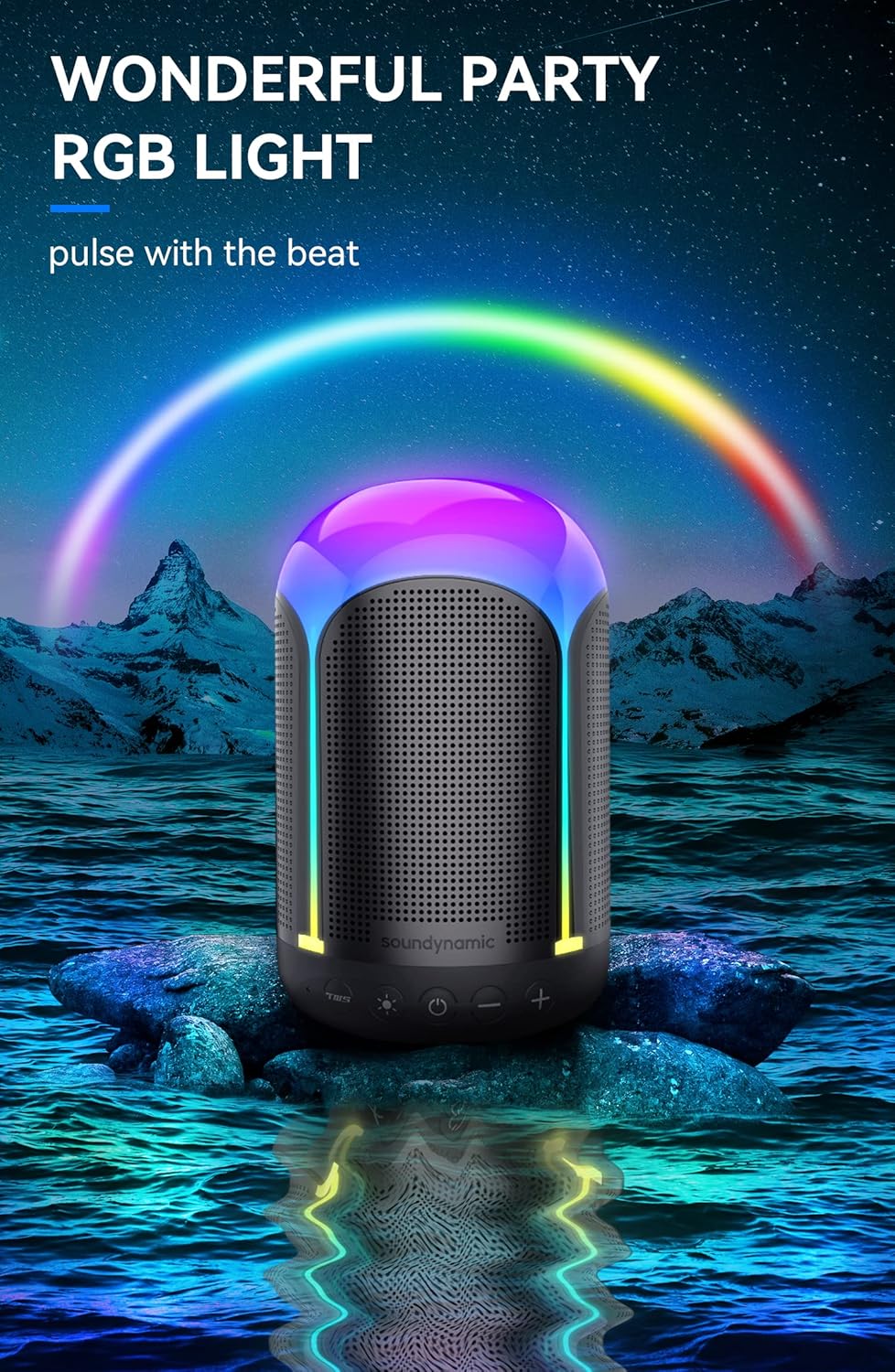
Figure 4: The VIBE speaker illuminating with its dynamic RGB light effects, ideal for party settings.
3. True Wireless Stereo (TWS) Pairing
To achieve crystal-clear stereo sound, you can pair two VIBE speakers together using TWS technology. Ensure both speakers are powered on and not connected to any other Bluetooth device. Press the TWS button on both speakers simultaneously to initiate pairing. Once connected, they will play audio in synchronized stereo.
Video 1: Official Soundynamic video demonstrating the VIBE speaker's features, including TWS pairing and light effects.
Maintenance
The VIBE speaker features an IPX7 waterproof design, allowing it to be submerged in 1 meter of water for up to 30 minutes. After exposure to water, ensure the charging port cover is securely closed. Clean the speaker with a soft, damp cloth. Avoid using harsh chemicals or abrasive materials.
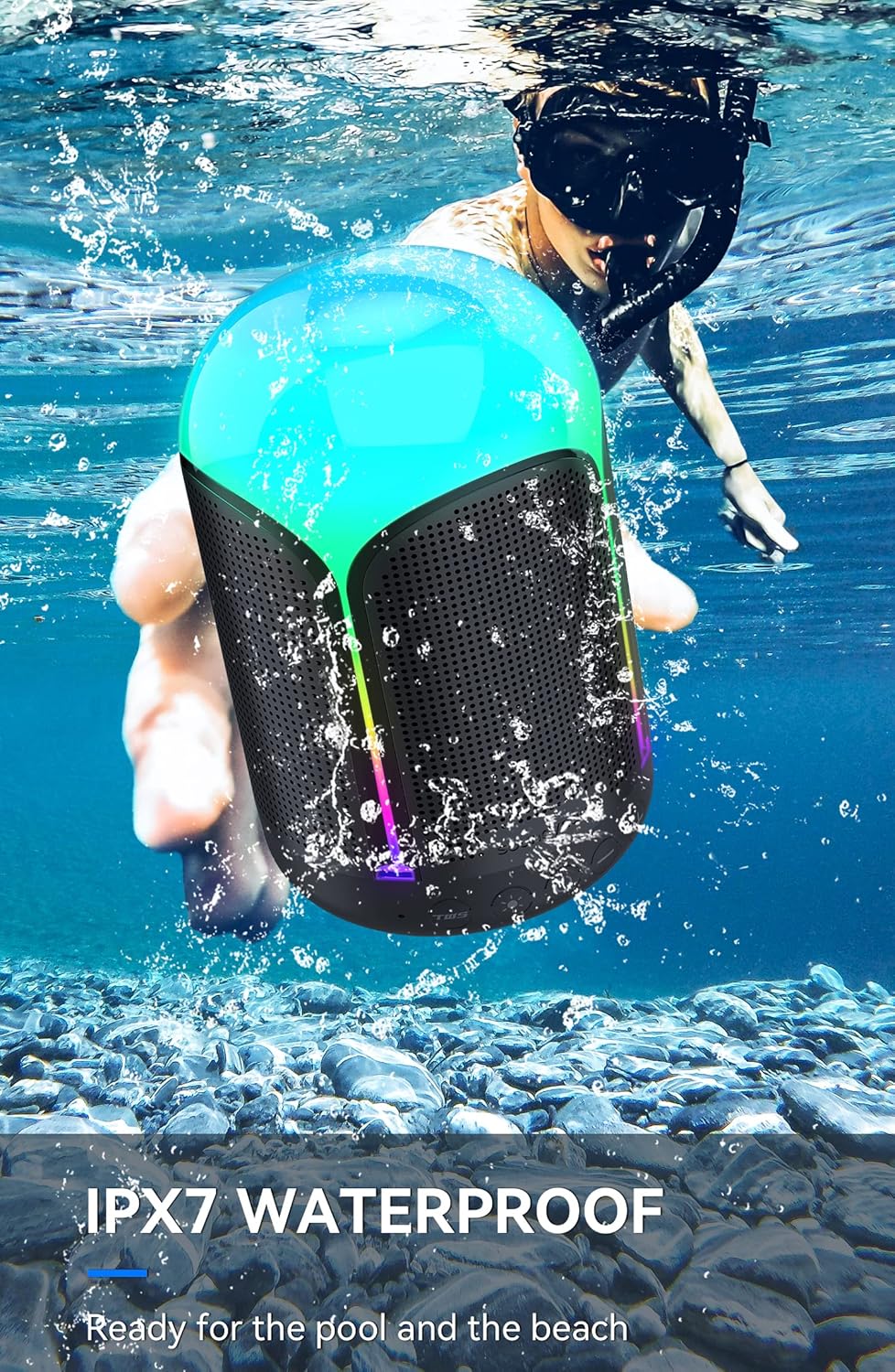
Figure 5: The VIBE speaker demonstrating its IPX7 waterproof capability by being partially submerged in water.
Troubleshooting
| Issue | Possible Cause | Solution |
|---|---|---|
| Speaker does not power on. | Low battery. | Charge the speaker fully. |
| No sound. | Volume too low; Not paired; Device out of range. | Increase volume on speaker and device; Re-pair Bluetooth; Move device closer to speaker. |
| Bluetooth pairing failed. | Speaker already paired; Device Bluetooth off. | Ensure speaker is in pairing mode; Turn device Bluetooth off/on; Forget device and re-pair. |
| Lights not working. | Light mode off; App setting. | Press Light button; Check settings in Soundynamic App. |
Specifications
| Model Name | VIBE |
| Brand | soundynamic |
| Connectivity Technology | Bluetooth 5.0 |
| Bluetooth Range | 33 Feet (10 Meters) |
| Speaker Maximum Output Power | 10 Watts |
| Speaker Size | 1.75 Inches (Full-range) |
| Battery Capacity | 3350 mAh |
| Battery Life | Up to 12 Hours (depending on usage) |
| Charging Time | 180 minutes |
| Waterproof Rating | IPX7 |
| Product Dimensions | 3"D x 3"W x 5"H |
| Item Weight | 1.7 pounds |
Warranty & Support
The soundynamic VIBE Portable Bluetooth Speaker comes with a Limited Warranty. For detailed warranty information, product support, or troubleshooting assistance not covered in this manual, please refer to the official soundynamic website or contact their customer service directly.
Official Soundynamic Store: Visit Store
