
Product Overview

The DR.PREPARE Small Tower Fan is designed for personal cooling, featuring a sleek black design with two independently adjustable fan heads and an oscillating base. It provides powerful airflow with multiple speed settings and a convenient auto-off timer, making it suitable for various indoor environments.
What's in the Box
- DR.PREPARE Small Tower Fan Unit
- USB-C Power Cable
- 5V/3A Wall Adapter
- User Manual
Setup
Unpacking
Carefully remove all components from the packaging. Ensure all parts listed in the 'What's in the Box' section are present and undamaged.
Power Connection
Place the fan on a stable, flat surface. Connect the USB-C power cable to the input port on the back of the fan's base. Plug the other end of the cable into the included 5V/3A wall adapter, and then plug the adapter into a standard 120V electrical outlet. The fan requires an external power source to function.

Image: Fan base with USB-C input and power adapter.
Operating Instructions
Control Panel Overview

Image: Detailed view of the fan's touch control panel.
Power On/Off and Speed Settings
- Press the POWER button once to turn the fan on at the default low speed.
- Press the POWER button repeatedly to cycle through Low (L), Medium (M), High (H) speeds.
- Press and hold the POWER button to turn the fan off.
Oscillation Function
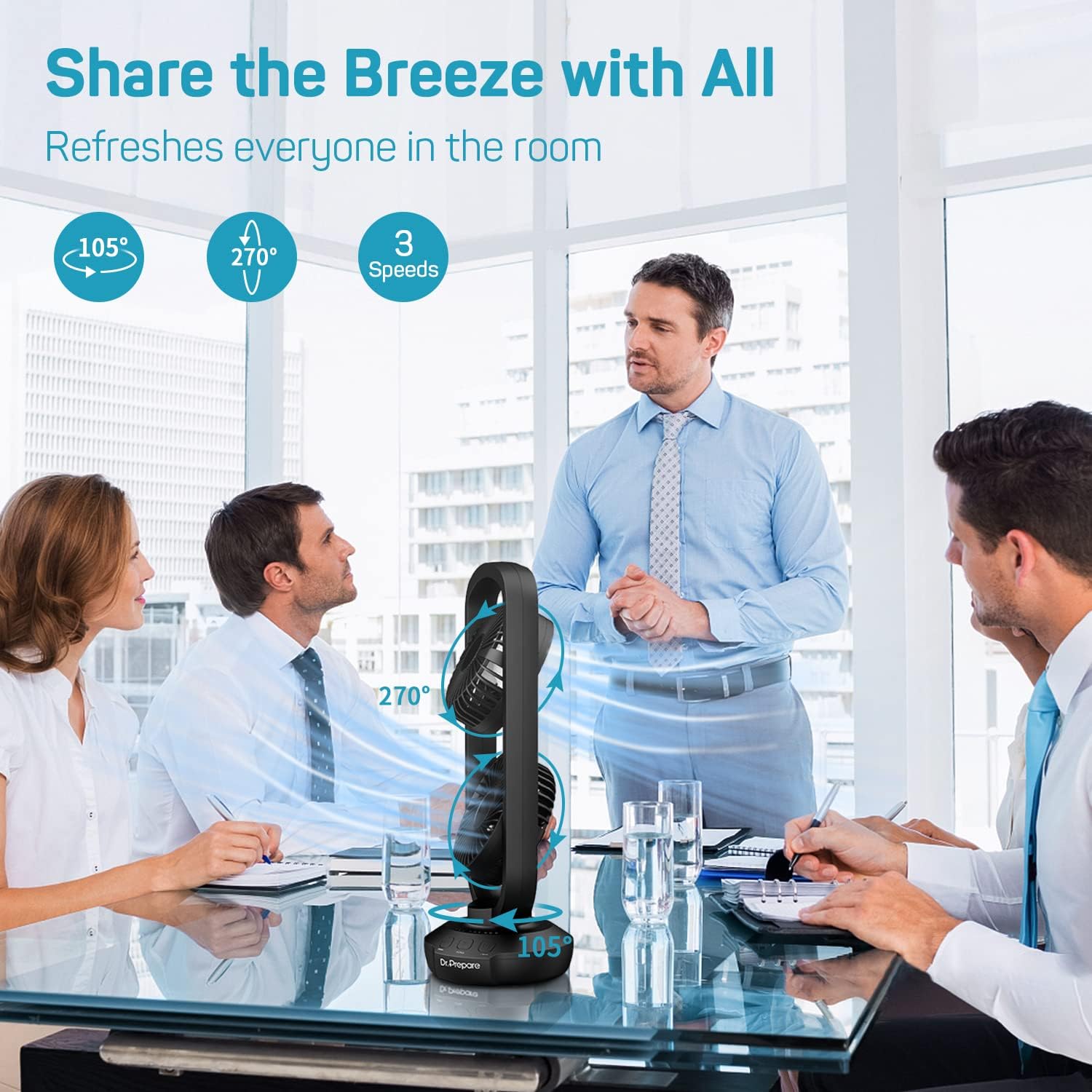
Image: Fan demonstrating 105° automatic oscillation.
- Press the SWING button once to activate 105° automatic oscillation.
- Press the SWING button again to stop oscillation.
Adjustable Tilt
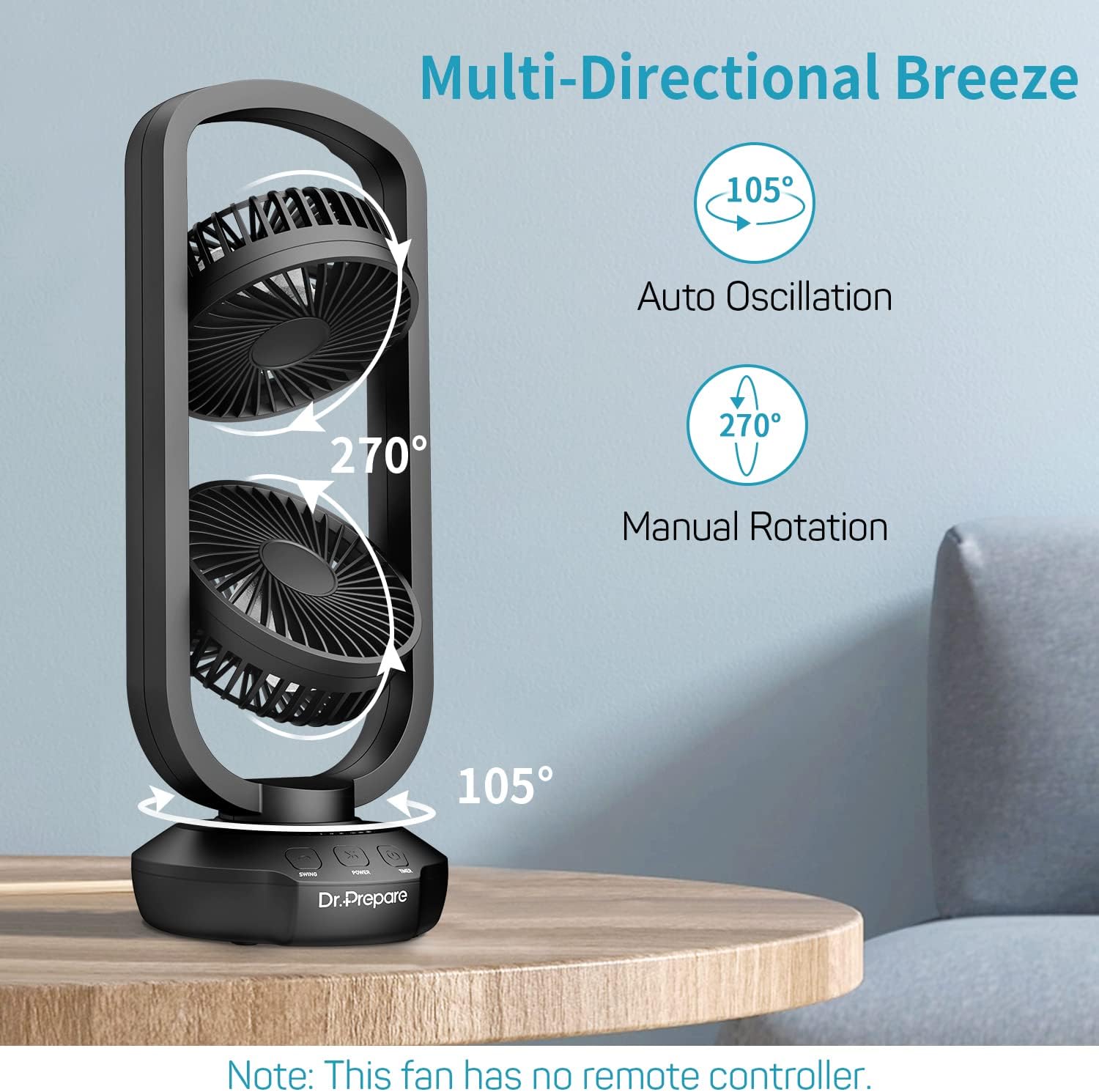
Image: Fan heads manually tilting up to 270°.
- Manually adjust each fan head up to 270° to direct airflow precisely where needed.
Timer Function

Image: Fan operating with timer settings visible.
- Press the TIMER button repeatedly to set the auto-off timer for 2, 4, or 8 hours.
- The corresponding indicator light will illuminate.
- To cancel the timer, press the TIMER button until all indicator lights are off.
Features
- Dual Adjustable Fan: Features rotating and oscillation design with 270° tilt for precise airflow and 105° ultra-wide oscillation for accelerated air circulation.
- Powerful Airflow: Equipped with two powerful motors providing strong airflow and 3 variable speed settings (Low, Medium, High).
- Space-Saving Design: Compact 15-inch size ideal for bedrooms, home offices, desks, bedsides, nightstands, or kitchen counters.
- USB-Powered: Convenient USB input port for power, compatible with the included 5V/3A wall adapter or a 5V/3A power bank (not included).
- 3 Auto-Off Timer: Built-in programmable timer allows automatic shut-off after 2, 4, or 8 hours for restful sleep.
- Note: This fan does NOT include a remote control.
Maintenance
Cleaning Instructions

Image: Cleaning the fan's blades.
- Always unplug the fan from the electrical supply source before cleaning.
- To remove persistent dirt, use a damp cloth or sponge with a mild soap solution.
- Wipe the fan dry with a clean, soft cloth.
- Do not use abrasive cleaners, solvents (such as thinners), or harsh chemicals, as these may damage the plastic housing.
- Be sure not to make water or other liquids enter inside the motor.
Troubleshooting
| Issue | Solution |
|---|---|
| Fan not turning on. | Ensure the power cable is securely connected and the 5V/3A wall adapter is properly plugged into a working outlet. |
| Weak or inconsistent airflow. | Check if fan heads are tilted correctly. Try increasing the speed setting. Ensure there are no obstructions blocking the air intake or outlet. |
| Unusual noise during operation. | Ensure the fan is placed on a stable, flat surface. Check for any foreign objects or debris that might be caught in the fan blades. |
| Fan stops unexpectedly. | Verify the timer setting. If a timer is set, the fan will automatically turn off after the selected duration. |
| Interference with other electronic devices. | If the fan causes interference with other devices (e.g., garage door openers), try repositioning the fan further away from the affected electronics. |
Specifications
| Feature | Detail |
|---|---|
| Model Name | Small Tower Fan (DF7) |
| Input | 5V/3A DC |
| Rated Power | 10 watts |
| Speed Settings | Low, Medium, High (3 levels) |
| Oscillation | 105° |
| Adjustable Tilt | Up to 270° |
| Timer | 2, 4, or 8 hours |
| Product Dimensions | 6.4"D x 5.5"W x 15.7"H |
| Item Weight | 2.9 Pounds |
| Control Method | Touch |
Warranty & Support
For warranty information and customer support, please refer to the contact details provided on the product packaging or visit the official DR.PREPARE website. Keep your purchase receipt for warranty claims.