1. Introduction
This manual provides essential information for the safe and efficient operation, maintenance, and troubleshooting of your LG 506L Frost Free Inverter Wi-Fi Double Door Refrigerator, model GN-H702HLHM. Please read this manual thoroughly before using the appliance and retain it for future reference.
Safety Precautions
- Ensure the refrigerator is placed on a stable, level surface.
- Do not block ventilation openings in the appliance enclosure or in the built-in structure.
- Do not use mechanical devices or other means to accelerate the defrosting process, other than those recommended by the manufacturer.
- Do not damage the refrigerant circuit.
- Do not use electrical appliances inside the food storage compartments of the appliance, unless they are of the type recommended by the manufacturer.
- Keep children away from the appliance during operation and cleaning.
Included Components
The product package includes:
- 1 Refrigerator Unit
- 1 User Manual
2. Setup and Installation
Unpacking
Carefully remove all packaging materials, including tape and protective films. Inspect the refrigerator for any damage incurred during transit. Keep packaging materials away from children.
Placement
Place the refrigerator on a firm, level floor. Ensure there is adequate space around the appliance for proper ventilation. Maintain a minimum distance of 5 cm from the rear and sides to allow for heat dissipation. Avoid direct sunlight or heat sources.

Image: LG refrigerator installed in a kitchen, demonstrating appropriate spacing.
Leveling the Appliance
Use the adjustable front legs to level the refrigerator. The appliance should be slightly tilted backward to allow the doors to close easily.
Power Connection
Connect the power cord to a grounded electrical outlet. This refrigerator is designed to operate within a voltage range of 100-310V and works without an external stabilizer.
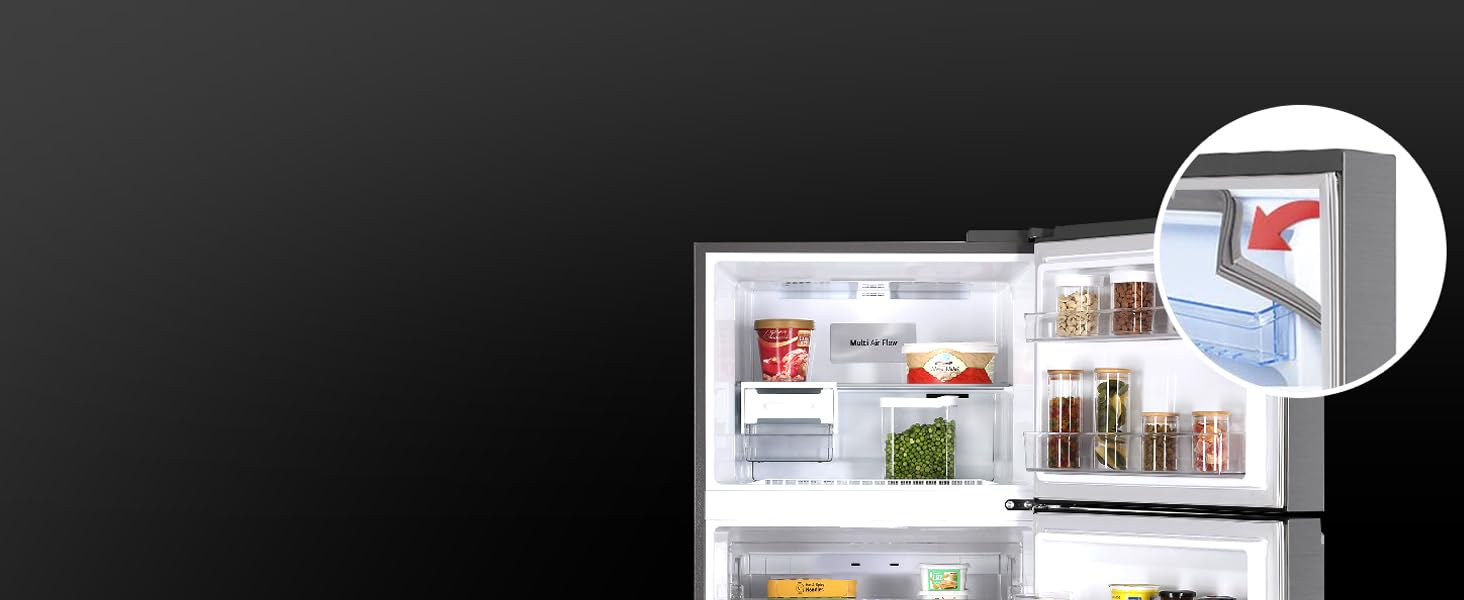
Image: Illustration of the refrigerator's ability to operate without a stabilizer within a 100-310V range.
Initial Operation
After connecting to power, allow the refrigerator to run for at least 2-3 hours before storing food. This allows the internal temperature to stabilize.
3. Operating Instructions
Control Panel (E Micom Touch)
The electronic control panel is located on the exterior of the freezer door. Use it to adjust temperature settings and activate special functions.

Image: A hand touching the E Micom Touch control panel on the refrigerator door.
Temperature Control
Press the 'Fridge' or 'Freezer' button on the control panel to cycle through available temperature settings. The display will show the current setting.
Door Cooling+
This feature helps maintain consistent temperatures inside the refrigerator, especially near the door, by providing additional cooling from the top of the compartment. This minimizes temperature fluctuations when the door is opened and closed.
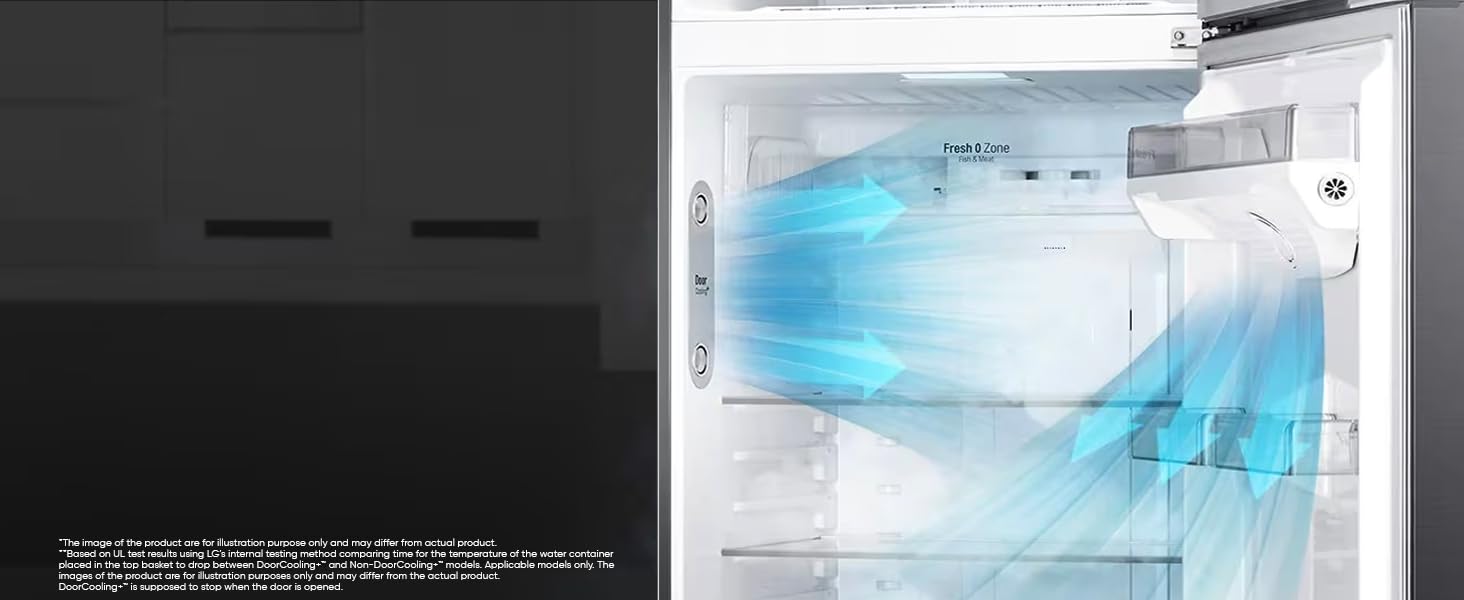
Image: Visual representation of cold air circulating from the Door Cooling+ vent.
Hygiene Fresh+
The Hygiene Fresh+ system uses a multi-layer filter to remove up to 99.999% of bacteria and odors, helping to keep food fresher for longer.

Image: Interior of the refrigerator highlighting the Hygiene Fresh+ filter and Fresh Zone.
Wi-Fi (LG ThinQ)
Connect your refrigerator to the LG ThinQ app on your smartphone to control key features remotely, monitor its status, and receive notifications.
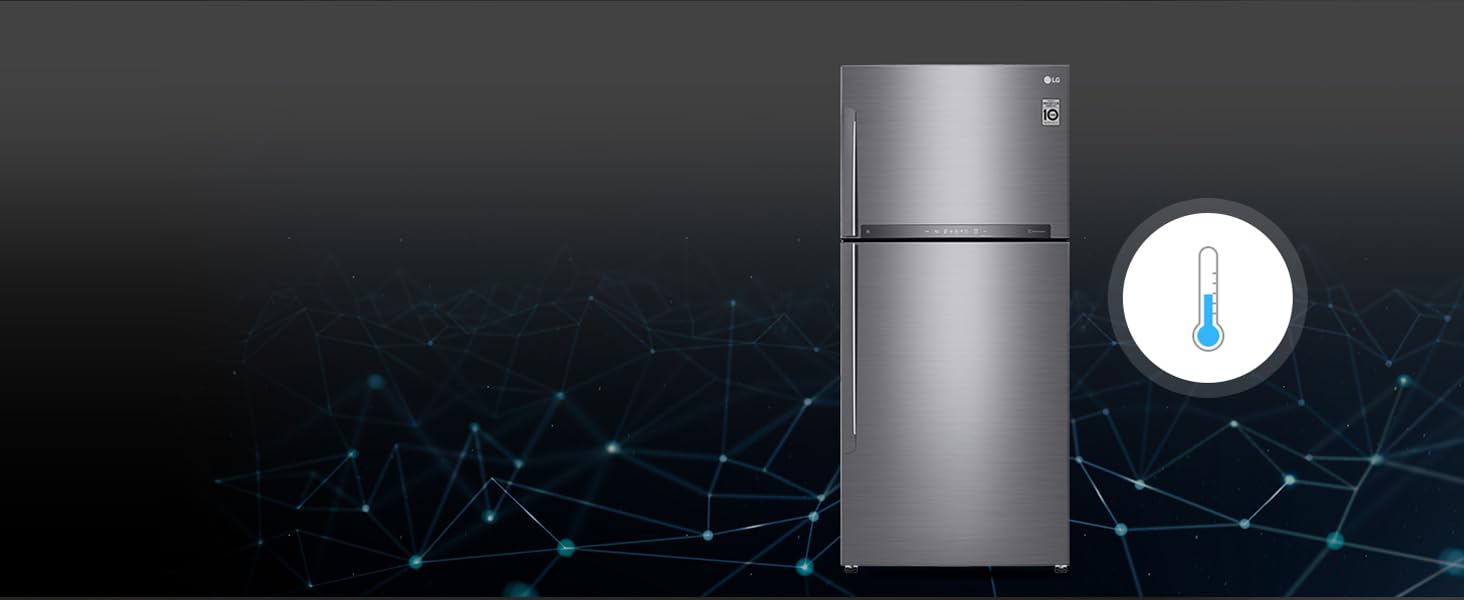
Image: Refrigerator shown with a smartphone demonstrating LG ThinQ app connectivity.
Express Freeze
Activate Express Freeze for rapid freezing of newly added items in the freezer compartment. This helps preserve food quality.
Multi Air Flow
Multiple vents ensure even distribution of cold air throughout the refrigerator, maintaining consistent temperatures and cooling food efficiently.
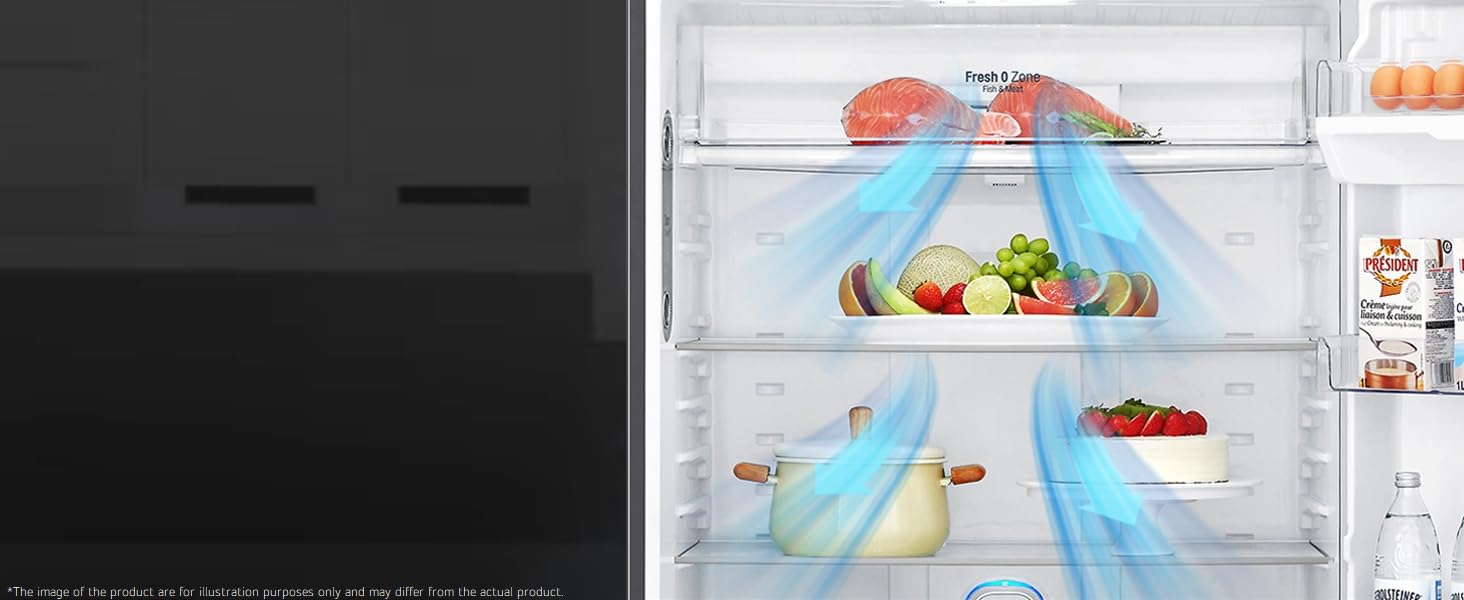
Image: Illustration of cold air circulation via Multi Air Flow vents inside the refrigerator.
Fresh Zone (Fruit & Vegetables)
The dedicated Fresh Zone drawer provides optimal humidity levels to keep fruits and vegetables fresh for longer.

Image: The Fresh Zone drawer containing fresh produce.
Fresh O Zone
A specialized compartment designed to keep certain items, such as meat and fish, fresh at a lower temperature than the main refrigerator compartment.

Image: The Fresh O Zone compartment with a lobster, indicating its use for specific food items.
Ice Maker
The refrigerator features a movable, single twist ice maker for convenient ice production.

Image: The freezer compartment with the single twist ice maker.
Storage Features
- Shelves: Trimless Tempered Glass shelves provide durable and easy-to-clean storage.
- Door Baskets: Transparent door baskets, including space for 2-liter bottles.
- Vegetable Tray: A large vegetable tray with 29 liters capacity.

Image: Interior layout of the refrigerator, highlighting storage areas and capacities.
4. Maintenance
Cleaning the Refrigerator
Regular cleaning helps maintain hygiene and efficiency. Unplug the appliance before cleaning.
- Interior: Wipe with a soft cloth dampened with a mild detergent solution. Rinse with clean water and dry thoroughly.
- Exterior: Clean with a soft cloth and mild detergent. Avoid abrasive cleaners or solvents.
- Door Gaskets: Clean the door gaskets regularly to ensure a tight seal.
Anti-Bacterial Gasket
The anti-bacterial gasket prevents the entry and build-up of fungi and bacteria inside the refrigerator, contributing to a healthier storage environment. Clean it periodically to maintain its effectiveness.
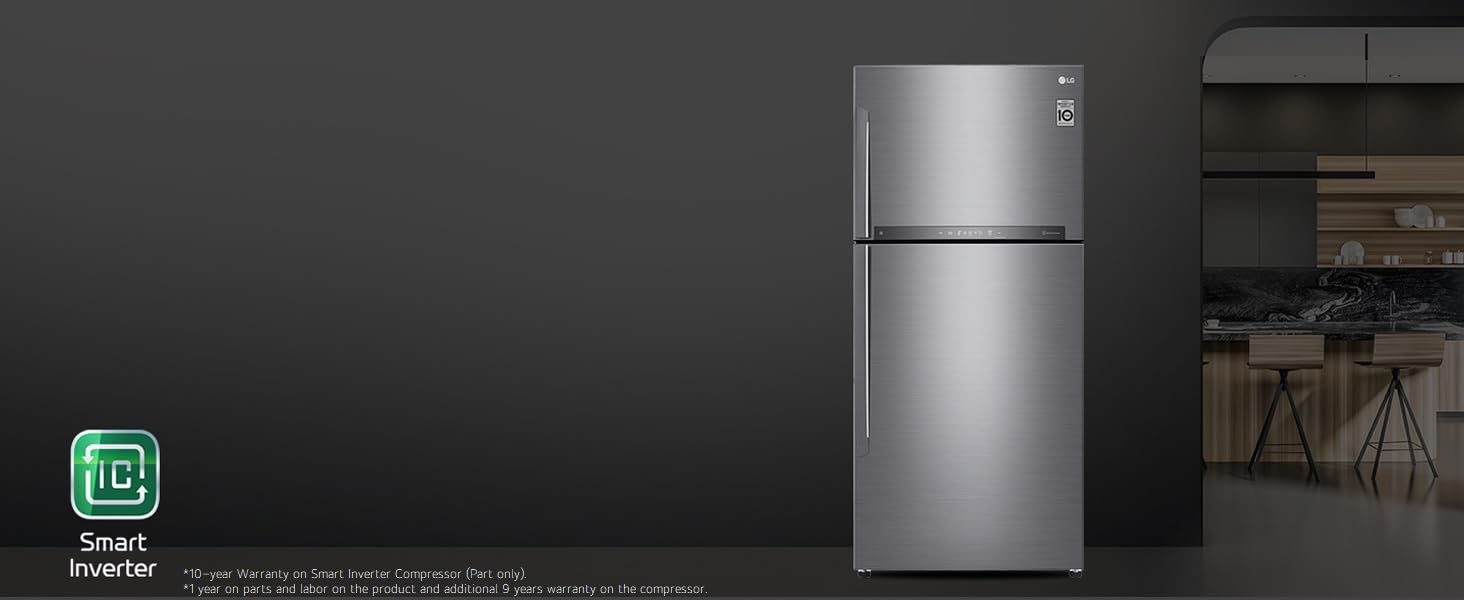
Image: Detail of the anti-bacterial door gasket.
Defrosting
This refrigerator features a frost-free system, which automatically prevents ice build-up. Manual defrosting is not required.
5. Troubleshooting
Smart Diagnosis
The Smart Diagnosis feature allows for quick and easy troubleshooting of issues. If you experience a problem, use the LG ThinQ app to activate Smart Diagnosis, which can help identify the cause and suggest solutions.
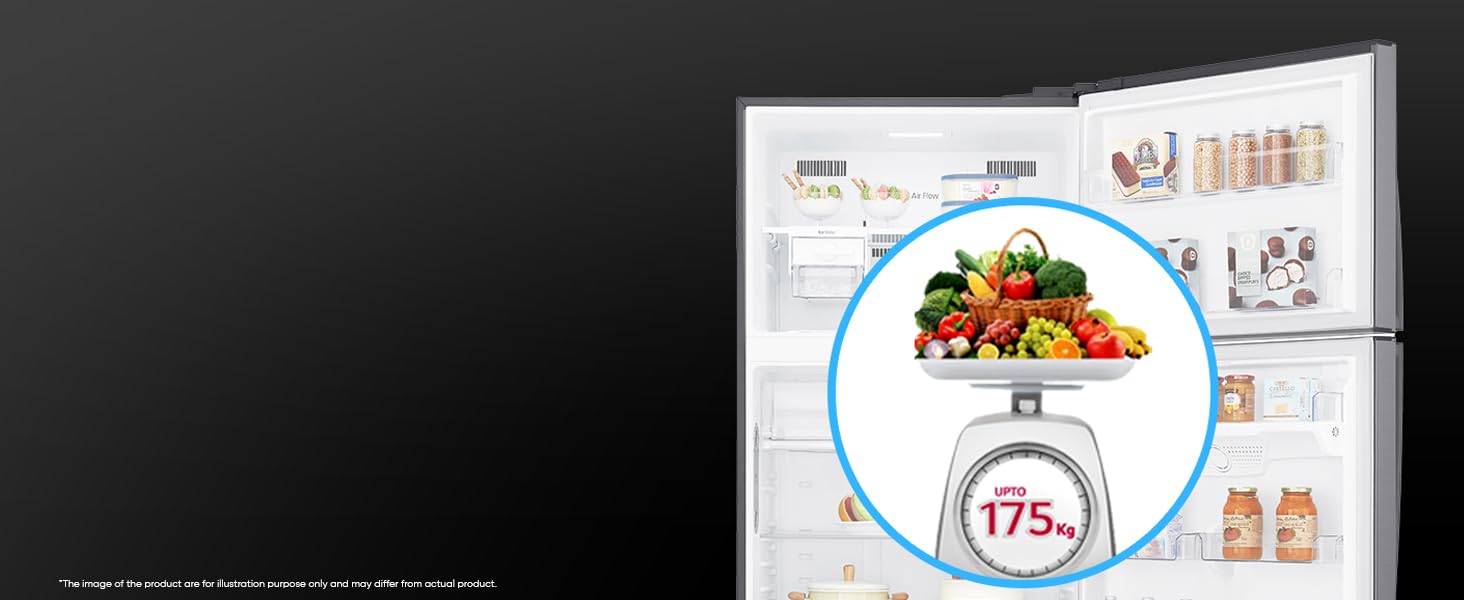
Image: A smartphone showing the Smart Diagnosis app, indicating its use for troubleshooting.
Common Issues and Solutions
- Refrigerator not cooling: Check if the power cord is properly plugged in. Ensure the temperature settings are correct. Verify that the door is fully closed.
- Unusual noises: Ensure the refrigerator is level. Check if any items inside are vibrating against each other.
- Water leakage: Check if the drain hole is blocked. Ensure the water dispenser (if applicable) is not leaking.
For issues not resolved by these steps, please refer to the Smart Diagnosis feature or contact customer support.
6. Specifications
| Brand | LG |
| Model | GN-H702HLHM |
| Capacity | 506 litres (Freezer: 130 L, Fresh Food: 376 L) |
| Dimensions (DxWxH) | 73D x 78W x 180H Centimeters |
| Item Weight | 79 kg |
| Energy Efficiency | 1 Star (350 Kilowatt Hours Per Year) |
| Compressor Type | Smart Inverter Compressor |
| Defrost System | Frost Free |
| Shelf Type | Toughened Glass (2 shelves) |
| Special Features | Smart Inverter Compressor, Door Cooling+, LG ThinQ (Wi-Fi), Hygiene Fresh+, Smart Diagnosis, Works Without Stabilizer |
| Material | Steel |
| Voltage | 230 Volts |
| Wattage | 90 Watts |
Image: Refrigerator dimensions and energy consumption label.
7. Warranty Information
Your LG refrigerator is covered by the following warranty:
- Product Warranty: 1 year from the date of purchase.
- Compressor Warranty: 10 years on the Smart Inverter Compressor.
Please retain your purchase receipt for warranty claims. Terms and conditions apply.

Image: Visual representation of the 10-year warranty on the Smart Inverter Compressor.
8. Customer Support
For service, support, or inquiries, please contact LG customer service:
- Telephone: 08069379999
- WhatsApp: 9711709999
- Manufacturer Address: JL. TABRI NO. 1 CIRARAB, LEGOK, TANGERANG 15820, BANTEN - INDONESIA
- Importer Address: LG Electronics India Pvt. Ltd., Regd. Office: A-26, Mohan Cooperative industrial Estate, Mathura Road, New Delhi - 110044
- Online Store: Visit the LG Store on Amazon for more products and information.