
1. Introduction
This user manual provides comprehensive instructions for the installation, operation, and maintenance of your keepLiNK 5-Port Industrial Unmanaged Ethernet Switch. This device is designed for reliable network connectivity in harsh industrial environments, offering robust performance and ease of use.
2. Product Overview
2.1 Key Features
- 5 x 10/100Mbps Fast Ethernet Ports.
- 1Gbps Switching Capacity.
- IP40 Rated Protection: Resistant to dust and solid objects larger than 1mm.
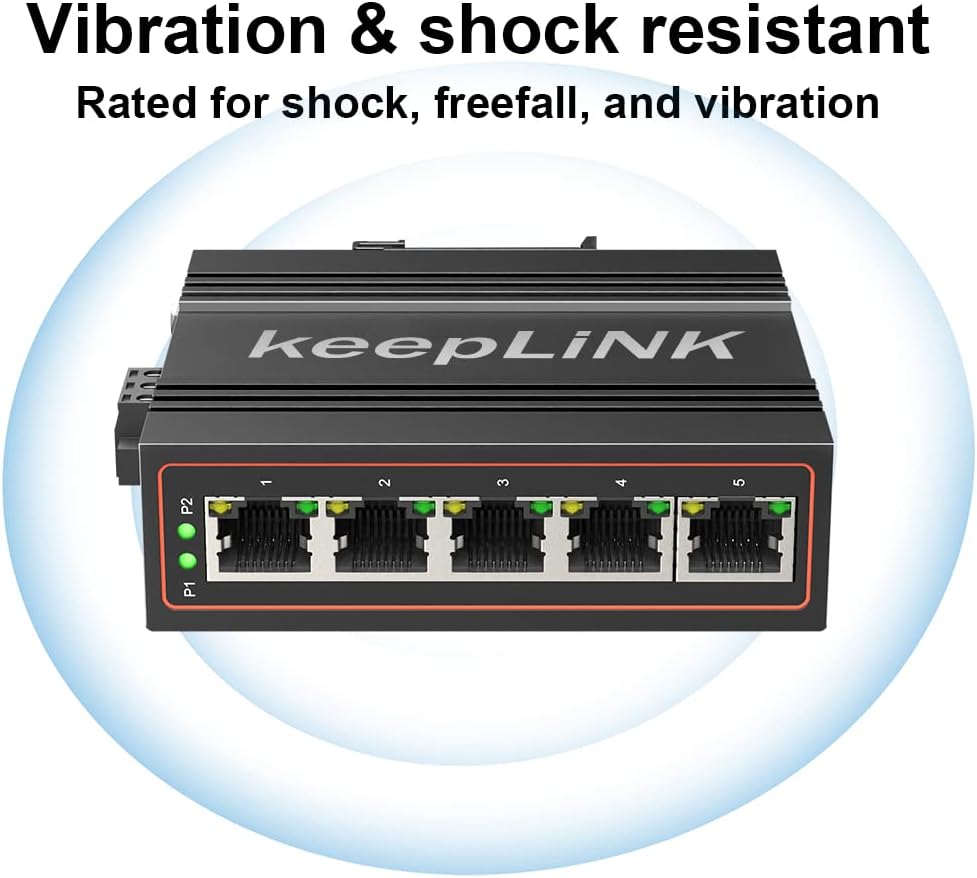
- Anti-vibration and Anti-static Interference design.
- 4KV Lightning Protection.
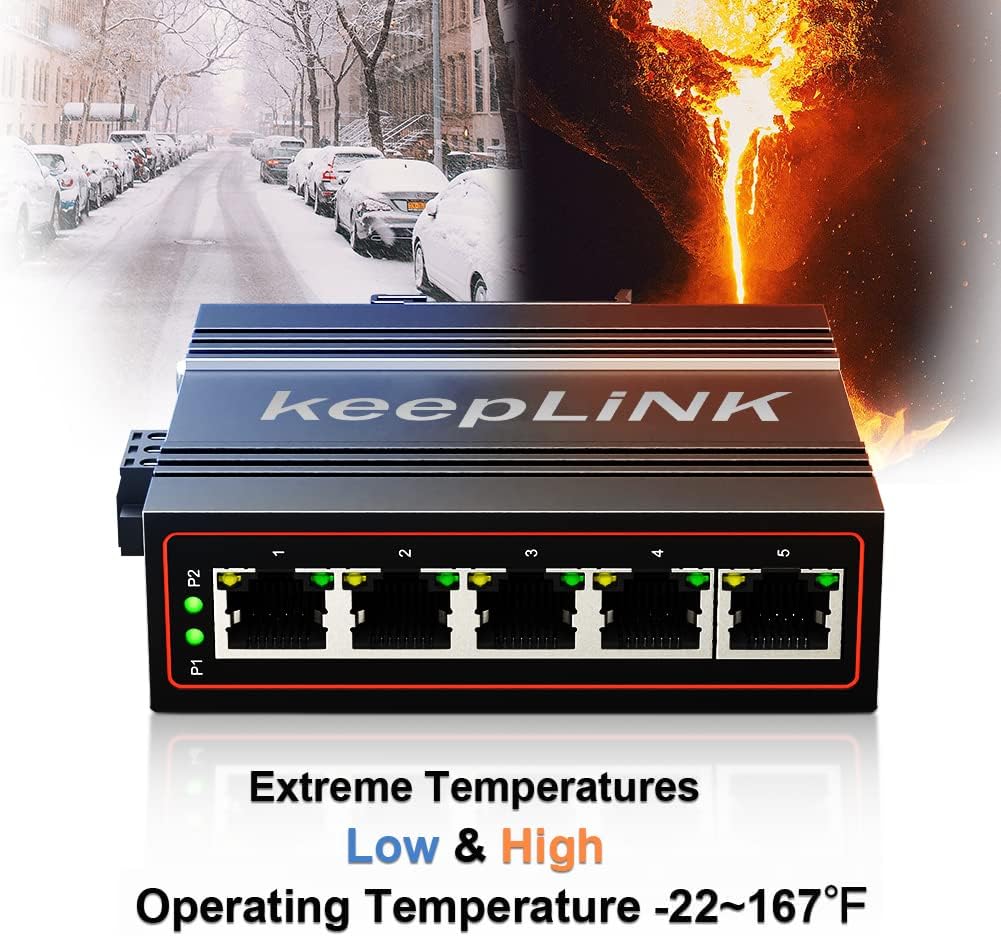
- Wide Operating Temperature Range: -30°C to 75°C (-22°F to 167°F).
- Dual Power Inputs (DC12V-58V) for redundant power with overload current protection.
- DIN-Rail Mountable for easy installation.
- Durable Aluminum Housing.
2.2 Package Contents
- Industrial Ethernet Switch x 1
- Product Manual x 1
Note: The power supply for this DIN-rail Ethernet Switch is sold separately.
2.3 Product View


3. Setup
3.1 Power Connection
The switch supports dual redundant power inputs (PWR1 and PWR2) with a DC voltage range of 12V to 58V. Connect your external power supply to the terminal block on the side of the switch. Ensure correct polarity (P1+ and P1- for PWR1, P2+ and P2- for PWR2). The power supply is not included and must be purchased separately.
3.2 Network Connection
Connect your Ethernet devices (e.g., computers, cameras, routers) to any of the five 10/100Mbps RJ45 ports using standard Ethernet cables. The switch is unmanaged, meaning no configuration is required for basic network operation.
3.3 DIN-Rail Mounting
The switch is designed for easy installation on a standard DIN-rail. Simply attach the integrated clip on the back of the switch to the DIN-rail until it clicks securely into place.

4. Operating Instructions
4.1 Power Indicators
- P1/P2 LEDs: These indicators illuminate when power is supplied to the corresponding PWR1 or PWR2 input. If both are lit, both power sources are active.
4.2 Ethernet Port Indicators
- Each Ethernet port has two LEDs: a yellow/orange light and a green light.
- Yellow/Orange & Green Light ON: Indicates a 100Mbps connection.
- Only Green Light ON: Indicates a 10Mbps connection.
- Flashing Lights: Indicates data activity on the port.
4.3 Unmanaged Operation
The keepLiNK Industrial Ethernet Switch is an unmanaged device. This means it operates automatically without requiring any software configuration. Simply connect your devices, and the switch will handle data forwarding.
5. Maintenance
To ensure optimal performance and longevity of your industrial Ethernet switch, follow these maintenance guidelines:
- Cleaning: Periodically clean the exterior of the switch with a soft, dry cloth. Do not use liquid or aerosol cleaners.
- Environmental Conditions: Ensure the switch operates within its specified temperature range of -30°C to 75°C (-22°F to 167°F). While IP40 rated, avoid exposing the device to excessive moisture or direct water spray.
- Cable Management: Keep network cables organized and free from kinks or excessive tension to prevent damage and ensure reliable connections.
- Power Supply Check: Regularly inspect power connections for secure fit and any signs of wear or damage.
6. Troubleshooting
If you encounter issues with your keepLiNK Industrial Ethernet Switch, refer to the following common troubleshooting steps:
- No Power: Check if the power supply is correctly connected and providing the required DC12V-58V. Verify that the P1/P2 LEDs on the switch are illuminated.
- No Link on Port: Ensure the Ethernet cable is securely connected to both the switch port and the connected device. Check the cable for damage. Verify the connected device is powered on and functioning correctly.
- Slow Connection Speed: Observe the port LEDs. If only the green light is on, the connection is 10Mbps. If both yellow/orange and green lights are on, it's 100Mbps. Ensure your connected device supports 100Mbps and that the cable is not faulty.
- Intermittent Connectivity: Check for loose cable connections. Ensure the operating environment is within the specified temperature range and free from excessive electromagnetic interference.
7. Specifications
| Feature | Description |
|---|---|
| Model Number | 5 Port Industrial |
| Ethernet Ports | 5 x 10/100Mbps RJ45 |
| Switching Capacity | 1Gbps |
| Data Transfer Rate | 100 Megabytes Per Second |
| Power Input | DC 12V-58V (Dual Redundant) |
| Protection Rating | IP40 |
| Operating Temperature | -30°C to 75°C (-22°F to 167°F) |
| Case Material | Aluminum |
| Product Dimensions | 3.74"L x 3.58"W x 1.22"H |
| Item Weight | 0.3 Kilograms (10.6 ounces) |
| Mounting | DIN-Rail |
8. Additional Information
8.1 Product Video
9. Warranty and Support
keepLiNK is committed to providing high-quality products and customer satisfaction. While specific warranty details are not provided in this document, we offer 24/7 customer service to assist you with any questions or concerns regarding your network switch. Please contact us for support, and we will provide a satisfactory solution within 24 hours.