
1. Product Overview
The Amico 52-inch Smart Ceiling Fan with Lights is designed for modern homes, offering advanced control options and energy efficiency. It features a reversible DC motor, 5 blades, 6 adjustable speeds, and a dimmable LED light with 3 color temperature settings.
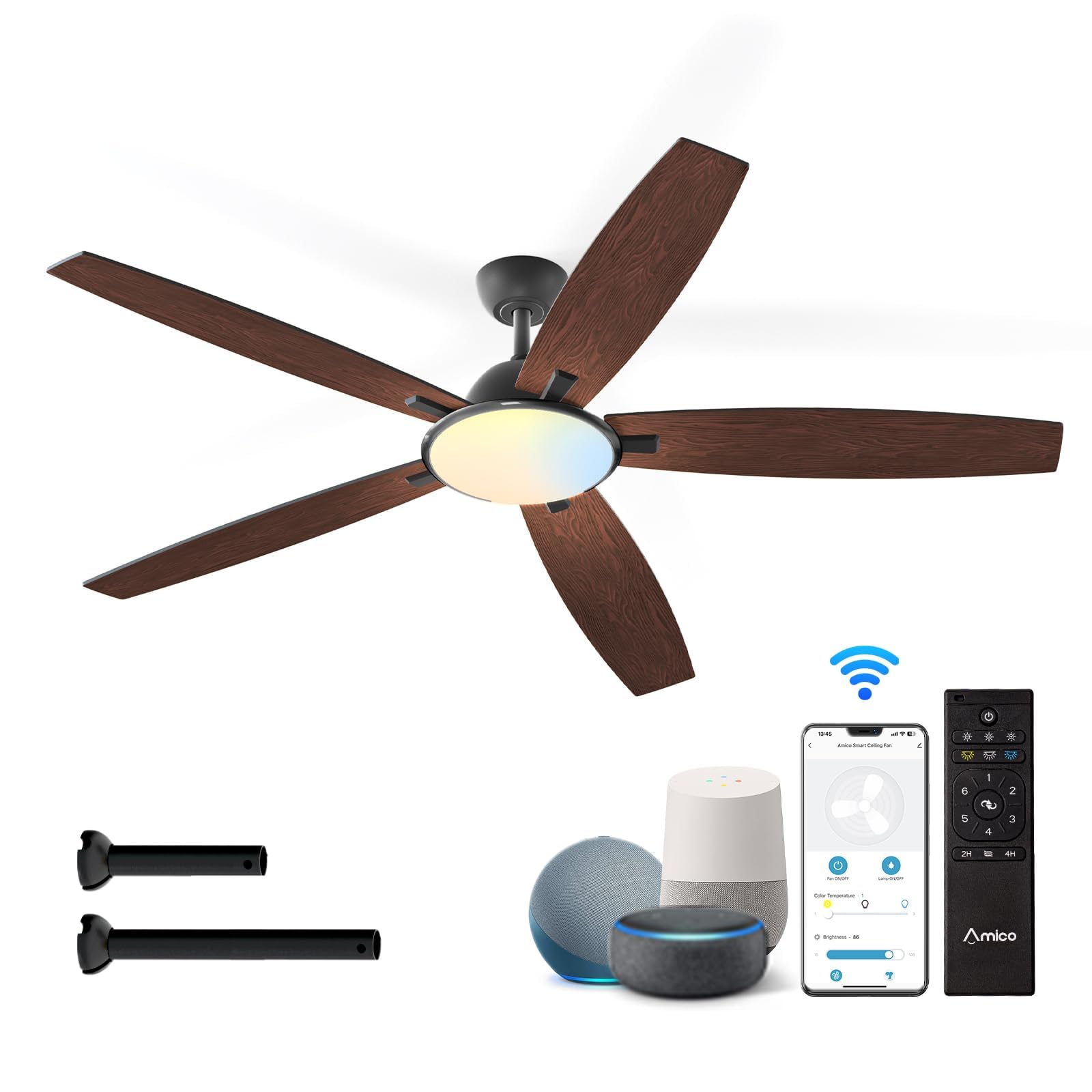
Figure 1: Amico 52-inch Smart Ceiling Fan with included accessories.
Key Features:
- Smart Wifi Connectivity: Energy-efficient design (A energy efficiency rating) reducing electricity loss by 80% compared to traditional fans. Suitable for various indoor/outdoor spaces (not exposed directly to rain).
- Multiple Control Options: Operate via remote control, compatible mobile apps (Joinin Home/Smart Life/Tuya Smart), or voice control (Alexa/Google Home).
- Quiet Operation: Engineered for minimal noise, operating as low as 20dB, ideal for bedrooms and quiet environments.
- Reversible DC Motor: High-quality motor with 6 adjustable wind speeds. Reversible function for year-round use, providing cooling in summer and improved air circulation in winter.
- Customizable LED Light: Dimmable (10%-100%) light with 3 color temperature options (3000K warm white, 4000K natural white, 6000K cold white) to suit different activities and moods.

Figure 2: The fan offers three convenient control methods: remote, app, and voice commands.
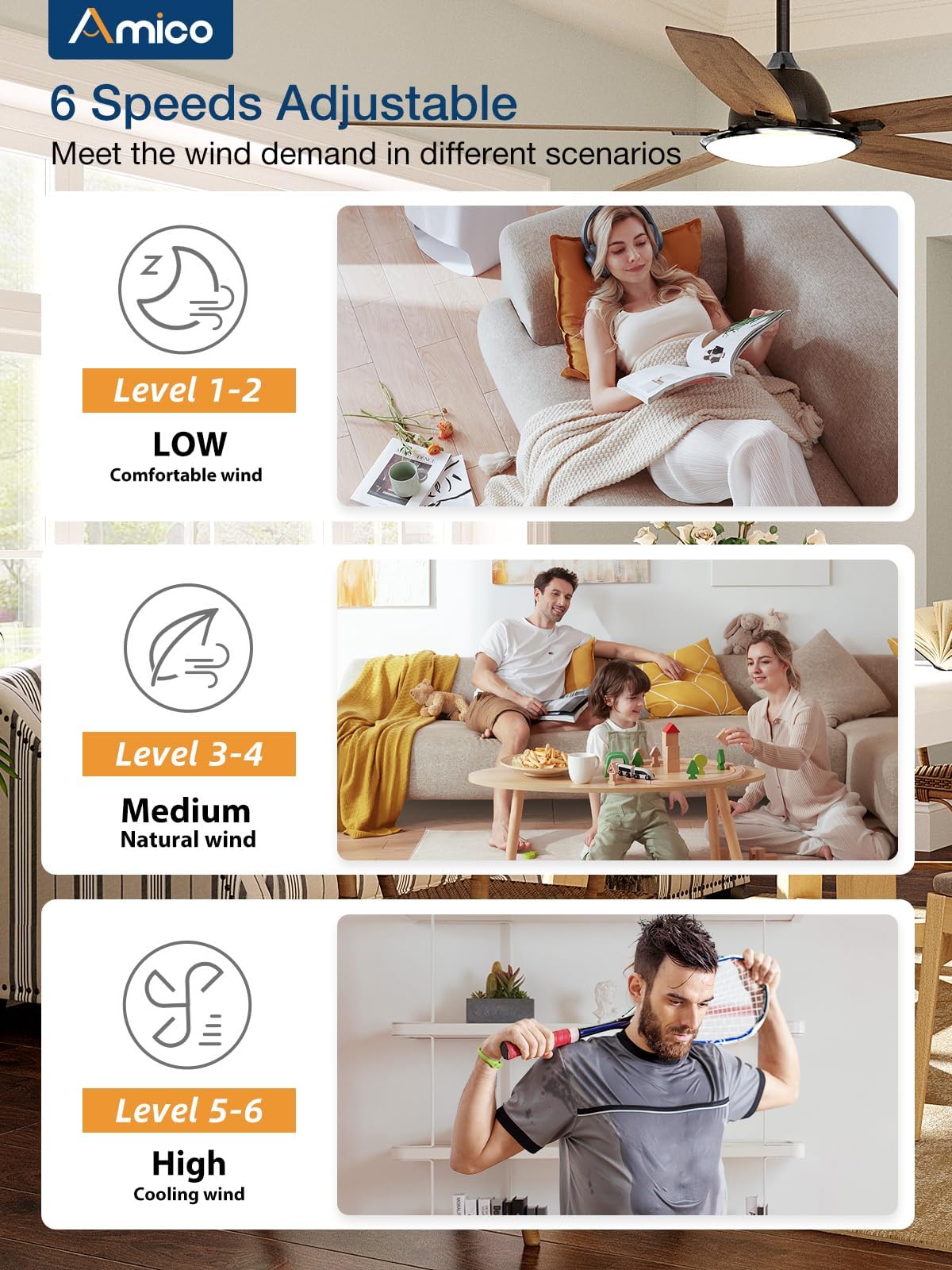
Figure 3: Six adjustable speeds provide customized airflow for various scenarios, from gentle breeze to strong cooling.
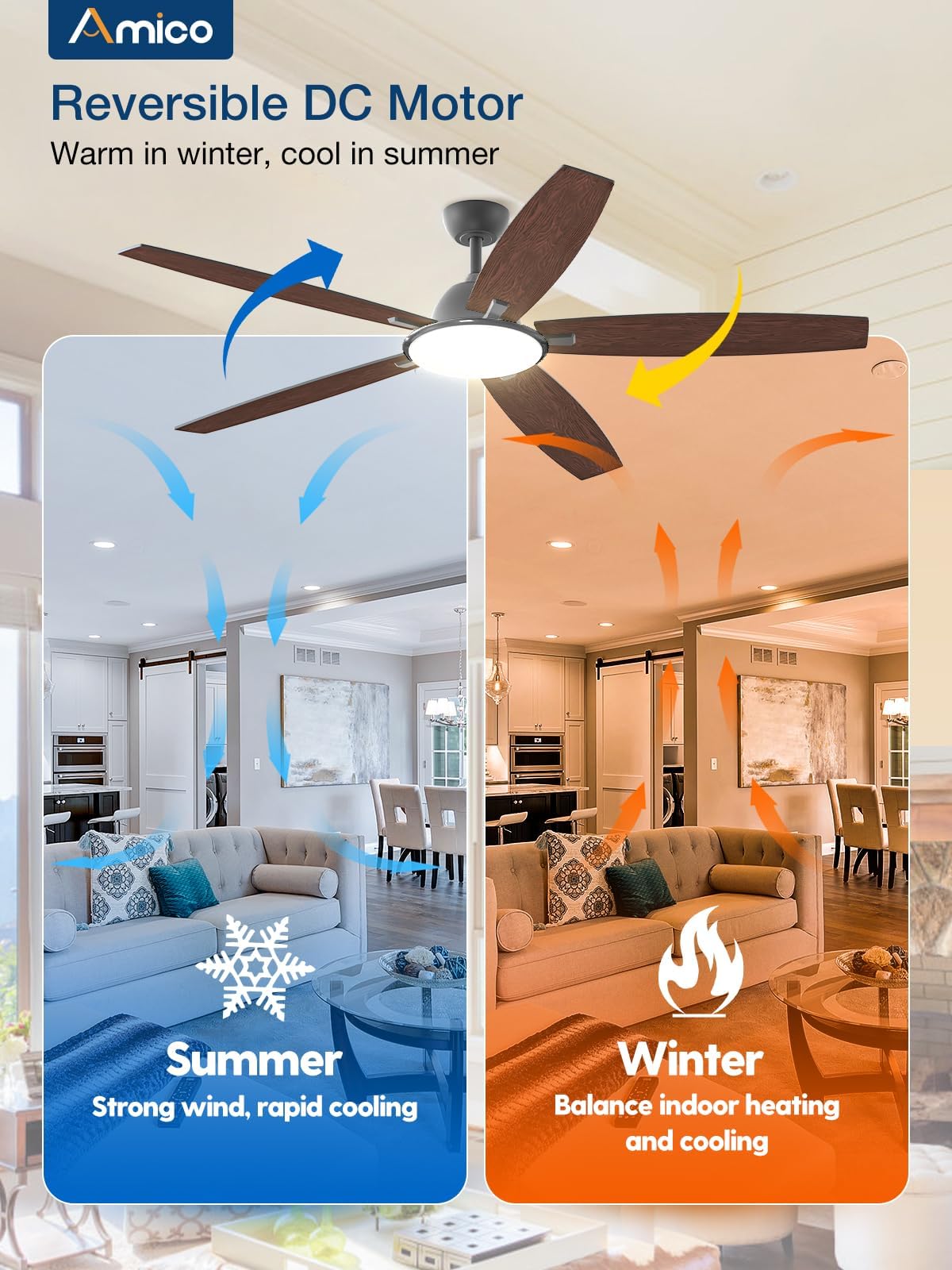
Figure 4: The reversible DC motor allows for downward airflow in summer for cooling and upward airflow in winter to circulate warm air.
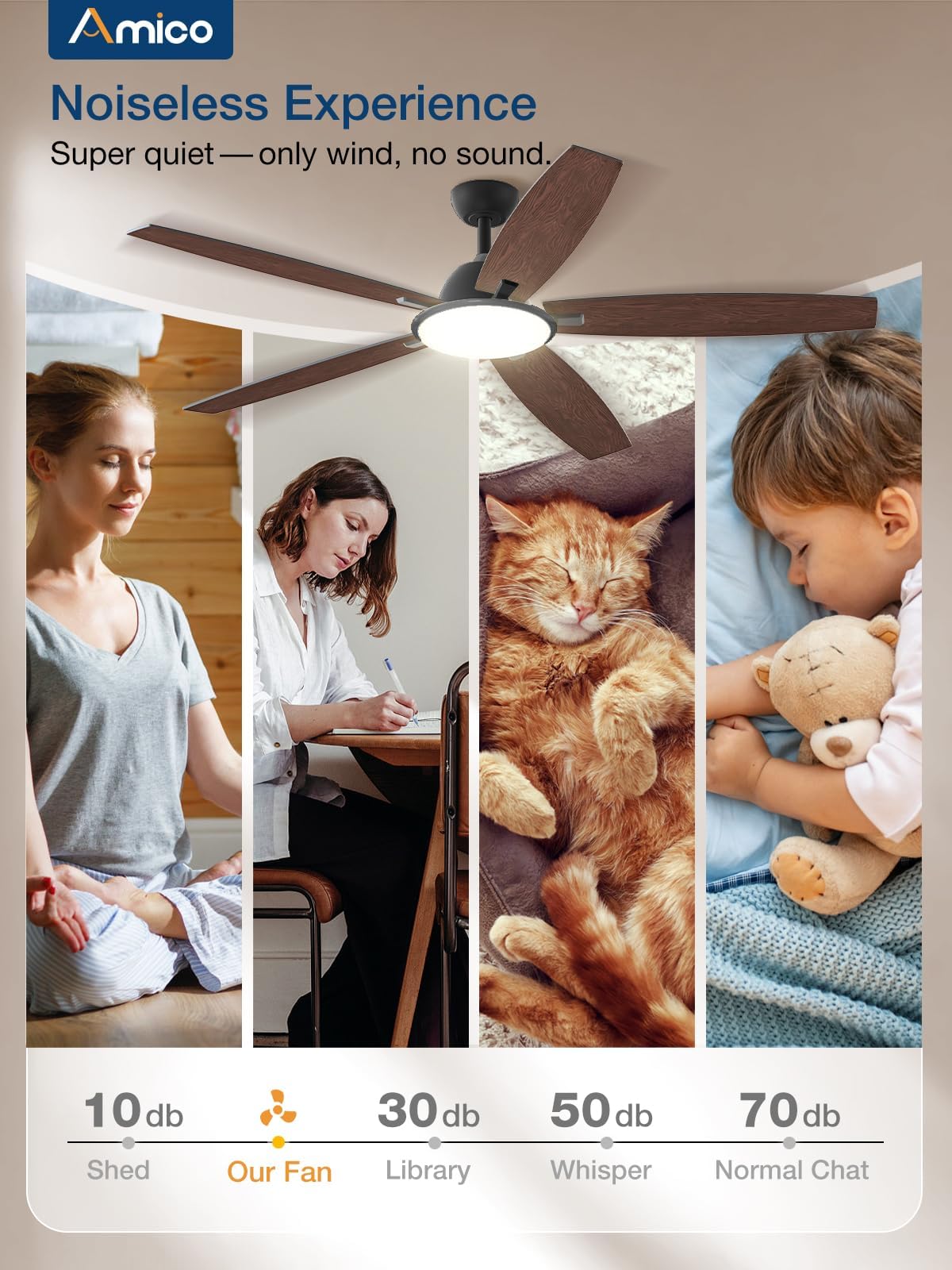
Figure 5: Experience a quiet living environment with the fan's low noise level, suitable for light sleepers.
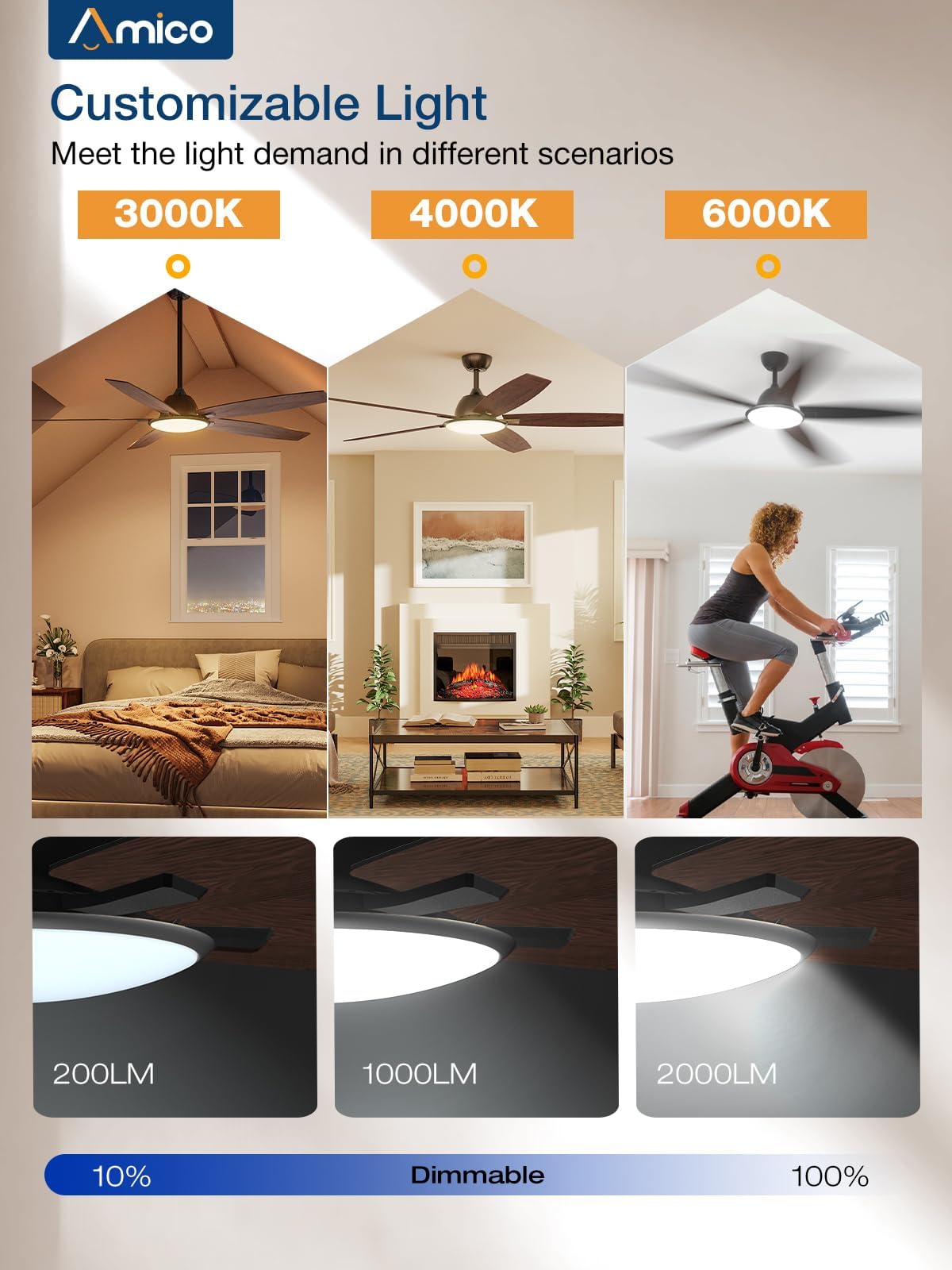
Figure 6: Adjust the light's color temperature and brightness to match your needs, from cozy warm light to bright cold light.
2. Setup & Installation
The Amico Smart Ceiling Fan is designed for straightforward installation. Detailed instructions and installation videos are provided to assist with the setup process, potentially reducing the need for professional electrician services.
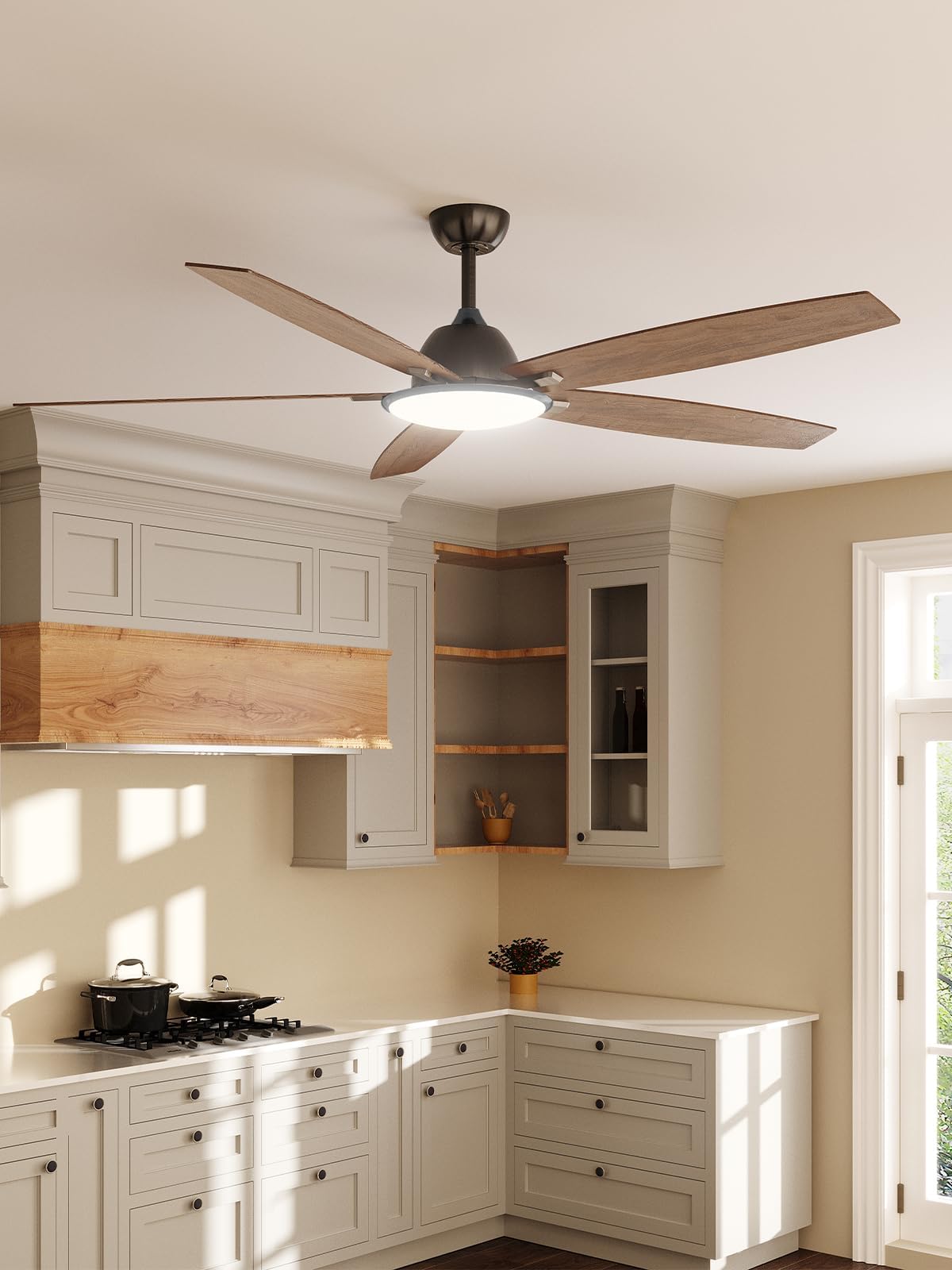
Figure 7: Key components for installation, including the ceiling fan, light kit, and remote.
Installation Video:
Video 1: Official product video demonstrating the Amico 52-inch Smart Ceiling Fan with Lights. This video provides a visual overview of the product's features and may assist with understanding the installation process.
Pre-Installation Checklist:
- Ensure power is turned off at the circuit breaker before beginning installation.
- Verify all components listed in the manual are present.
- Prepare necessary tools (e.g., screwdriver, wire strippers, ladder).
3. Operating Instructions
Your Amico Smart Ceiling Fan offers versatile control options for optimal comfort and convenience.
Remote Control:
- Insert 2 AAA batteries (included) into the remote.
- Use the remote to adjust fan speed (6 levels), change light color temperature, dim brightness (10%-100%), and set sleep shutdown timers (2/4 hours).
- The fan and light can be operated independently.
- The remote can be mounted to the wall for use as a wall switch.
App Control:
- Download and install one of the applicable apps: Joinin Home, Smart Life, or Tuya Smart.
- Follow the in-app instructions to connect your fan to your home Wi-Fi network.
- Control all fan and light functions directly from your smartphone or tablet.
Voice Control:
- Once connected to the app, link your fan to your Alexa or Google Home device.
- Use voice commands to control fan speed, light settings, and turn the fan/light on or off.
4. Maintenance
Regular maintenance ensures optimal performance and longevity of your Amico Smart Ceiling Fan.
- Cleaning: Dust the fan blades and motor housing periodically with a soft, damp cloth. Avoid using abrasive cleaners or solvents that could damage the finish.
- Blade Inspection: Check fan blades for any signs of warping or damage. Ensure all blade screws are securely tightened.
- Light Source: The integrated LED light source is designed for long-term use and typically does not require replacement.
5. Troubleshooting
If you encounter issues with your Amico Smart Ceiling Fan, refer to the following common troubleshooting steps. For persistent problems, contact customer support.
| Problem | Possible Cause | Solution |
|---|---|---|
| Fan does not turn on. | No power supply; loose wiring; remote battery dead. | Check circuit breaker; ensure all wiring connections are secure; replace remote batteries. |
| Light does not turn on. | Light switch off; wiring issue. | Ensure light is turned on via remote/app/voice; check wiring connections. |
| Fan makes excessive noise. | Loose screws; unbalanced blades. | Tighten all screws on the fan assembly; use a balancing kit if necessary. |
| Fan wobbles. | Loose mounting bracket; unbalanced blades. | Ensure mounting bracket is securely fastened to the ceiling joist; balance blades. |
| Wi-Fi connectivity issues. | Weak Wi-Fi signal; incorrect network settings. | Ensure fan is within Wi-Fi range; verify correct Wi-Fi password and network type (2.4GHz). Reset fan and router if needed. |
6. Specifications
| Feature | Detail |
|---|---|
| Brand | Amico |
| Model Name | A05050101001 |
| Product Dimensions | 52"D x 52"W x 24"H |
| Number of Blades | 5 |
| Power Source | AC |
| Voltage | 120 Volts |
| Wattage | 30 watts |
| Noise Level | 20 dB |
| Control Method | Remote/App/Voice |
| Light Type | LED |
| Color Temperature | 3000K/4000K/6000K |
| Dimmability | 10%-100% |
| Fan Speeds | 6 |
| Remote Batteries | 2 AAA batteries (included) |
7. Warranty & Support
Amico stands behind the quality of its products.
- Warranty: This product comes with a 24-month worry-free warranty.
- Technical Support: 24-hour technical support is available to assist with any issues during using or installing the fan.
For warranty claims or technical assistance, please refer to the contact information provided in your product packaging or visit the official Amico website.