
1. Introduction
Thank you for choosing the Jebao EOW Smart Wave Maker Circulation Pump. This device is designed to create natural wave patterns and circulation in your aquarium, promoting a healthier environment for your aquatic life. The EOW series features quiet operation, Wi-Fi control, and a magnetic base for easy installation. Please read this manual thoroughly before installation and operation to ensure proper use and longevity of your pump.
2. Safety Instructions
- Always disconnect the power supply before performing any maintenance or cleaning.
- This pump is designed for indoor use in aquariums only. Do not use it for any other purpose.
- Ensure the power cord and plug are not damaged. Do not operate the pump if any part is damaged.
- Keep the controller and power adapter away from water to prevent electrical shock.
- Do not attempt to disassemble or repair the pump or controller yourself. Refer to qualified personnel for service.
- Ensure the pump is fully submerged in water during operation to prevent overheating.
- Keep out of reach of children.
3. Package Contents
Verify that all the following components are included in your package:
- Jebao EOW Wave Maker Pump
- Smart Controller (LCD display)
- Power Adapter
- Magnetic Base
- User Manual

Image 3.1: All included components of the Jebao EOW Smart Wave Maker system.
4. Product Overview
The Jebao EOW Wave Maker is designed for efficient water circulation. It features a compact design, a powerful motor, and a magnetic mounting system for flexible placement.
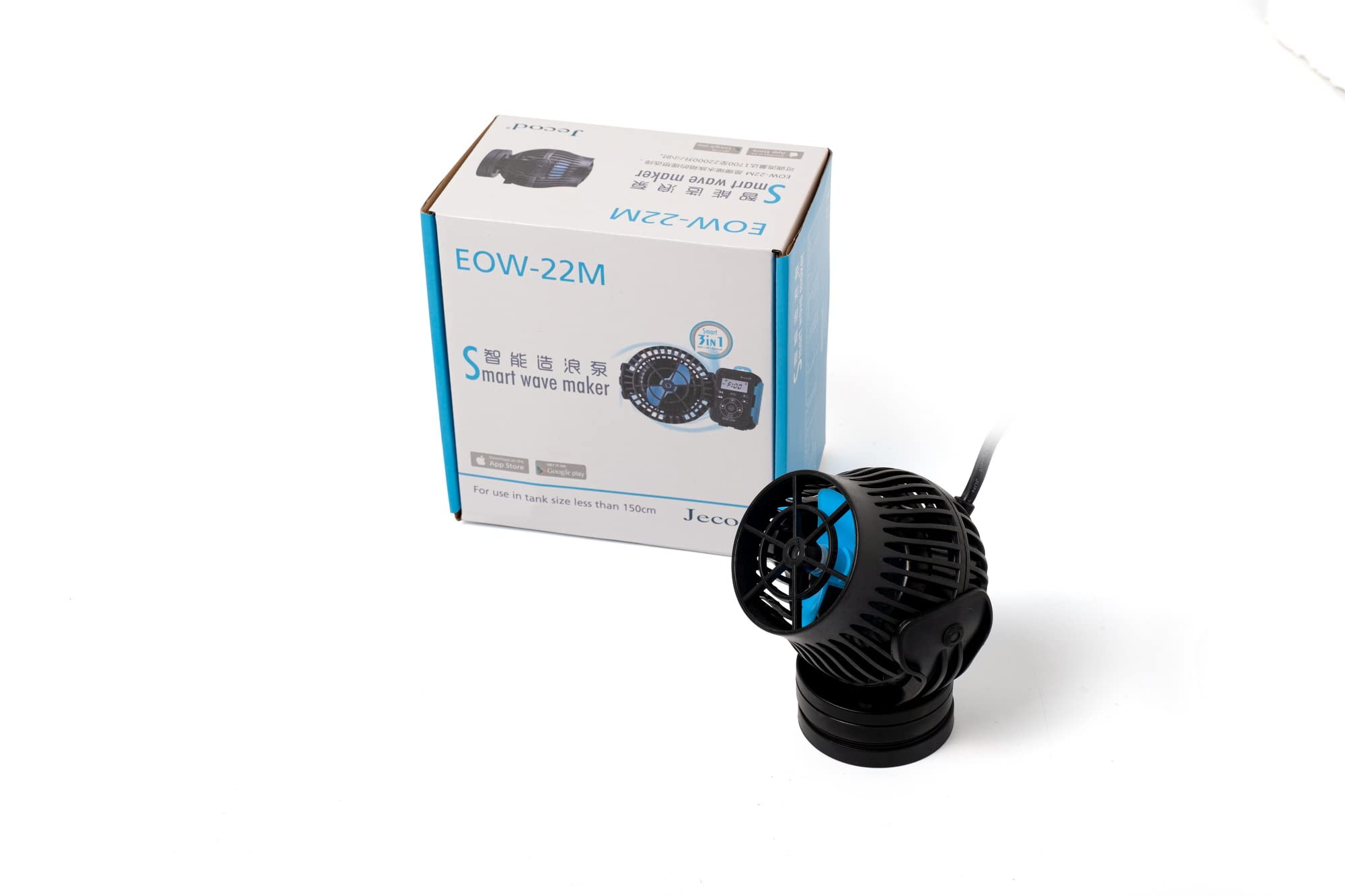
Image 4.1: Front view of the EOW pump, showing the impeller.

Image 4.2: Side view of the EOW pump, illustrating its profile.

Image 4.3: Angled side view of the EOW pump, with cable entry.
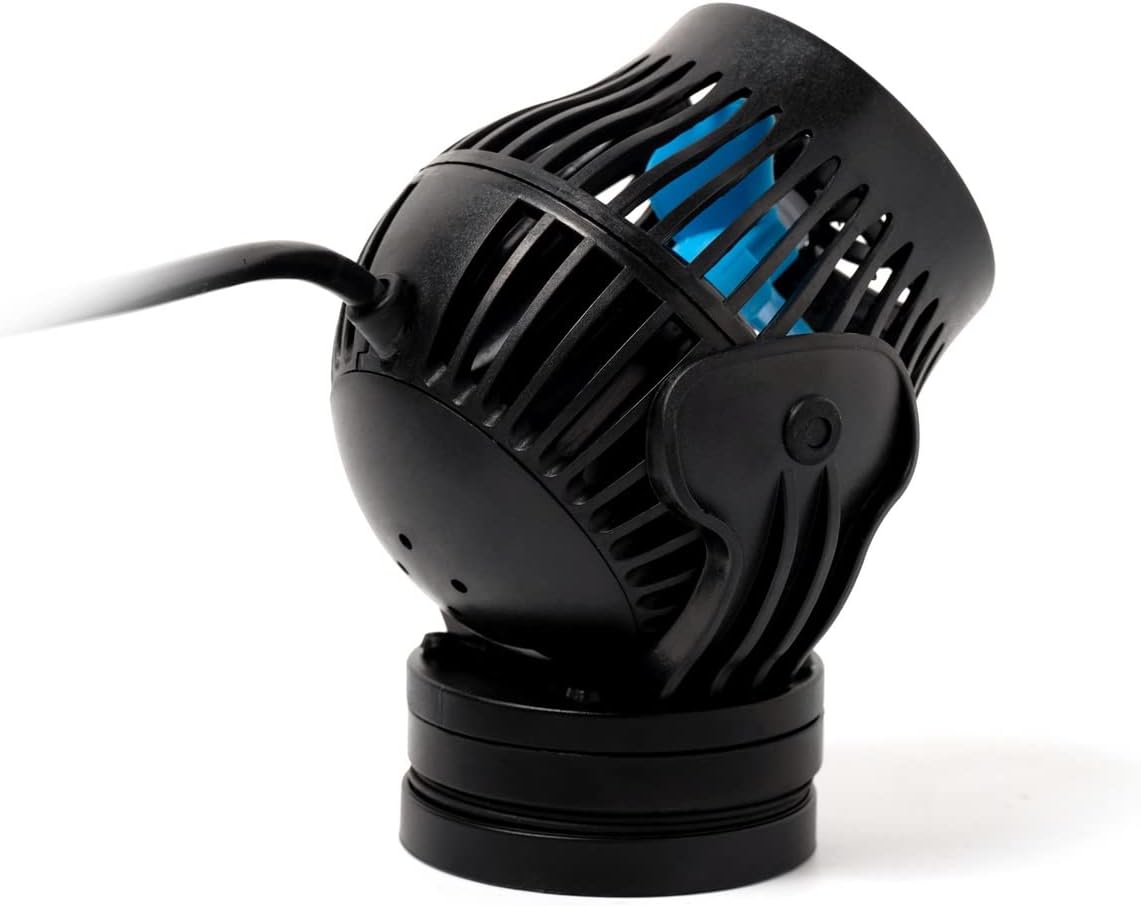
Image 4.4: Rear view of the EOW pump, showing the magnetic mount.
5. Setup and Installation
5.1 Attaching the Magnetic Base
- Connect the pump to the inner part of the magnetic base. Ensure it clicks securely into place.
- Place the pump inside the aquarium at the desired location.
- Align the outer part of the magnetic base on the exterior of the aquarium glass, directly opposite the pump. The strong magnets will hold the pump in position.
5.2 Power Connection
- Connect the pump's cable to the designated port on the smart controller.
- Connect the power adapter to the smart controller.
- Plug the power adapter into a standard AC power outlet.
- Ensure a drip loop is formed with the power cord to prevent water from traveling along the cord to the outlet.
5.3 Adjusting Water Flow Direction
The pump features a 3D rotation angle, allowing you to adjust the output water direction manually. Gently pivot the pump head to direct the flow as needed for optimal circulation in your aquarium.
6. Operating Instructions
6.1 Manual Control
The included LCD display controller allows for manual adjustment of pump settings. Refer to the controller's specific instructions for navigating menus and selecting modes (e.g., wave mode, constant flow, feed mode).
6.2 Wi-Fi Control (Jebao App)
For advanced control and programming, download the Jebao App on your iOS or Android smartphone. Follow the in-app instructions to connect your smart controller to your home Wi-Fi network. The app provides features such as:
- Customizable wave patterns and flow rates.
- Scheduling and timer functions.
- Real-time monitoring and adjustments.
6.3 SINE Wave Technology
The EOW pump utilizes SINE wave technology for ultra-quiet operation and stable performance, minimizing noise and vibration in your aquarium environment.
7. Maintenance
Regular maintenance is crucial for the longevity and optimal performance of your wave maker.
- Cleaning the Impeller: Disconnect power. Carefully remove the pump from the aquarium. Disassemble the front cover and impeller assembly. Clean any algae, debris, or calcium buildup from the impeller and its housing using a soft brush and warm water. For stubborn deposits, a mild vinegar solution can be used, followed by thorough rinsing.
- Cleaning the Pump Body: Wipe down the exterior of the pump body. Ensure no water enters the motor housing.
- Reassembly: Reassemble the pump components, ensuring all parts are securely fitted.
- Controller and Adapter: Keep the controller and power adapter clean and dry. Do not immerse them in water.
Note: The pump is suitable for both marine and fresh water, and contains no exposed copper elements.
8. Troubleshooting
| Problem | Possible Cause | Solution |
|---|---|---|
| Pump not turning on | No power supply; Loose connection; Faulty adapter/controller | Check power outlet; Ensure all cables are securely connected; Test with another outlet; Contact support if adapter/controller is suspected faulty. |
| Weak or no water flow | Impeller clogged; Air in pump; Incorrect mode setting | Clean impeller and housing (refer to Maintenance); Gently shake pump to release air; Check controller settings and adjust flow rate. |
| Excessive noise/vibration | Impeller obstructed/damaged; Improper mounting; Air in pump | Clean impeller for obstructions; Ensure pump is securely mounted to the glass; Gently shake pump to release air. |
| Wi-Fi connection issues | Incorrect Wi-Fi password; Router too far; App issues | Verify Wi-Fi password; Move controller closer to router; Restart app and controller; Consult app's troubleshooting guide. |
9. Specifications
| Feature | Detail |
|---|---|
| Model | EOW-22M |
| Flow Rate | 5811 GPH (Gallons Per Hour) |
| Power | DC 24V, 50W, 60Hz |
| Recommended Tank Size | 130-150 Gallons |
| Dimensions (Pump) | Approx. 4.5" diameter x 5" length |
| Material | Plastic |
| Control | Wi-Fi (iOS/Android App) + Manual Controller |
| Technology | SINE Wave Technology |
| Suitability | Marine and Fresh Water |
10. Warranty and Support
This product comes with a standard manufacturer's warranty. For specific warranty details, please refer to the documentation provided with your purchase or contact Jebao customer support. If you encounter any issues not covered in this manual, or require further assistance, please reach out to your retailer or the manufacturer's support channels.
Manufacturer: Jebao
Part Number: WMP5-22000


