
Introduction
The IKEA TRÅDFRI 10W Wireless Control Driver is designed to integrate with IKEA Home smart lighting systems. It enables wireless control, including dimming and on/off functions, for up to 10 connected light sources when paired with a TRÅDFRI gateway and the IKEA Home smart application. This driver facilitates a smart lighting environment and can contribute to energy savings through dimming capabilities.
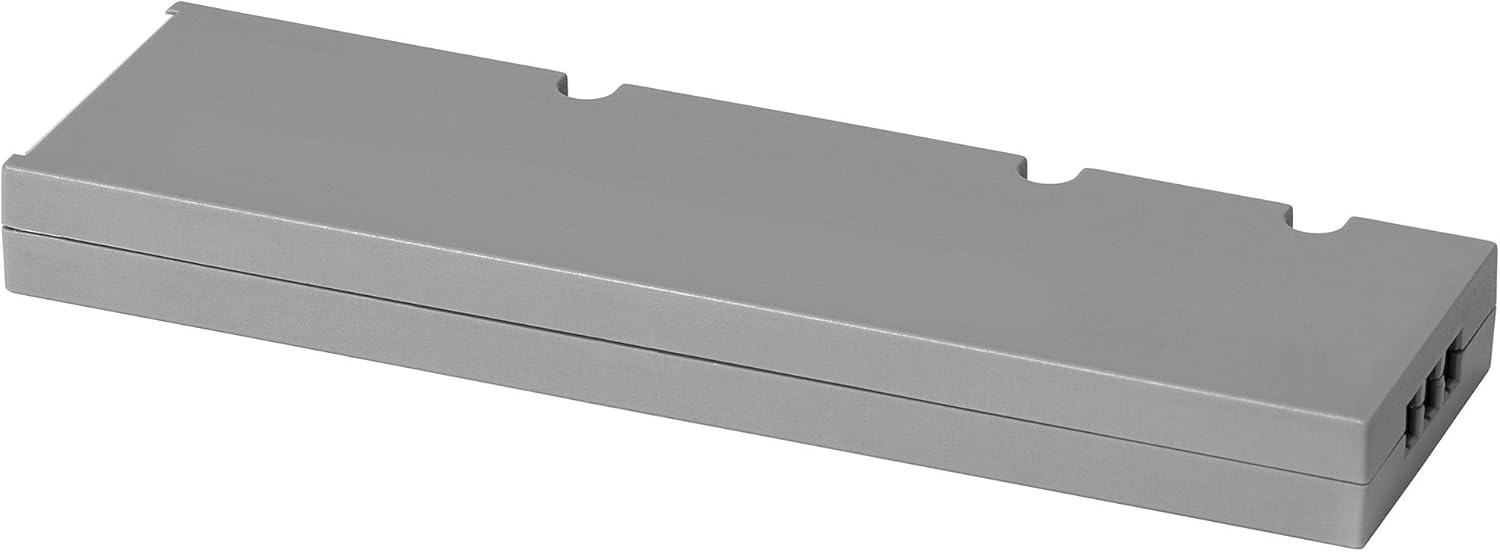
This image shows the IKEA TRÅDFRI 10W Wireless Control Driver, a compact, rectangular grey unit. It features a minimalist design, indicating its function as a discreet component in a smart lighting system.
Safety Information
- Read all instructions carefully before use. Keep this manual for future reference.
- This product is for indoor use only. Do not expose to water or moisture.
- Ensure power is disconnected at the main circuit breaker before installation or maintenance.
- Only use with compatible IKEA integrated lighting products.
- Do not attempt to open or modify the device. Refer all servicing to qualified personnel.
- Keep out of reach of children.
Package Contents
- 1 x IKEA TRÅDFRI 10W Wireless Control Driver
Setup
- Power Disconnection: Before installation, ensure the main power supply to the lighting circuit is switched off at the fuse box or circuit breaker.
- Connect Lighting: Connect your compatible IKEA integrated lighting product(s) to the output terminals of the TRÅDFRI driver. Refer to the lighting product's manual for specific wiring instructions.
- Connect Power: Connect the input terminals of the TRÅDFRI driver to your mains power supply (e.g., 230V AC). Ensure correct polarity if applicable.
- Secure Installation: Mount the driver in a suitable, dry location, ensuring proper ventilation.
- Power Connection: Restore power to the lighting circuit.
- Pairing with TRÅDFRI Gateway (Optional):
- Open the IKEA Home smart app and follow the on-screen instructions to add a new device.
- You may need to press a pairing button on the driver (if present) or follow the app's prompts to bring the driver into pairing mode.
- Once paired, you can control the connected lights via the app.
- Pairing with Wireless Dimmer (Optional):
- Ensure the driver is powered on.
- Hold the wireless dimmer close to the driver (within 5 cm).
- Press and hold the pairing button on the dimmer for at least 10 seconds until the light sources connected to the driver dim and then brighten, indicating successful pairing.

This image shows the IKEA TRÅDFRI driver with electrical wires connected to its terminals, illustrating how it integrates into a lighting setup. The driver is positioned on a flat surface, ready for installation.
Operating
Once installed and paired, the TRÅDFRI driver allows control of your integrated IKEA lighting.
Using the IKEA Home Smart App:
- Open the app on your smartphone or tablet.
- Select the light group or individual light connected to the driver.
- Use the app interface to turn lights on/off, dim them, or adjust color temperature (if supported by the connected lights).
Using a Wireless Dimmer:
- Press the 'On' button to turn lights on.
- Press the 'Off' button to turn lights off.
- Hold the 'Dim Up' button to increase brightness.
- Hold the 'Dim Down' button to decrease brightness.
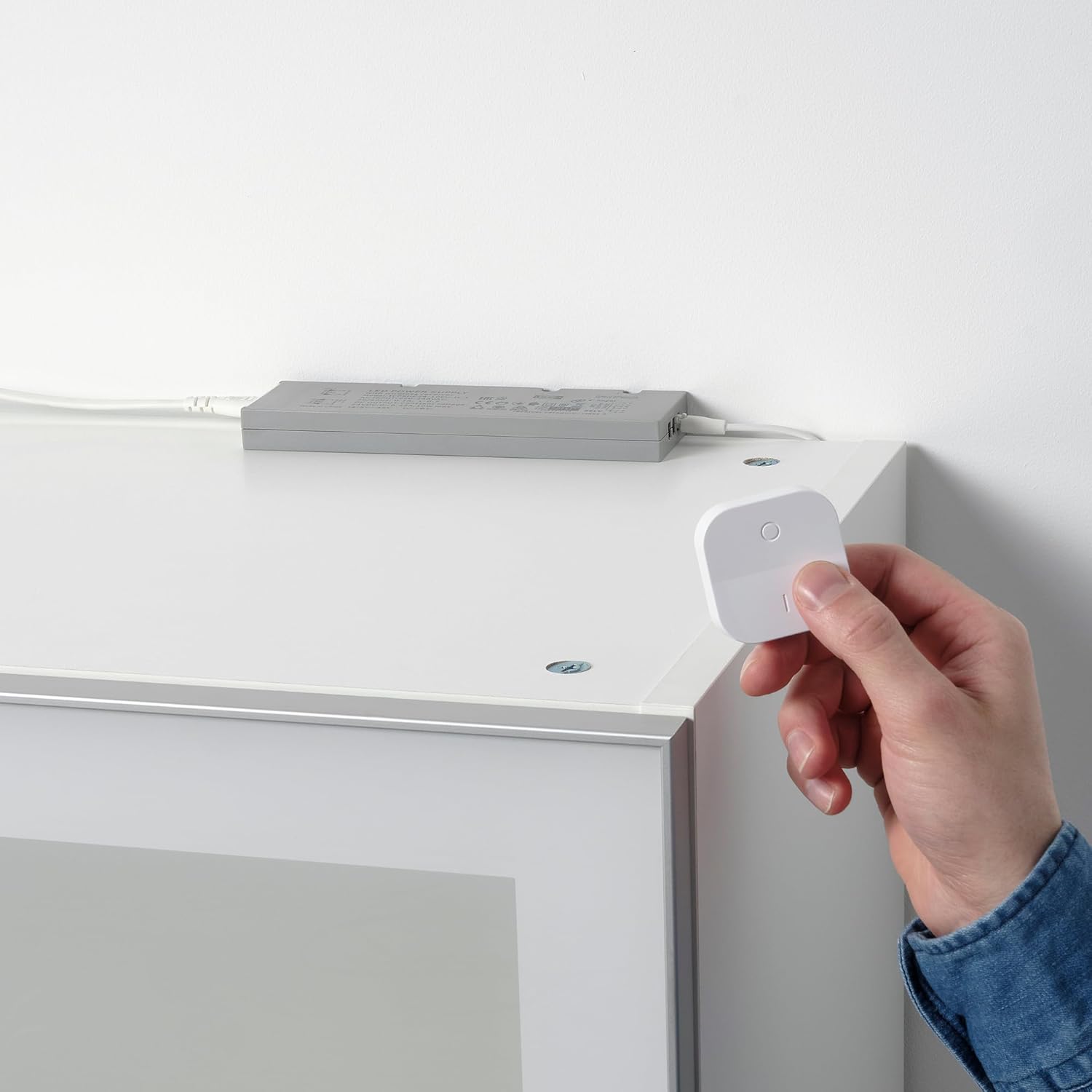
This image displays a hand holding an IKEA TRÅDFRI wireless dimmer remote control, demonstrating how users interact with the smart lighting system. In the background, the TRÅDFRI driver is visible, discreetly installed on a shelf, connected to lighting.
Maintenance
- Clean the driver with a soft, dry cloth. Do not use abrasive cleaners or solvents.
- Ensure the device remains dry and free from dust.
- No user-serviceable parts inside. Refer all servicing to qualified service personnel.
Troubleshooting
Lights do not turn on:
- Check if the power supply is connected and switched on.
- Verify all wiring connections are secure.
- Ensure the connected lighting product is functional.
- Check if the driver is properly paired with the control device (gateway or dimmer).
Lights do not dim:
- Confirm the connected lighting product supports dimming.
- Re-pair the driver with the control device.
Control device not responding:
- Check the battery in the wireless dimmer, if applicable.
- Ensure the control device is within range of the driver or gateway.
- Restart the IKEA Home smart app or the TRÅDFRI gateway.
Specifications
| Model Number | IK.503.561.87 |
| Brand | IKEA |
| Output Power | 10 W |
| Type | Wireless Control Driver |
| ASIN | B0BW8W5L6W |
| Manufacturer | IKEA |
Warranty Information
IKEA products typically come with a limited warranty. Please refer to your purchase receipt or visit the official IKEA website for specific warranty terms and conditions applicable to your region and product. Keep your proof of purchase for any warranty claims.
Support
For further assistance, troubleshooting, or product information, please visit the official IKEA website or contact IKEA customer service. When contacting support, please have your purchase receipt and the model number (IK.503.561.87) available.
IKEA Official Website: www.ikea.com


