
DNTESR DN-
Contents
3D Optical Illusion Night Light
User Manual
Model: DN- | Brand: DNTESR
Introduction
The DNTESR 3D Optical Illusion Night Light is a creative LED desk lamp designed to provide an amazing 3D visual effect. This versatile lamp offers 7 or 16 color changing options, controllable via both touch and an included remote control. It is USB powered, making it convenient for various home decorations or as a thoughtful gift.
Package Contents
Please verify that all items listed below are included in your package:
- 1x 3D Illusion Table Lamp (Acrylic Panel and Base)
- 1x Remote Control
- 1x USB Cable
- 1x User Manual
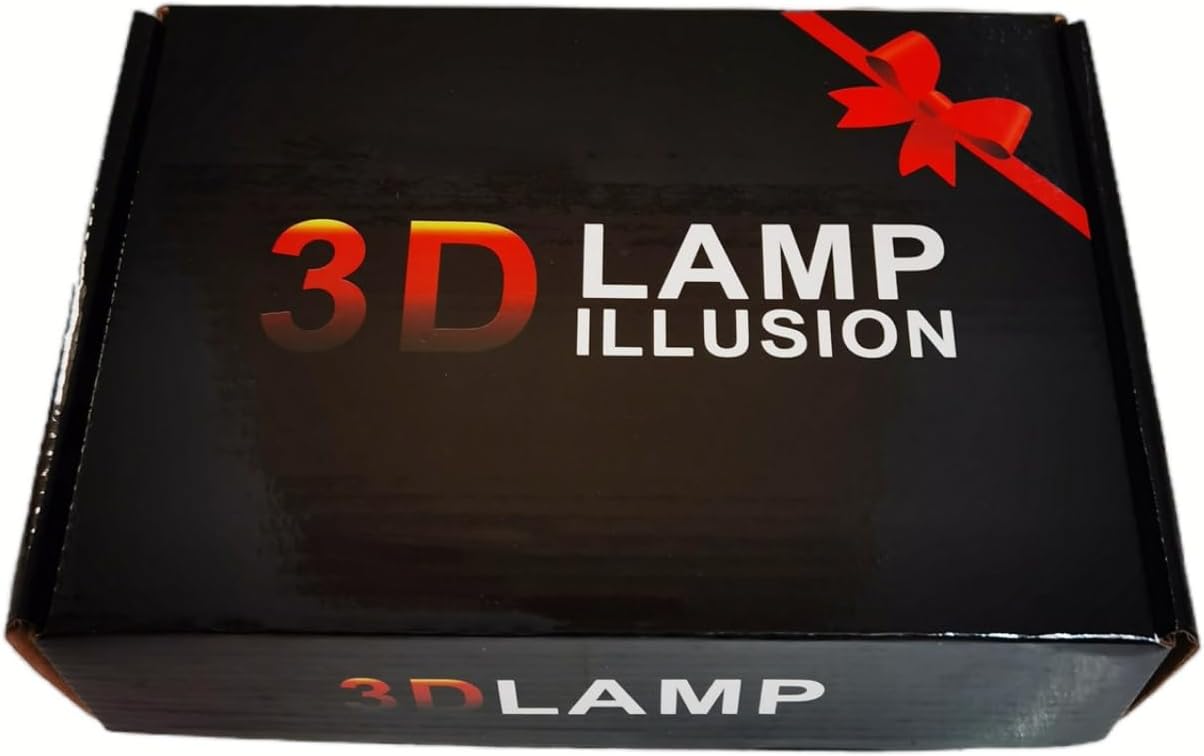
Image: The product packaging box, labeled '3D LAMP ILLUSION'.
Setup
- Prepare the Acrylic Panel: The acrylic panel comes with protective films on both sides to prevent scratches during shipping. Carefully peel off these films before use.
- Insert Acrylic Panel: Gently insert the prepared acrylic panel into the slot on the lamp base. Ensure it is seated firmly.
- Power Connection: The lamp can be powered in two ways:
- USB Power: Connect the provided USB cable to the lamp base's USB input port. Plug the other end into a 5V USB power adapter (not included), a power bank, a desktop computer, or a laptop.
- Battery Power: Open the battery compartment on the bottom of the lamp base and insert 3x AA batteries (not included). Ensure correct polarity.

Image: A hand peeling off the brown protective film from the acrylic panel, revealing the clear surface underneath.

Image: A detailed view of the lamp base, highlighting the 3x AA battery compartment, USB power input, and the layout of the IR remote control.
Operating Instructions
Your 3D Optical Illusion Night Light can be controlled using either the touch button on the base or the included remote control.
Touch Control
The touch button is located on the front of the lamp base.
- Power On/Change Color: Press the touch button once to turn on the lamp. Each subsequent press will cycle through the 7 available colors (Red, Green, Blue, Yellow, Cyan, Purple, White).
- Automatic Color Change Mode: After cycling through all 7 colors, press the touch button again to activate the automatic color changing mode, where colors will gradually transition.
- Power Off: Long press the touch button to turn the lamp off.
Remote Control
The remote control offers more extensive options, including 16 colors, brightness adjustment, and various flash modes.
- Power On/Off: Use the 'ON' and 'OFF' buttons to control the lamp's power.
- Color Selection: Press the color buttons (e.g., Red, Green, Blue, Yellow, Cyan, Purple, White, etc.) to select a specific color. The remote supports 16 colors.
- Brightness Adjustment: Use the brightness adjusting buttons (up/down arrows) to increase or decrease the light intensity.
- Mode Selection: The remote includes buttons for different modes such as 'FLASH', 'STROBE', 'FADE', and 'SMOOTH' for dynamic color transitions.


Images: The 3D volleyball lamp glowing in blue, and a collage showing the lamp in multiple colors.
Maintenance
- Cleaning the Acrylic Panel: To clean the acrylic panel, gently wipe it with a soft, lint-free cloth. Avoid using abrasive cleaners or harsh chemicals, as these can scratch the surface or damage the illusion effect.
- Cleaning the Base: Wipe the lamp base with a dry or slightly damp cloth. Ensure no liquid enters the electronic components.
- Storage: When not in use for extended periods, store the lamp in a cool, dry place away from direct sunlight and extreme temperatures.
Troubleshooting
| Problem | Possible Cause | Solution |
|---|---|---|
| Lamp does not turn on. | No power, loose connection, or dead batteries. | Check USB cable connection. Ensure USB power source is active. If using batteries, replace with fresh AA batteries. |
| Colors do not change or remote not working. | Remote battery low/dead, or obstruction between remote and sensor. | Ensure the remote control's CR2032 battery is functional (it comes included). Remove any obstructions between the remote and the lamp base. Ensure you are pointing the remote directly at the base. |
| Image appears blurry or scratched. | Protective film not removed, or panel is scratched. | Ensure both protective films have been completely peeled off the acrylic panel. If the panel is scratched, contact customer support. |
Specifications
| Feature | Detail |
|---|---|
| Power | 3W |
| Voltage | 5V |
| Item Weight | 8 ounces (approx. 227g) |
| Product Dimensions | 5"D x 5"W x 9"H (approx. 12.7cm D x 12.7cm W x 22.86cm H) |
| Acrylic Panel Size | 7.1" x 5.1" x 0.16" (18cm x 13cm x 0.5cm) |
| Lamp Holder Size | 3.43" x 3.43" x 1.69" (8.7cm x 8.7cm x 4.3cm) |
| USB Cable Length | 80 cm |
| Light Source Type | LED (10 lamp beads) |
| Control Method | Touch, Remote Control |
| Power Source | USB Powered, 3x AA Batteries (not included) |
| Material | Plastic (Base), Acrylic (Panel) |
| Included Remote Battery | 1 CR2032 (included) |
Warranty and Support
This product is designed for durability and performance. If you encounter any issues with your 3D Optical Illusion Night Light, or if the product you received is damaged or not functioning as expected, please do not hesitate to contact the seller, DNTESR, directly. They will be able to provide assistance, replacement, or refund as necessary.
For support, please refer to the contact information provided at the point of purchase or on the product packaging.
Documents and downloads
Ask a question about this manual
Ask about setup, troubleshooting, compatibility, parts, safety, or missing instructions. Manuals+ will review the question and use this page’s manual context to help answer it.