1. Introduction
This user manual provides comprehensive instructions for the setup, operation, maintenance, and troubleshooting of your SAMSUNG 50-Inch Class QLED 4K Q80C Series Smart TV. Please read this manual thoroughly before using your television to ensure proper and safe operation.
The SAMSUNG Q80C Series TV delivers an exceptional viewing experience with its advanced display and audio technologies. Key features include Direct Full Array for precise contrast, Quantum HDR+ for vibrant colors, Dolby Atmos and Object Tracking Sound Lite for immersive audio, and the Neural Quantum Processor for stunning 4K upscaling.
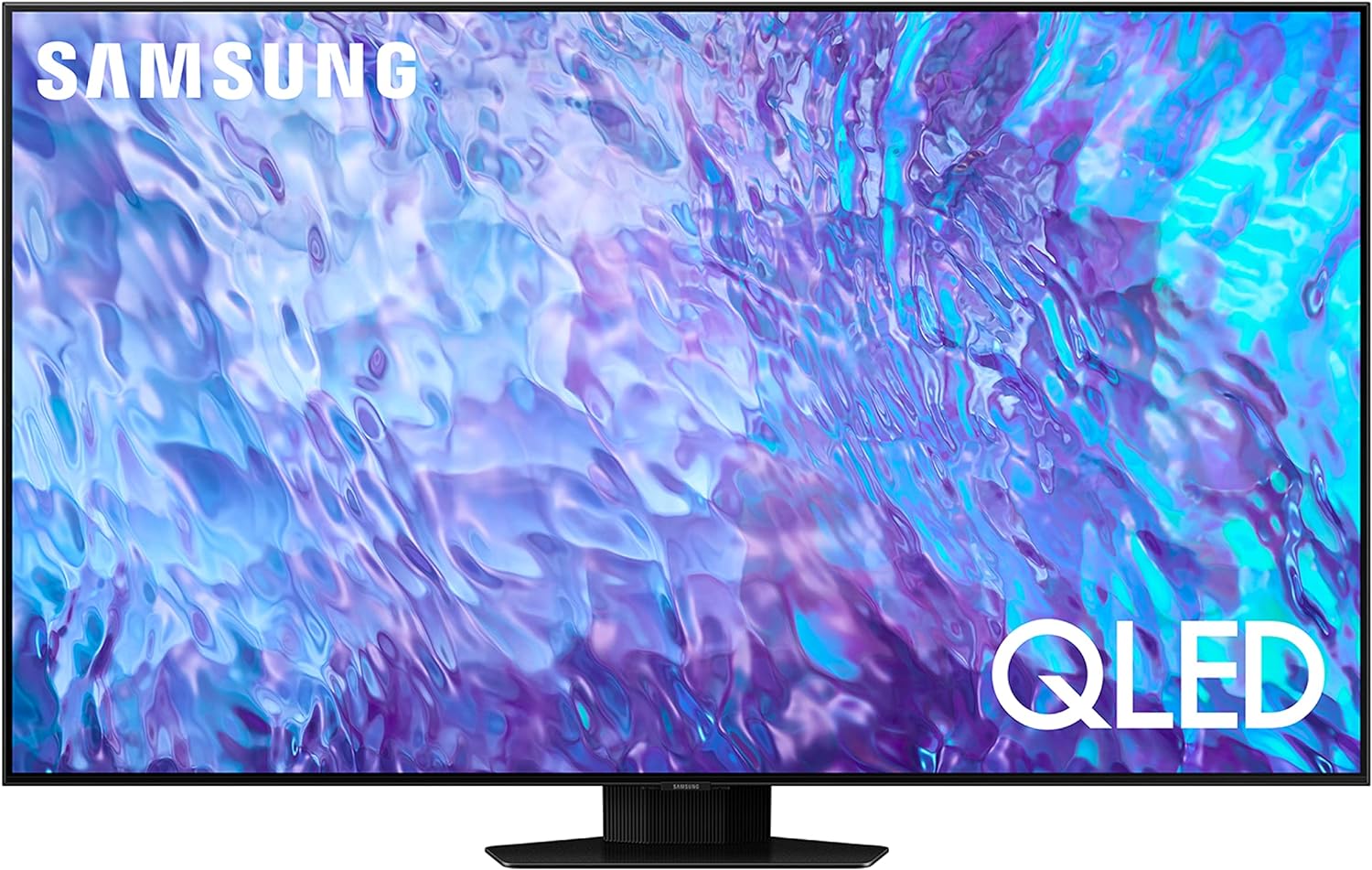
Figure 1: Front view of the SAMSUNG 50-Inch Class QLED 4K Q80C Series Smart TV.
2. Setup
2.1 What's in the Box
Verify that all components are present in the packaging:
- TV Unit
- Power Cable
- User Manual (this document)
- SolarCell Remote™ (TM2360E)

Figure 2: Package contents and TV dimensions for the 50-inch Q80C QLED 4K model.
2.2 Physical Dimensions
Understanding the dimensions is crucial for proper placement and installation:
- TV Without Stand (W x H x D): 43.9" x 25.7" x 1.9"
- TV With Stand (W x H x D): 43.9" x 27.7" x 9.3"
- Stand Footprint: 20" x 8.5" x 9.3"
2.3 Connecting Devices
The TV features various ports for connecting external devices:
- HDMI Ports: 4 (HDMI 3 supports eARC)
- USB Ports: 2 (1x 0.5A, 1x 1A)
- LAN Port: For wired network connection
- Antenna Input: For terrestrial/cable TV
- EX-LINK Port: For service use

Figure 3: Rear panel connections including HDMI, USB, LAN, and Antenna inputs.
3. Operating Instructions
3.1 Picture Quality Features
Your Samsung QLED TV is equipped with advanced technologies to deliver a superior visual experience:
- Direct Full Array: Super precise LEDs provide exceptional contrast with ultra-deep blacks and bright whites. This technology precisely controls the amount of lighting across every part of the picture, enhancing details.
- Neural Quantum Processor with 4K Upscaling: This AI-powered processor transforms all content, including HD movies, sports, and home videos, into sharp 4K resolution.
- Quantum HDR+: Analyzes and enhances each scene to deliver rich details and more immersive colors. (Note: 50-inch model features Quantum HDR).
- 100% Color Volume with Quantum Dot: Experience a billion shades of unwavering color, ensuring vivid and lifelike colors at any brightness level.

Figure 4: Direct Full Array technology for enhanced contrast.

Figure 5: Neural Quantum Processor for intelligent 4K upscaling.

Figure 6: Quantum HDR+ for enhanced brightness and contrast.
3.2 Audio Features
- Dolby Atmos & Object Tracking Sound Lite: Enjoy 3D surround sound that follows the movement on screen, creating an immersive audio experience.
- Q-Symphony 3.0: When paired with a compatible Samsung soundbar (Q-Series and S-Series sold separately), the TV speakers and soundbar operate as one for a masterfully orchestrated sound experience.
3.3 Smart Features and Gaming
- Motion Xcelerator Turbo+ (4K @ 120 Hz): Ensures smooth performance with less lag or motion blur, ideal for fast-paced gaming and action scenes. (Note: 50-inch model features Motion Xcelerator).
- Samsung Gaming Hub: A centralized platform for console games, streaming games, and more. Provides easy access to games, standalone apps, accessories, and recommendations. (High-speed internet, additional gaming subscriptions, and compatible controller required).
- Smart TV with Multiple Voice Assistants: Enjoy Bixby and Alexa built right into your Samsung QLED 4K Smart TV for effortless navigation and control.
- ConnectTime: Facilitates video calls from connected devices on the big screen, with the ability to transition calls to smaller devices. (Additional compatible Samsung SlimFit cam, Logitech webcam, or mobile camera required. Sold separately. Requires Samsung account).
3.4 SolarCell Remote
The innovative SolarCell Remote features a solar panel for charging, reducing the need for disposable batteries. It also includes a built-in microphone for voice assistant use.
4. Maintenance
4.1 Cleaning the TV
- Always unplug the TV before cleaning.
- Use a soft, lint-free cloth to gently wipe the screen and frame.
- For stubborn marks, lightly dampen the cloth with water or a specialized screen cleaner. Do not spray cleaner directly onto the screen.
- Avoid using abrasive cleaners, waxes, or solvents.
4.2 Remote Control Care
- Charge the SolarCell Remote regularly using its solar panel or a USB-C cable.
- Keep the remote clean and free from dust.
5. Troubleshooting
If you encounter issues with your TV, refer to the following common solutions:
| Problem | Possible Cause / Solution |
|---|---|
| No Power | Ensure the power cable is securely connected to the TV and a working power outlet. Check the power indicator light on the TV. |
| No Picture / Distorted Picture | Verify input source is correct. Check HDMI/other cable connections. Try a different input port. Ensure resolution settings on connected devices are compatible. |
| No Sound / Low Sound | Check volume levels on both TV and external audio devices. Ensure Mute is off. Verify audio cable connections. If using a soundbar, check Q-Symphony settings. |
| Remote Control Not Working | Ensure the SolarCell Remote is charged. Point the remote directly at the TV's remote sensor. Remove any obstructions. |
| Smart Features Not Responding | Check internet connection (Wi-Fi or Ethernet). Restart the TV by unplugging it for a few minutes. Ensure software is up to date. |
For more detailed troubleshooting, please refer to the E-Manual accessible through your TV's settings or the official Samsung support website.
6. Specifications
- Brand: SAMSUNG
- Model Number: QN50Q80CAFXZA
- Screen Size: 49.5 Inches (Visible screen diagonal: 50" / 126 cm)
- Display Technology: QLED
- Resolution: 4K (3840 x 2160)
- Refresh Rate: 60 Hz (Motion Xcelerator Turbo+ up to 120Hz for gaming)
- Aspect Ratio: 16:9
- Item Weight: 40.1 Pounds
- Product Dimensions (with stand): 9.3"D x 43.9"W x 27.7"H
- Color: Titan Black
- Output Wattage: 40 Watts
- Voltage: 120 Volts (AC)
- Connectivity Technology: Bluetooth, Ethernet, HDMI, USB, Wi-Fi
- Special Features: Direct Full Array, Neural Quantum Processor with 4K Upscaling, Quantum HDR+, Dolby Atmos and Object Tracking Sound Lite, 100% Color Volume, Works with Google Assistant and Alexa.
7. Warranty and Support
Your SAMSUNG 50-Inch Class QLED 4K Q80C Series Smart TV comes with a manufacturer's warranty. For specific warranty terms and conditions, please refer to the Warranty document included with your product or visit the official Samsung support website.
For technical assistance, product registration, or to download the latest E-Manual and software updates, please visit the official Samsung support portal or contact customer service.
- User Manual (PDF): Download User Manual
- Warranty (PDF): Download Warranty Information
- Samsung Support: Visit the Official Samsung Support Website