
Introduction
Thank you for choosing the LINSY HOME LH518J2-A End Table with Charging Station. This manual provides detailed instructions for assembly, operation, maintenance, and troubleshooting to ensure you get the most out of your new furniture. Please read all instructions carefully before assembly and use.
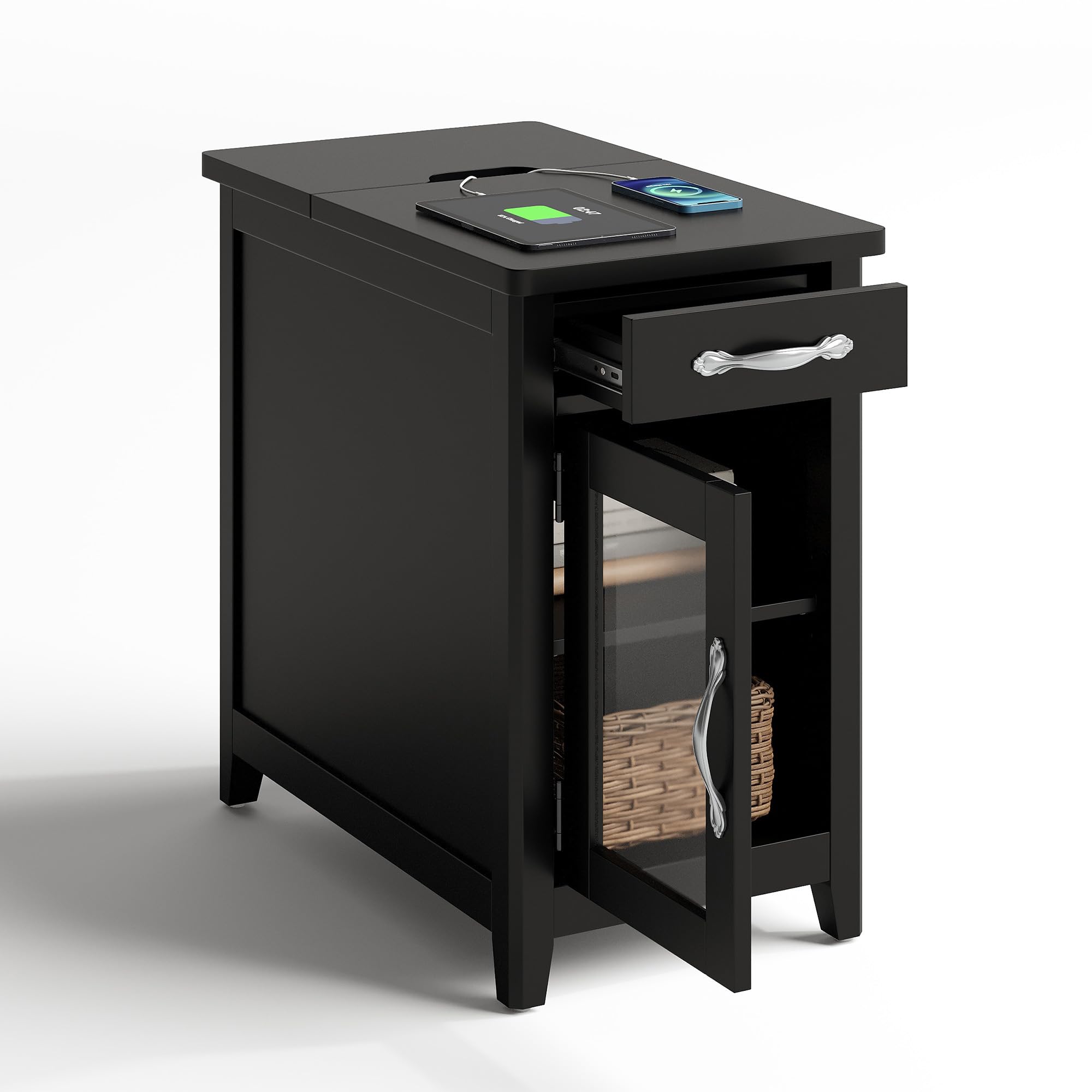
Image: The LINSY HOME LH518J2-A End Table, a black end table with a glass door, drawer, and integrated charging station, positioned next to a light-colored sofa.
Setup and Assembly
Before you begin, ensure all parts and hardware are present. A screwdriver is recommended for assembly. Follow the step-by-step video guide below for a smooth assembly process.
Video: Detailed assembly instructions for the LINSY HOME Farmhouse End Table (Model LH518J1J2, similar to LH518J2-A). This video guides users through each step of putting the table together, from identifying parts to final construction.
General Assembly Tips:
- Lay out all components on a soft, clean surface to prevent scratches.
- Identify all parts using the provided labels and diagrams.
- Do not overtighten screws to avoid damaging the wood.
- If you encounter any issues, refer to the troubleshooting section or contact customer service.
Operating Instructions
Integrated Charging Station
The end table features a convenient built-in charging station to keep your devices powered and organized. The station is located under a hinged top panel.
- Accessing the Charging Station: Gently lift the hinged top panel on the tabletop to reveal the charging unit.
- Powering Devices: The unit includes 3 standard 125V/12A outlets and 2 USB 5V/2.1A ports. Plug your devices into the appropriate ports.
- Safety Switch: A red safety switch is integrated into the charging unit. Ensure it is in the 'ON' position (illuminated) for power delivery. Flip to 'OFF' when not in use or for safety.
- Cable Management: Designed grooves on the tabletop allow cables to pass through neatly, keeping your desktop clutter-free even when the panel is closed.
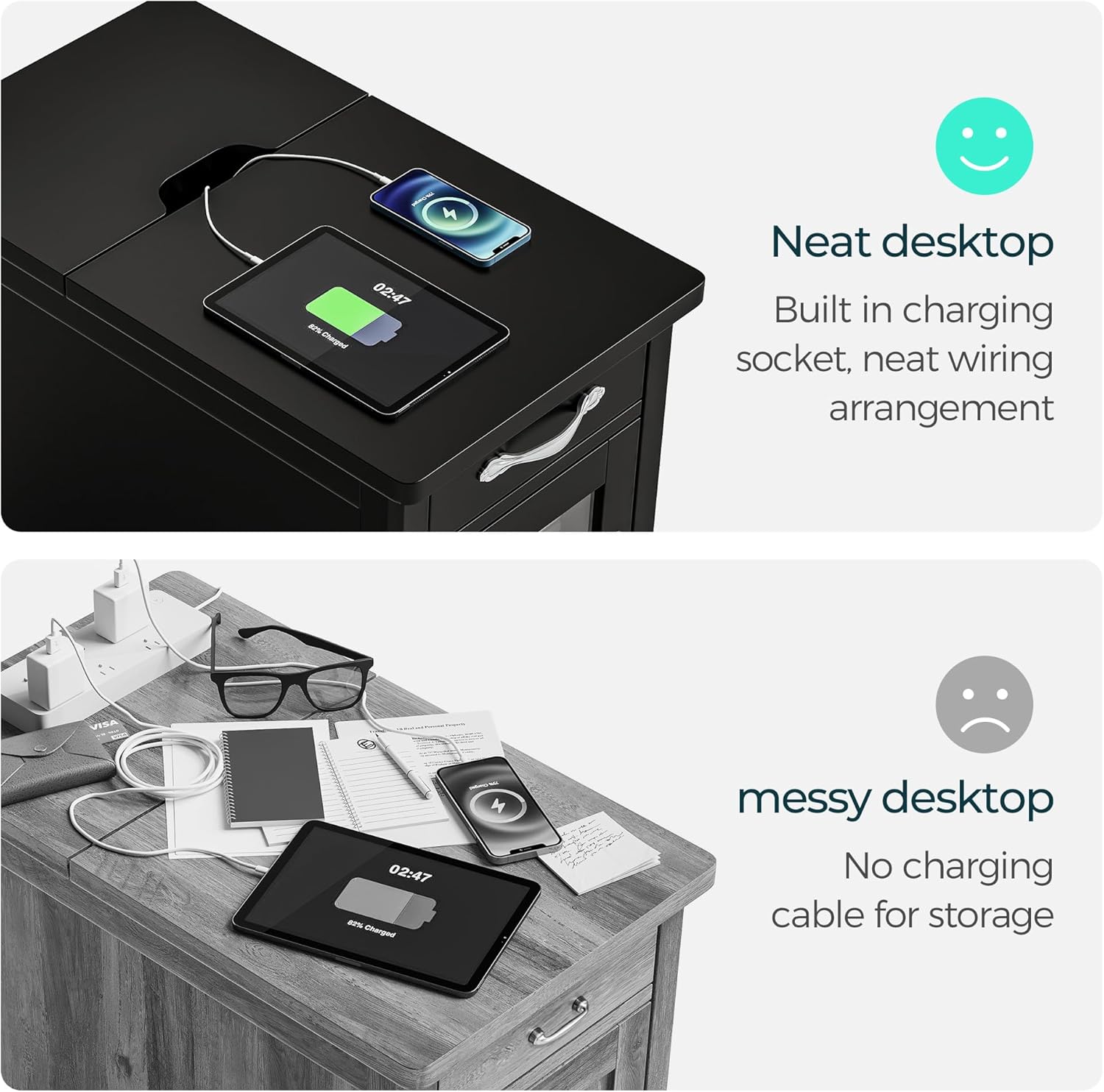
Image: The top panel of the end table is open, revealing a power strip with three electrical outlets, two USB ports, and a red power switch. Cables are shown neatly routed through a tabletop groove.
Drawer with Detachable Holder
The top drawer provides versatile storage with a unique detachable holder.
- Accessing the Drawer: Pull the handle to open the drawer smoothly on its metal slides.
- Detachable Holder: The drawer includes a removable insert with dedicated spots for remote controls and cups. This helps keep small items organized and prevents spills.
- Extra Storage: Remove the detachable holder to utilize the full depth of the drawer for larger items.

Image: The end table's drawer is open, showcasing a removable wooden insert with two circular cutouts for cups and a rectangular slot for remote controls. A glass of liquid and a remote are placed in the holder.
Storage Shelf with Glass Door
The lower section of the end table offers enclosed storage and additional display space.
- Glass Door: Open the glass door to access the interior storage compartment. The glass allows for display of decorative items while keeping them protected.
- Adjustable Shelf: The interior shelf can be adjusted to different heights to accommodate various item sizes.
- Rear Display Shelf: An additional open shelf at the back provides extra space for books or decorative items, enhancing the table's versatility.

Image: Two LINSY HOME end tables are shown, one with its glass door open revealing interior shelves, and another showcasing an open rear shelf with items stored. This highlights the varied storage options.
Maintenance
Proper care will extend the life and appearance of your LINSY HOME End Table.
- Cleaning: The table is finished with a waterproof surface. Wipe clean with a soft, damp cloth. Avoid harsh chemicals or abrasive cleaners.
- Spills: Promptly wipe up any spills to prevent staining or damage to the surface.
- Hardware: Periodically check and tighten all screws and fasteners to ensure stability.
- Glass Care: Clean the glass door with a standard glass cleaner and a soft, lint-free cloth.
Troubleshooting
Common Issues and Solutions:
- Drawer not sliding smoothly: Check that the metal slides are properly aligned and free of obstructions. Ensure all screws securing the slides are tightened.
- Door not closing properly: Verify that the hinges are correctly installed and tightened. Adjust the hinges if necessary to ensure proper alignment.
- Charging station not working: Ensure the safety switch on the charging unit is in the 'ON' position. Check that the main power cord is securely plugged into a wall outlet.
- Table wobbles: Confirm that all assembly screws are securely tightened. Ensure the table is placed on a flat, even surface.
If you encounter any issues not listed here or require further assistance, please refer to the warranty and support section for contact information.
Specifications
| Brand | LINSY HOME |
| Model Name | LH518J2-A |
| Product Dimensions (D x W x H) | 23.5" x 13.8" x 22.8" |
| Item Weight | 40 Pounds |
| Maximum Weight Recommendation | 118 Pounds |
| Frame Material | Engineered Wood |
| Color | Black |
| Top Material Type | Engineered Wood, Glass |
| Number of Drawers | 1 |
| Number of Doors | 1 |
| Charging Station | 3 Outlets (125V/12A), 2 USB Ports (5V/2.1A), Safety Switch |
| Required Assembly | Yes |

Image: A diagram illustrating the dimensions of the LINSY HOME End Table, showing height, width, and depth measurements for various sections of the table.
Warranty and Support
Your LINSY HOME End Table comes with a hassle-free purchase experience. We are committed to providing satisfactory customer service.
- Included Components: The product includes all necessary assembly tools and an anti-falling kit for safety.
- Instructional Video: An assembly video is available on the product page for visual guidance.
- Customer Service: For any issues, questions, or support needs, please contact the seller directly. We are here to assist you.


