1. Introduction and Overview
This manual provides essential information for the safe and effective operation of your NKOK Sonic Racing RC Tails The Fox remote-controlled car. Please read all instructions carefully before use to ensure proper setup and maximum enjoyment. This officially licensed Sega Sonic The Hedgehog product is designed for ages 6 and up, offering full-function radio control with a powerful Turbo Boost feature.

Image 1: The Tails RC car displayed in its original packaging.
2. Package Contents
Verify that all items listed below are included in your package:
- 1 x Tails The Fox RC Vehicle
- 1 x 2.4GHz Remote Controller
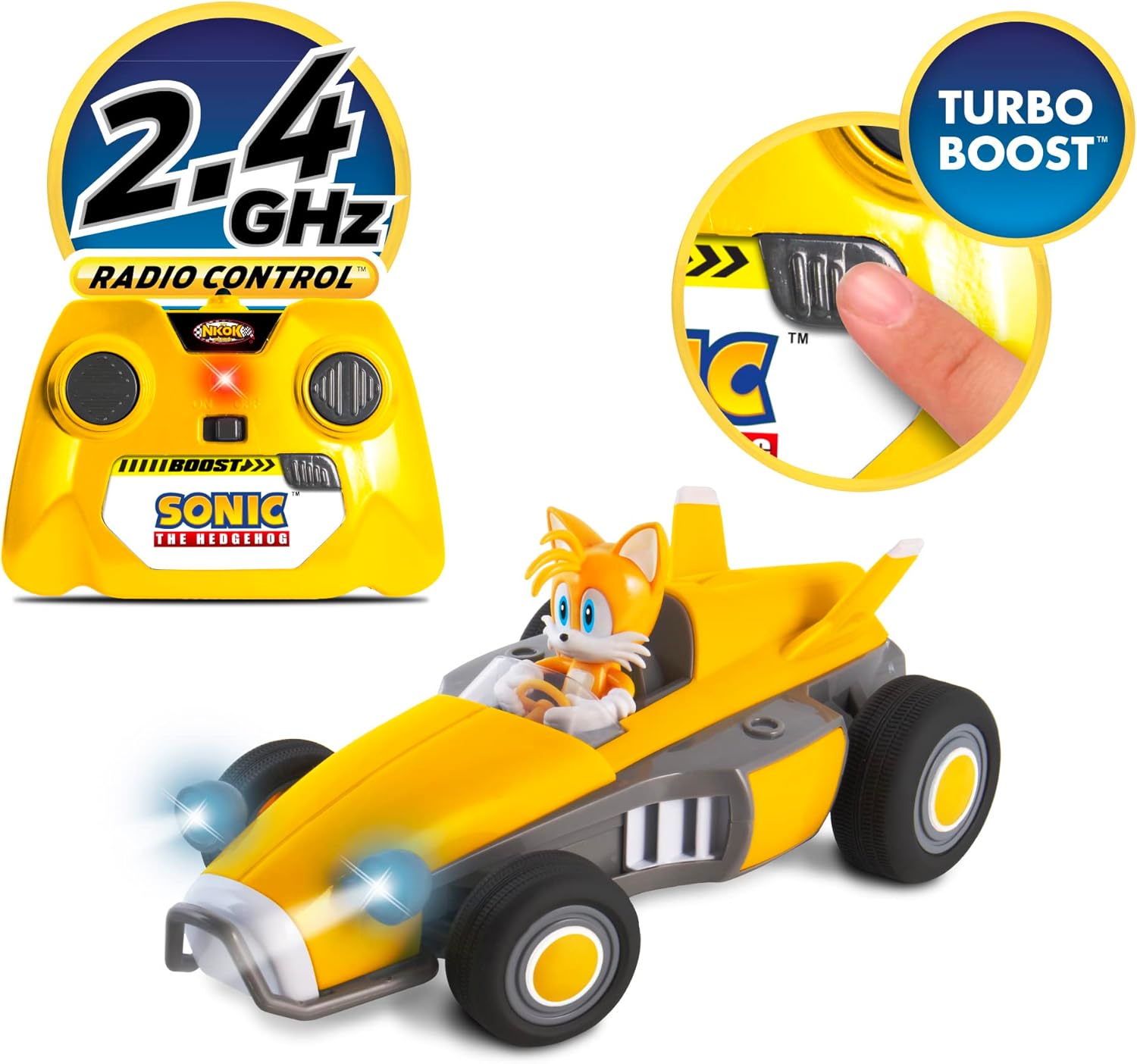
Image 2: The Tails RC car and its accompanying remote controller.
3. Safety Information
To prevent injury or damage, please observe the following safety guidelines:
- Age Recommendation: Suitable for ages 6 and up.
- Battery Safety: Do not mix old and new batteries. Do not mix alkaline, standard (carbon-zinc), or rechargeable (nickel-cadmium) batteries. Insert batteries with correct polarity. Remove batteries if the product is not used for an extended period.
- Choking Hazard: Small parts may be present. Keep away from young children.
- Operating Environment: Operate the vehicle in open areas, away from people, pets, and obstacles. Avoid operating near water or in wet conditions.
- Adult Supervision: Adult supervision is recommended during operation.
4. Setup
4.1 Battery Installation (Batteries Not Included)
The Tails RC car and controller require batteries for operation. Typically, the car requires 4x AA batteries and the controller requires 2x AA batteries. Refer to the battery compartments for specific requirements.
- RC Vehicle: Locate the battery compartment on the underside of the vehicle. Use a screwdriver to open the cover. Insert the required AA batteries, ensuring correct polarity (+/-). Replace the cover and secure it with the screw.
- Remote Controller: Locate the battery compartment on the back of the controller. Use a screwdriver to open the cover. Insert the required AA batteries, ensuring correct polarity (+/-). Replace the cover and secure it with the screw.
4.2 Pairing the Controller and Vehicle
Your Tails RC car operates on a 2.4GHz frequency, allowing multiple vehicles to race simultaneously without interference. Follow these steps to pair:
- Turn on the RC vehicle using the ON/OFF switch.
- Turn on the remote controller using its ON/OFF switch.
- The controller and vehicle should automatically pair. If not, turn both off and on again.
5. Operating Instructions
The Tails RC car features full-function radio control, allowing for precise movements and an exciting racing experience.
5.1 Basic Controls
- Forward/Backward: Use the left joystick/button to move the vehicle forward or backward.
- Left/Right: Use the right joystick/button to steer the vehicle left or right.
5.2 Turbo Boost Feature
Activate the Turbo Boost for an extra burst of speed, just like in the game! Locate the dedicated Turbo Boost button on your controller and press it during operation to accelerate rapidly.
5.3 Working LED Headlights
The vehicle is equipped with powerful working LED headlights that illuminate the path during play, enhancing the realistic driving experience.

Image 3: Detailed view of the Tails RC car's illuminated headlights.
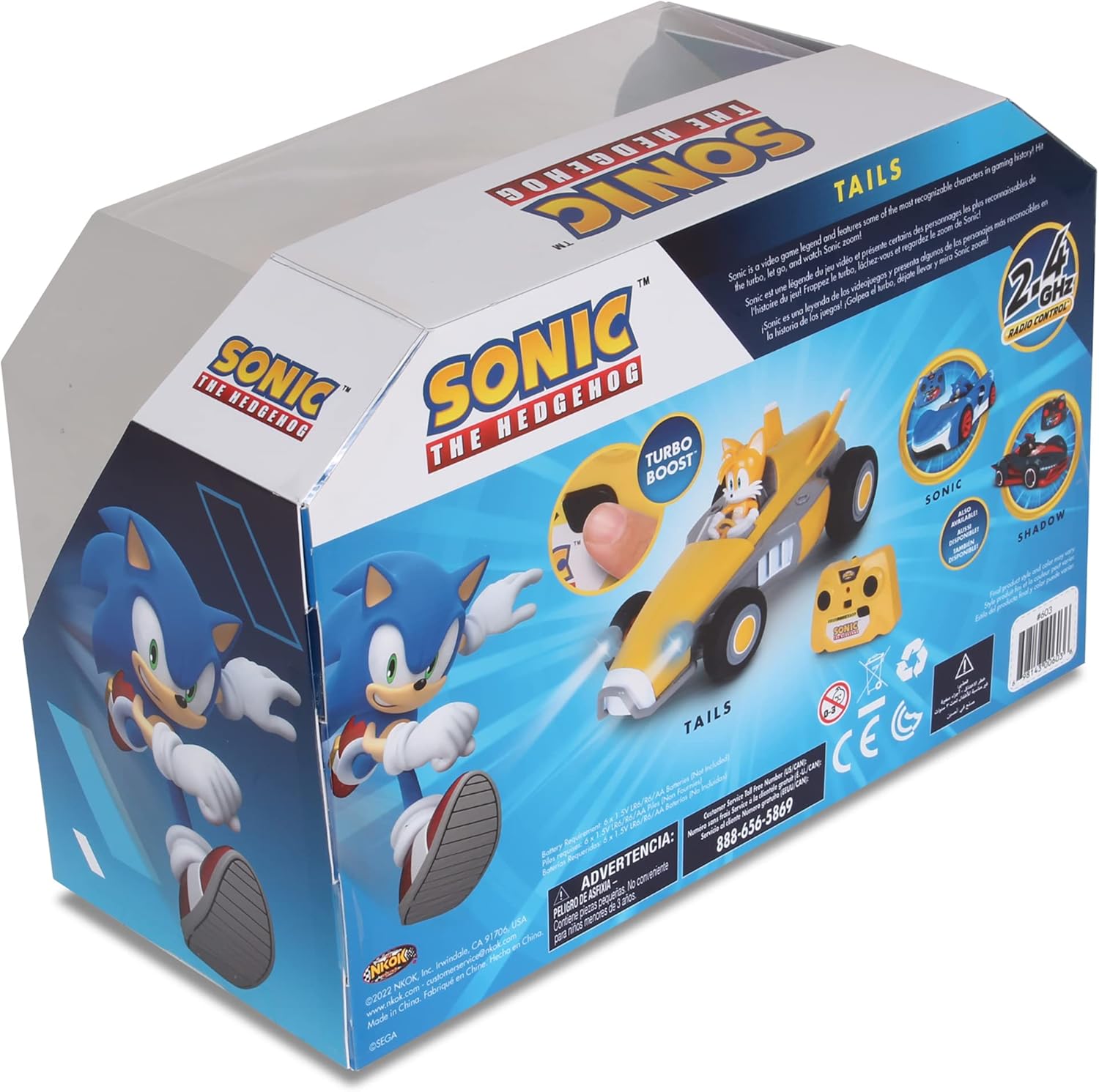
Image 4: A child demonstrating the use of the remote controller with the Tails RC car.
5.4 Official Product Videos
Watch these official videos for a visual guide on the product's features and operation:
Video 1: Official 'Team Sonic Racing RC' product video, showcasing the car's features and movement.
Video 2: General Sonic RC car demonstration video, highlighting various features.
6. Maintenance
Proper maintenance ensures the longevity and performance of your RC vehicle:
- Cleaning: Wipe the vehicle and controller with a soft, dry cloth after each use. Avoid using water or chemical cleaners.
- Storage: Store the vehicle and controller in a cool, dry place away from direct sunlight and extreme temperatures. Remove batteries if storing for extended periods.
- Battery Care: Always use fresh batteries. Replace all batteries at the same time.
7. Troubleshooting
If you encounter issues with your Tails RC car, refer to the following common problems and solutions:
| Problem | Possible Cause | Solution |
|---|---|---|
| Vehicle does not respond to controller. | Low batteries in vehicle or controller; improper pairing; vehicle/controller turned off. | Replace batteries; re-pair the controller and vehicle; ensure both are switched ON. |
| Short operating range or interference. | Obstacles blocking signal; other 2.4GHz devices nearby; low batteries. | Operate in an open area; move away from other wireless devices; replace batteries. |
| Vehicle moves slowly or inconsistently. | Low batteries in vehicle. | Replace vehicle batteries. |
8. Specifications
- Model Number: 603n
- Brand: NKOK
- Product Dimensions (Car): Approximately 3.25" H x 4.5" W x 8.75" L
- Item Weight: 1.19 pounds
- Frequency: 2.4 GHz
- Control Range: Up to 150 feet
- Multi-Player: Up to 16 vehicles can race simultaneously
- Power Source: Battery Powered (batteries not included)
- Recommended Age: 6 years and up
- Features: Full-function control, Turbo Boost, Working LED Headlights, Grippy rubber tires, Adjustable front wheel alignment.
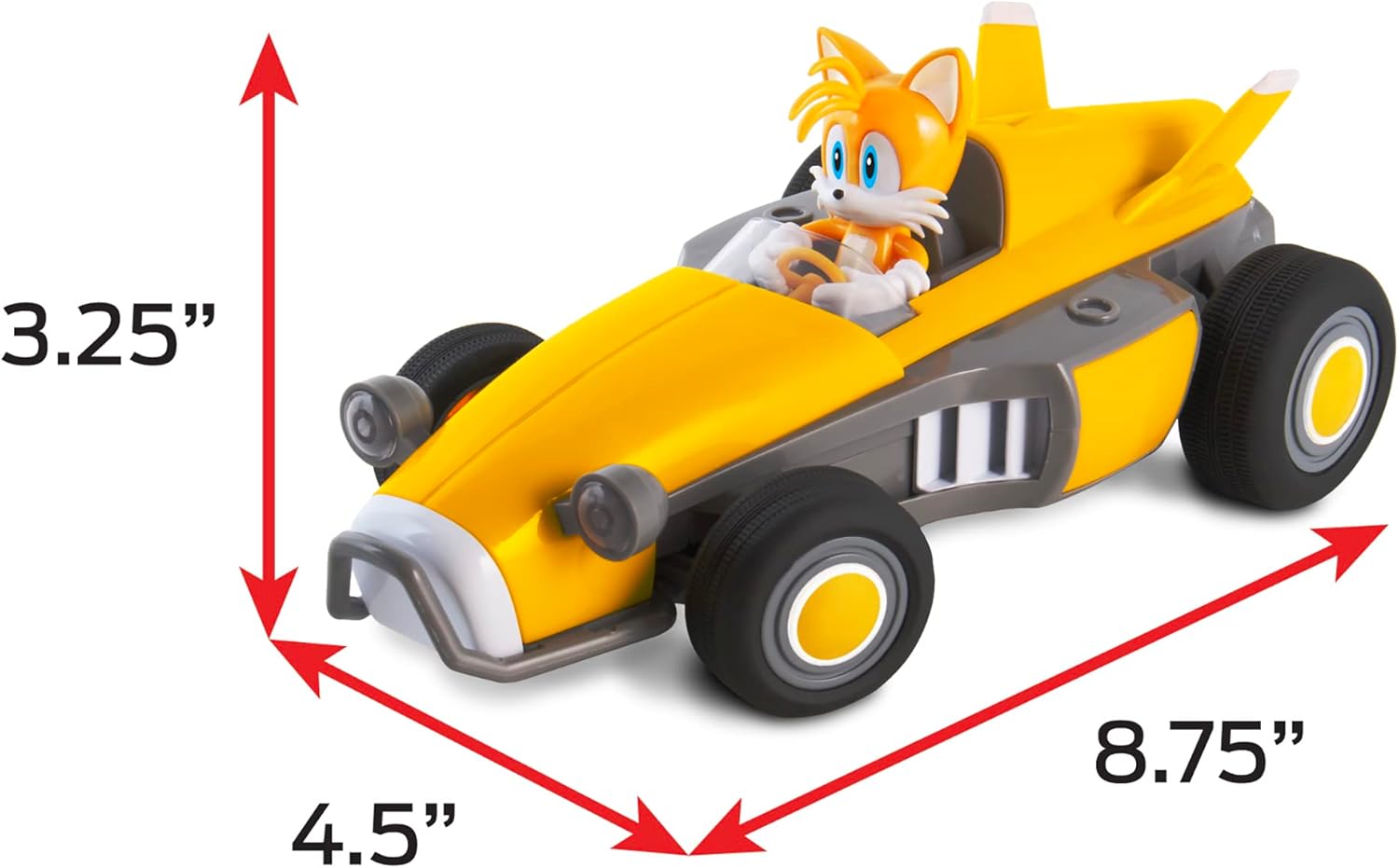
Image 5: Dimensions of the Tails RC car.
9. Warranty and Support
For warranty information or technical support, please refer to the contact details provided on the product packaging or visit the official NKOK website. Keep your purchase receipt as proof of purchase.


