1. Introduction
This manual provides essential information for the safe and efficient operation of your new CHiQ Front Load Washing Machine, Model CFL100-14586IM3XBW. Please read these instructions carefully before installation and use, and keep them for future reference. Proper use and maintenance will ensure optimal performance and extend the lifespan of your appliance.

Image 1.1: CHiQ 10kg Front Load Washing Machine (Model CFL100-14586IM3XBW).
2. Safety Information
To reduce the risk of fire, electric shock, or injury, follow these basic precautions:
- Read all instructions before using the appliance.
- This appliance is not intended for use by persons (including children) with reduced physical, sensory or mental capabilities, or lack of experience and knowledge, unless they have been given supervision or instruction concerning use of the appliance by a person responsible for their safety.
- Children should be supervised to ensure that they do not play with the appliance.
- Do not wash articles that have been previously cleaned in, washed in, soaked in, or spotted with gasoline, dry-cleaning solvents, or other flammable or explosive substances as they give off vapors that could ignite or explode.
- Do not add gasoline, dry-cleaning solvents, or other flammable or explosive substances to the wash water. These substances give off vapors that could ignite or explode.
- Do not allow children to play on or in the appliance. Close supervision of children is necessary when the appliance is used near children.
- Before the appliance is removed from service or discarded, remove the door to the washing compartment.
- Do not reach into the appliance if the tub or agitator is moving.
- Do not install or store this appliance where it will be exposed to the weather.
- Do not tamper with controls.
- Do not repair or replace any part of the appliance or attempt any servicing unless specifically recommended in the user-maintenance instructions or in published user-repair instructions that you understand and have the skills to carry out.
- Always disconnect the appliance from the power supply before cleaning or performing maintenance.
3. Product Overview
3.1 Control Panel

Image 3.1: Control Panel Overview.
The control panel features a program selection dial and a digital display with touch buttons for various functions. This allows for precise control over wash cycles and settings.
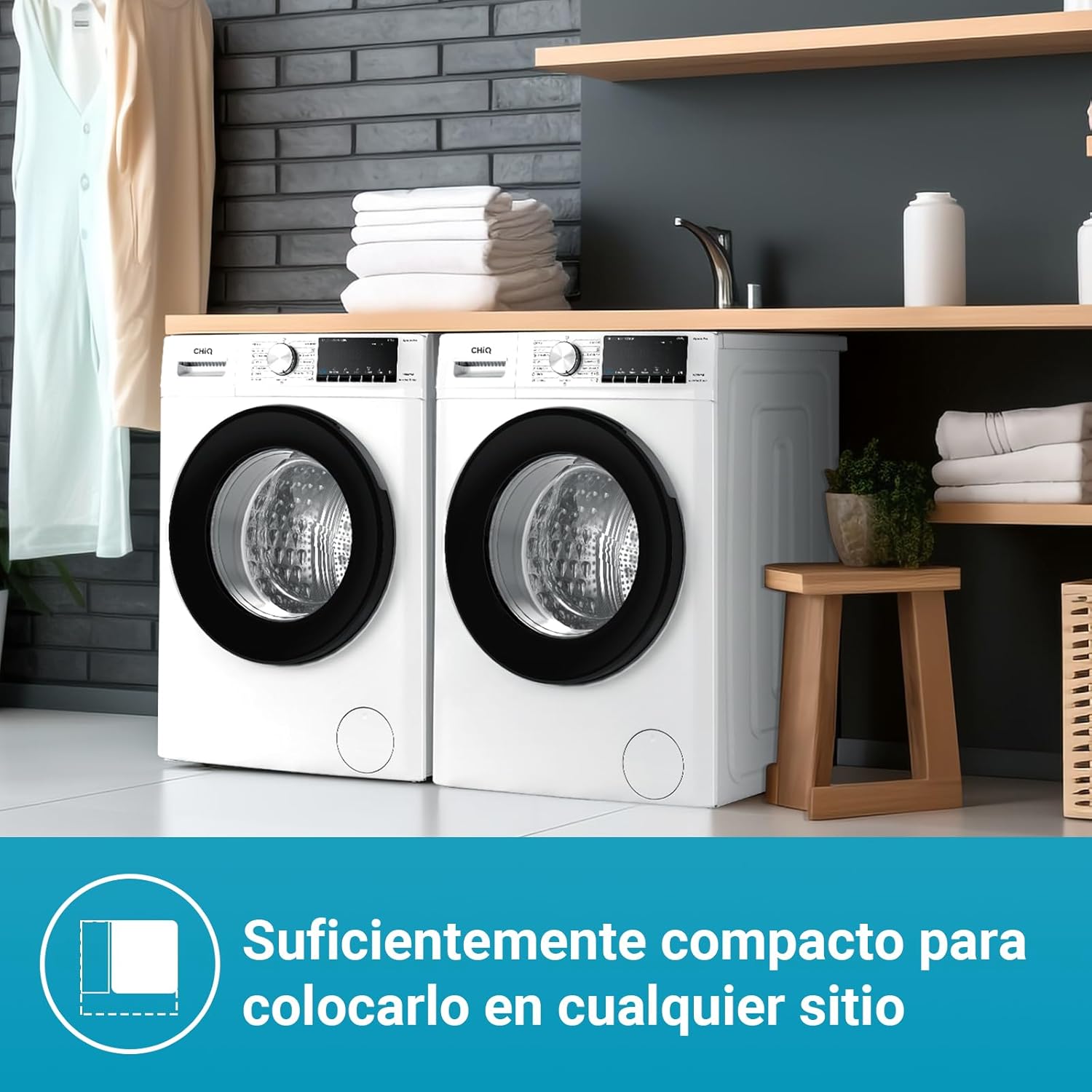
Image 3.2: Program Selection Dial.
The program dial includes options such as Mix, Cotton, Anti-allergy, Wool, Baby Care, Shirts, Bedding, Eco 40-60, Quick Wash 15', Underwear, Down Jacket, Rinse+Spin, Spin, and Drum Clean.

Image 3.3: Digital Display and Function Buttons.
The digital display shows cycle time and other relevant information. Touch buttons allow activation of functions like Steam, Delay End, and Spin Speed adjustment.
3.2 Detergent Dispenser

Image 3.4: Detergent Dispenser.
The dispenser drawer has dedicated compartments for liquid detergent, powder detergent, and fabric softener. Refer to section 5.2 for proper usage.
3.3 Dimensions

Image 3.5: Product Dimensions.
The washing machine has a compact design with dimensions of 600mm (width) x 577mm (depth) x 847mm (height), making it suitable for various spaces.
4. Setup & Installation
4.1 Unpacking
- Remove all packaging materials, including the polystyrene base and any protective film.
- Locate and remove the transport bolts from the rear of the machine. These bolts secure the drum during transit and must be removed before operation to prevent damage. Keep the bolts for future transport.
4.2 Positioning
- Place the washing machine on a firm, level surface. Ensure there is adequate space around the machine for ventilation and access.
- Adjust the leveling feet at the bottom of the machine to ensure it is perfectly stable and does not wobble. This is crucial for quiet operation and to prevent excessive vibration.
4.3 Water Connection
- Connect the inlet hose to a cold water tap with a 3/4-inch thread. Ensure the connection is tight to prevent leaks.
- Secure the drain hose to a suitable drain pipe or place it over the edge of a sink, ensuring it is properly secured to prevent it from falling out during drainage. The drain hose should be positioned at a height between 60cm and 100cm from the floor.
4.4 Electrical Connection
- Plug the power cord into a grounded electrical outlet. Ensure the outlet meets the power requirements specified in the 'Specifications' section.
- Do not use extension cords or adapters.
4.5 First Use
Before washing clothes for the first time, run a 'Drum Clean' cycle without any laundry or detergent to remove any manufacturing residues.
5. Operating Instructions
5.1 Loading Laundry
- Sort laundry by fabric type, color, and degree of soiling.
- Open the washing machine door and load the laundry into the drum. Do not overload the machine; ensure there is enough space for clothes to tumble freely. The maximum capacity is 10kg.
- Close the door firmly.
5.2 Adding Detergent and Additives
- Pull out the detergent dispenser drawer.
- Add the appropriate amount of detergent to the main wash compartment (for powder or liquid).
- If using fabric softener, add it to the designated compartment. Do not exceed the 'MAX' fill line.
- Push the dispenser drawer back in completely.
5.3 Selecting a Program
- Turn the program selection dial to choose the desired wash program. Available programs include: Mix, Cotton, Anti-allergy, Wool, Baby Care, Shirts, Bedding, Eco 40-60, Quick Wash 15', Underwear, Down Jacket, Rinse+Spin, Spin, and Drum Clean.
- The digital display will show the default settings for the selected program.
5.4 Special Functions
- Steam Function: This function helps to reduce wrinkles and effectively remove odors and allergens, providing more comfort.
- AI Smart Program: This intelligent washing mode automatically detects the laundry weight and adapts the wash program settings (weight, time, water, temperature) for optimal results.
- Quick Wash 15 minutes: For lightly soiled items or when time is short, this program provides an effective wash in just 15 minutes.
- Child Lock: Activates to prevent accidental changes to settings or starting/stopping the machine, ensuring safe operation.
- Add Garment: The electromagnetic door lock allows you to pause the cycle and open the door instantly to add forgotten items, provided the water level and temperature are not too high.
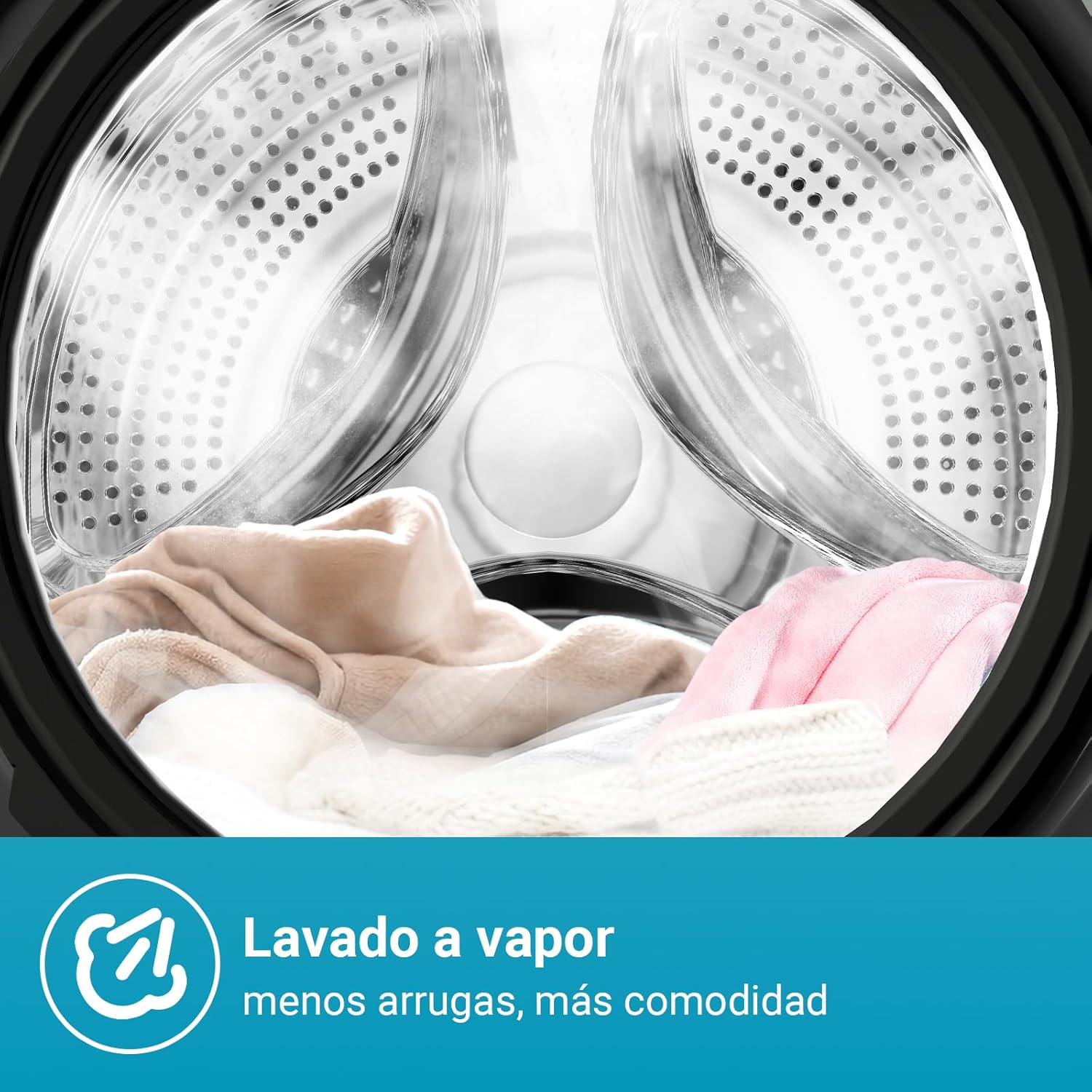
Image 5.1: Steam Wash Function.

Image 5.2: Quick Wash 15 Minutes.

Image 5.3: Child Lock Feature.

Image 5.4: Add Garment Function.
5.5 Starting and Ending a Cycle
- Press the 'Start/Pause' button to begin the wash cycle.
- To pause a cycle, press the 'Start/Pause' button again. Press it once more to resume.
- At the end of the cycle, the machine will signal with an audible alert. Open the door and remove your laundry.
6. Maintenance
Regular maintenance ensures the longevity and efficiency of your washing machine.
6.1 Drum Cleaning
Use the dedicated 'Drum Clean' program to refresh the drum and prevent the accumulation of residues. This program heats water to 85°C for thorough cleaning. It is recommended to run this cycle once a month.

Image 6.1: Self-Cleaning Drum.
6.2 Detergent Dispenser Cleaning
Periodically remove and clean the detergent dispenser drawer under running water to prevent detergent buildup.
6.3 Door Seal Cleaning
Wipe the door seal after each wash to remove any lint or residue, preventing mold and odors.
6.4 Drain Filter Cleaning
Regularly check and clean the drain filter, usually located at the bottom front of the machine, to prevent blockages.
6.5 Exterior Cleaning
Wipe the exterior of the machine with a soft, damp cloth. Do not use abrasive cleaners or solvents.
7. Troubleshooting
Before contacting customer service, refer to the following table for common issues and their solutions:
| Problem | Possible Cause | Solution |
|---|---|---|
| Machine does not start | No power supply; Door not closed properly; Program not selected. | Check power plug and fuse; Ensure door is securely latched; Select a wash program. |
| Water leakage | Inlet/drain hose loose; Detergent dispenser clogged. | Tighten hose connections; Clean detergent dispenser. |
| Excessive vibration/noise | Transport bolts not removed; Machine not level; Uneven load. | Remove transport bolts; Adjust leveling feet; Redistribute laundry in the drum. |
| Poor washing results | Too much/too little detergent; Incorrect program selected; Overloading. | Adjust detergent amount; Select appropriate program; Reduce laundry load. |
| Water not draining | Drain hose kinked/blocked; Drain filter clogged. | Check and clear drain hose; Clean drain filter. |
8. Specifications
| Feature | Specification |
|---|---|
| Brand | CHiQ |
| Model Number | CFL100-14586IM3XBW |
| Capacity | 10 Kilograms |
| Dimensions (W x D x H) | 60 x 57.7 x 84.7 cm |
| Weight | 65 Kilograms |
| Max Spin Speed | 1400 rpm |
| Energy Efficiency Class | B |
| Energy Consumption (per 100 cycles) | 59 kWh |
| Water Consumption (per cycle) | 50 Liters |
| Noise Level (Spin) | 76 dB |
| Motor Type | Inverter Motor |
| Control Type | Push Button, Rotary Dial |
| Special Features | Steam Function, AI Smart Program, Quick Wash 15', Child Lock |
For detailed energy information, please refer to the EU Energy Label:

Image 8.1: EU Energy Label.
You can find more information about the energy label here.
9. Warranty & Support
Your CHiQ washing machine is designed for durability and reliability. It comes with a 24-month general warranty. The Inverter Motor is backed by a 12-year warranty, ensuring long-term satisfaction.

Image 9.1: BLDC Inverter Motor.
For technical assistance, warranty claims, or spare parts, please contact CHiQ customer service through your retailer or the official CHiQ website. Please have your model number (CFL100-14586IM3XBW) and purchase date available when contacting support.


