
Introduction
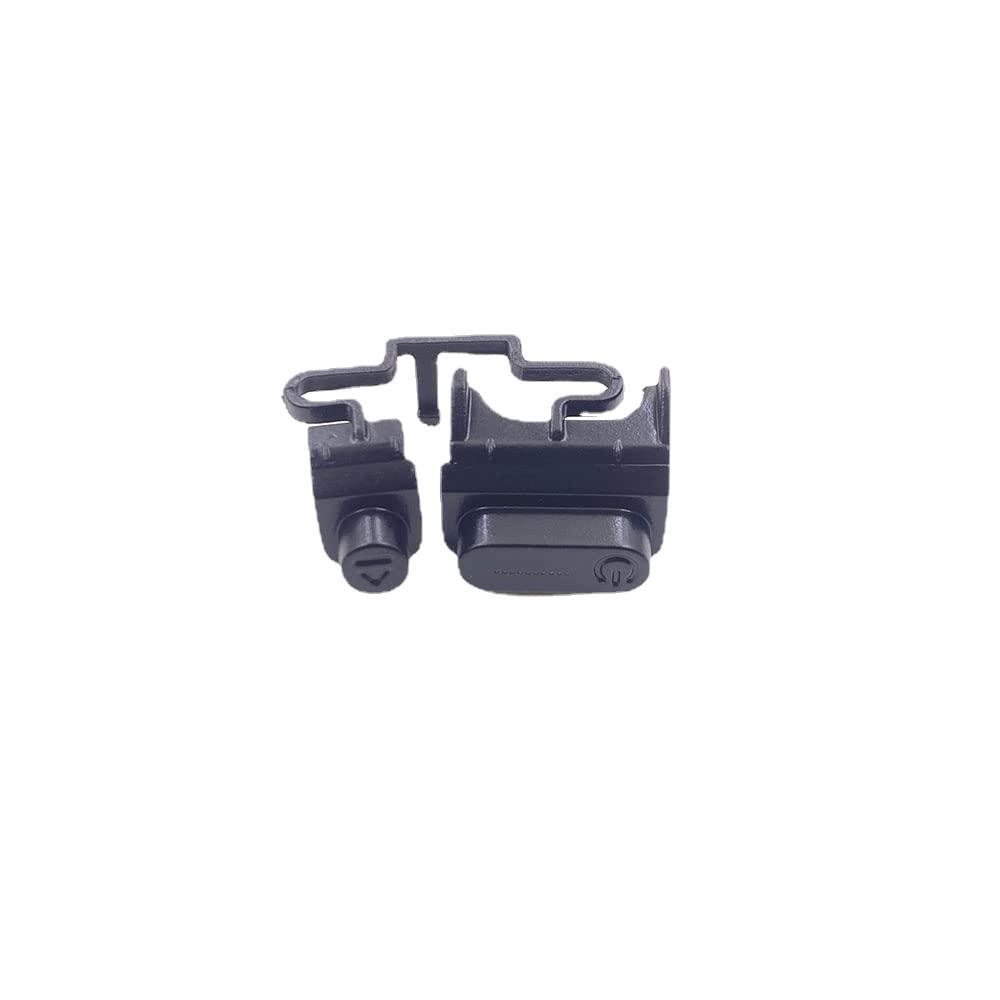
This manual provides essential information for the installation and use of the VANJUNN Replacement Power ON Off Button for the PS4 Slim console. This component is designed as a repair part for existing, damaged, or non-functional power buttons. Please read all instructions carefully before proceeding with installation.
Installation (Setup)
The installation of this replacement part requires professional repair skills. It is crucial to confirm that this specific button is compatible with your PS4 Slim model before attempting any installation. Incorrect installation can lead to further damage to your console.
Important Considerations:
- This replacement button is specifically for the PS4 Slim console.
- Professional repair skills are required for proper installation.
- Ensure the console is powered off and disconnected from all power sources before beginning any repair work.

Operating the Button
Once correctly installed, the replacement power ON/OFF button functions identically to the original component.
- Power On/Off: Press the button briefly to power on or off the PS4 Slim console.
- Hard Shutdown: Press and hold the button for several seconds to perform a hard shutdown of the console.
Maintenance
To ensure the longevity and proper function of your replacement power button, follow these simple maintenance guidelines:
- Keep the button area clean and free from dust, dirt, and debris. Use a soft, dry cloth for cleaning.
- Avoid applying excessive force when pressing the button.
- Do not expose the console or the button to liquids or extreme temperatures.
Troubleshooting
If you encounter issues after installing the replacement power button, consider the following troubleshooting steps:
- Button Not Responding: Verify that the button is correctly seated and all internal connections are secure. Re-installation may be necessary if connections are loose.
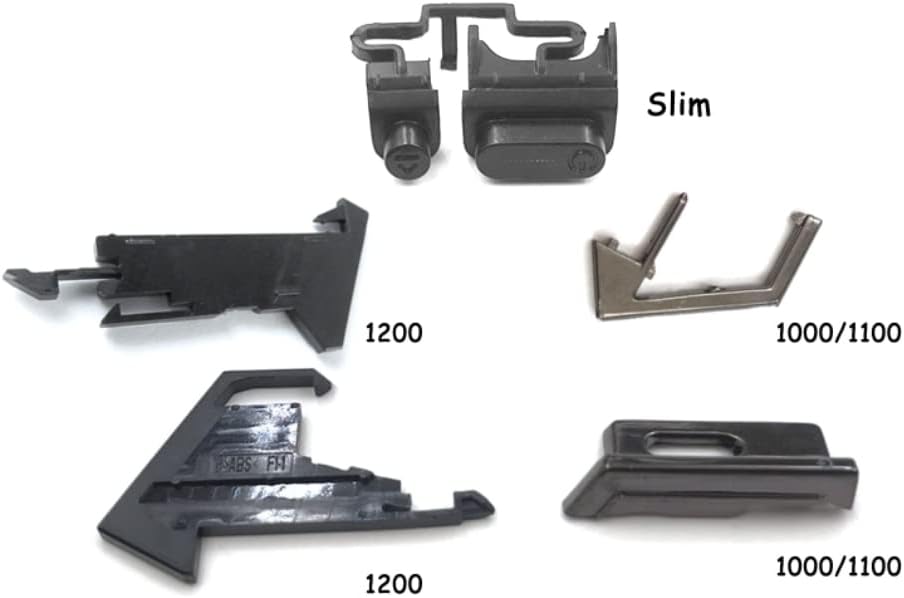
- Incorrect Part: Double-check that the installed button is indeed the correct model for your PS4 Slim console. Refer to Image 3 for visual confirmation of different button types.
- Persistent Issues: If the problem persists after verifying installation and compatibility, professional diagnostic and repair services may be required.
Specifications
| Product Name | Replacement Power ON Off Button |
| Brand | VANJUNN |
| Model Compatibility | PS4 Slim (also compatible with PS4 1000, 1100, 1200 models, ensure correct variant is purchased) |
| Material | Premium, durable materials |
| Package Contents | 1x Replacement Button |
| Item Weight | 0.32 ounces |
| Package Dimensions | 5 x 3 x 0.01 inches |
Warranty Information
No specific warranty information is provided with this product. For details regarding returns or exchanges, please refer to the retailer's return policy where the product was purchased.
Support
For technical assistance, installation guidance, or any other inquiries regarding this product, please contact the seller directly through the platform where you made your purchase. Provide your order details for faster service.