
Amkette 584
Amkette Pocket Mate Digital FM Radio with Bluetooth Speaker User Manual
Model: 584
1. Product Overview
The Amkette Pocket Mate Digital FM Radio with Bluetooth Speaker is a versatile and portable audio device designed for various listening experiences. It features wireless music streaming via Bluetooth, FM radio functionality with an extendable antenna, and multiple playback options including Micro SD card and USB input. Equipped with a 5W speaker, it delivers clear and robust sound. The device also includes a 3.5mm headphone jack for private listening and a number pad for easy station and song selection. Its compact design and long-lasting battery make it ideal for on-the-go entertainment.
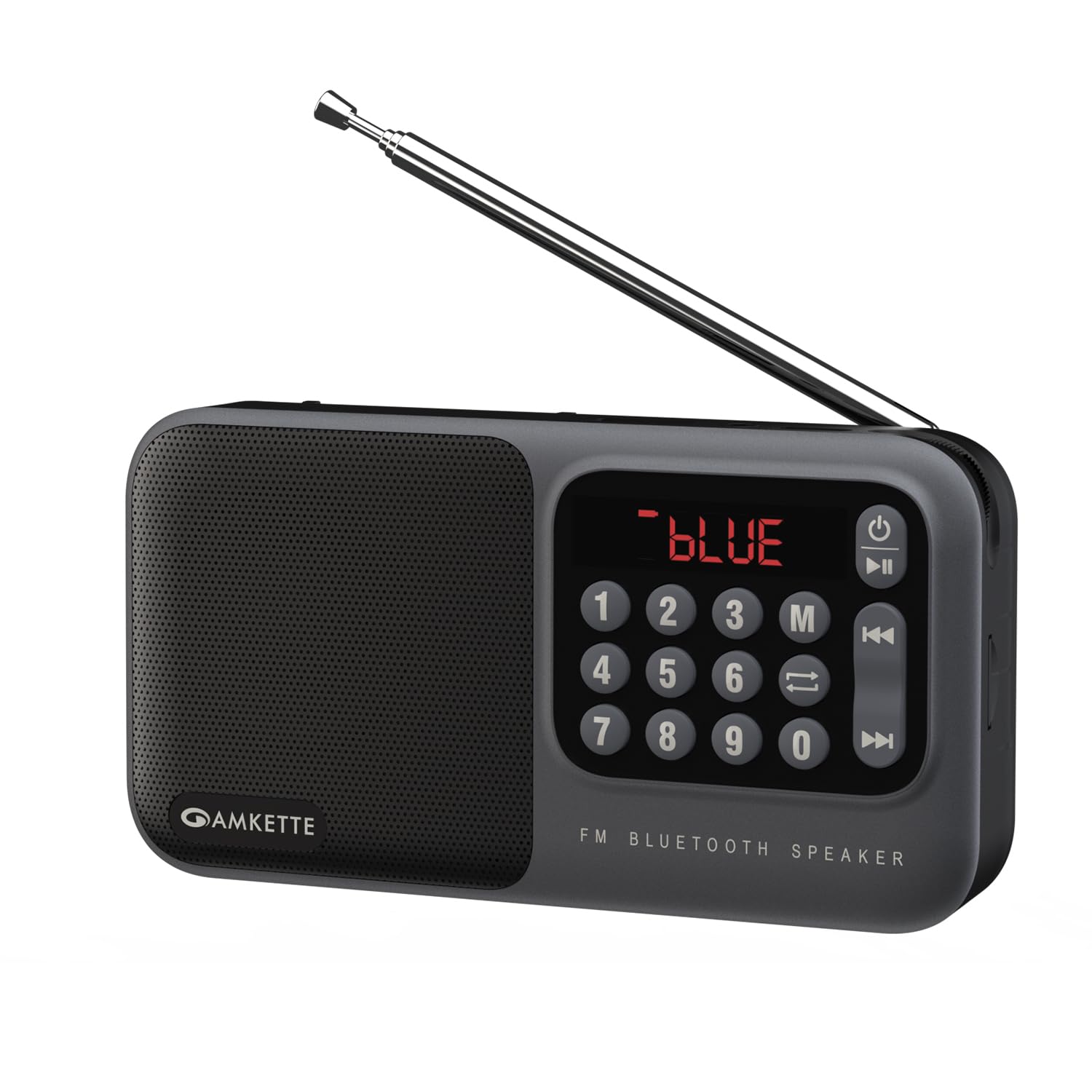
Figure 1: Amkette Pocket Mate Digital FM Radio with Bluetooth Speaker (Grey model).
2. Components and Controls
Familiarize yourself with the various components and controls of your Amkette Pocket Mate for optimal use.
- Power Button: Used to turn the device on or off.
- Mode Button (M): Cycles through available modes: FM Radio, Bluetooth, Micro SD, USB.
- Play/Pause Button: Controls playback in various modes.
- Previous/Next Track Buttons: Navigates between tracks or radio stations.
- Number Pad (0-9): For direct input of FM frequencies or track numbers.
- LED Display: Shows current mode, frequency, track number, and battery status.
- Volume Knob: Rotary control for adjusting audio volume.
- Extendable Antenna: For enhanced FM radio signal reception.
- Micro SD Card Slot: For inserting a Micro SD card for audio playback.
- USB Input: For connecting a USB drive for audio playback.
- 3.5mm Headphone Jack: For connecting headphones or external speakers.
- Type-C Charging Port: For charging the device.

Figure 2: Close-up view of the LED display and number pad for quick access to functions.
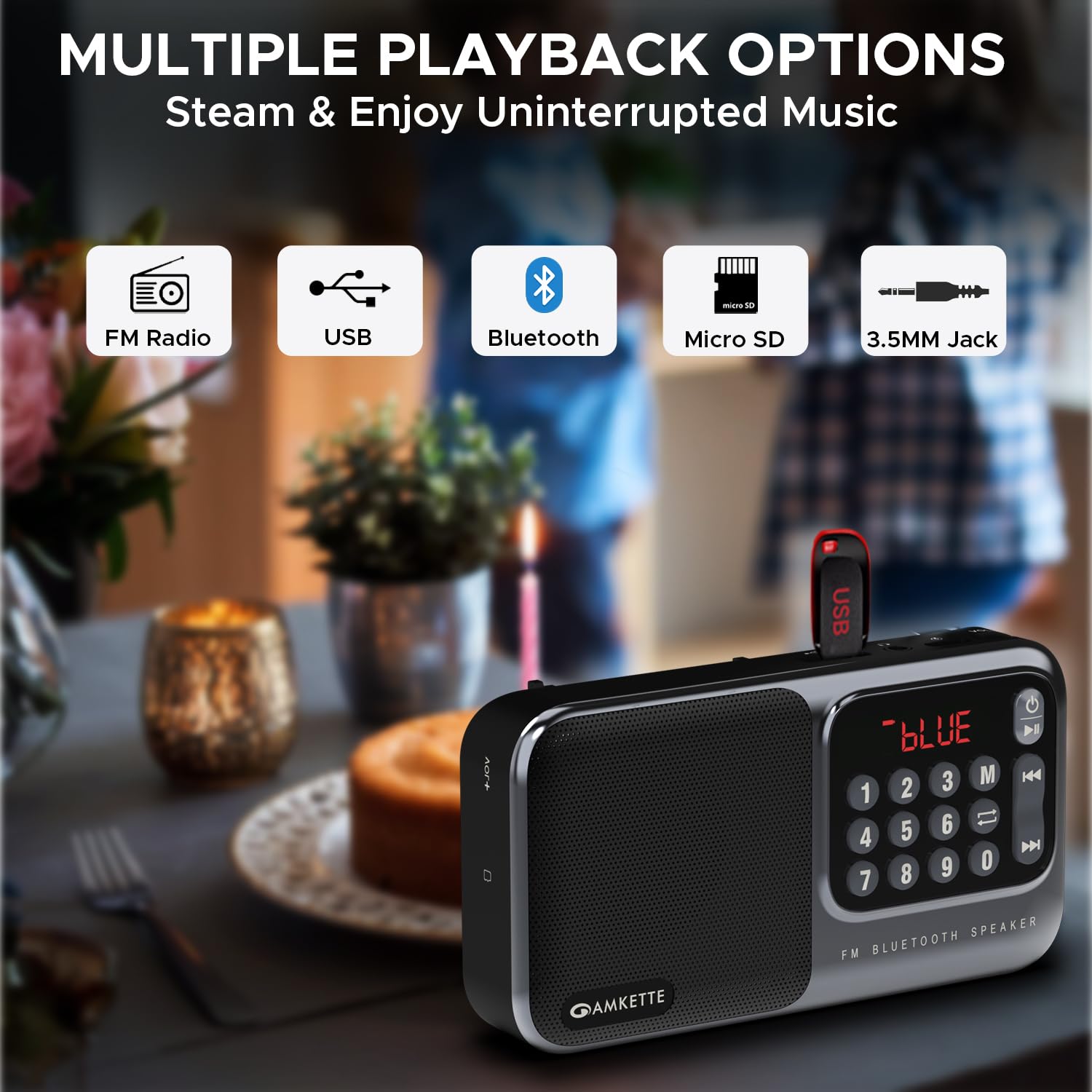
Figure 3: Side view illustrating the various input ports and controls.
3. Setup
3.1 Initial Charging
Before first use, fully charge your Amkette Pocket Mate. Connect the provided Type-C charging cable to the charging port on the device and the other end to a compatible USB power adapter (not included) or a computer's USB port. The LED display will indicate charging status. A full charge typically takes approximately 1.5 hours and provides up to 8 hours of playtime, depending on usage and volume level.
3.2 Powering On/Off
Press and hold the Power button (⏻) located on the device to turn it on or off. The LED display will light up upon activation.
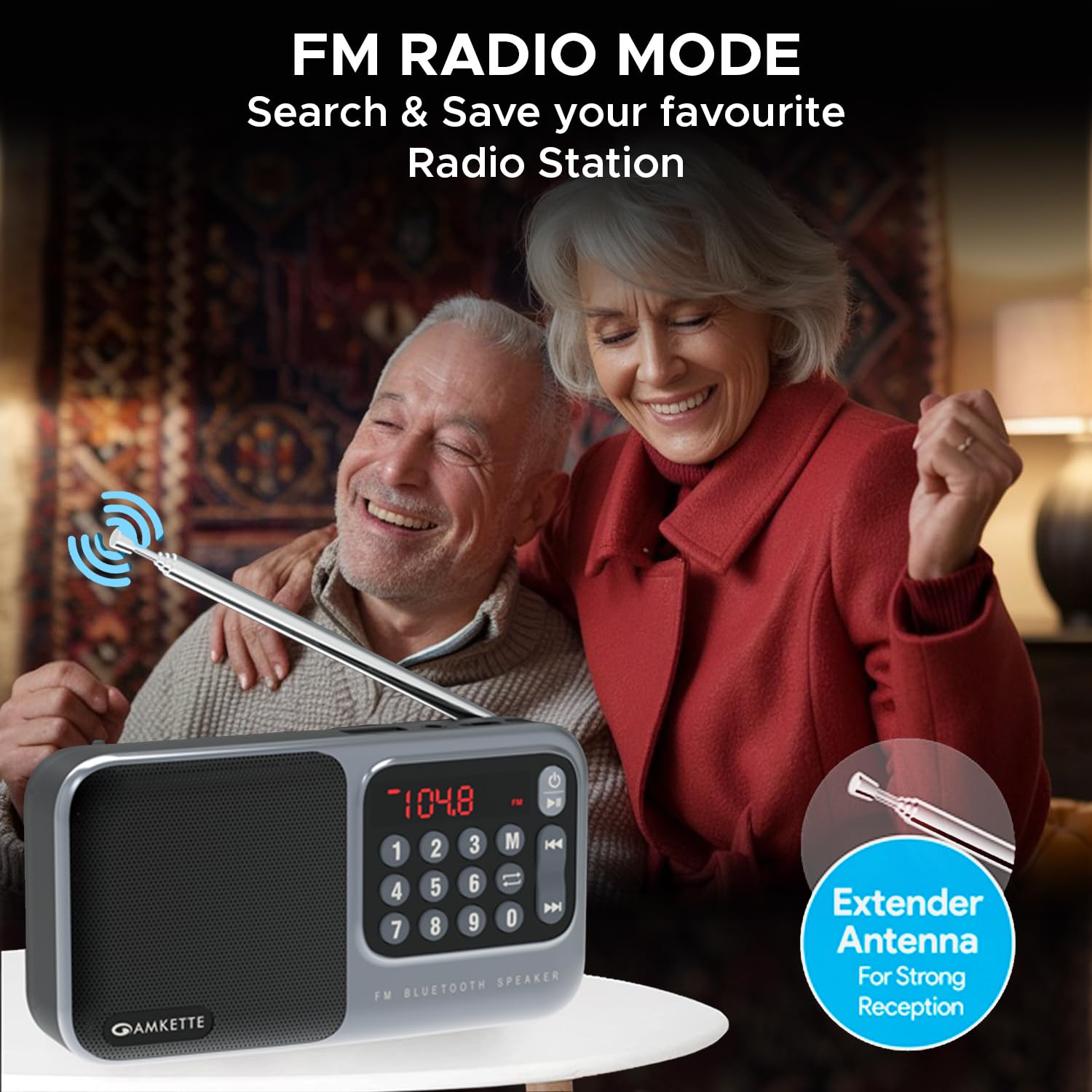
Figure 4: The device is highly portable and offers up to 8 hours of battery life.
4. Operating Instructions
4.1 Mode Selection
Press the Mode (M) button repeatedly to cycle through the available playback modes: FM Radio, Bluetooth, Micro SD, and USB. The current mode will be displayed on the LED screen.

Figure 5: The device supports multiple playback options including FM Radio, USB, Bluetooth, Micro SD, and 3.5mm Jack.
4.2 FM Radio Mode
- Antenna: Extend the telescopic antenna for optimal FM signal reception.
- Auto Scan: In FM mode, press and hold the Play/Pause button to initiate an automatic scan for available radio stations. The device will scan and save all found stations.
- Manual Tuning: Use the Previous/Next Track buttons to navigate through saved stations. Alternatively, use the number pad to directly input a desired FM frequency (e.g., 104.8 for 104.8 MHz) and press the Play/Pause button to confirm.

Figure 6: The extendable antenna ensures strong FM signal reception for clear radio listening.
4.3 Bluetooth Mode
- Switch to Bluetooth mode using the Mode (M) button. The LED display will show "BLUE" or a similar indicator.
- On your smartphone or other Bluetooth-enabled device, search for "Amkette Pocket Mate" in the Bluetooth settings.
- Select the device to pair. Once connected, you can stream audio wirelessly.
- Use the Play/Pause and Previous/Next Track buttons on the Pocket Mate or your connected device to control playback.
4.4 Micro SD Card / USB Playback
- Insert a Micro SD card or USB drive containing MP3 audio files into the respective slot/port.
- The device will automatically switch to the corresponding mode (or you can select it manually).
- Playback will begin automatically. Use the Play/Pause and Previous/Next Track buttons to control your music.
- The number pad can be used to directly select a track number.
4.5 Headphone Jack / AUX Output
Connect your headphones or external speakers to the 3.5mm headphone jack for private listening or to amplify the sound through a larger audio system.
4.6 Volume Control
Rotate the Volume Knob clockwise to increase the volume and counter-clockwise to decrease it. The volume level will be displayed on the LED screen.
5. Maintenance
5.1 Cleaning
Wipe the device with a soft, dry cloth. Do not use abrasive cleaners, waxes, or solvents as they may damage the finish. Avoid exposing the device to excessive dust or moisture.
5.2 Battery Care
- To prolong battery life, avoid fully discharging the battery frequently.
- Charge the device regularly, even if not in use, to maintain battery health.
- Store the device in a cool, dry place when not in use for extended periods.
- If the battery is user-replaceable (as indicated by some reviews), ensure to use only genuine Amkette replacement batteries.
6. Troubleshooting
| Problem | Possible Cause | Solution |
|---|---|---|
| Device does not power on. | Low battery or no charge. | Charge the device fully using the provided Type-C cable. |
| No sound or low sound. | Volume too low; incorrect mode; faulty audio file/source. | Increase volume using the knob. Ensure correct mode is selected. Check audio source (SD card, USB, Bluetooth device). |
| Bluetooth not connecting. | Device not in pairing mode; out of range; previously paired device connected. | Ensure Pocket Mate is in Bluetooth mode. Move devices closer. Disconnect from other devices. Try unpairing and re-pairing. |
| Poor FM reception. | Antenna not extended; weak signal area. | Fully extend the telescopic antenna. Try repositioning the device for better signal. |
| Micro SD/USB not playing. | Unsupported file format; corrupted files; card/drive not inserted correctly. | Ensure files are in MP3 format. Reinsert the card/drive. Try a different card/drive. |
7. Specifications
| Feature | Detail |
|---|---|
| Brand | Amkette |
| Model Name | Pocket Mate FM |
| Model Number | 584 |
| Product Dimensions | 3.9 x 7.4 x 16.2 cm; 320 g |
| Speaker Output Power | 5 Watts |
| Connectivity Technology | Bluetooth |
| Hardware Interface | MicroSD, USB |
| Tuner Technology | FM |
| Compatible Devices | PC, Laptop, All Bluetooth enabled devices, Android, iPhone |
| Power Source | Battery Powered |
| Battery Type | Lithium Ion (included) |
| Playback Time | Up to 8 Hours |
| Display Type | LED |
| Charging Port | Type-C |
| Country of Origin | China |
8. Warranty and Support
8.1 Manufacturing Warranty
The Amkette Pocket Mate Digital FM Radio with Bluetooth Speaker comes with a Hassle-Free 1 Year Manufacturing Warranty from the date of purchase. This warranty covers defects in materials and workmanship under normal use.
The warranty does not cover:
- Damage caused by accident, abuse, misuse, flood, fire, earthquake, or other external causes.
- Damage caused by operating the product outside the permitted or intended uses described by Amkette.
- Damage caused by service (including upgrades and expansions) performed by anyone who is not a representative of Amkette or an Amkette Authorized Service Provider.
- Products or parts that have been modified to alter functionality or capability without the written permission of Amkette.
- Consumable parts, such as batteries, unless failure has occurred due to a defect in materials or workmanship.
8.2 Customer Support
For any issues, queries, or support requests, please contact Amkette customer support. You can reach us via phone or WhatsApp.
Please refer to the contact information provided with your product packaging or visit the official Amkette website for the most current support details.
Ask a question about this manual
Ask about setup, troubleshooting, compatibility, parts, safety, or missing instructions. Manuals+ will review the question and use this page’s manual context to help answer it.