
Hilifix H2
Hilifix H2 Bluetooth Over-Ear Headphones
User Manual
1. Introduction
Thank you for choosing the Hilifix H2 Bluetooth Over-Ear Headphones. This manual provides essential information for setting up, operating, and maintaining your headphones. Please read it carefully to ensure optimal performance and longevity of your device.
The Hilifix H2 headphones feature Bluetooth 5.1 connectivity, Hi-Fi stereo sound, LED lighting, and a foldable design for portability. They support both wireless Bluetooth and wired 3.5mm audio connections.

Image 1: Hilifix H2 Bluetooth Over-Ear Headphones (White)
2. Package Contents
Please verify that all items listed below are included in your package:
- Hilifix H2 Over-Ear Headphones
- 3.5mm Audio Cable
- USB Charging Cable
- User Manual (this document)

Image 2: Hilifix H2 Package Contents
3. Product Overview
Familiarize yourself with the headphone's components and controls:

Image 3: Hilifix H2 Control Layout
- Power Button: Long press to power on/off.
- Volume Up (+): Long press for volume up. Press for next song.
- Volume Down (-): Long press for volume down. Press for previous song.
- Play/Pause Button: Press to play or pause music.
- Mode Switch: Cycles through different modes (e.g., Bluetooth, TF Card, Aux).
- LED ON/OFF Button: Toggles the LED lights.
- TF Card Slot: For playing music directly from a MicroSD/TF card.
- Aux 3.5mm Port: For wired audio connection.
- USB Charging Port: For charging the headphones.
The headphones are designed with 85mm large earmuffs for strong sound insulation and comfort during extended use.

Image 4: Hilifix H2 Earmuff Detail
4. Charging the Headphones
Before first use, fully charge your headphones. A full charge takes approximately 2 hours and provides up to 50 hours of playtime.
- Connect the small end of the USB charging cable to the USB charging port on your headphones.
- Connect the large end of the USB charging cable to a USB power source (e.g., computer USB port, USB wall adapter).
- The LED indicator on the headphones will illuminate during charging and turn off or change color once fully charged (refer to specific LED behavior in your quick start guide if available).
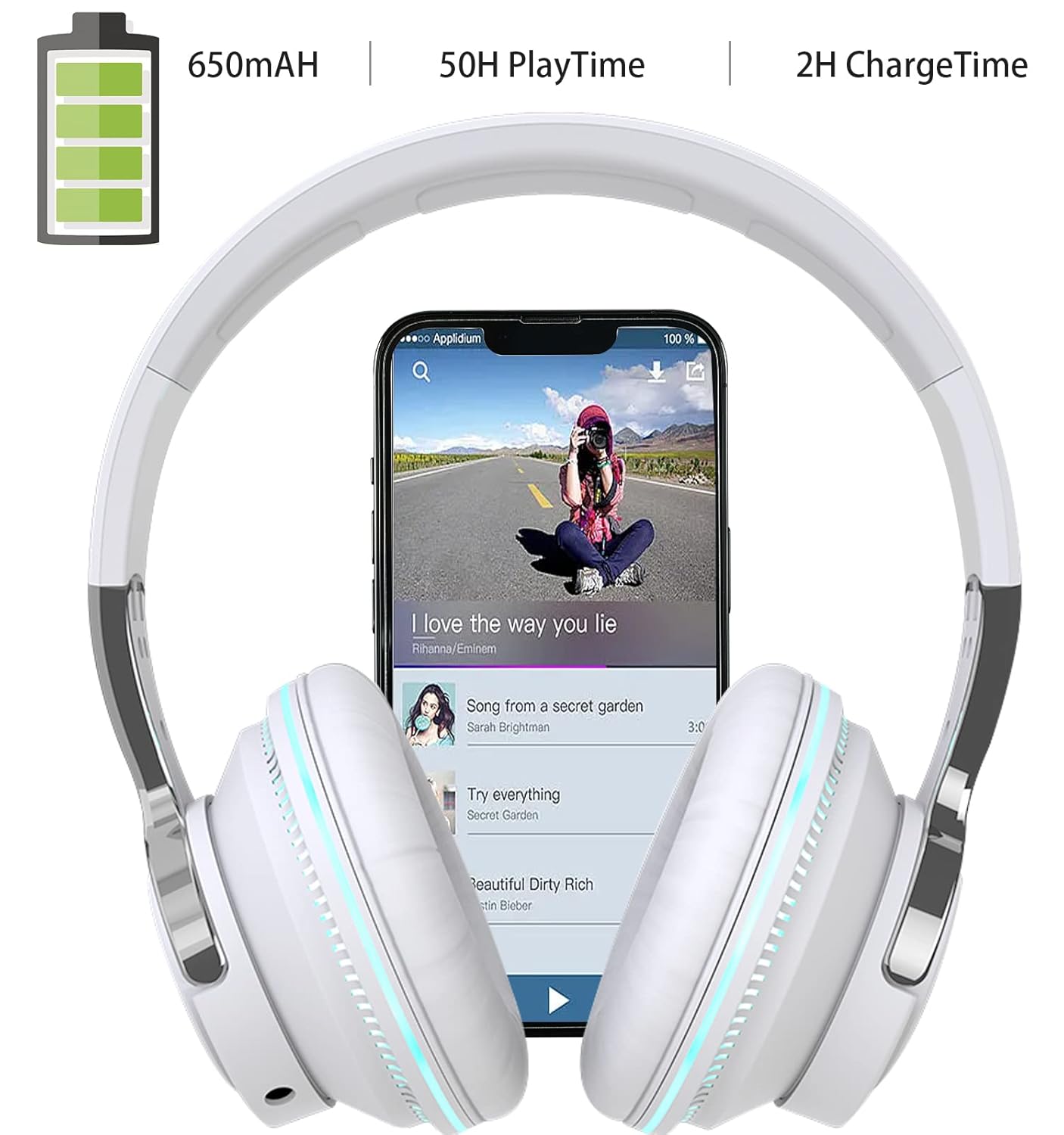
Image 5: Hilifix H2 Battery Information
5. Setup and Connection
5.1 Bluetooth Pairing (Wireless Mode)
- Power On: Long press the Power button on the headphones until the LED indicator flashes, indicating pairing mode.
- Activate Bluetooth: On your device (smartphone, tablet, laptop), enable Bluetooth.
- Select Device: Search for available Bluetooth devices and select "Hilifix H2" (or similar name) from the list.
- Connect: Once connected, the LED indicator on the headphones will stop flashing or show a steady light.
- Reconnect: The headphones will automatically attempt to reconnect to the last paired device when powered on.
5.2 Wired Connection (Aux Mode)
You can use the headphones in wired mode even if the battery is depleted.
- Connect one end of the 3.5mm audio cable to the Aux 3.5mm port on the headphones.
- Connect the other end of the 3.5mm audio cable to the audio output jack of your device.
- The headphones will automatically switch to wired mode. Note that LED lights only function in Bluetooth mode.
6. Operating the Headphones
6.1 Power On/Off
- Power On: Long press the Power button.
- Power Off: Long press the Power button.
6.2 Music Playback (Bluetooth Mode)
- Play/Pause: Press the Play/Pause button.
- Next Song: Press the '+' button.
- Previous Song: Press the '-' button.
- Volume Up: Long press the '+' button.
- Volume Down: Long press the '-' button.
6.3 Call Management (Bluetooth Mode)
- Answer/End Call: Press the Play/Pause button.
- Reject Call: Long press the Play/Pause button.
6.4 LED Lights
- Press the LED ON/OFF button to toggle the LED lights on or off.
- Note: LED lights are only active when the headphones are in Bluetooth mode.
6.5 TF Card Playback
- Insert a MicroSD/TF card with music files into the TF Card slot.
- Press the Mode Switch button to select TF Card mode.
- Use the Play/Pause, Next/Previous, and Volume buttons for control.
7. Maintenance and Care
- Cleaning: Use a soft, dry cloth to clean the headphones. Do not use abrasive cleaners or solvents.
- Storage: When not in use, store the headphones in a cool, dry place. The foldable design allows for compact storage.
- Water Resistance: These headphones are not water resistant. Avoid exposure to liquids, moisture, or extreme temperatures.
- Battery Care: To preserve battery life, charge the headphones regularly, even if not used frequently. Avoid fully discharging the battery for extended periods.
8. Troubleshooting
| Issue | Possible Solution |
|---|---|
| Headphones do not power on. | Ensure the headphones are fully charged. Connect to a power source and try again. |
| Cannot pair via Bluetooth. | Ensure headphones are in pairing mode (LED flashing). Turn off and on Bluetooth on your device. Move headphones closer to your device. Forget the device in your Bluetooth settings and re-pair. |
| No sound in Bluetooth mode. | Check volume levels on both headphones and your connected device. Ensure headphones are properly paired. Try playing different audio. |
| No sound in wired mode. | Ensure the 3.5mm audio cable is fully inserted into both the headphones and your device. Test with a different audio cable if available. Check device's audio output settings. |
| Microphone not working during calls. | Ensure headphones are properly connected via Bluetooth. Check your device's audio input settings to confirm the headphone microphone is selected. Some devices may require specific settings for external microphones. |
| LED lights are not working. | Ensure the headphones are in Bluetooth mode, as LEDs only function in this mode. Press the LED ON/OFF button to activate them. |
9. Specifications
- Model: H2
- Connectivity: Bluetooth 5.1, Wired (3.5mm Aux)
- Form Factor: Over-Ear, Foldable
- Driver Size: 40mm
- Impedance: 32 Ohm
- Battery Capacity: 650mAh
- Playtime: Up to 50 hours
- Charging Time: Approximately 2 hours
- Microphone: Built-in
- Special Features: LED Lights, TF Card Support
- Material: Leather (earcups)
- Weight: 240 grams
- UPC: 768443332798
10. Warranty and Support
Hilifix products are manufactured to high quality standards. For any questions, technical support, or warranty claims, please refer to the contact information provided on your product packaging or the official Hilifix website. Please retain your proof of purchase for warranty service.
Related documentsH2

Ask a question about this manual
Ask about setup, troubleshooting, compatibility, parts, safety, or missing instructions. Manuals+ will review the question and use this page’s manual context to help answer it.