
1. Introduction
Thank you for choosing the LanLuk 25800mAh Portable Power Bank. This manual provides essential information for the safe and efficient use of your device. Please read it thoroughly before operation and retain it for future reference.
2. Product Overview
The LanLuk 25800mAh Portable Power Bank is a high-capacity external battery pack designed to charge various electronic devices on the go. It features multiple output ports for versatile charging and an LED status indicator for convenience.
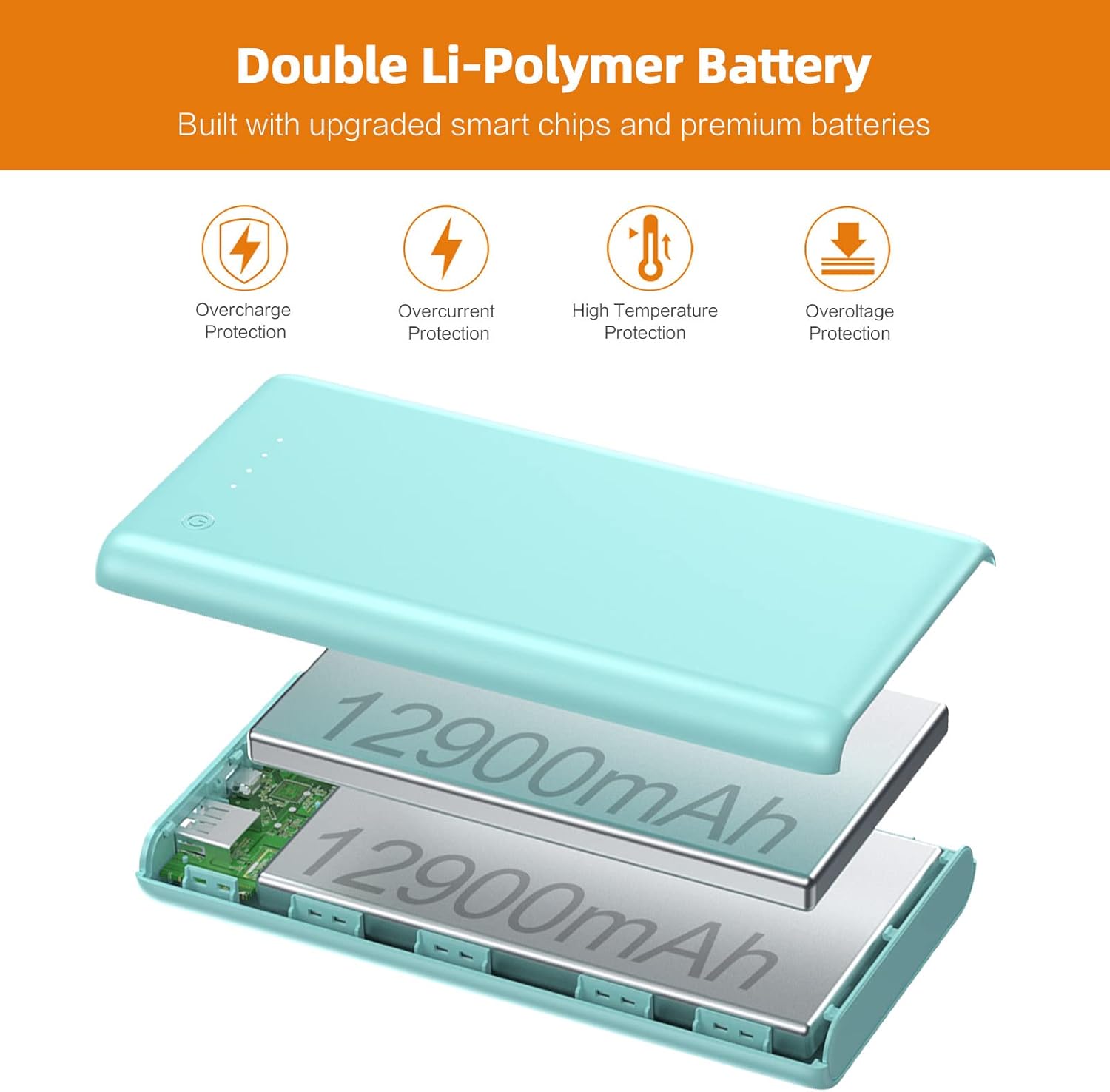
Figure 1: Internal structure highlighting the double Li-Polymer battery and multiple protection features.

Figure 2: High-speed charging demonstration with a smartphone connected to the power bank.

Figure 3: Illustrates the dual USB output capability, charging a phone and a tablet concurrently.
3. Setup
3.1 Initial Charging of the Power Bank
- Before first use, fully charge your LanLuk Power Bank.
- Connect the provided Micro USB cable to the Micro Input port on the power bank, or use a Type-C cable with the Type-C Input (PD) port.
- Connect the other end of the cable to a compatible USB wall adapter (not included).
- The LED indicators will illuminate to show charging progress. A full charge typically takes 8-14 hours with a standard 2.1A charger.
3.2 Checking Battery Level
Press the power button once to activate the LED status indicators, which display the remaining power level:
- 1 LED: 1-25%
- 2 LEDs: 26-50%
- 3 LEDs: 51-75%
- 4 LEDs: 76-100%
4. Operating Instructions
4.1 Charging External Devices
- Connect your device's charging cable to one of the power bank's output ports: QC3.0 output, PD output, or 2.1A USB output.
- Connect the other end of the cable to your electronic device.
- The power bank will automatically begin charging your device. If it does not, press the power button once.
- The power bank can charge up to 3 devices simultaneously.
4.2 Fast Charging Features
The power bank supports Power Delivery 3.0 (PD) and Quick Charge 3.0 (QC) technologies, providing optimized high-speed charging up to 20W for compatible USB-C and USB devices. This significantly reduces charging time compared to standard power banks.
5. Maintenance
- Keep the power bank away from extreme temperatures, direct sunlight, and liquids.
- Avoid dropping or subjecting the device to strong impacts.
- Clean the power bank with a soft, dry cloth. Do not use harsh chemicals or abrasive materials.
- Store the power bank in a cool, dry place when not in use.
- For optimal battery life, fully charge the power bank at least once every three months.

Figure 4: The power bank's compact design makes it suitable for travel, adhering to aviation safety standards.
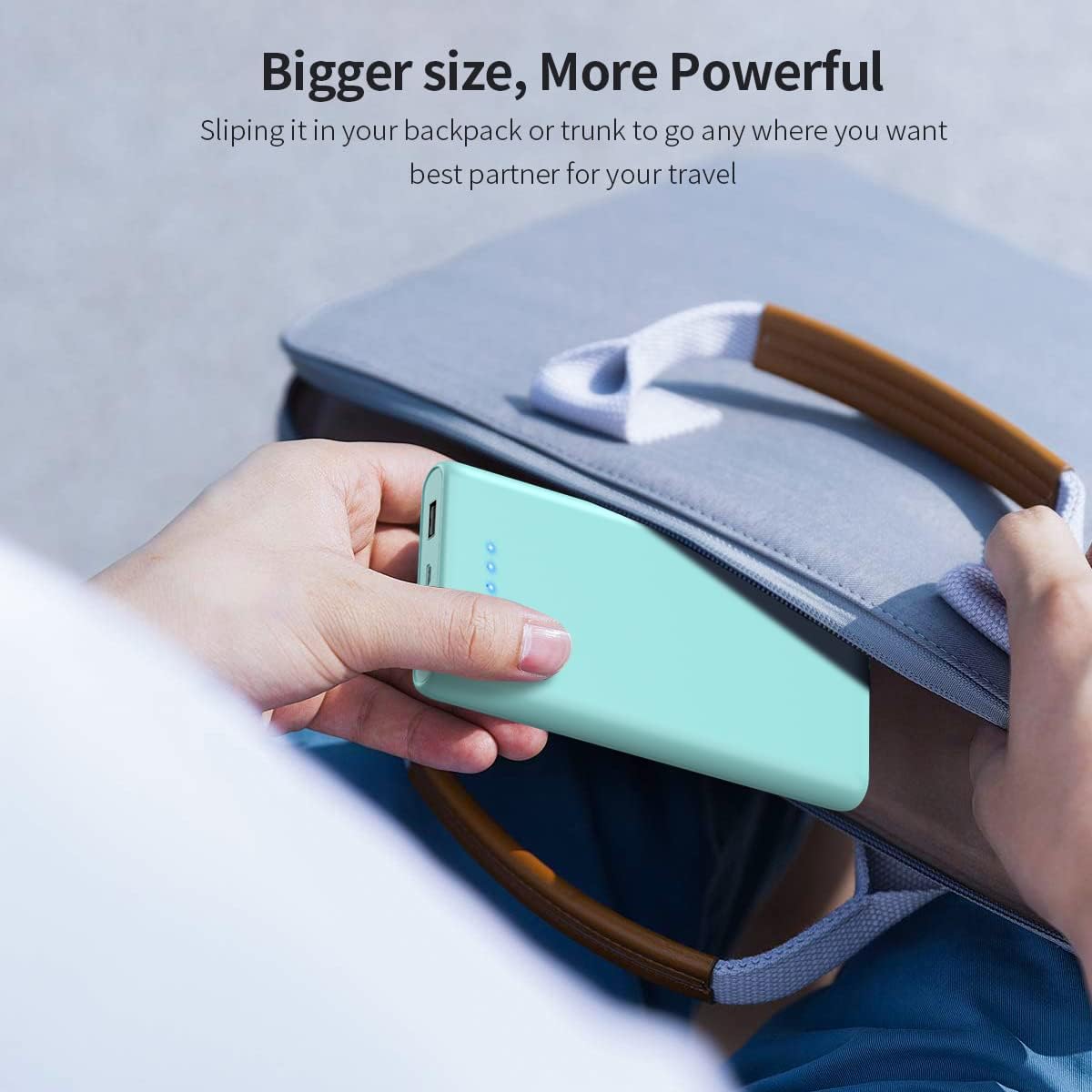
Figure 5: The power bank fits easily into bags and backpacks, making it a convenient travel companion.
6. Troubleshooting
6.1 Power Bank Not Charging
- Ensure the charging cable is securely connected to both the power bank's input port and the power source.
- Verify that the wall adapter or USB port is functional.
- Try using a different charging cable or adapter.
6.2 Device Not Charging from Power Bank
- Press the power button on the power bank to activate charging.
- Ensure your device's charging cable is securely connected to both the power bank's output port and your device.
- Verify that your device is compatible with the power bank's output specifications.
- Check if the power bank has sufficient charge remaining (refer to LED indicators).
6.3 Slow Charging
- Ensure you are using a fast-charging compatible cable and adapter for optimal input/output speeds.
- Some devices may limit charging speed to protect their battery.
- Charging multiple devices simultaneously may reduce individual charging speeds.
7. Specifications
| Feature | Detail |
|---|---|
| Capacity | 25800mAh |
| Model Number | HX160Y1 |
| Dimensions | 5.95 x 2.5 x 1 inches |
| Weight | 13.1 ounces |
| Battery Type | Li-polymer battery |
| Micro Input | 5V/2.1A |
| Type-C Input (PD) | 5V/2.1A, 9V/2A, 12V/1.5A (Max) |
| Type-C Output (PD) | 5V/3A, 9V/2A, 12V/1.5A (Max) |
| USB Output (QC) | 5V/3A, 9V/2A, 12V/1.5A (Max) |
| USB 2.1A Output | 5V/2.1A |
| Certifications | CE certified |
| Compatibility | Universal with USB port devices |
8. Warranty and Support
The LanLuk 25800mAh Portable Power Bank comes with a full 24-month warranty. For any product-related inquiries or support, please contact our customer service. We are committed to providing 24-hour friendly customer service to ensure your satisfaction.


